- Is the Yeti Nano good for podcasting?
- Yes for a single host at a desk. Cardioid mode isolates your voice, and the headphone jack lets you monitor while recording. For multiple hosts in one room, omnidirectional mode works but picks up more room noise.
- How does it compare with the full-size Blue Yeti?
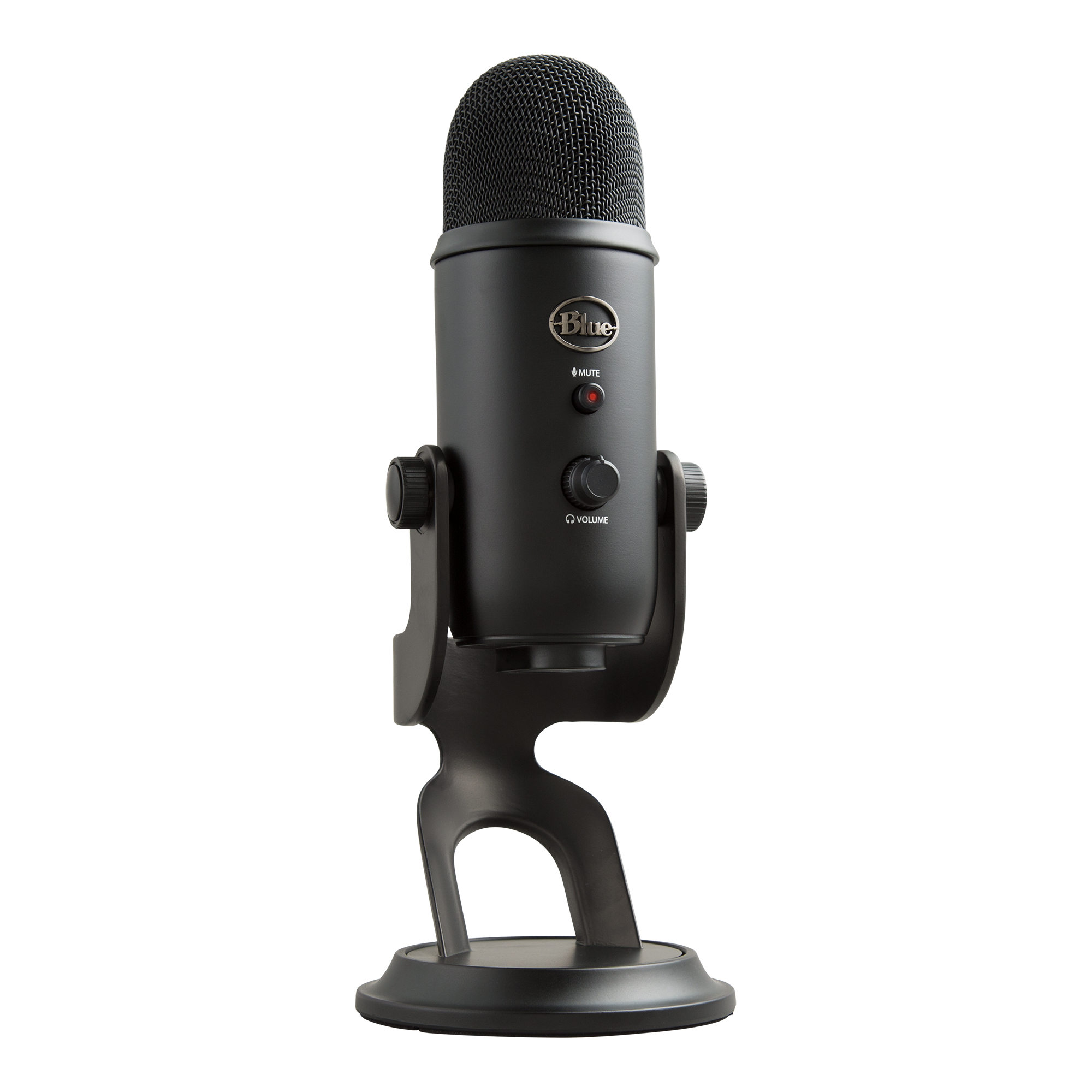
- The Nano is smaller and has two polar patterns; the full Yeti adds a bidirectional pattern and an onboard gain knob. The Nano is simpler and takes less desk space, while the Yeti gives more control.
- Does it need any software or drivers?
- No. It is a USB mic that works on Windows and Mac without drivers. You may still want recording software to set levels, since the mic has no gain knob.
- Can I use headphones with it?
- Yes. There is a 3.5 mm headphone jack on the mic for zero-latency monitoring, with a volume dial on the body.
- Does it work with a phone or tablet?
- It is designed for computers over USB. Connecting to phones or tablets needs an adapter and is not officially supported, so check before relying on it for mobile recording.
- What is in the box?
- The microphone, its built-in desk stand and a USB cable. No shock mount or pop filter is included.
- Where is the Blue Microphones Yeti Nano cheapest?
- At Best Buy, for $86.99, as of our latest check.
- What do buyers say about the Blue Microphones Yeti Nano?
- Rated 4.1 out of 5 from 234 ratings.
- Where can I buy the Blue Microphones Yeti Nano?
- 8 stores we checked sell it, including Best Buy, Logitech G, Walmart, Staples, Newegg.