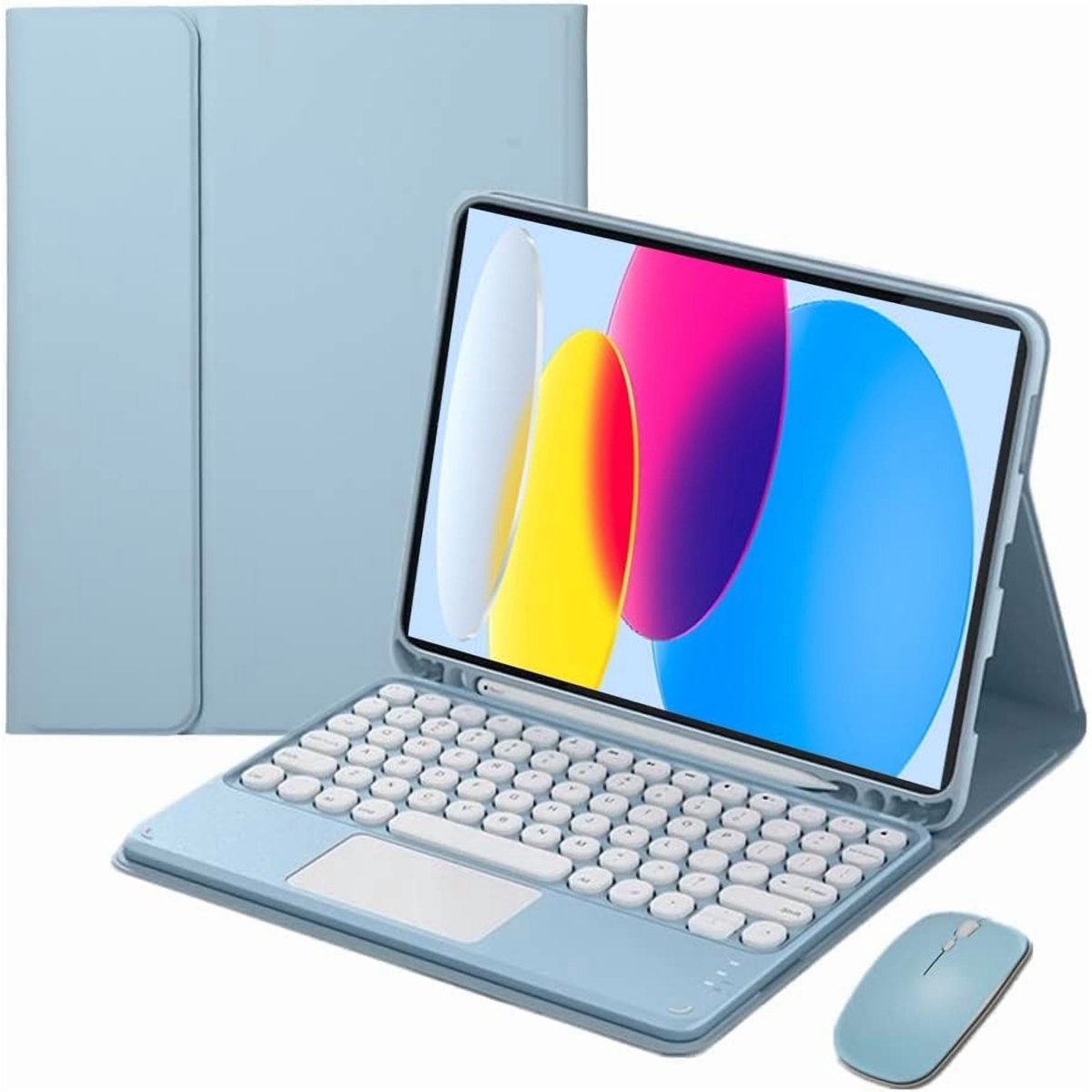
Blue Touch Keyboard Protective Case for iPad (A16) 11th Gen & iPad 10th Gen, Bluetooth Folio Cover with Touch Trackpad
Best price now
$49.39at

Prices are checked against each store and labelled with when.
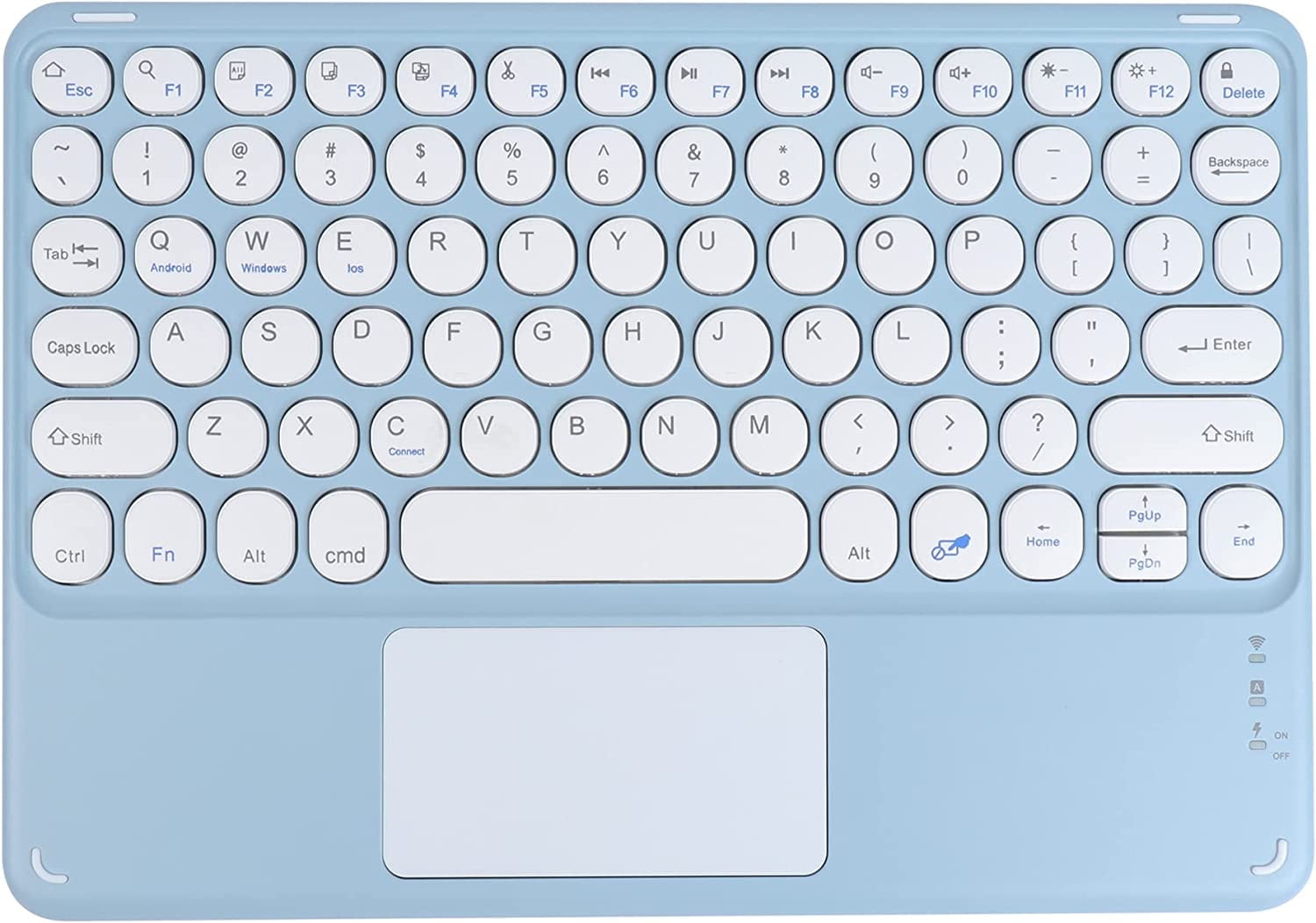
The Timoom Touch Keyboard Protective Case is a folio cover with a built-in Bluetooth keyboard and touch trackpad, sized for the iPad (A16) 11th Gen and iPad 10th Gen. It pairs over Bluetooth and switches between iPad, Windows and Android layouts with an Fn key combo, so the same keyboard can drive a tablet or a computer. The trackpad brings pointer control and two-finger scrolling to an iPad that otherwise relies on touch. It suits people who type long emails, notes or documents on an iPad and want laptop-style input without a separate keyboard, and it competes with Apple's own Magic Keyboard Folio on flexibility rather than polish.
In stockSold by Top tech StoreReturns: Sold by a Walmart Marketplace seller; returns go to the seller under the seller's returns policy.
This is a blue protective folio case with a Bluetooth keyboard and touch trackpad, made for iPad (A16) 11th Gen and iPad 10th Gen. It is sized for an 11-inch iPad. The keyboard pairs with the iPad over Bluetooth.
To pair, turn on the power button on the right side of the keyboard. The power indicator flashes and then goes out to save power. Press and hold Fn, then press C; the Bluetooth indicator flashes. In the iPad’s Settings, open Bluetooth, turn it on, and tap the keyboard when it appears. If a PIN code appears, type it on the keyboard and press Enter.
For iPad use, press and hold Fn, then press E. The touch trackpad follows the iPad’s scroll direction; if it feels reversed, turn off Natural Scrolling in Settings > General > Trackpad & Mouse > Natural Scrolling.
It checks today's price at every store, compares the alternatives and answers in about a minute.