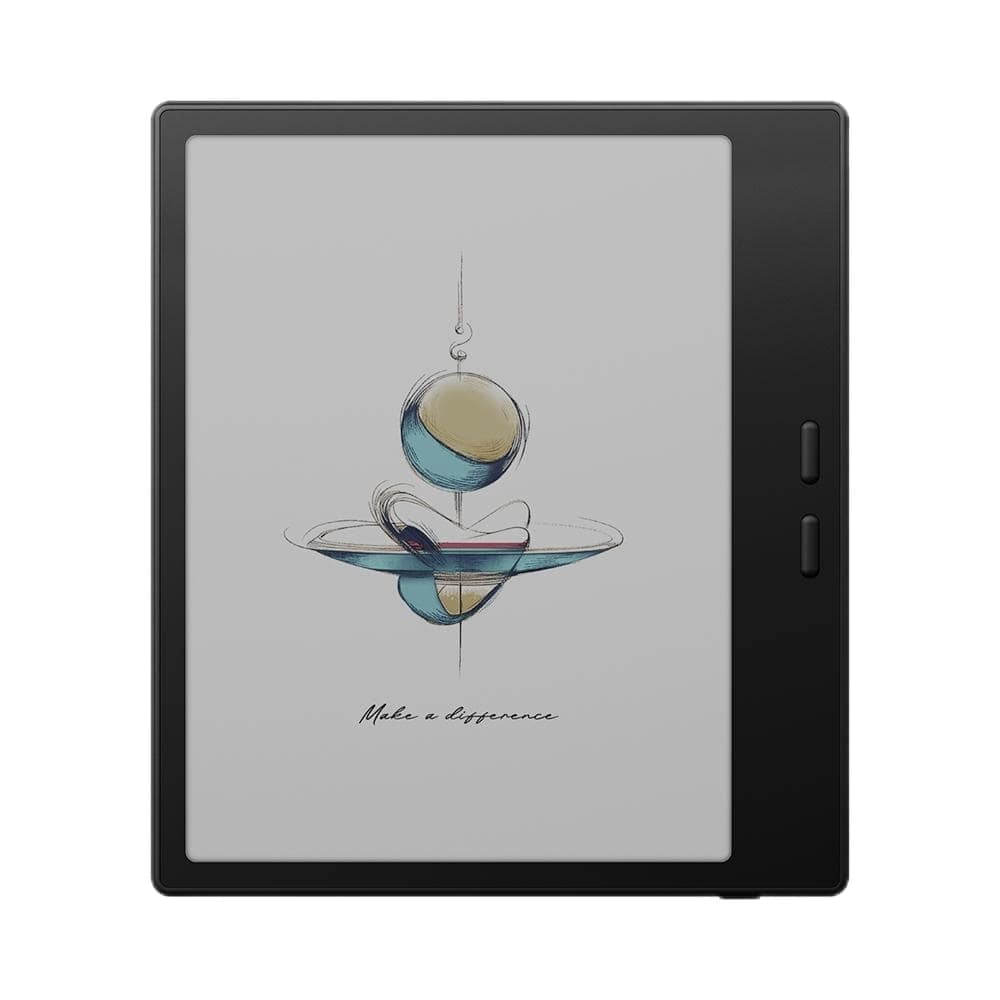
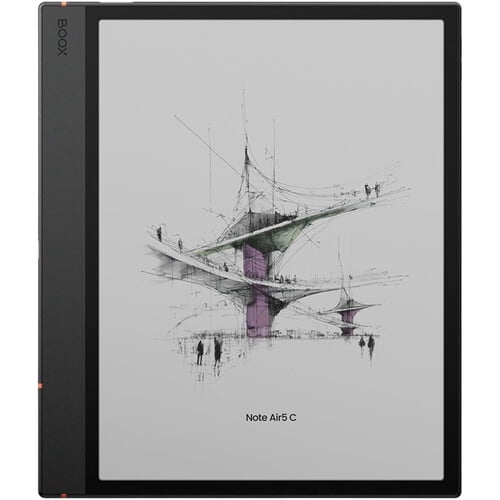
BOOX Tab X C 13.3" E Ink Tablet
Best price now
$714.99at eBayChecked 13 min ago
Compared across 4 stores. Prices are checked against each store and labelled with when. Store links may earn us a commission.

Compared across 4 stores. Prices are checked against each store and labelled with when. Store links may earn us a commission.
It checks today's price at every store, compares the alternatives and answers in about a minute.
In stock
In stock
In stock
Availability unknownSold by retail_outlet_direct (99.3% positive, 35,800 ratings)Returns: Set by the eBay seller; the eBay Money Back Guarantee covers an item that doesn't arrive or isn't as described.
Availability unknownSold by cuggi001 (99.8% positive, 848 ratings)Returns: Set by the eBay seller; the eBay Money Back Guarantee covers an item that doesn't arrive or isn't as described.
Availability unknownSold by smartlifestylebrands (99.8% positive, 1,400 ratings)Returns: Set by the eBay seller; the eBay Money Back Guarantee covers an item that doesn't arrive or isn't as described.
Store links may earn us a commission. Some prices via Klarna.
Lowest price we've seen: $819.99 on Nov 15 at Best Buy. Tracked across 3 stores since Nov 15.
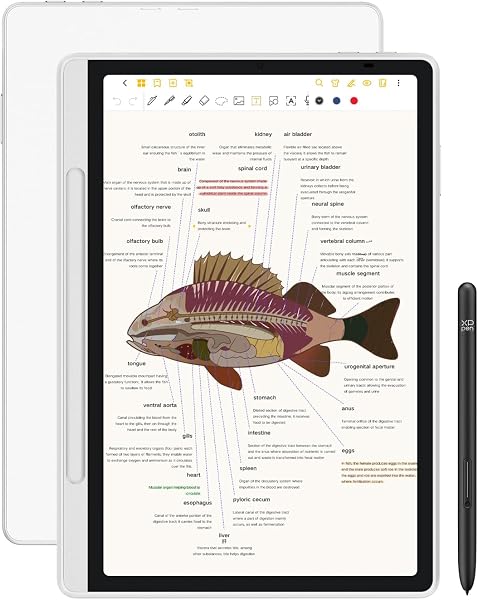
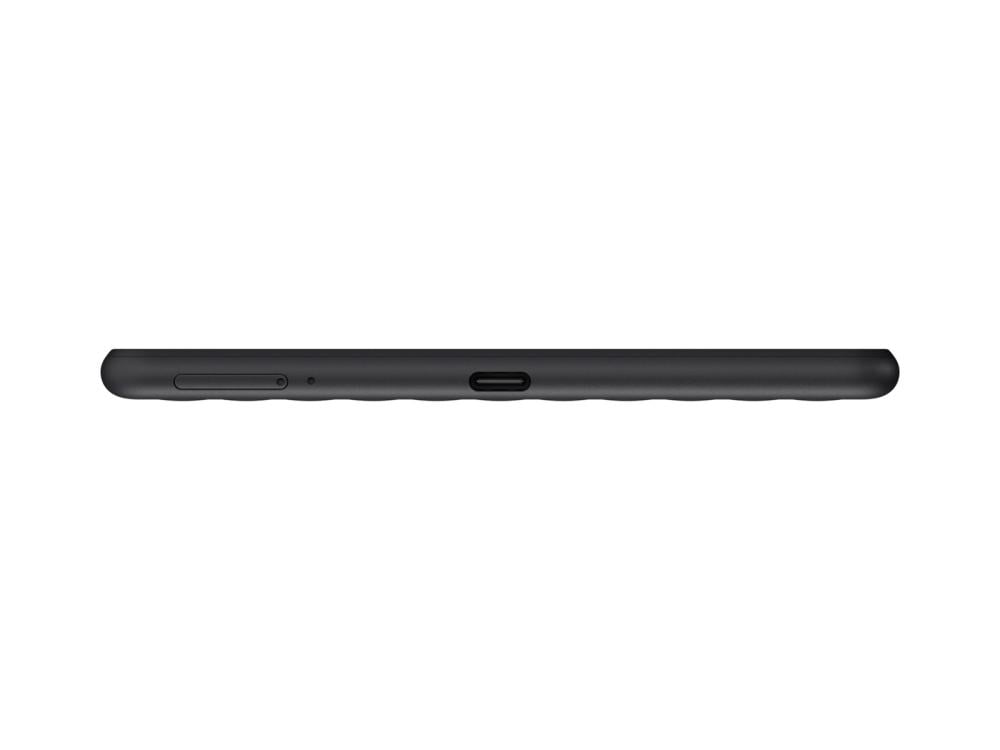
The 13.3'' Kaleido 3 color ePaper display tablet for enhanced productivity and intentional living. The Tab X C seamlessly transitions between work and life, thanks to its advanced octa-core processor and 6GB of RAM. With BOOX Super Refresh Technology, it effortlessly manages complex tasks and provides smooth web browsing. The wide, colorful canvas delivers a comfortable viewing experience, free from the harsh glare of traditional screens. Its gentle, natural hues make browsing, reading, and multimedia tasks effortless and enjoyable. At its core, it is a productivity hub that provides solid performance for everyday tasks, reduces eyestrain, and minimizes distractions. With split-screen mode, you can easily view project plans while keeping an eye on progress updates, compare data sets side-by-side for thorough analysis, or review documents while jotting down notes.This multitasking capability promotes smooth workflow management, saving time and boosting efficiency. Cloud storage services like Onyx Cloud*, Google Drive, Dropbox, and OneDrive enable seamless access across devices. You can also easily transfer files between your Tab X C and other devices using BOOXDrop. Navigate your tasks effortlessly with a user-friendly home screen. The tablet-like interface lets you personalize widgets for quick access to important updates. How to Connect & Charge the InkSpire Stylus to the Tab X C? 1.Locate the designated charging spot on the side of the tablet. 2.Position the center of the InkSpire stylus over this designated spot. 3.This area on the side of your tablet is also for charging it. A notification showing the battery level will pop up at the top of your screen.