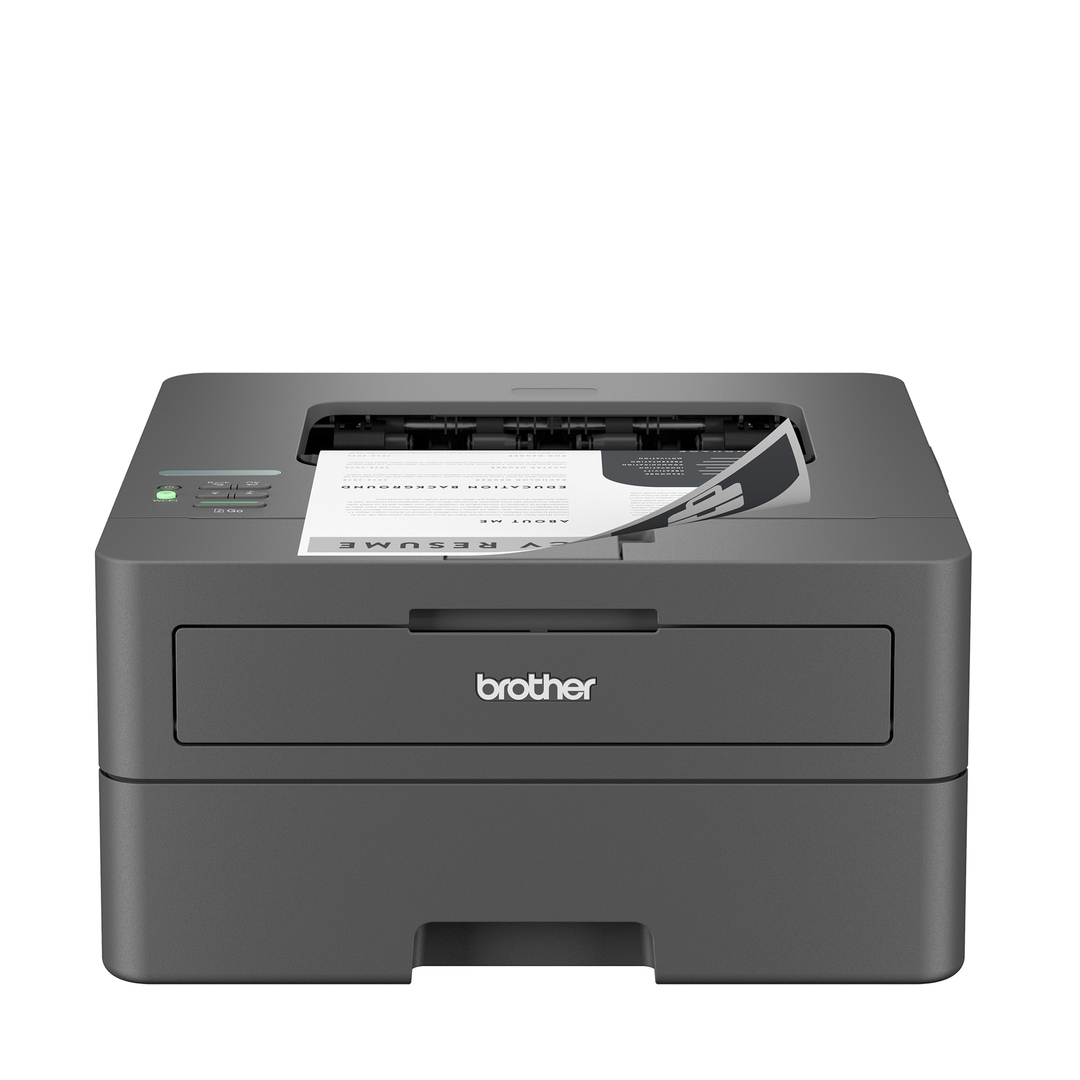
Brother Wireless HL-L2460DWF Laser Printer Bundle
Last price we saw
Prices change often: ask the agent below to check today's price at every store.
Prices are checked against each store and labelled with when.
Check today's price at Brother USAsk our agent about this product
It checks today's price at every store, compares the alternatives and answers in about a minute.
Price facts
- Last seen at $189.99 at Brother US on Nov 11.
Our take on the Brother Wireless HL-L2460DWF Laser Printer Bundle
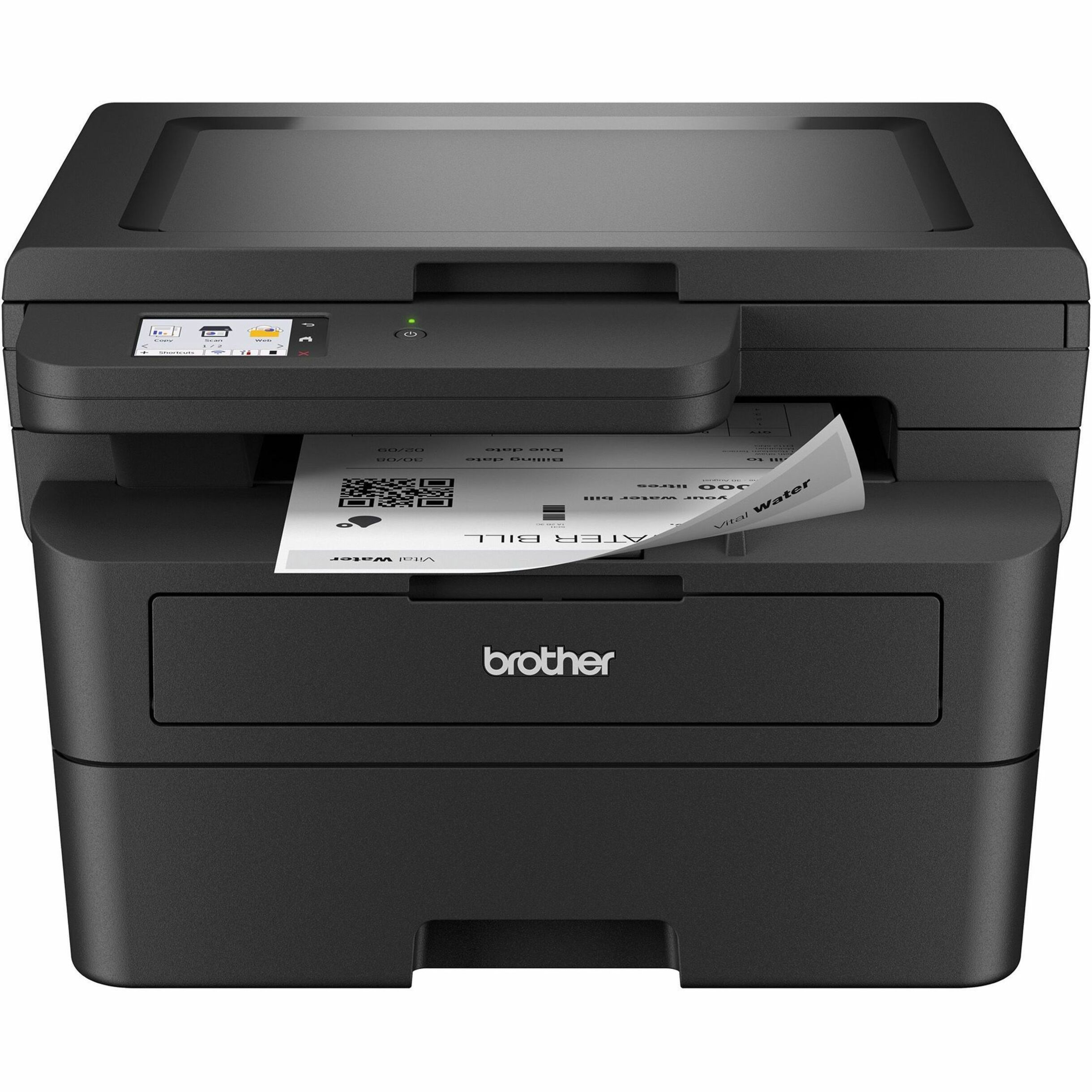
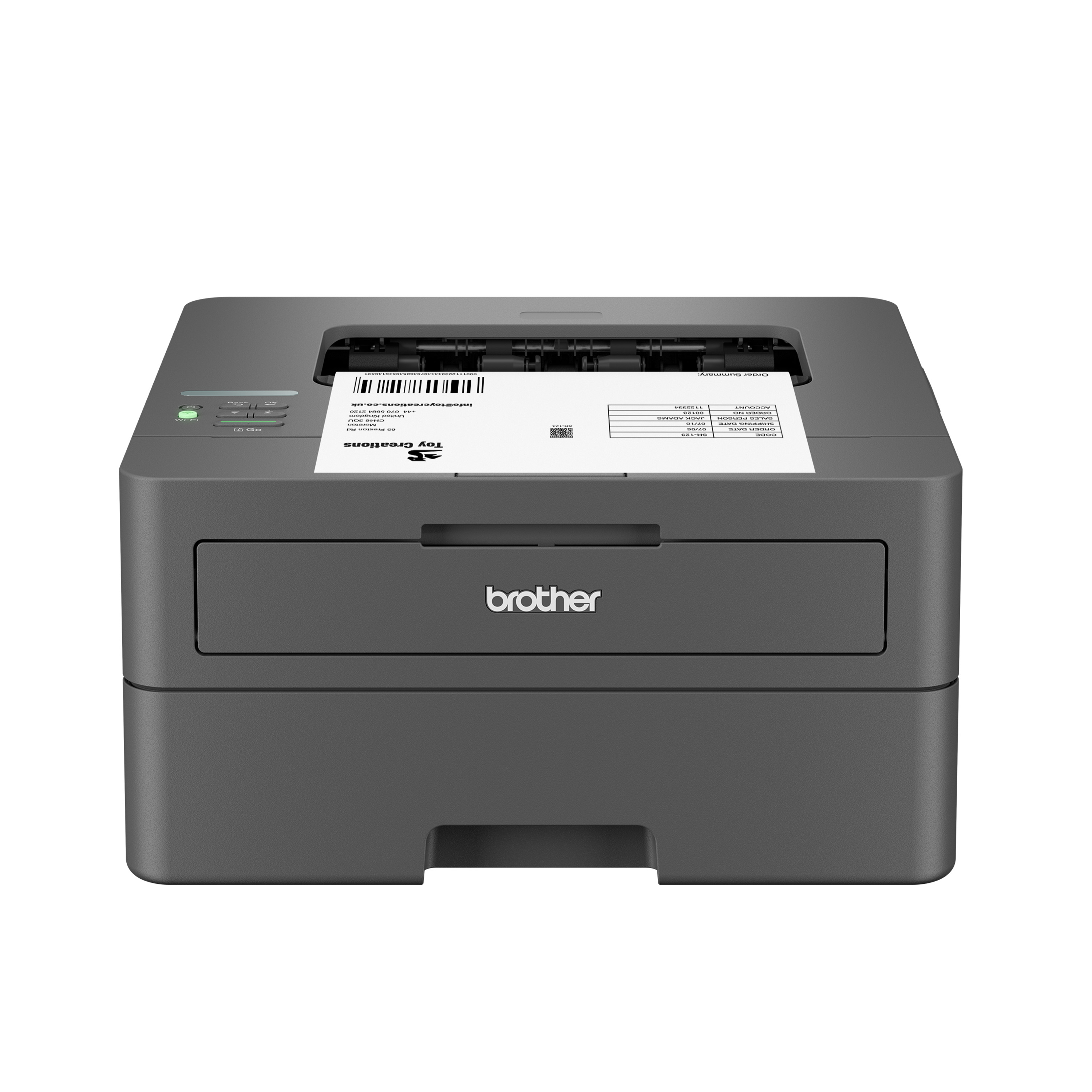
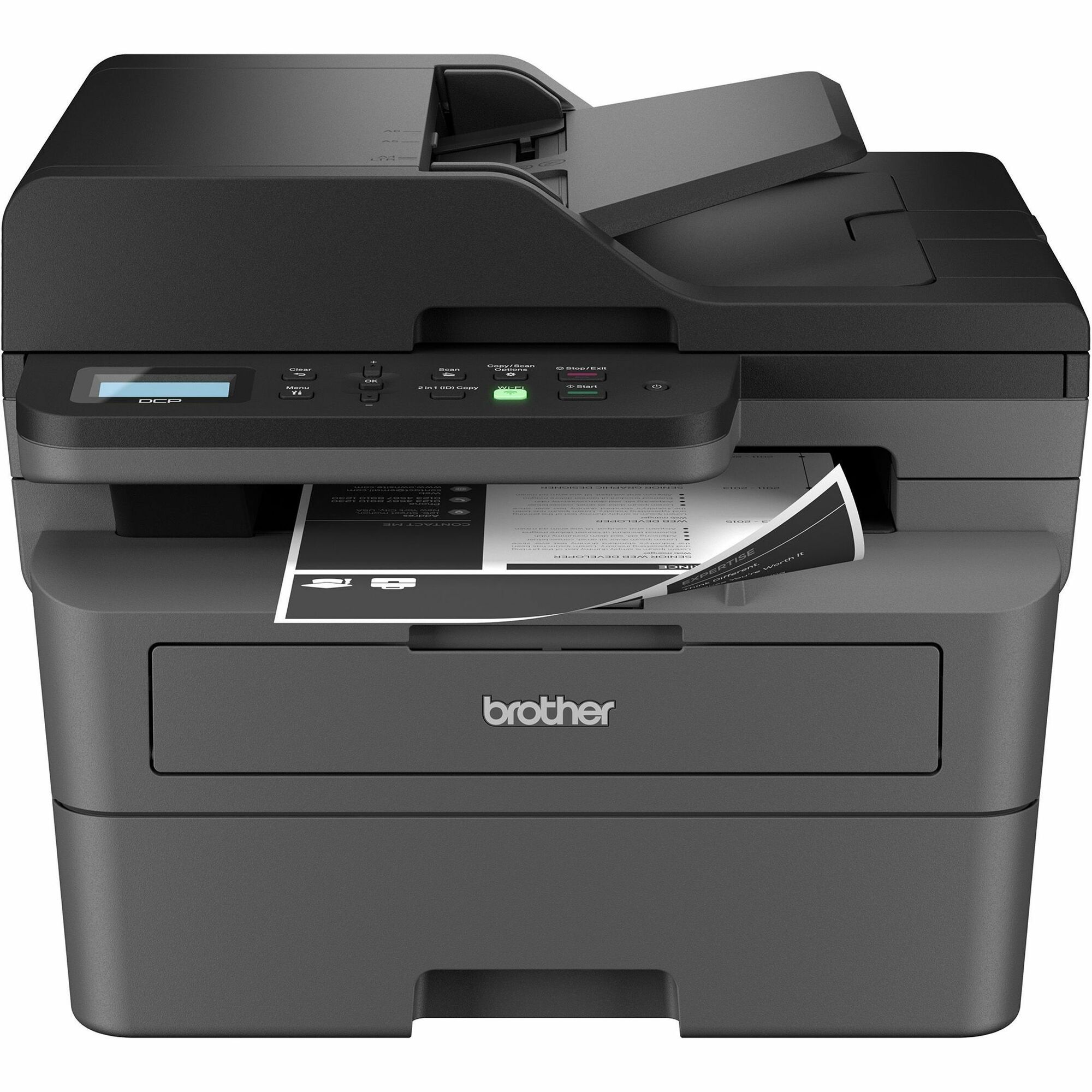
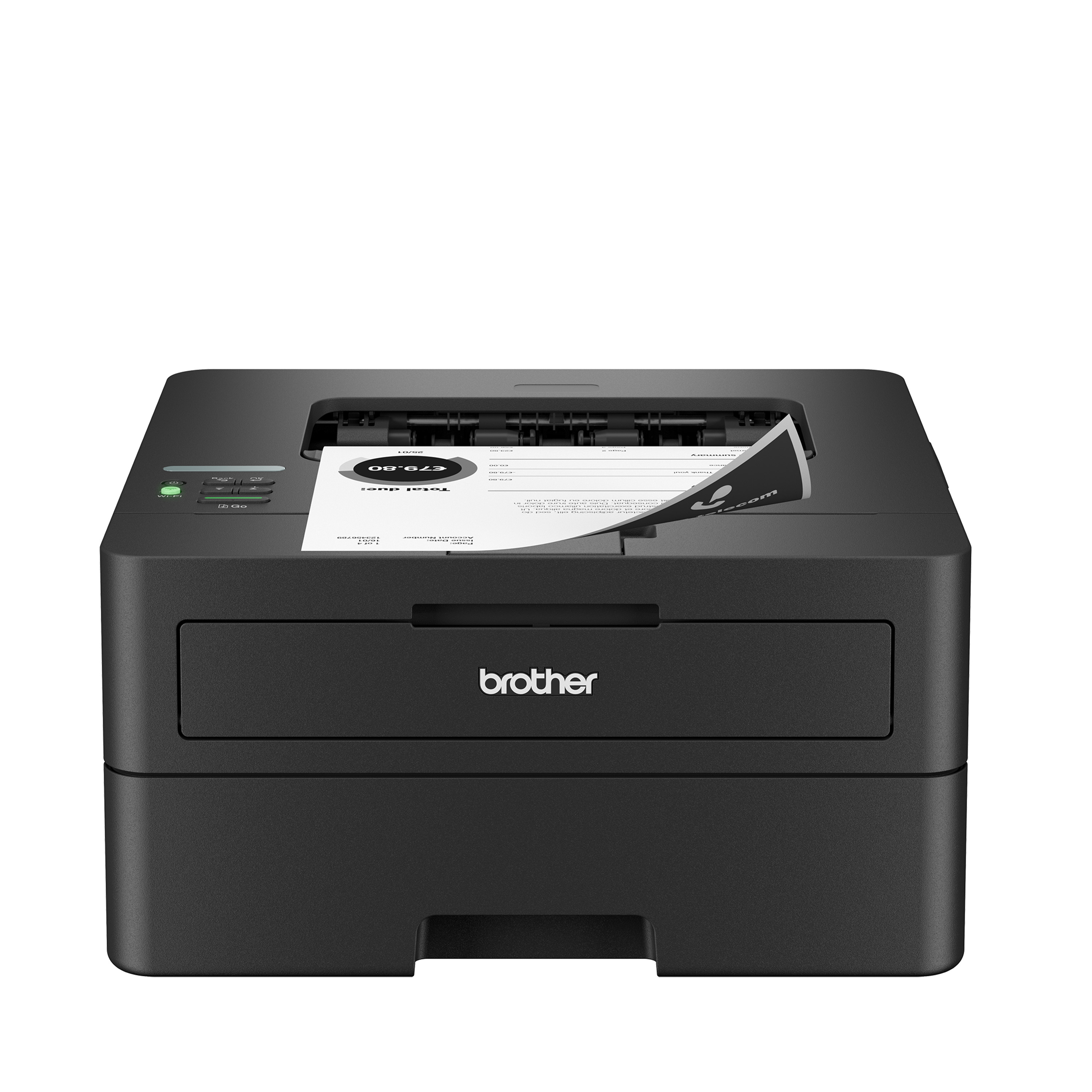
The HL-L2460DWF is a monochrome laser all-in-one for small offices and home workers: it prints at up to 36 pages per minute, scans and copies on a flatbed, and connects over Wi-Fi, USB and AirPrint. It is built for fast, cheap text documents rather than photos or color work. Compared with inkjet all-in-ones it is quicker on long text jobs and its toner does not dry out, but it cannot print color and has no automatic document feeder for multi-page scans. Owners of Brother's mono laser line generally rate reliability and running costs highly.
- Fast mono printing at up to 36 ppm
- Laser toner does not dry out between jobs
- Flatbed scanner and copier built in
- Wi-Fi, USB and AirPrint for phones and laptops
- Compact, plain white-and-black design
- No color printing
Brother Wireless HL-L2460DWF Laser Printer Bundle prices at every store
- Brother USNew
Out of stock
$189.99Checked 11 h ago
Store links may earn us a commission. Price via Klarna.
Brother Wireless HL-L2460DWF Laser Printer Bundle price history
Lowest price we've seen: $189.99 on Nov 9 at Brother US. Tracked across 1 store since Nov 9.
Questions and answers
- Is this good for a home office?
- Yes, if you mostly print text. It is fast, toner lasts a long time, and the flatbed handles occasional scans and copies. Skip it if you need color or frequent multi-page scanning.
- Does it print in color?
- No. It is a monochrome laser printer, so output is black and white only.
- Can it scan and copy?
- Yes. It has a flatbed scanner and works as a copier. There is no automatic document feeder, so each page of a multi-page scan has to be placed by hand.
- How do I connect it?
- Over Wi-Fi, USB or AirPrint. AirPrint lets iPhones and iPads print without installing a driver.
- Does it print double-sided?
- Not automatically. Duplex printing on this model is manual, so you flip the pages yourself.
- What comes in the box?
- The printer, a starter toner cartridge, a drum unit, power cable and setup documentation. A USB cable is usually not included.