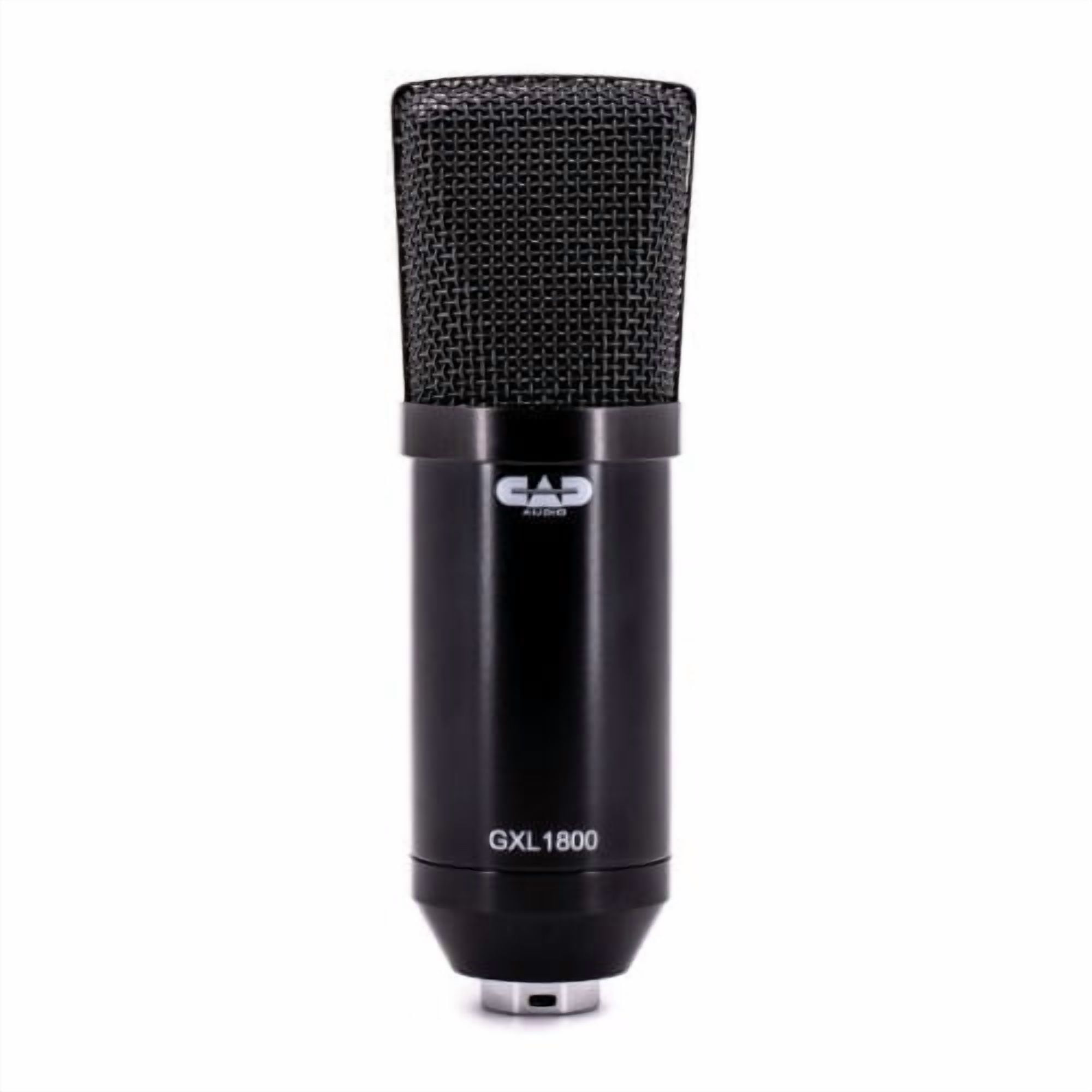
- Is the CAD U49 good for podcasting?
- Yes, for a single host or solo voice. Its cardioid side-address capsule picks up speech cleanly and the USB connection keeps the setup simple. It is less suited to multi-person interviews without extra mics.
- Does the U49 need a stand?
- Yes. No stand or clip is included, so you need a desk stand, boom arm or shock mount with a standard thread to position it.
- Does it work with a mixer or audio interface?
- No. It has no XLR output, so it connects only over USB to a computer. It cannot plug into a traditional mixer or interface.
- Can I monitor while recording?
- Yes. It has a volume control for monitoring, so you can hear yourself through headphones while you record.
- How does it compare with the Blue Yeti?
- The U49 is simpler and single-pattern, while the Yeti offers multiple polar patterns, a mute button and a stand. The U49 suits buyers who only need cardioid voice capture.
- Does it work on Mac and Windows?
- Yes. It is a class-compliant USB mic that works without drivers on Mac and Windows, and it also works with most recording apps.
- Where is the CAD Audio U49 USB Side Address Microphone cheapest?
- At Adorama, for $39.99, as of our latest check.
- Where can I buy the CAD Audio U49 USB Side Address Microphone?
- 2 stores we checked sell it, including Adorama, Newegg.