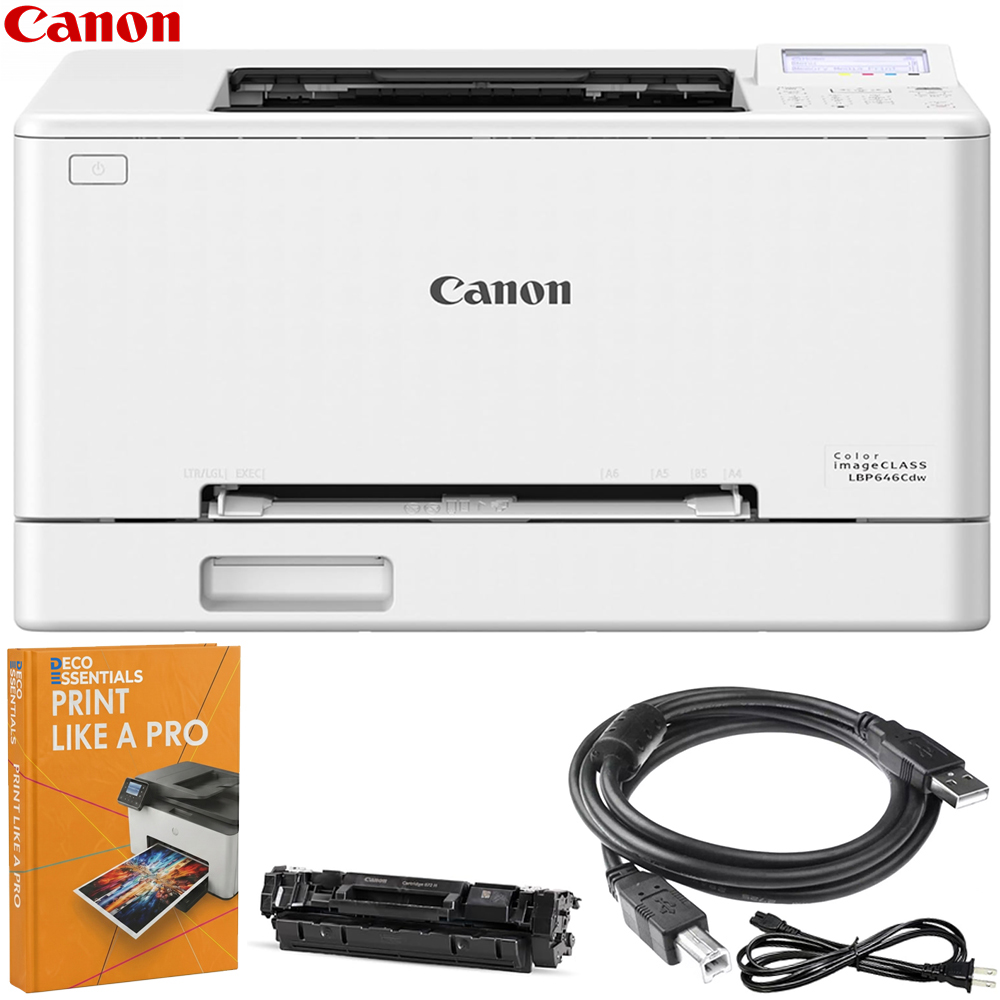
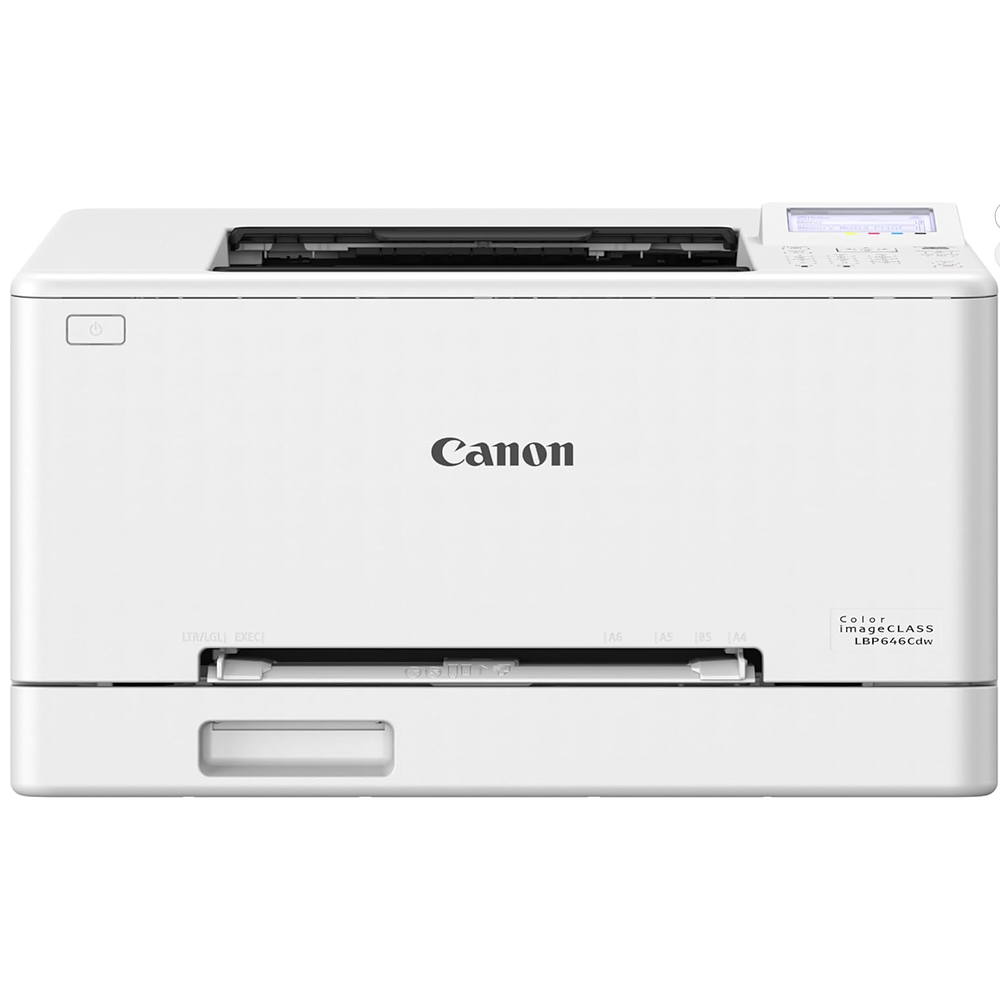
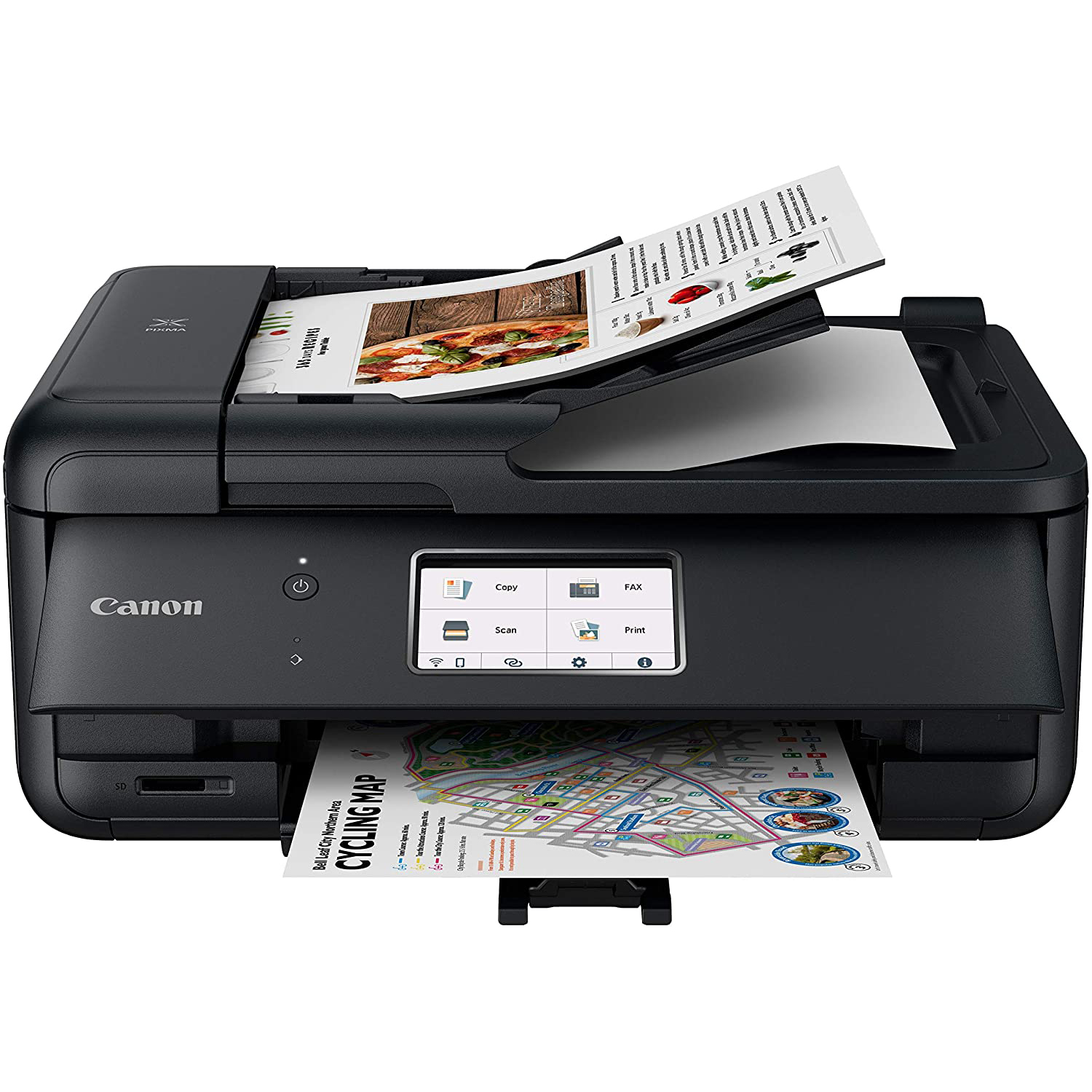
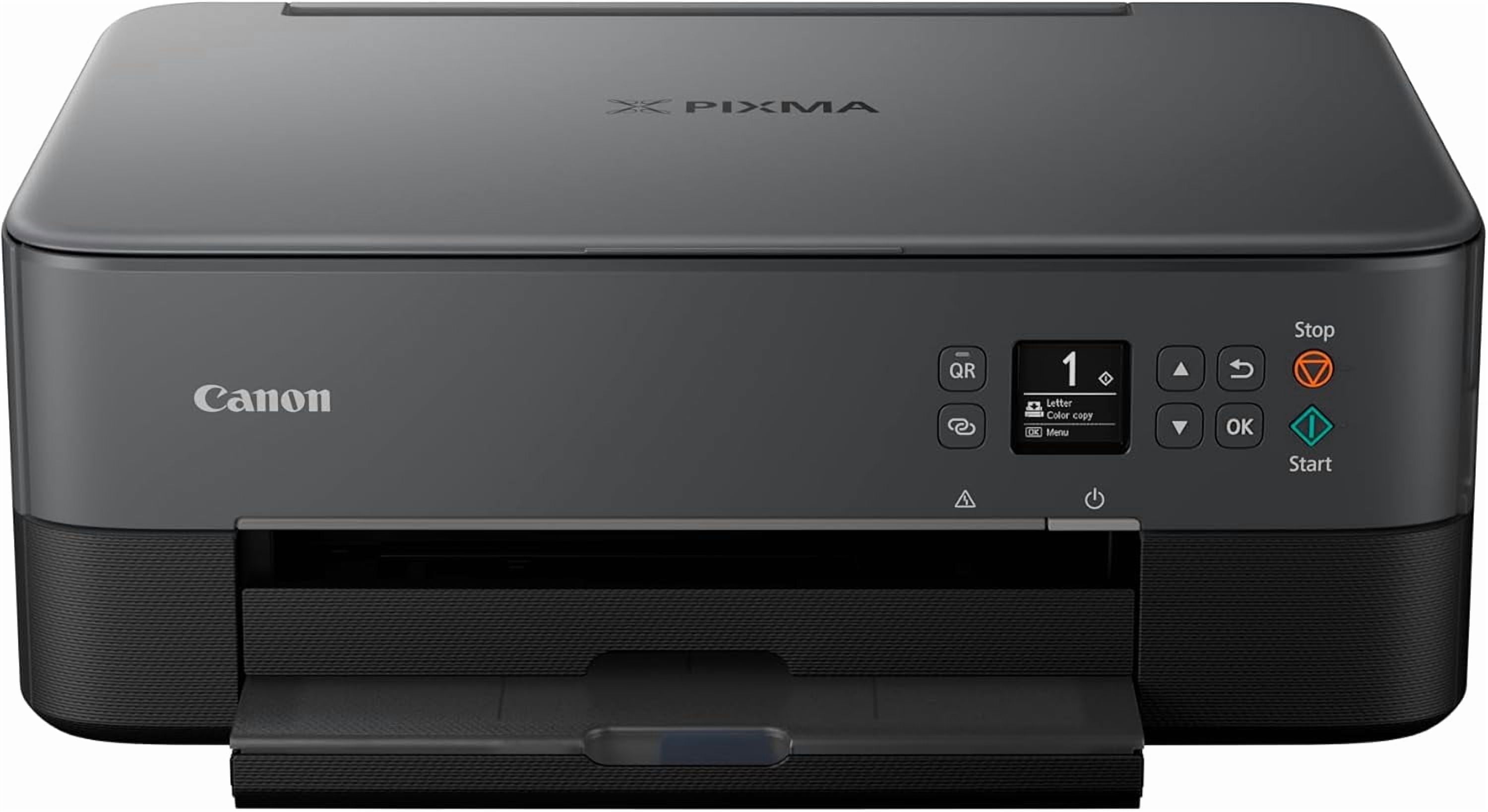
Canon Color imageCLASS MF751Cdw II Wireless Duplex Laser Multifunction Printer
Best price now
Compared across 14 stores. Prices are checked against each store and labelled with when. Store links may earn us a commission.
Ask our agent about this product
It checks today's price at every store, compares the alternatives and answers in about a minute.
Price facts
- Lowest price today: $409.50 at eBay (checked Nov 12, 2026).
- Checked at 14 stores.
Canon Color imageCLASS MF751Cdw II Wireless Duplex Laser Multifunction Printer prices at every store
- eBayNew
In stock
$409.50Free shippingChecked 3 h ago - Best BuyNew
In stock
$429.00Free shippingChecked 3 h ago - B&H Photo-Video-AudioNew
In stock
$429.00Free shippingChecked 3 h ago - AdoramaNew
In stock
$429.00Free shippingChecked 3 h ago - DellNew
In stock
$429.99Free shippingChecked 3 h ago - StaplesNew
In stock
$429.99Free shippingChecked 3 h ago - WalmartNew
In stockSold by MyOfficeInnovations
$429.99Free shippingChecked 3 h ago - PC RichardNew
In stock
$429.99Checked 3 h ago - QuillNew
In stock
$429.99+ $2.99 shippingChecked 3 h ago - ConnectionNew
In stock
$436.99Free shippingChecked 3 h ago - LenovoNew
In stock
$648.99Free shippingChecked 3 h ago - Macy'sNew
In stock
$648.99Free shippingChecked 3 h ago - CDWNew
In stock
$429.99+ $290.00 shippingChecked 3 h ago - AmazonNew
Availability unknown
As an Amazon Associate, Deal.ai earns from qualifying purchases.
$429.00Free shippingChecked 3 h ago
Also available at
- CritterPawCheck price at CritterPaw
Store links may earn us a commission.
Canon Color imageCLASS MF751Cdw II Wireless Duplex Laser Multifunction Printer price history
Lowest price we've seen: $409.50 on Nov 12 at eBay. Tracked across 14 stores since Nov 12.
About the Canon Color imageCLASS MF751Cdw II Wireless Duplex Laser Multifunction Printer
Canon Color imageCLASS MF751Cdw II Wireless Duplex Laser Multifunction Printer
Designed for your next project
This Color imageCLASS model uses a colour laser printing system and supports duplex printing as identified in the configuration. It is suited to an office workflow built around documents, reports and everyday colour output. Multifunction operation brings additional document handling into the same device where specified for this model. Select the correct driver and paper settings, then test both the print workflow and any scanning or copying functions you intend to use. Confirm the exact cartridge family when buying supplies, because similar model names do not guarantee identical consumables.
Key product details
Color imageCLASS MF751Cdw II Wireless Duplex Laser Multifunction Printer
Your configuration
The printer model in the title is the reference for software, media limits and replacement supplies. Stand, basket or other accessories are included only where explicitly named in this listing. Additional paper and replacement consumables should be planned separately for the workload you expect.
Bring the print workflow under your control
Owning a printer makes it easier to review an idea on paper, adjust it and produce another copy without interrupting the rest of your work. Start by choosing the document size and paper type, then check the application settings before sending the job. A preview helps catch clipped text, unwanted margins or an incorrect orientation. For a series of prints, save a consistent set of settings so later copies are produced in the same way as the approved sample.
Choose media for the intended result
Paper is part of the finished product. Weight, surface and size influence handling and appearance, so use media supported by the exact printer and load it according to the instructions. Keep unused sheets flat and protected from humidity. When moving between media types, update the printer and software settings as needed. A printer cannot produce the same appearance on every surface, and selecting a suitable paper is often one of the most effective ways to improve presentation without changing the design itself.
Prepare files before you print
For photographs and graphics, begin with a file that has enough detail for the intended output size. Enlarging a small image does not create missing detail. For documents, use readable type, check page breaks and confirm that essential information sits inside the printable area. Print a sample before a long run, especially when colour or layout is important. Reviewing the actual sheet gives you a better basis for changes than relying only on how the file appears on a display.
Questions and answers
- Where is the Canon Color imageCLASS MF751Cdw II Wireless Duplex Laser Multifunction Printer cheapest?
- At eBay, for $409.50, as of our latest check.
- Where can I buy the Canon Color imageCLASS MF751Cdw II Wireless Duplex Laser Multifunction Printer?
- 15 stores we checked sell it, including eBay, Amazon, Best Buy, B&H Photo-Video-Audio, Adorama.