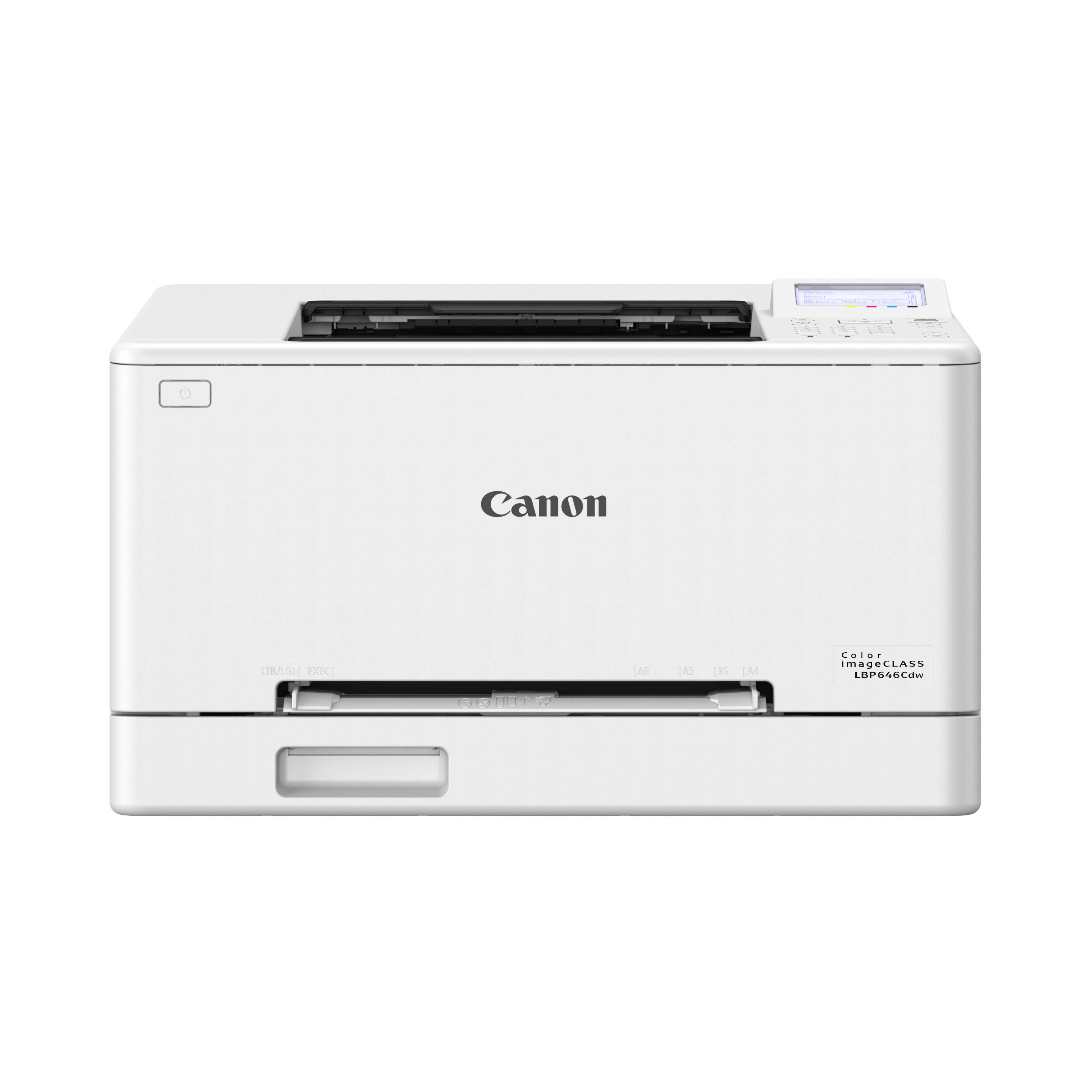
- Does the LBP647Cdw scan or copy?
- No. It is a printer only, with no scanner, copier, or fax. Pair it with a separate scanner if you need those functions.
- Can it print on both sides automatically?
- Yes. It supports automatic duplex printing, so long documents use less paper.
- How does it connect?
- It offers Wi-Fi, Ethernet, and USB, plus mobile printing through Canon's app and standard protocols. Wired Ethernet is the better choice for a shared office.
- Is it good for printing photos?
- It handles color documents and graphics well, but laser output looks flatter than inkjet for photos. Use an inkjet if photo printing is a priority.
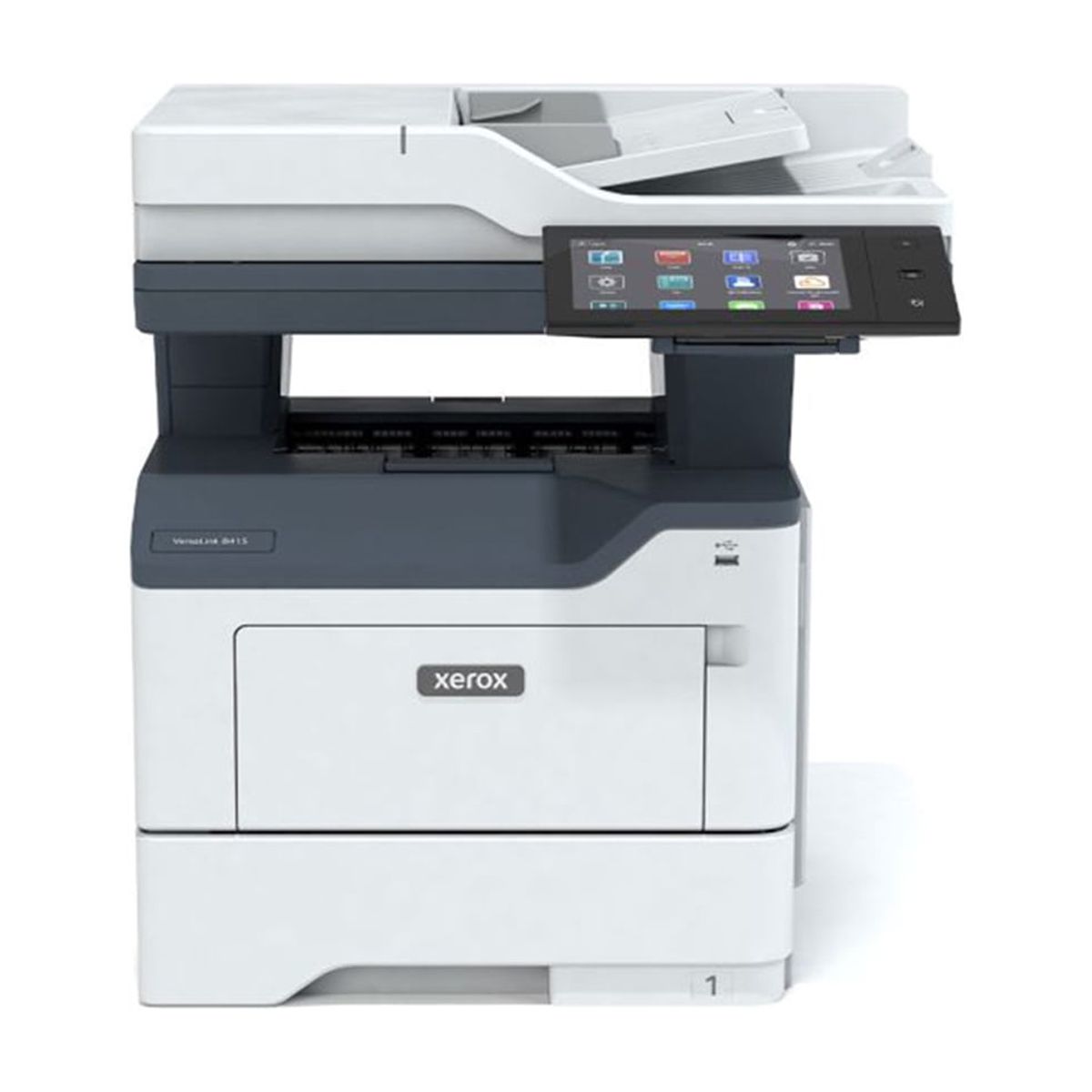
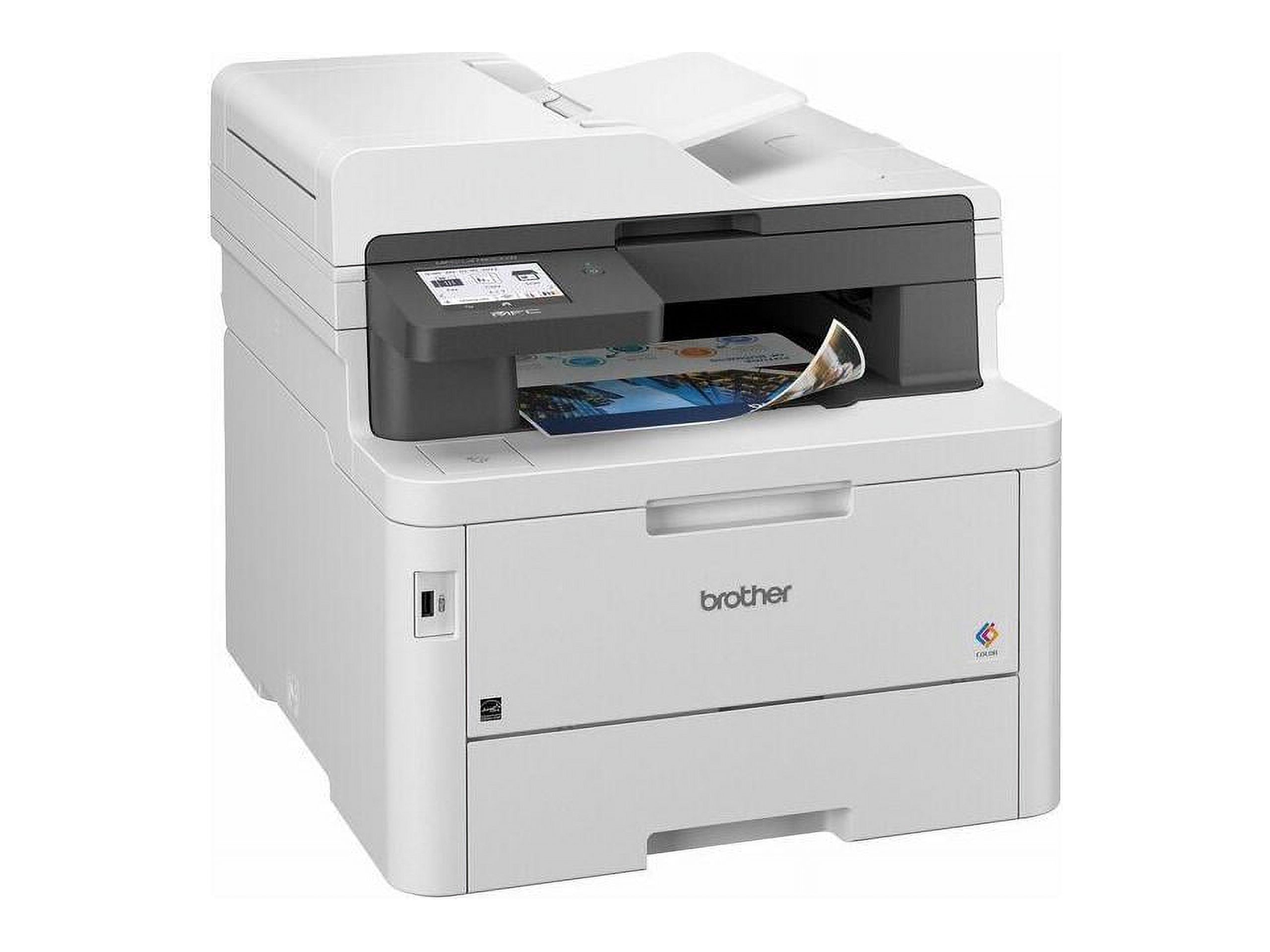
- How does it compare with a color laser all-in-one?
- It is faster and simpler than most all-in-ones at the same class, but it gives up scanning and copying. Choose it if you only need to print.
- What toner does it use?
- It uses Canon's color imageCLASS toner cartridges, available in standard and high-yield versions. High-yield cartridges lower the cost per page for heavy users.
- Where is the Canon imageCLASS LBP647Cdw Wireless Color Laser Printer cheapest?
- At Walmart, for $298.03, 28% under what the other stores charge, as of our latest check.
- Where can I buy the Canon imageCLASS LBP647Cdw Wireless Color Laser Printer?
- 7 stores we checked sell it, including Walmart, Adorama, Canon, Newegg, Quill.