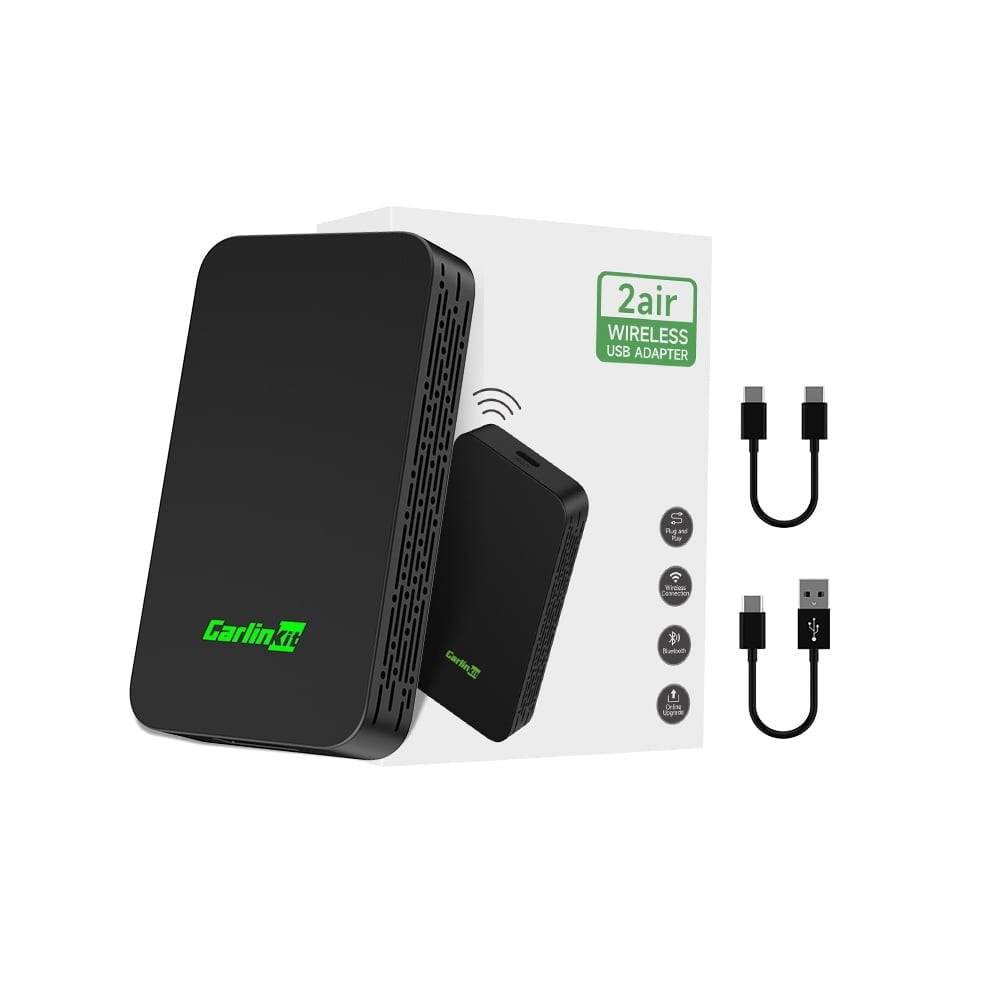
Price facts
- Lowest price today: $66.00 at AutoKit CarPlay Store (checked Nov 28, 2026).
Carlinkit 5.0 (2air) Wireless CarPlay and Android Auto Adapter prices at every store
- AutoKit CarPlay StoreNew
In stockShips from France · duties may applyReturn policy
$66.00Checked 2 h ago
What reviewers say
- 4.9 / 5153 ratings
About the Carlinkit 5.0 (2air) Wireless CarPlay and Android Auto Adapter
What Does Carlinkit 5.0 Do?
Carlinkit 5.0 wireless CarPlay Android Auto adapter supports both wireless CarPlay and wireless Android Auto natively . It seamlessly converts wired CarPlay to wireless apple CarPlay and wired Android Auto to wireless Android Auto.
Plug and Play Wireless CarPlay & Android Auto
You only need to plug the Carlinkit 5.0 2air into the USB port and connect your phone to the Bluetooth and Wi-Fi signals. It can instantly convert wired Apple Carplay or wired Android Auto to wirelessly so that you don't have to deal with the hassle of connecting your Phone to a cable, you can keep your Phone in a bag or pocket without having to fiddle with it every time you get in and out of your vehicle.
Fast and Wireless Automatic Connectivity
Once set it up, Carlinkit 5.0 will automatically connect to your vehicle when you get in the car. There's no need to wait—your car's infotainment system will boot up quickly, and all your apps will be ready to use. Whether you're scrolling through playlists, making calls, or using voice commands, the experience is smooth and lag-free.
5.8Ghz Transmission Rate, Faster and More Stable
Carlinkit 5.0 uses a 5.0~5.8Ghz GHz wireless module for faster mobile phone connections and more stability, faster, and less susceptible to interference transmission rates. The dual-band Wi-Fi connection support you can use both 2.4GHz and 5.8GHz wireless.
Continuation of Original Car Operation
When you use the Carlinkit 5.0 (2air) to get wireless CarPlay or wireless Android auto, you can still keep the original car operation. It won't change the settings of the original car.
Ask our agent about this product
It checks today's price at every store, compares the alternatives and answers in about a minute.
Questions and answers
- Where is the Carlinkit 5.0 (2air) Wireless CarPlay and Android Auto Adapter cheapest?
- At AutoKit CarPlay Store, for $66.00, as of our latest check.
- What do buyers say about the Carlinkit 5.0 (2air) Wireless CarPlay and Android Auto Adapter?
- Rated 4.9 out of 5 from 153 ratings.