StoreDeal.ai store
Shop
  • Deals
  • Deal checker
  • Black Friday
  • Buying guides
  • Brands
  • Stores
Travel
  • Flight deals
  • Hotel deals
Company
  • Research
  • Press
  • Use in AI assistants
  • Contact
  • deal.ai apps
Black Friday 2026
  • Walmart
  • Best Buy
  • Target
  • TVs
  • Laptops
  • Headphones
  • Apple
  • Gaming
  • Vacuums
  • Kitchen
  • Toys
  • Smartwatches
  • Tablets
  • Furniture
  • Mattresses
© Deal.ai Inc.·2222 Ponce de Leon Blvd, Miami, FL 33134·support@deal.ai
TermsPrivacy
Deal.ai › Corel
Corel
Corel PaintShop Pro X9

Corel PaintShop Pro X9

4.4(477 ratings)

Best price now

$39.99at SoftwareCWChecked 3 h ago

Prices are checked against each store and labelled with when.

Finding cheaper alternatives

Checking the Deal.ai store…

Price facts

  • Lowest price today: $39.99 at SoftwareCW (checked Nov 18, 2026).
  • $39.99at SoftwareCWChecked 3 h ago
    Visit SoftwareCW

    Our take on the Corel PaintShop Pro X9

    Corel PaintShop Pro X9 is a Windows photo editor that combines layer-based image editing with vector design tools, so you can retouch photos and build graphics in one program. Its standout additions are project templates for collages, greetings and brochures, a Smart Capture screenshot tool, and on-canvas gradient controls. It suits hobbyists and small-business users who want a Photoshop-style toolset without a subscription. Reviewers generally rate it well for value and ease of use, but note it lags behind Adobe's ecosystem and can feel dated on newer Windows versions.

    Best forWindows users who want a one-time-purchase photo editorHobbyists moving up from basic editorsSmall-business owners making collages, greetings and brochuresUsers who want photo and vector design in one app
    Pros
    • Layer-based editing with masks and adjustment layers
    • Built-in vector tools for shapes, text and logos
    • Project templates speed up collages and brochures
    • Smart Capture screenshot tool with annotation
    • On-canvas gradient controls save steps
    • Learning curve is gentler than Photoshop's
    Cons
    • Windows only, no Mac version
    • Older release with no ongoing feature updates
    • Raw workflow and color management trail Adobe's
    • Some tools and dialogs feel dated
    • Large file sizes can slow older PCs

    Corel PaintShop Pro X9 prices at every store

    • SoftwareCWNew

      In stockReturn policy

      $39.99Checked 3 h ago
      Visit SoftwareCW

    What reviewers say

    • 4.4 / 5477 ratings

    Owners rate it around 4.4 out of 5 and often call it an affordable alternative to Photoshop for Windows. Praise centers on the feature set for the price and the easier learning curve; criticism targets the dated interface, occasional crashes and weaker raw handling.

    What people mention
    • ValuePraisedOwners say it delivers a broad toolset for far less than a Photoshop subscription.
    • Ease of usePraisedReviewers find the workspace and tools easier to pick up than Adobe's.
    • InterfaceCriticisedSome users say the menus and dialogs look and feel dated.
    • StabilityCriticisedA number of owners report crashes or slowdowns on larger files.
    • Raw editingMixedRaw support works but is seen as less capable than Adobe Camera Raw.
    • TemplatesPraisedThe project templates for collages and brochures are called time-savers.

    About the Corel PaintShop Pro X9

    Corel PaintShop Pro X9 is photo editing software for photo and design projects. It combines image editing tools with project templates for collages, greetings, and brochures.

    Projects can start from pre-designed templates, and your own layouts can be saved as templates. A screenshot tool with Smart Capture mode captures, edits, and annotates screenshots in one place, with Smart Capture letting you grab an image by hovering over the area you want. Gradient Fill controls let you adjust gradients directly on an image, shape, or canvas by dragging and dropping color swatches and moving nodes. Text presets apply creative text effects, and a simplified text toolbar can be customized to show the tools you use most.

    Ten of the most used photo adjustments, including Smart Photo Fix and White Balance, work in real time so edits appear as you make them. The software supports Windows Real-Time Stylus (WinRTS) devices, including the Microsoft Windows Surface, for use with a graphics tablet or stylus. AI-powered tools include AI Upsampling, AI Artifact Removal, and one-click AI color and tone adjustments.

    Brand
    Corel
    Software type
    Photo editing software
    Project templates
    Pre-designed templates for collages, greetings, and brochures; your own layouts can be saved as templates
    Screenshot tool
    Smart Capture mode captures, edits, and annotates screenshots in one place
    Gradient Fill
    Drag-and-drop color swatches and movable nodes on images, shapes, and canvases
    Text presets
    Free and premium creative text effects, updated over the web
    Text tools
    Simplified toolbar with customizable items
    Real-time effects
    10 adjustments, including Smart Photo Fix and White Balance
    Stylus support
    Windows Real-Time Stylus (WinRTS) devices, including Microsoft Windows Surface

    Ask our agent about this product

    It checks today's price at every store, compares the alternatives and answers in about a minute.

    Enter to send, Shift+Enter for a new line

    Questions and answers

    Is PaintShop Pro X9 still worth buying?
    It is a capable one-time-purchase editor for Windows, but it is an older release with no new features coming. Buy it if you want its toolset as-is; otherwise look at a newer PaintShop Pro version.
    Does it work on Mac?
    No. PaintShop Pro X9 is Windows-only.
    Can it open and edit raw files?
    Yes, it supports common camera raw formats, though its raw tools are less advanced than Adobe Camera Raw's.
    What is new in X9 compared with X8?
    X9 adds project templates, the Smart Capture screenshot tool and on-canvas gradient fill controls.
    Does it include vector design tools?
    Yes. It has vector shapes, text and drawing tools alongside its photo editing features.
    What is in the box?
    The package contains the installation disc and license key for PaintShop Pro X9; no subscription is required.
    Where is the Corel PaintShop Pro X9 cheapest?
    At SoftwareCW, for $39.99, as of our latest check.
    What do buyers say about the Corel PaintShop Pro X9?
    Rated 4.4 out of 5 from 477 ratings.

    More from Corel

    • C
      Corel Painter 2023
      Corel Painter 2023
    • C
      CorelDRAW Graphics Suite 2023
      CorelDRAW Graphics Suite 2023
    • C
      CorelDRAW Go
      CorelDRAW Go
    • C
      CorelDRAW Standard 2021
      CorelDRAW Standard 2021
    • C
      CorelDRAW Essentials 2021
      CorelDRAW Essentials 2021
    • C
      CorelDRAW Graphics Suite 2026 for Mac
      CorelDRAW Graphics Suite 2026 for Mac
    • D
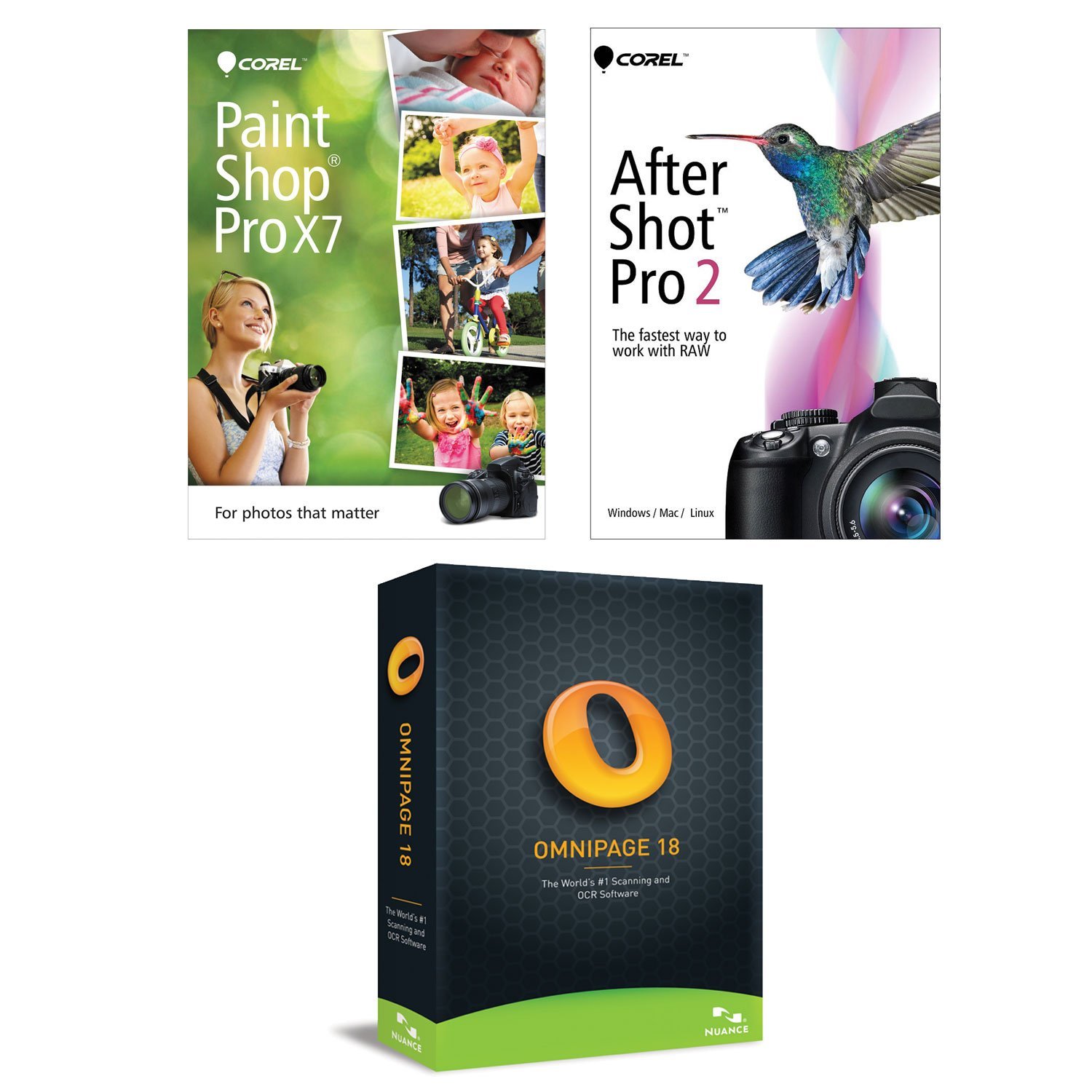
      Digital Organization & Creativity Suite; Corel Paintshop Pro X7, Corel After Shot Pro 2, Omnipage 18 (For Windows 8, 7, & Vista)
    AI tools
    AI Upsampling, AI Artifact Removal, one-click AI color and tone adjustments
    Digital Organization & Creativity Suite; Corel Paintshop Pro X7, Corel After Shot Pro 2, Omnipage 18 (For Windows 8, 7, & Vista)
  • C
    CorelDRAW Technical Suite 2020
    CorelDRAW Technical Suite 2020
  • All Corel deals and products →