- Is 64GB of DDR5 worth it over 32GB?
- Only if your work regularly fills 32GB: virtual machines, large video timelines, big photo batches, or many browser and app windows at once. For gaming and everyday use, 32GB is usually enough and the extra capacity goes unused.
- Will this kit run at 5600 MT/s on my motherboard?
- It needs a DDR5 board that supports 5600 MT/s or higher and the memory profile enabled in BIOS. On boards rated lower, it will run at a slower supported speed.
- Is CL40 a problem for gaming?
- CL40 at 5600 MT/s is fine for most games, but tighter-timing 6000 CL30 kits give a few more frames on Ryzen and Intel platforms. The gap is small next to the capacity this kit provides.
- Does it fit under a large air cooler?
- The modules are low-profile, so they clear most large tower coolers. Check the cooler's memory clearance and your case's CPU cooler height before buying.
- Can I add another 64GB later?
- On a four-slot board you can add a second identical kit, but running four DDR5 DIMMs often forces a lower speed. Two matched 32GB sticks are the safer configuration.
- What is in the box?
- Two 32GB DDR5 DIMMs. No cables or tools are included; the modules slot directly into the motherboard.
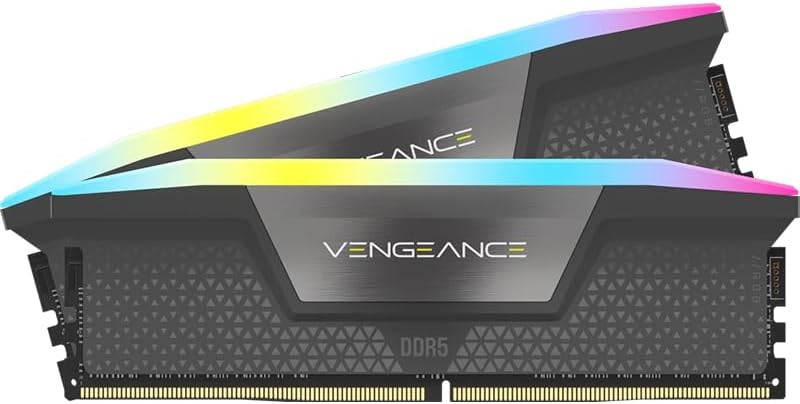
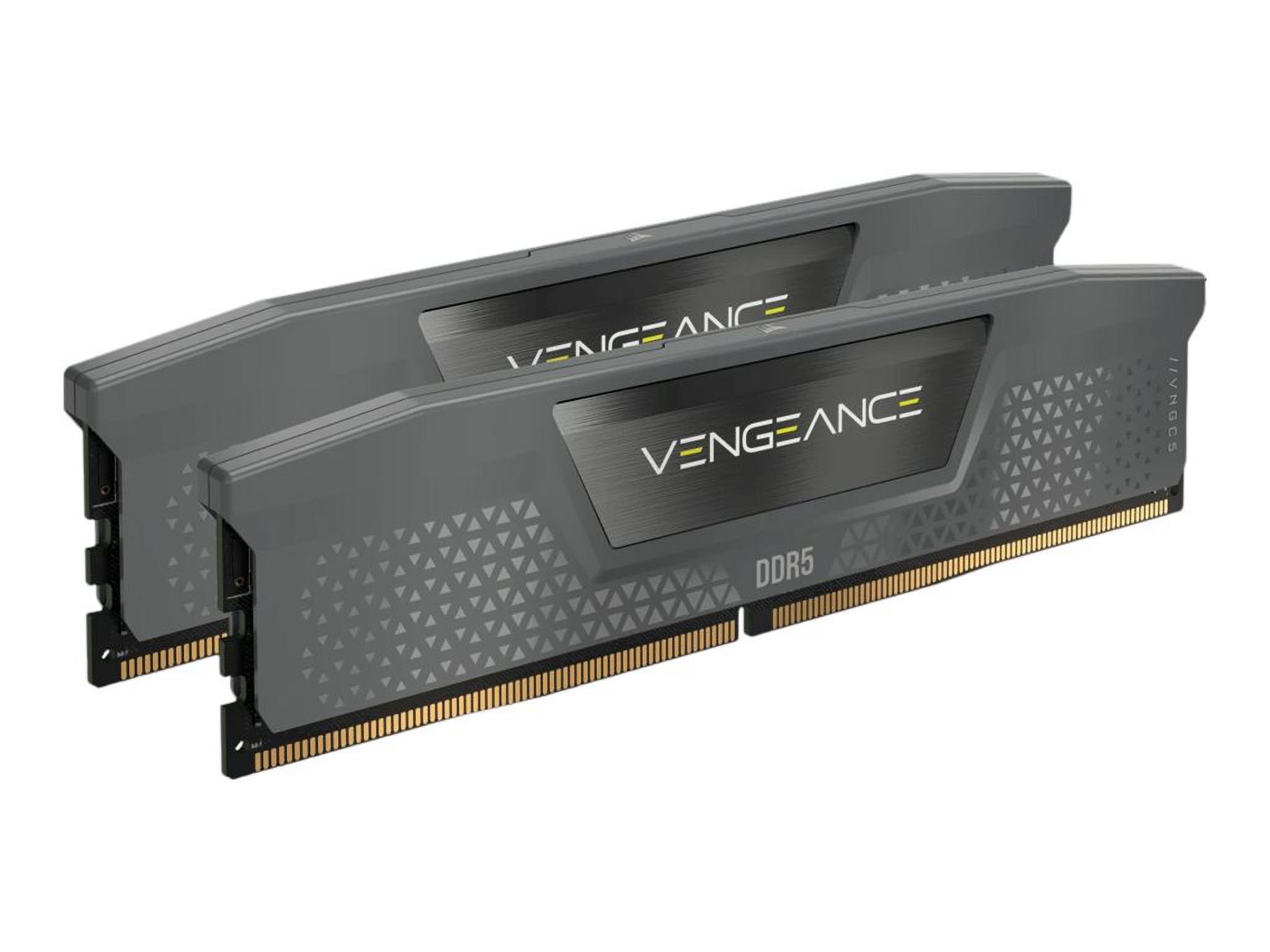
- Where is the Corsair Vengeance 64GB 2 x 32GB 288-Pin PC RAM DDR5 5600 Desktop cheapest?
- At Aeonfly, for $1,051.72, as of our latest check.