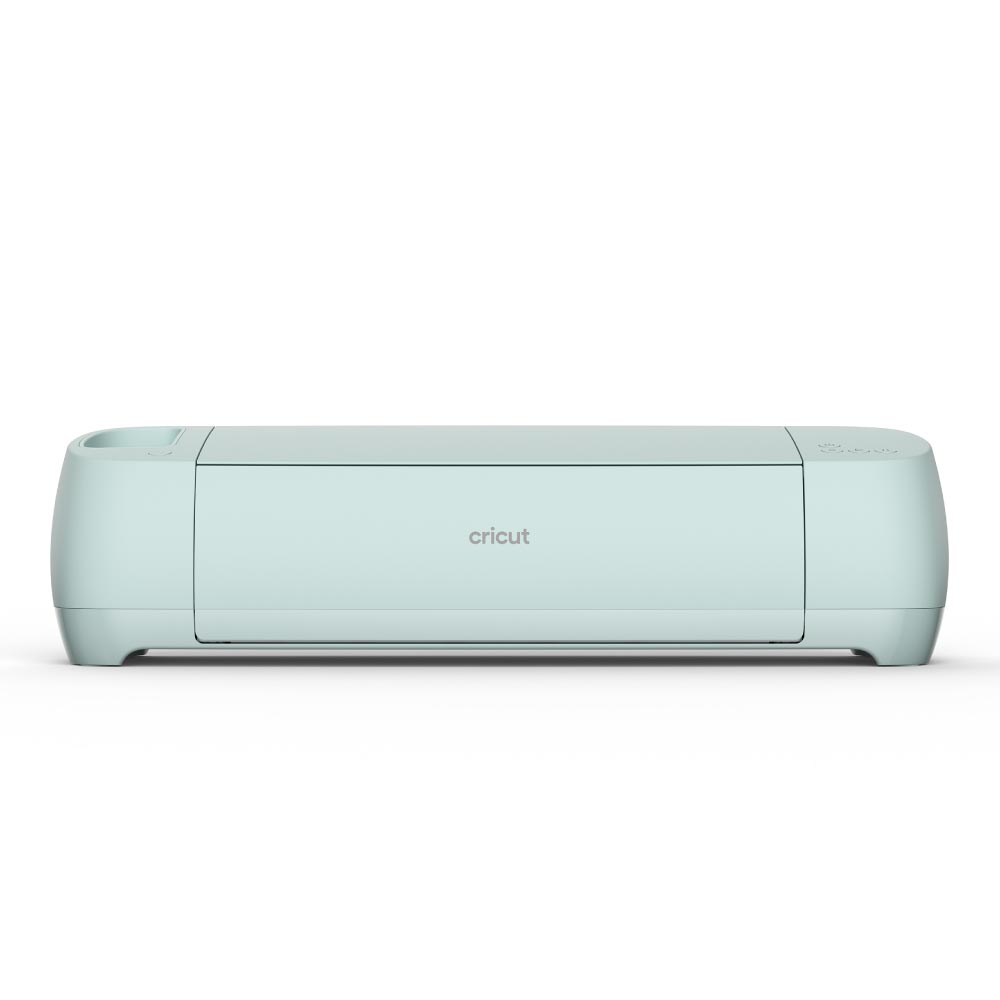
- Is the Explore 3 worth it over the Explore Air 2?
- Yes if you want faster cutting and matless Smart Materials. The Air 2 is fine for occasional paper and vinyl work and costs less.
- Can it cut without a mat?
- Only with Cricut Smart Materials, which feed through the rollers. Ordinary vinyl and paper still need a mat.
- How does it compare with the Cricut Maker 3?
- The Maker 3 adds deep-cut and knife blades for leather, balsa and fabric. The Explore 3 covers vinyl, paper and iron-on at a lower cost.
- What comes in the box?
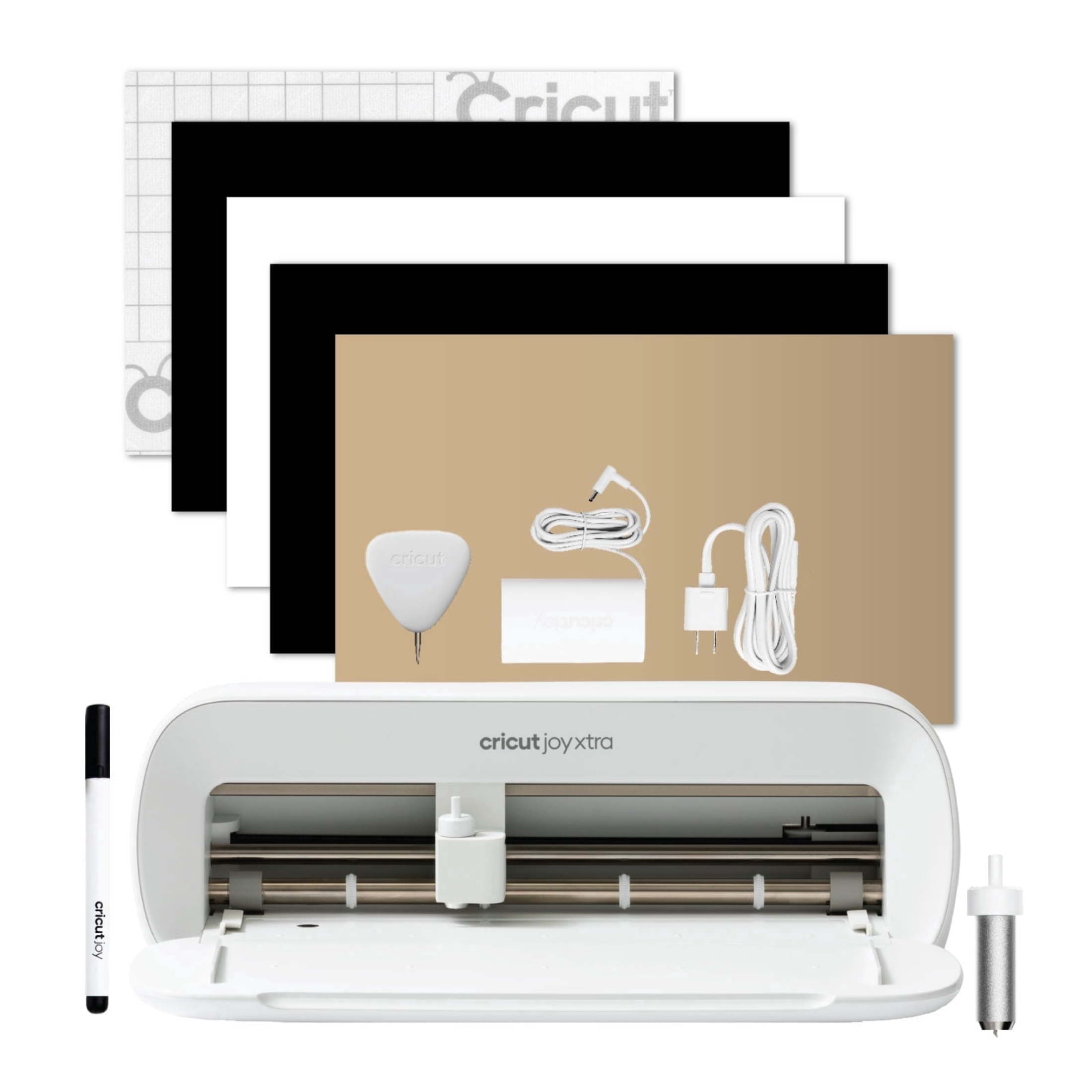
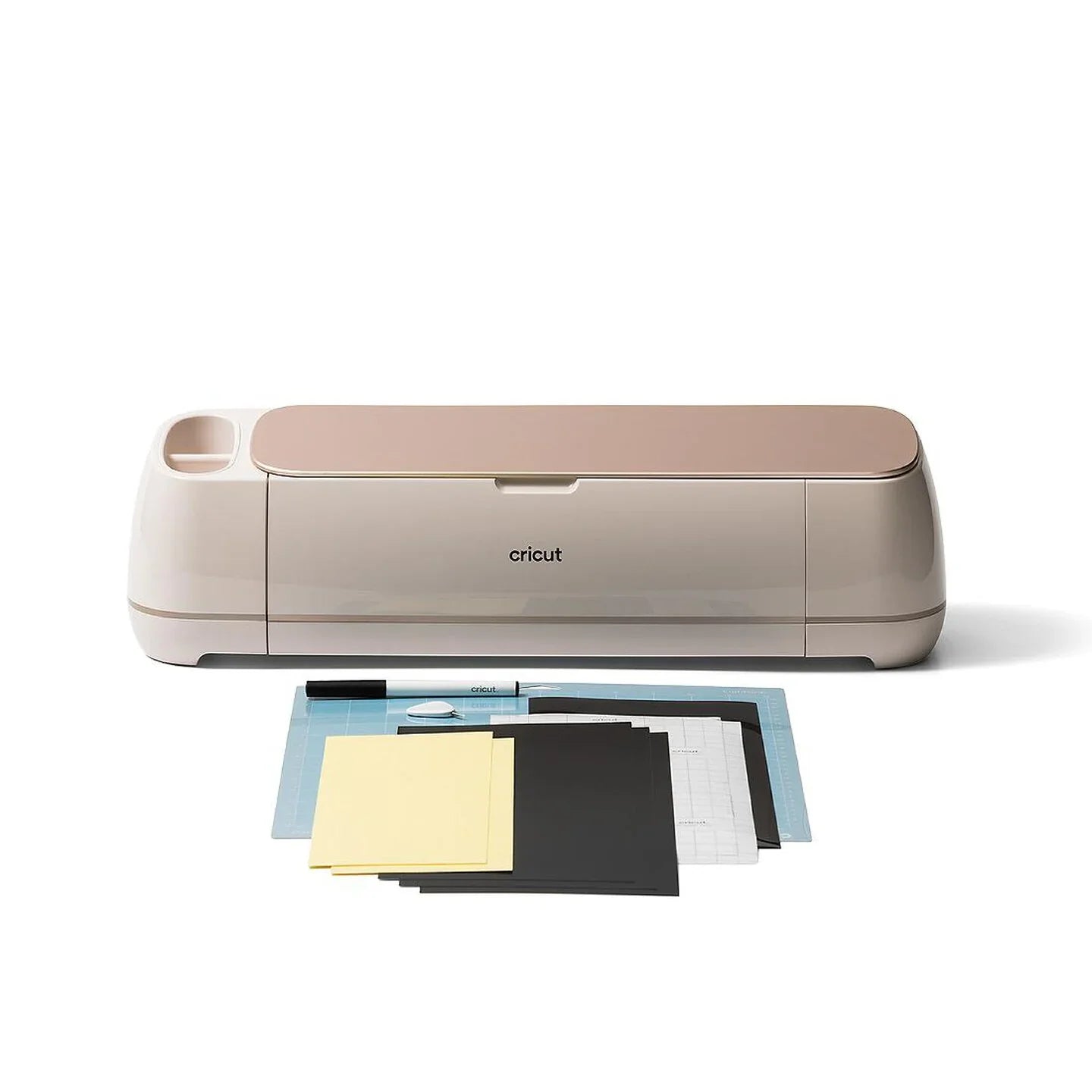
- The machine, a fine-point blade and housing, a light grip mat, a pen and a small vinyl sample. You supply your own materials after that.
- Does it need a subscription?
- No, the machine works without one. Cricut Access unlocks extra images and fonts, and you can upload your own designs for free.
- What can it cut?
- Vinyl, iron-on, paper, cardstock and some fabric with the right blade. It is not built for thick leather or wood.
- Where is the Cricut Explore 3 cheapest?
- At eBay, for $274.99, as of our latest check.
- Where can I buy the Cricut Explore 3?
- 4 stores we checked sell it, including Craft-e-Corner, eBay, Coach Christa, Vinyl and Tulle Supply.