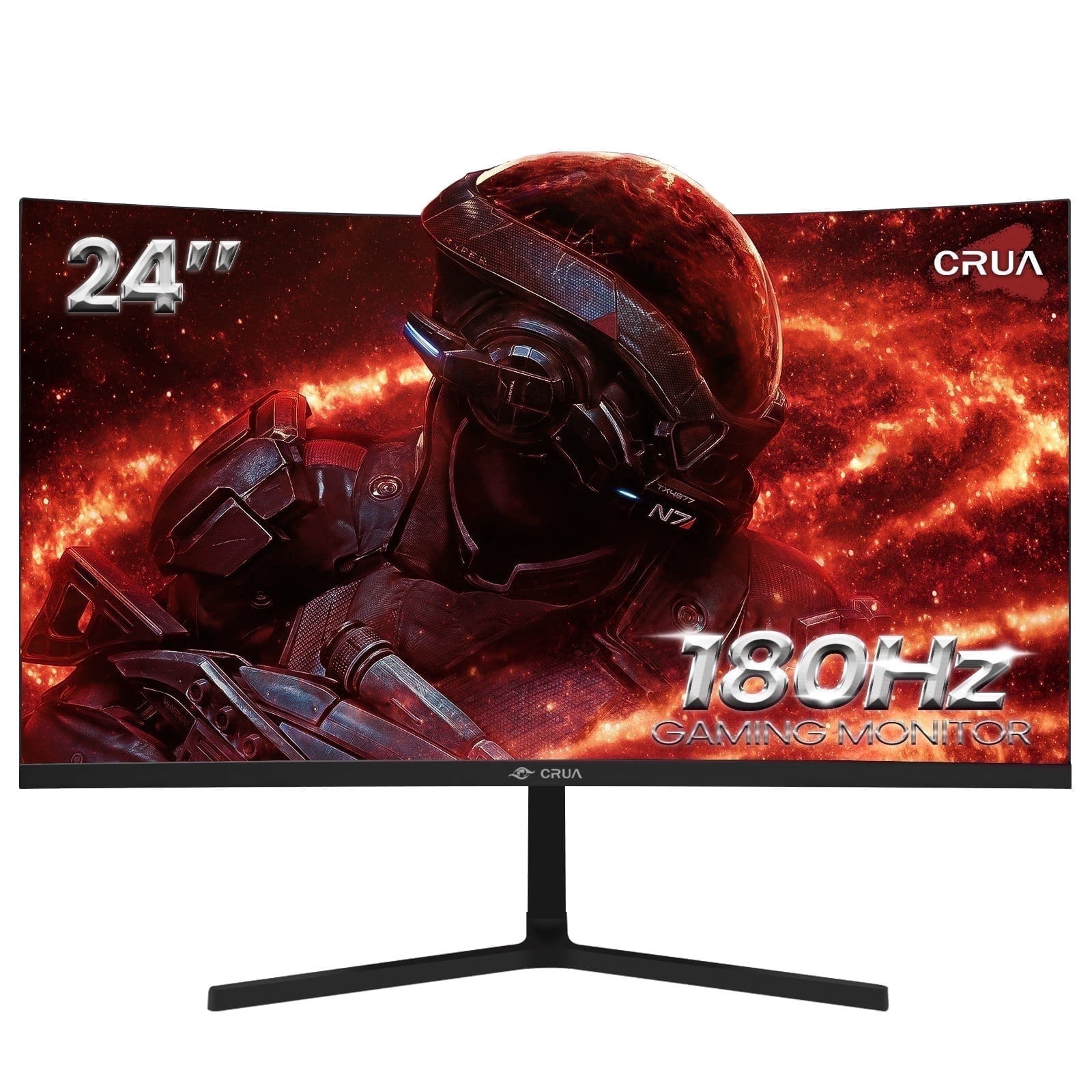
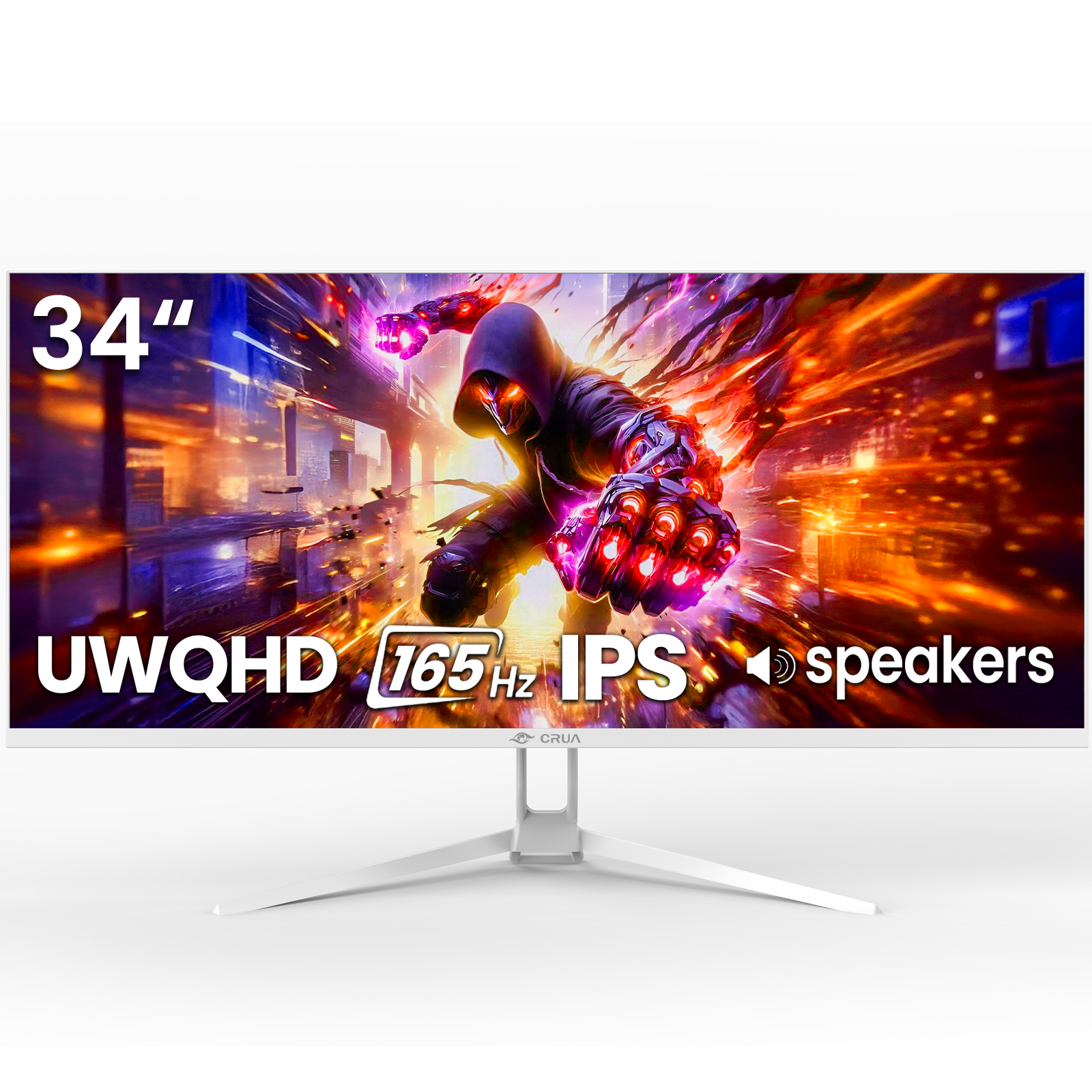
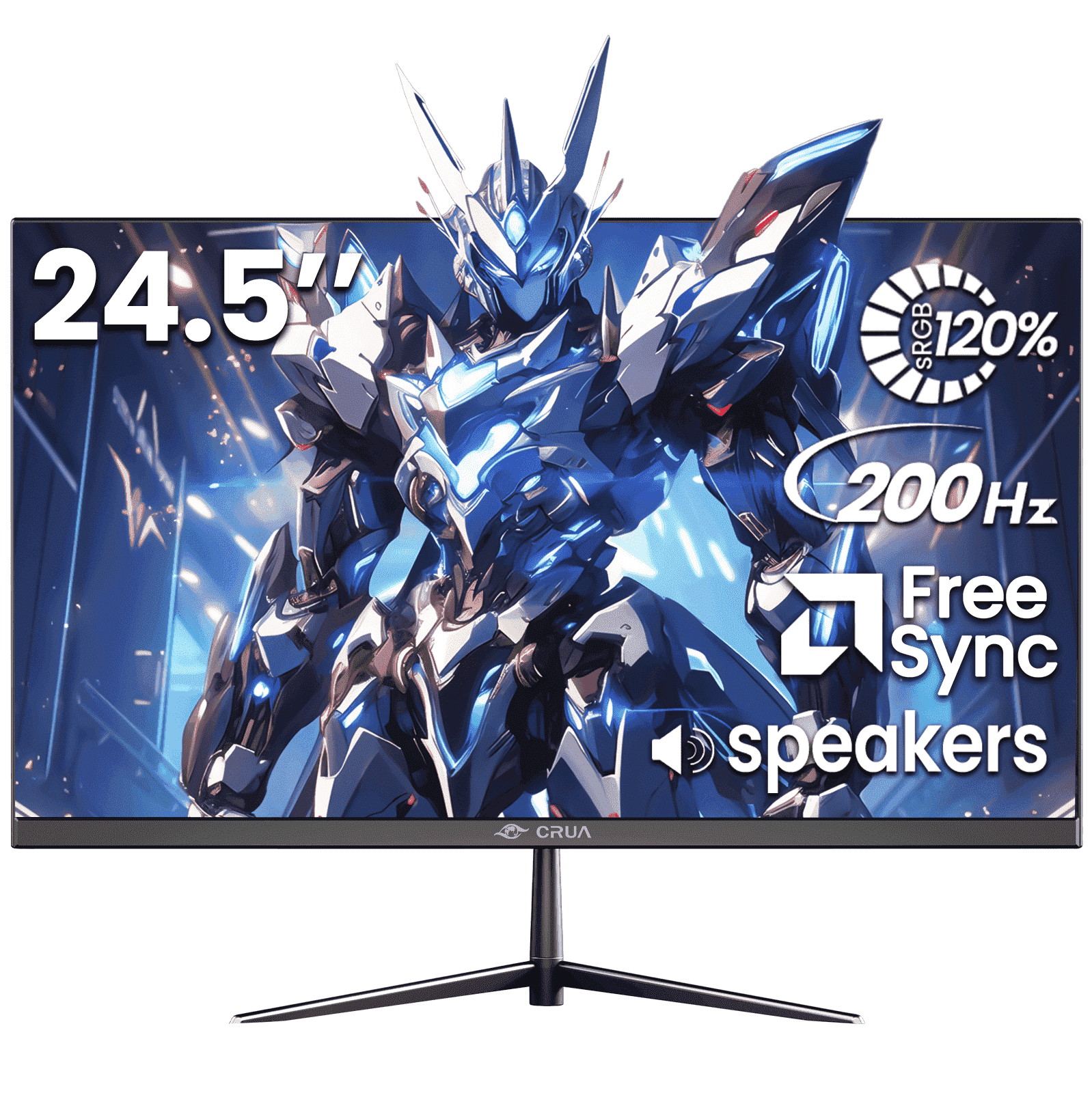
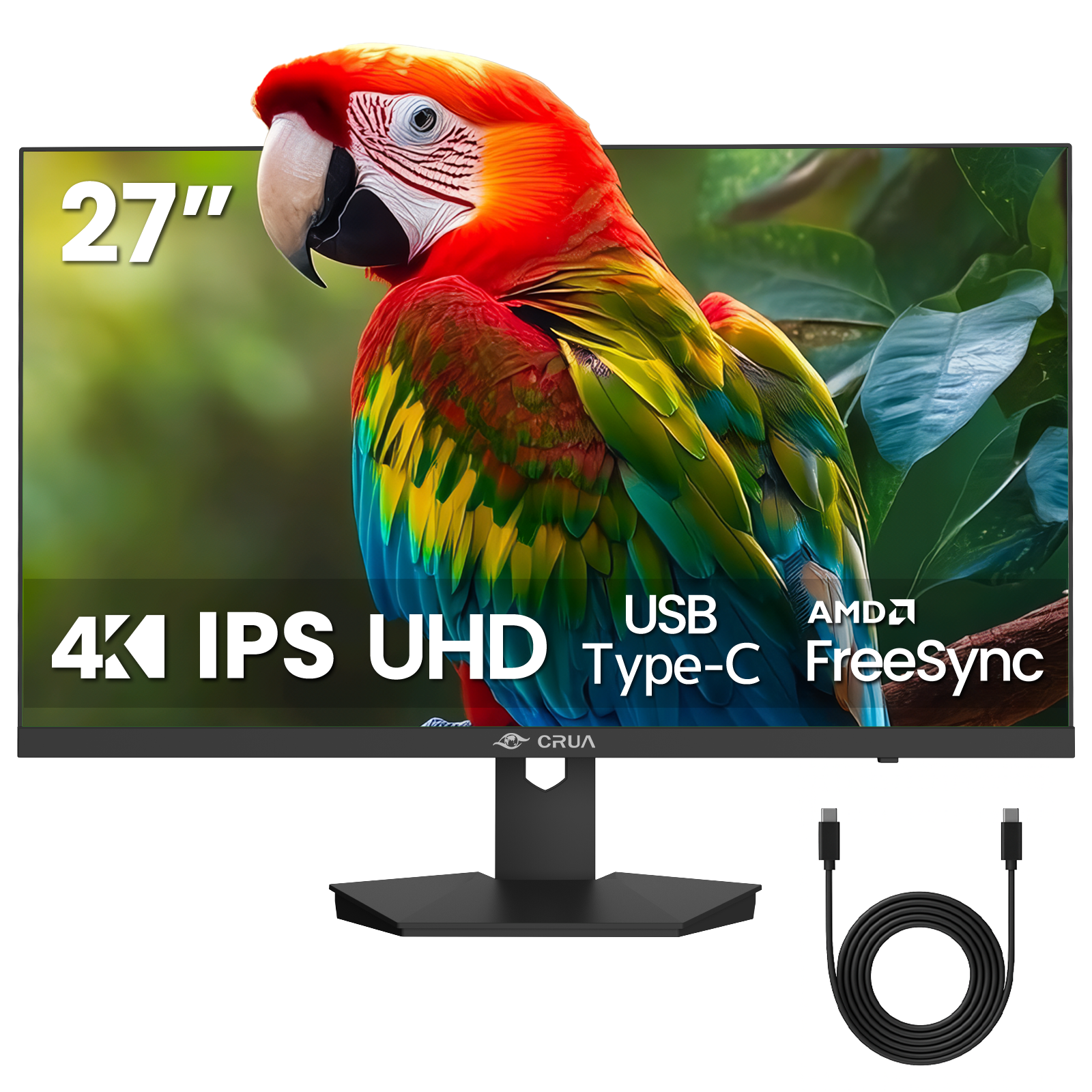
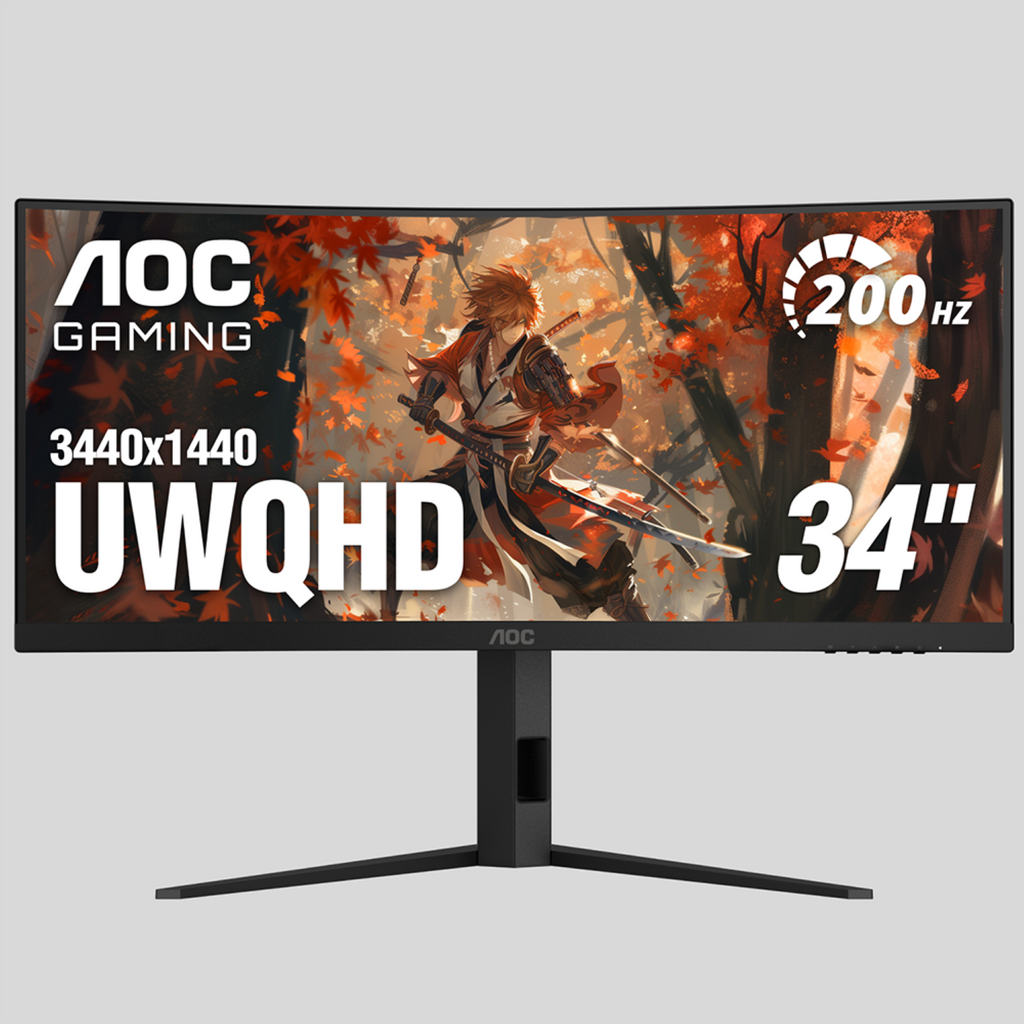
- Is 165Hz worth it over a 60Hz ultrawide?
- Yes, for games. The higher refresh makes motion look smoother and cuts input lag, which matters most in fast shooters and racing games. For office work alone, 60Hz is enough.
- Does a 3440x1440 ultrawide need a strong graphics card?
- It does. The panel has about 35% more pixels than 2560x1440, so a mid-range card will need lowered settings in demanding games to hold high frame rates. A strong card gets closer to the 165Hz ceiling.
- Will every game fill the 21:9 screen?
- Most modern games support 21:9, but some older or competitive titles letterbox with black bars or stretch the image. Check the specific game before you buy.
- Is the curve a problem for work?
- No. The curve keeps the screen edges at a similar distance from your eyes, which helps on a wide panel. Spreadsheets and side-by-side windows stay readable.
- What should I check about the stand and ports?
- Confirm the stand's height and tilt adjustment and which inputs it has, since these vary and are not listed here. If you use a laptop, check for USB-C before buying.
- Who is this monitor for?
- Gamers and sim players who want a fast, wide, immersive screen and have the desk space and graphics card to drive it. Buyers who need USB-C docking or HDR should look at rivals that offer them.
- Where is the Crua 34 Inch 165Hz Ultrawide Curved Gaming Monitor cheapest?
- At Best Buy, for $181.99, as of our latest check.