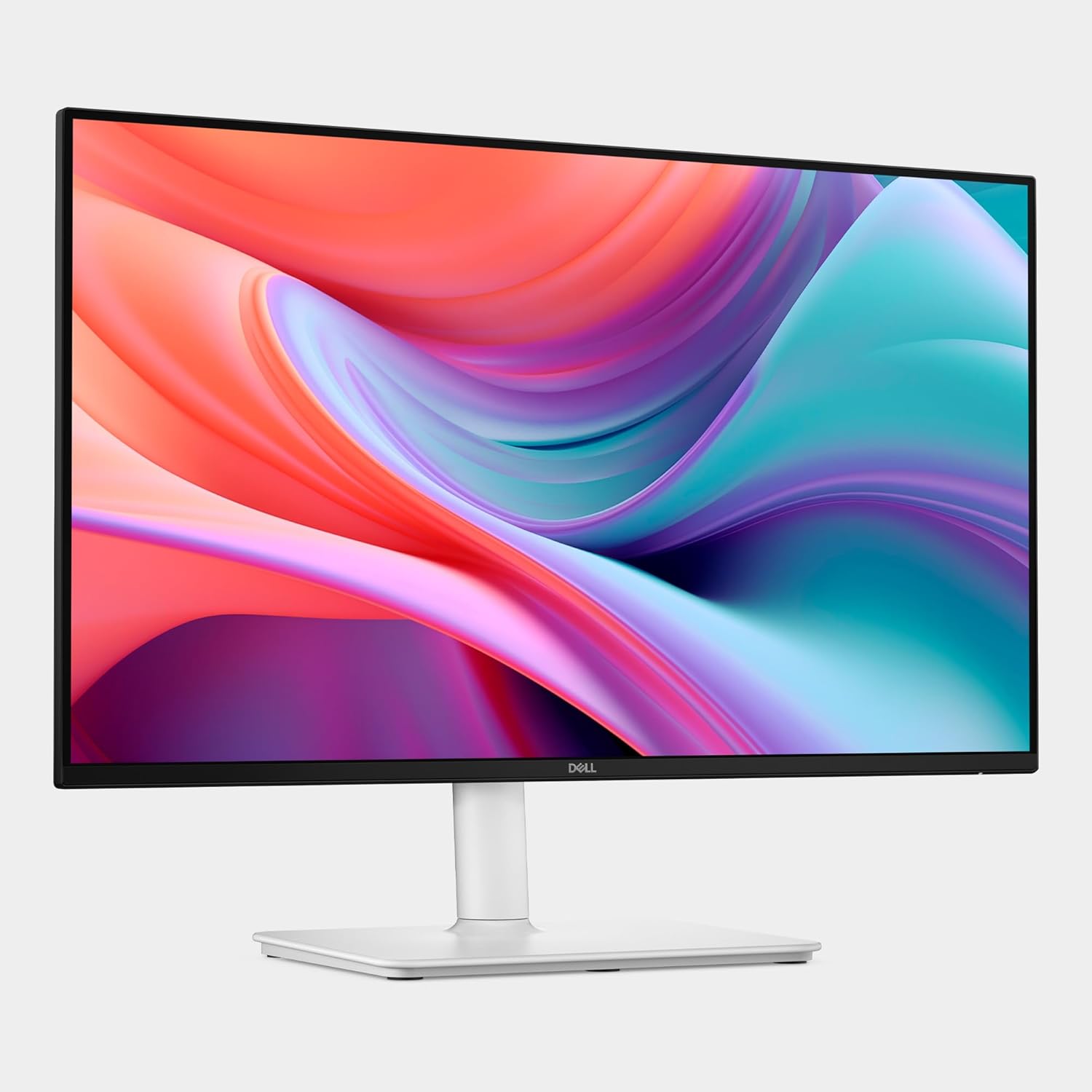
Dell 32 Plus S3225QC 4K UHD 120Hz 0.3ms QD-OLED Freesync Monitor
Where to buy
No store is showing a current price right now. The stores below sell it; ask the agent to check today's prices.
Prices are checked against each store and labelled with when.
Check today's price at PzDealsIn stock now from Dell


Our take on the Dell 32 Plus S3225QC 4K UHD 120Hz 0.3ms QD-OLED Freesync Monitor
The Dell 32 Plus S3225QC is a 32-inch 4K UHD monitor built on a QD-OLED panel with a 120Hz refresh rate and a 0.3ms response time. It targets gamers and creators who want deep blacks, wide color and fast motion in one screen, and it adds AMD FreeSync to cut tearing. Against 4K IPS rivals it wins on contrast and response, but QD-OLED panels carry burn-in risk and often lower full-screen brightness. It sits in the premium tier where OLED gaming monitors compete on refresh rate and HDR rather than price.
- QD-OLED panel gives near-infinite contrast and vivid color
- 4K resolution at 120Hz suits both work and play
- 0.3ms response time keeps fast motion clean
- AMD FreeSync reduces screen tearing
- 32-inch size fills a desk without dominating it
Dell 32 Plus S3225QC 4K UHD 120Hz 0.3ms QD-OLED Freesync Monitor prices at every store
- PzDealsCheck price at PzDeals
About the Dell 32 Plus S3225QC 4K UHD 120Hz 0.3ms QD-OLED Freesync Monitor
The Dell 32 Plus S3225QC is a 32-inch monitor with a 4K UHD resolution. It uses a QD-OLED panel.
The screen refreshes at up to 120Hz, with a 0.3ms response time. The monitor supports FreeSync.
- Brand
- Dell
- Model
- S3225QC (32 Plus)
- Screen size
- 32 inch
- Resolution
- 4K UHD
- Panel type
- QD-OLED
- Refresh rate
- 120Hz
- Response time
- 0.3ms
- Adaptive sync
- FreeSync
Ask our agent about this product
It checks today's price at every store, compares the alternatives and answers in about a minute.
Questions and answers
- Is the S3225QC good for gaming?
- Yes. It pairs 4K resolution with 120Hz and a 0.3ms response time, and FreeSync handles tearing. That suits fast shooters and console play, though competitive players may want a higher refresh rate.
- Is QD-OLED better than IPS here?
- QD-OLED gives far deeper blacks, higher contrast and faster pixel response than IPS. IPS is brighter across the whole screen and has no burn-in risk, so the choice depends on whether you value contrast or brightness.
- Should I worry about burn-in?
- OLED panels can retain static images over long periods, such as taskbars or HUDs. Vary content, use screensavers and lower brightness for static work to reduce the risk.
- Does it work with FreeSync graphics cards?
- Yes, it supports AMD FreeSync, so it pairs with Radeon cards and consoles that use FreeSync. Nvidia cards can still run at 120Hz but variable refresh depends on the card and driver.
- Is 32 inches too big for a desk?
- At 4K, 32 inches gives comfortable text size without scaling. It needs a desk deep enough to sit about an arm's length away, so measure your space before buying.
- What connections does it have?
- It is a 4K 120Hz monitor, so expect DisplayPort and HDMI inputs that carry the full refresh rate. Check the port list for the exact version before connecting a console or laptop.