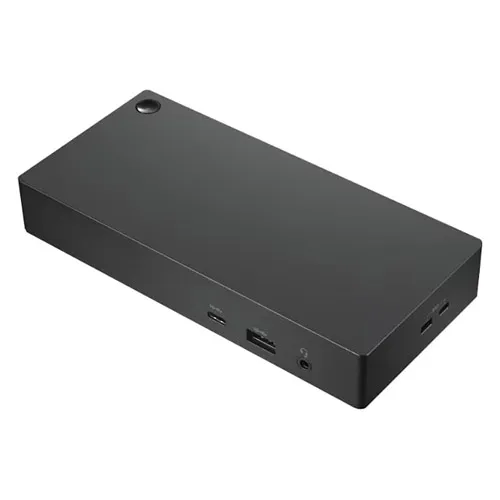
- Which laptops work with the Dell 452-BBUX?
- It needs a Dell laptop with a compatible WiGig radio, typically certain Latitude and XPS models of that era. A laptop without WiGig cannot use the dock, even with the included module and antenna.
- Does it need a cable to the laptop?
- No. The link between laptop and dock is wireless over 60 GHz WiGig. The dock itself still needs power and cables to the monitor, peripherals and network.
- Can I use it through a wall or from another room?
- No. 60 GHz WiGig is short range and needs a clear path, so the laptop and dock should be in the same room with little or nothing between them.
- What connections does the dock provide?
- It provides the usual desk connections such as display output, USB ports and wired Ethernet, so a docked laptop can drive a monitor and use wired peripherals and network.
- Is it a good choice over a USB-C dock?
- Only if your laptop has WiGig and you specifically want a cable-free link. A USB-C or Thunderbolt dock works with far more laptops and is easier to support.
- What is in the box?
- The docking station with its WiGig module and antenna. Check that your laptop has the matching WiGig radio, since the dock depends on it.
- Where is the Dell 452-BBUX Wireless Docking Station with WiGig Module / Antenna cheapest?
- At Amazon, for $24.47, as of our latest check.
- Where can I buy the Dell 452-BBUX Wireless Docking Station with WiGig Module / Antenna?
- 2 stores we checked sell it, including Gotodirect, Amazon.