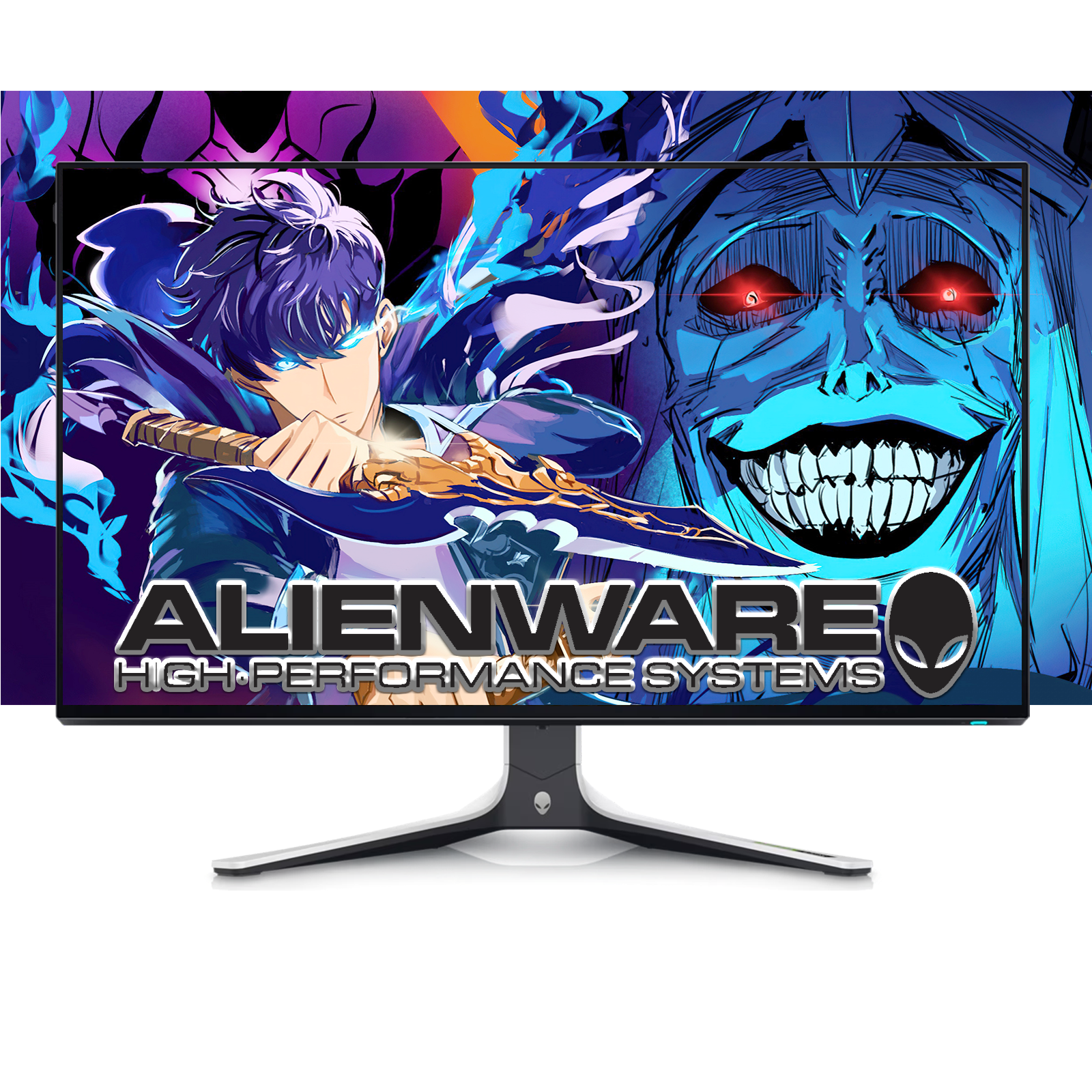
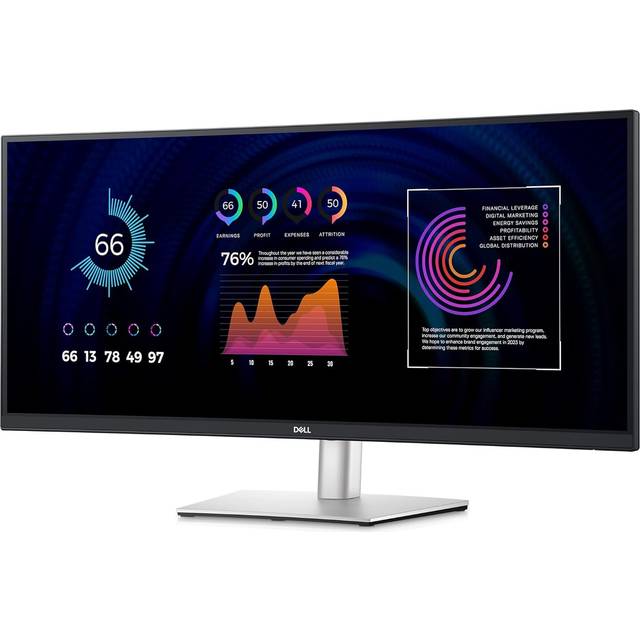
Dell Alienware AW3425DW 34,2 pouces UWQHD QD-OLED 240 Hz Écran gaming incurvé
Where to buy
No store is showing a current price right now. The stores below sell it; ask the agent to check today's prices.
Prices differ by screen size, and this one may be for a smaller size: check the size at the store.
Prices are checked against each store and labelled with when.
In stock now from Dell

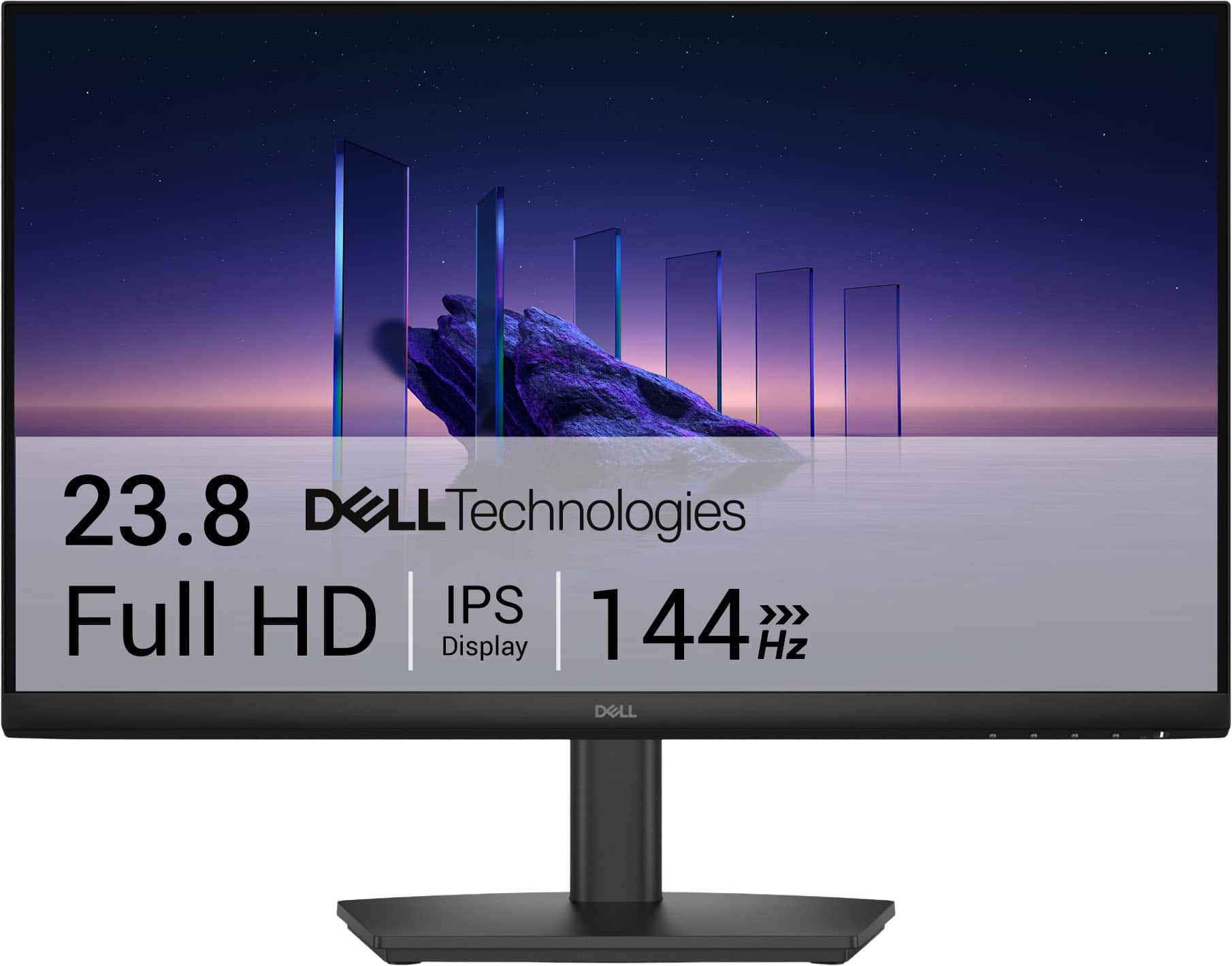

Our take on the Dell Alienware AW3425DW 34,2 pouces UWQHD QD-OLED 240 Hz Écran gaming incurvé
The Alienware AW3425DW is a 34.2-inch ultrawide curved gaming monitor with a 3440 x 1440 QD-OLED panel at 21:9 and a 1800R curve. It runs at 240 Hz with a 0.03 ms response time and supports G-SYNC Compatible, FreeSync Premium Pro and VESA AdaptiveSync, so fast motion stays smooth on both Nvidia and AMD cards. The self-emissive QD-OLED covers 99.3% of DCI-P3 at Delta E under 2, with DisplayHDR True Black 400, 10-bit color and a matte anti-glare finish. Against rivals it trades the brightest HDR for near-instant pixel response, true blacks and wide color, which suits competitive players and dark-room gamers more than bright-room HDR fans.
- 240 Hz refresh with 0.03 ms response
- QD-OLED contrast and true blacks
- 99.3% DCI-P3 with Delta E under 2
- G-SYNC Compatible and FreeSync Premium Pro
- Height, tilt and swivel adjustment plus VESA mount
- Matte coating cuts reflections
About the Dell Alienware AW3425DW 34,2 pouces UWQHD QD-OLED 240 Hz Écran gaming incurvé
The Dell Alienware AW3425DW is a 34.2-inch (86.9 cm) curved ultrawide gaming monitor. Its QD-OLED panel shows 3440 x 1440 pixels in a 21:9 format, with a curvature radius of 1800 mm.
The screen refreshes at 240 Hz with a 0.03 ms response time. NVIDIA G-SYNC Compatible, AMD FreeSync Premium Pro and VESA AdaptiveSync adapt the refresh rate to the graphics card, and the matte surface reduces reflections. The self-emitting QD-OLED panel covers 99.3% of the DCI-P3 color space and reaches a color accuracy of Delta E2.
VESA DisplayHDR True Black 400, a maximum brightness of 1,000 cd/m² and a 1,500,000:1 contrast ratio keep dark scenes detailed. Color depth is 10 bits and the viewing angle is 178° in both directions, while ComfortView Plus reduces the share of blue light. The stand tilts, swivels and adjusts in height up to 110 mm, and the monitor supports picture-in-picture, with thin bezels and RGB lighting on the back.
- Screen size
- 34.2 in (86.9 cm) diagonal
- Panel
- QD-OLED, self-emitting, matte surface
- Resolution
- 3440 x 1440 (UWQHD)
- Aspect ratio
- 21:9
- Curvature
- 1800 mm radius
- Refresh rate
- 240 Hz
- Response time
- 0.03 ms
- Adaptive sync
- NVIDIA G-SYNC Compatible, AMD FreeSync Premium Pro, VESA AdaptiveSync
- Color coverage
- 99.3% DCI-P3
- Color accuracy
- Delta E2
- Color depth
Ask our agent about this product
It checks today's price at every store, compares the alternatives and answers in about a minute.
Questions and answers
- Is the AW3425DW good for competitive shooters?
- Yes. The 240 Hz refresh and 0.03 ms response keep fast motion clear, and G-SYNC Compatible and FreeSync Premium Pro reduce tearing on Nvidia and AMD cards. The 21:9 frame gives extra side vision, though some shooters letterbox ultrawide.
- How does it compare with the AW3423DW?
- It keeps the 34-inch 3440 x 1440 QD-OLED formula but raises refresh to 240 Hz and adds HDMI 2.1. The older model topped out lower, so the AW3425DW is the faster pick for high-frame-rate play.
- Is HDR bright enough?
- It carries DisplayHDR True Black 400 with up to 1,000 cd/m² peak, so highlights pop in dark scenes. Full-screen brightness is lower than on LED-backlit monitors, so a bright room washes it out more.
- Can I use it with a laptop over USB-C?
- The USB-C downstream port delivers only 15 W of charging, which is not enough to power most laptops. Plan on the laptop's own charger and use USB-C for data or display rather than power.
- Does the curve and stand fit a normal desk?
- The 1800R curve is gentle and the stand tilts, swivels and adjusts up to 110 mm in height. It also takes a 100 x 100 mm VESA mount if you prefer an arm.
- Should I worry about OLED burn-in?
- QD-OLED can retain static images over long sessions, so keep taskbars and HUDs moving or dimmed. For mixed gaming and desktop use, vary content and use the panel's built-in OLED care features.