

Dell G3223Q 32" 4K UHD 144Hz Gaming Monitor
Where to buy
No store is showing a current price right now. The stores below sell it; ask the agent to check today's prices.
Prices are checked against each store and labelled with when.
Check today's price at PzDealsIn stock now from Dell

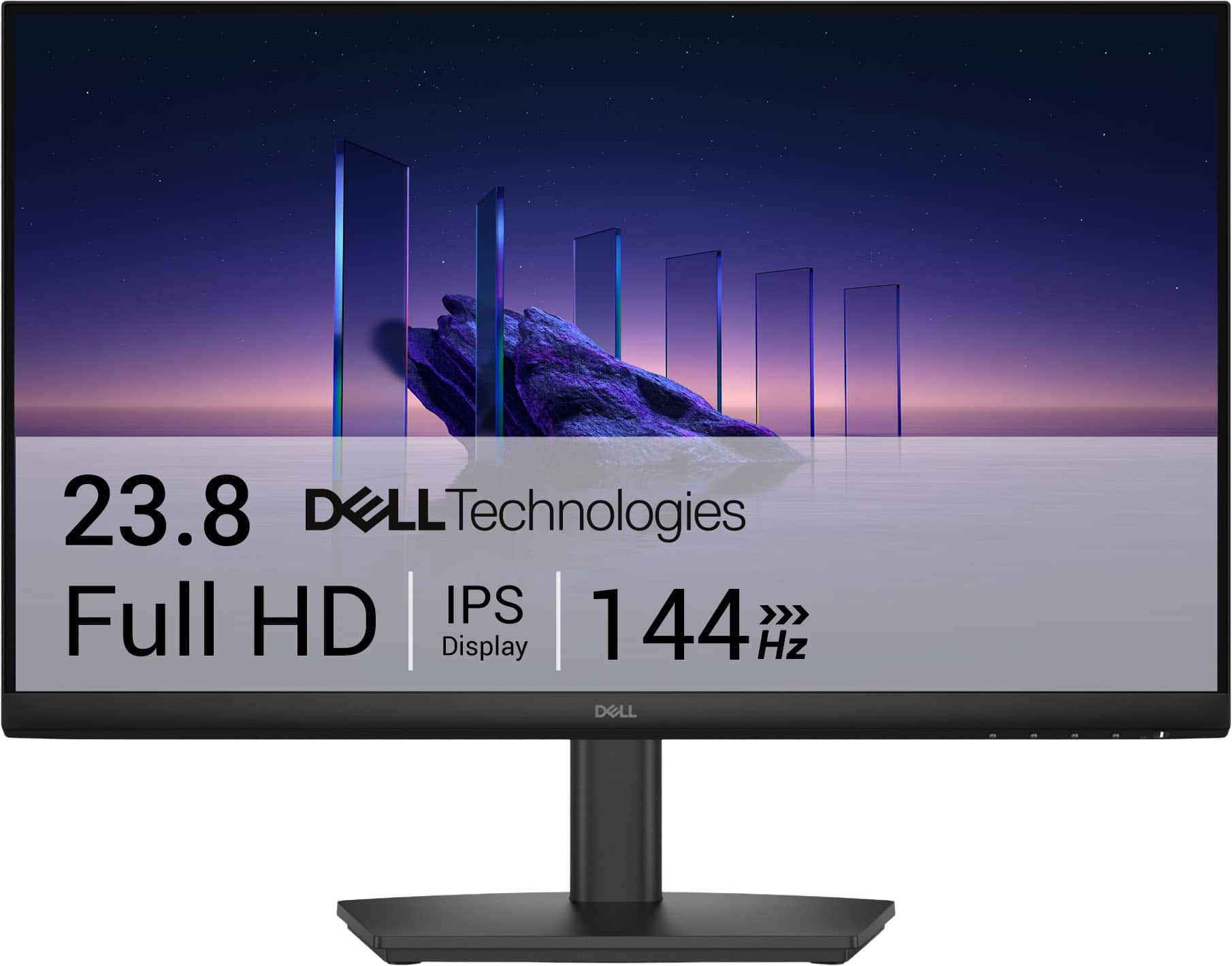

Our take on the Dell G3223Q 32" 4K UHD 144Hz Gaming Monitor
The Dell G3223Q is a 32-inch 4K IPS gaming monitor running at 144Hz. It pairs a sharp 3840x2160 panel with fast refresh for PC and console play, and it sits in the value tier of 4K gaming monitors rather than the premium HDR class. Its HDMI 2.1 ports make it a natural fit for PS5 and Xbox Series X, which can drive 4K at 120Hz. Reviewers generally rate the motion clarity and color good for the money, while noting that HDR is basic and the stand is plain.
- Sharp 4K resolution on a large 32-inch panel
- 144Hz refresh with low input lag for fast games
- IPS panel gives wide viewing angles and solid color
- HDMI 2.1 supports 4K 120Hz on current consoles
- Simple, understated design that fits a desk
Dell G3223Q 32" 4K UHD 144Hz Gaming Monitor prices at every store
- PzDealsCheck price at PzDeals
What reviewers say
Owners and reviewers describe the G3223Q as a sensible 4K gaming monitor: crisp, smooth and well priced against premium 4K rivals. Most criticism centers on weak HDR and a basic stand rather than the panel itself.
- Picture sharpnessPraisedOwners say the 4K panel looks crisp for games and desktop work at 32 inches.
- Refresh and motionPraisedReviewers report smooth 144Hz motion and low lag in fast-paced games.
- HDRCriticisedHDR is described as basic, with limited brightness and no strong local dimming.
Ask our agent about this product
It checks today's price at every store, compares the alternatives and answers in about a minute.
Questions and answers
- Is the Dell G3223Q good for PS5 and Xbox Series X?
- Yes. Its HDMI 2.1 ports let both consoles run 4K at up to 120Hz, and the 32-inch panel suits couch and desk play.
- Does it have true HDR?
- Only in a basic sense. It accepts HDR signals but lacks the brightness and local dimming of premium HDR monitors, so the effect is modest.
- Is 144Hz worth it on a 4K monitor?
- For gaming, yes. The higher refresh makes motion smoother than 60Hz 4K displays, provided your GPU can push enough frames.
- Can I use it for work as well as gaming?
- Yes. The 4K resolution gives plenty of desktop space, and the IPS panel keeps colors consistent from the side.
- Does it have USB-C?
- No. It relies on DisplayPort and HDMI, so laptop docking over USB-C is not supported.
- What is in the box?
- The monitor, its stand, and the usual power and video cables for the region; check the listing for the exact cable set.


