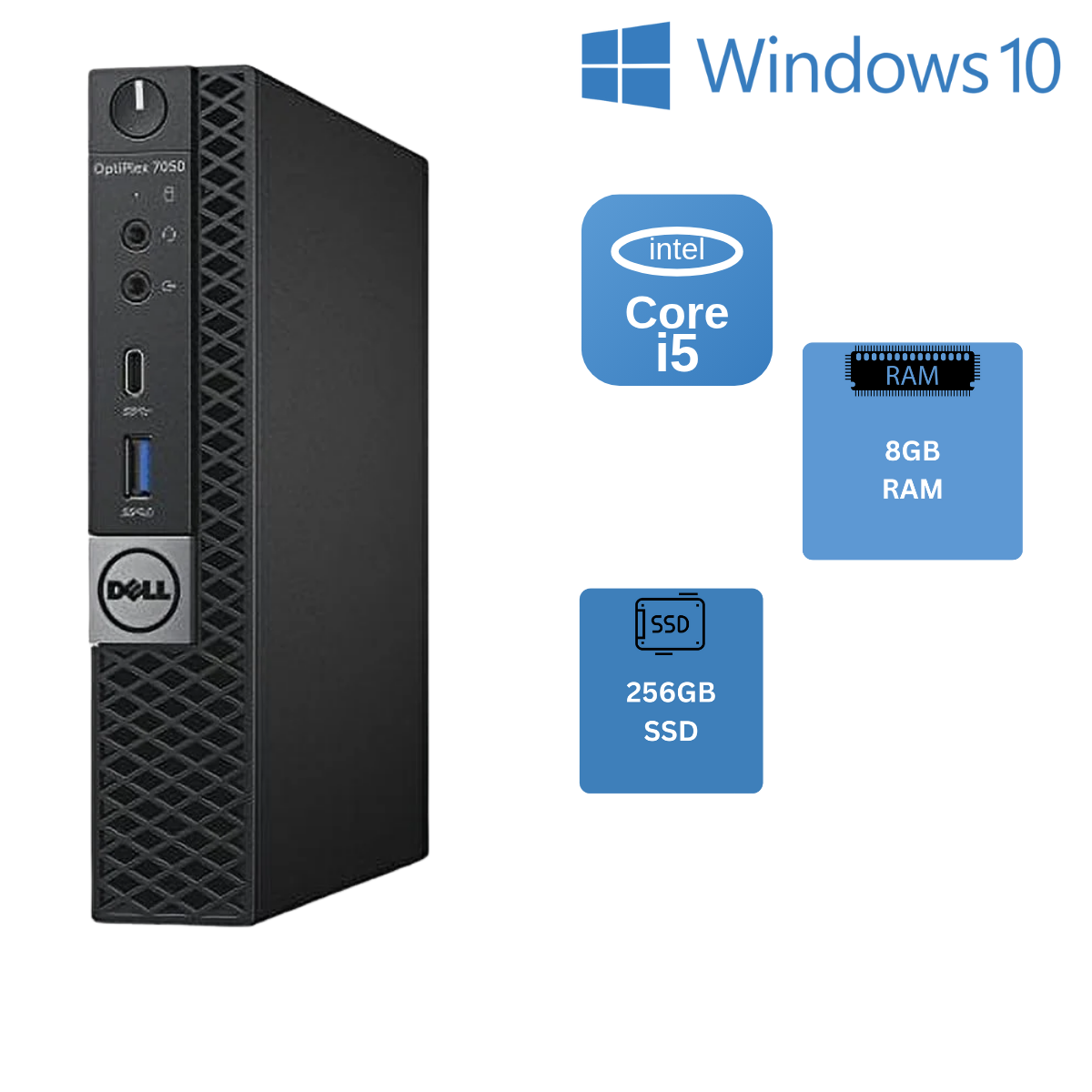
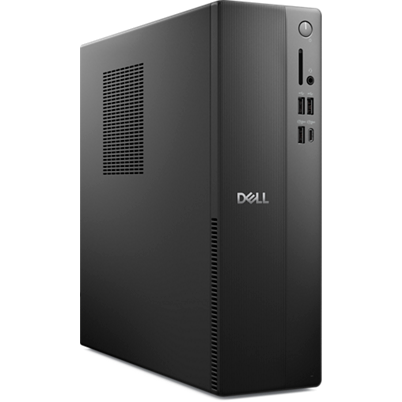
Dell OptiPlex 7010 Tower Desktop
Where to buy
No store is showing a current price right now. The stores below sell it; ask the agent to check today's prices.
Prices are checked against each store and labelled with when.
Check today's price at PzDealsAsk our agent about this product
It checks today's price at every store, compares the alternatives and answers in about a minute.
In stock now from Dell


Our take on the Dell OptiPlex 7010 Tower Desktop
The Dell OptiPlex 7010 Tower is a business-class desktop built around an Intel Core i5 processor, paired here with 32GB of RAM and a 1TB SSD. It is a compact tower aimed at offices and home desks that need steady everyday performance rather than gaming or heavy creative work. Against newer small-form-factor rivals it trades size for easier upgrades: the tower case takes standard parts, so RAM and storage can be swapped without special tools. Buyers looking for a quiet, low-maintenance workhorse usually find it fits, while anyone wanting modern ports or graphics power should look elsewhere.
- 32GB of RAM handles heavy multitasking
- 1TB SSD gives fast boot and plenty of storage
- Tower case makes RAM and drive upgrades easy
- Core i5 is enough for office, web and media tasks
- Standard desktop parts are easy to service
Dell OptiPlex 7010 Tower Desktop prices at every store
- PzDealsCheck price at PzDeals
About the Dell OptiPlex 7010 Tower Desktop
The Dell OptiPlex 7010 Tower is a desktop computer with an Intel Core i5 processor, 32GB of RAM and a 1TB SSD.
- Brand
- Dell
- Model
- OptiPlex 7010 Tower
- Processor
- i5
- Memory
- 32GB RAM
- Storage
- 1TB SSD
Questions and answers
- Is the OptiPlex 7010 good for gaming?
- No. It relies on Intel integrated graphics, so it handles older or lightweight games at low settings but not modern titles. A dedicated graphics card and a larger power supply would be needed for serious gaming.
- Can I upgrade the RAM and storage?
- Yes. The tower case uses standard desktop memory and drive bays, so adding RAM or a second SSD is straightforward. Check the exact memory type and slot count for your configuration before buying parts.
- Does it come with Wi-Fi?
- Many OptiPlex business configurations ship with Ethernet only. If you need wireless, plan on a USB Wi-Fi adapter or a PCIe card unless the specific unit lists Wi-Fi.
- How does it compare with a mini PC?
- The tower is bigger but easier to upgrade and service, and it usually runs cooler under sustained load. A mini PC saves desk space but often solders RAM and limits storage expansion.
- What is in the box?
- Typically the desktop, a power cable and basic documentation. A keyboard and mouse are not always included, so confirm before ordering if you need them.
- Is it good for video editing?
- Light editing at 1080p is workable thanks to the 32GB of RAM and SSD, but integrated graphics slow rendering and effects. Heavy 4K editing needs a machine with a dedicated GPU.