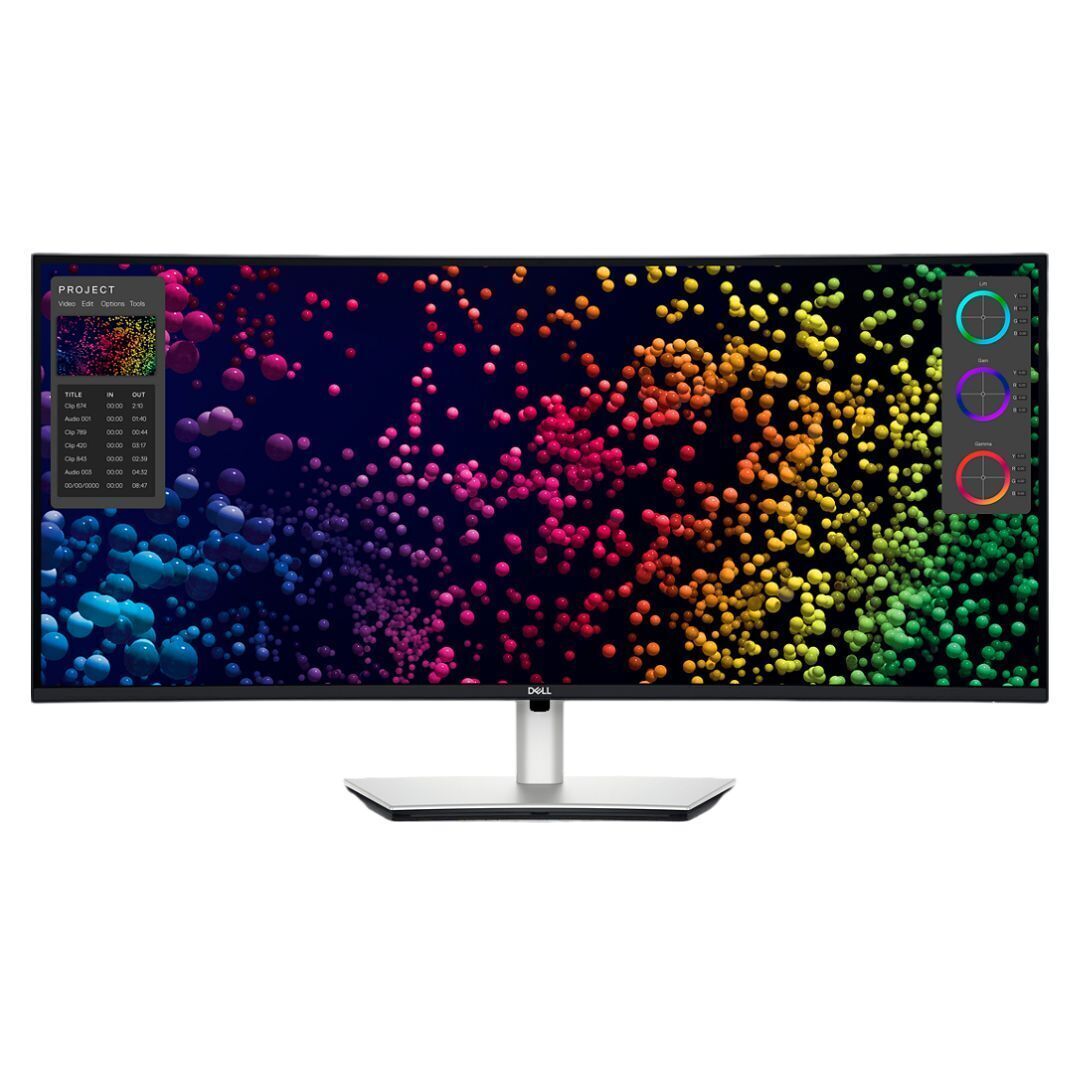
Dell Pro 24 Monitor - E2425HM
Where to buy
No store is showing a current price right now. The stores below sell it; ask the agent to check today's prices.
Prices differ by screen size, and this one may be for a smaller size: check the size at the store.
Prices are checked against each store and labelled with when.
In stock now from Dell


Our take on the Dell Pro 24 Monitor - E2425HM
The Dell Pro 24 Monitor (E2425HM) is a 23.8-inch Full HD office display with a 100Hz refresh rate and 5ms response time, which makes scrolling and window movement smoother than the 60Hz panels most budget business monitors use. It covers the basics well: 1920 x 1080 at 250 nits, HDMI, DisplayPort and VGA inputs, and a stand and cables in the box. It suits desk workers who want a plain, reliable second screen for documents, spreadsheets and video calls rather than color-critical work. Against rivals it trades wide color gamut and USB-C docking for a higher refresh rate and simpler setup.
- 100Hz refresh rate is smoother than the 60Hz norm at this tier
- Three inputs, including VGA for older PCs
- Stand and cables included, so no extra parts to buy
- 5ms response time keeps motion reasonably clean
- Dell's business build and support reputation
About the Dell Pro 24 Monitor - E2425HM
The Dell Pro 24 Monitor (E2425HM) is a 23.8-inch Full HD business monitor with a 1920 x 1080 display and 250 nits brightness. It has a 100Hz refresh rate and a 5ms response time for smoother scrolling and motion. It connects through HDMI, DisplayPort, or VGA. A stand and cables are included.
- Brand
- Dell
- Screen size
- 23.8 inches
- Resolution
- 1920 x 1080
- Display
- Full HD
- Brightness
- 250 nits
- Refresh rate
- 100Hz
- Response time
- 5ms
- Ports
- HDMI, DisplayPort, VGA
- In the box
- Stand and cables
Ask our agent about this product
It checks today's price at every store, compares the alternatives and answers in about a minute.
Questions and answers
- Is the 100Hz refresh rate worth it over a 60Hz monitor?
- Yes for everyday use. Scrolling, cursor movement and window dragging look noticeably smoother than on a 60Hz panel, though it is not a gaming-grade display.
- Does it work with a laptop?
- Yes. Connect over HDMI or DisplayPort with a cable, and the included stand lets it sit as a second screen. It has no USB-C, so a laptop without those ports needs an adapter.
- Can I connect an older desktop with VGA?
- Yes. It has a VGA input alongside HDMI and DisplayPort, which covers older PCs and some docking stations.
- Does it have built-in speakers?
- No. There are no speakers, so plan on external speakers or headphones.
- Is it good for photo or video editing?
- Not really. At 250 nits with modest color coverage it is built for documents and office work, not color-accurate editing.
- Can I mount it on a monitor arm?
- The stand is removable and the panel has standard VESA mounting points, so it can go on an arm or wall bracket.