Dell Pro 32 Plus P3225QE 4K USB-C Hub Monitor
Last price we saw
Prices change often: ask the agent below to check today's price at every store.
Prices differ by screen size, and this one may be for a smaller size: check the size at the store.
Prices are checked against each store and labelled with when.
Ask our agent about this product
It checks today's price at every store, compares the alternatives and answers in about a minute.
In stock now from Dell


Our take on the Dell Pro 32 Plus P3225QE 4K USB-C Hub Monitor
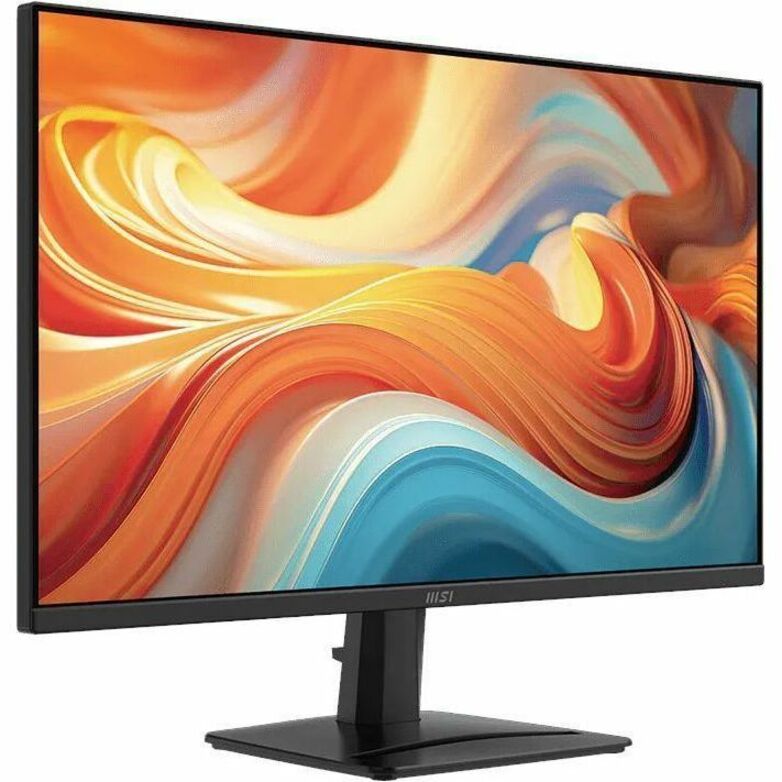
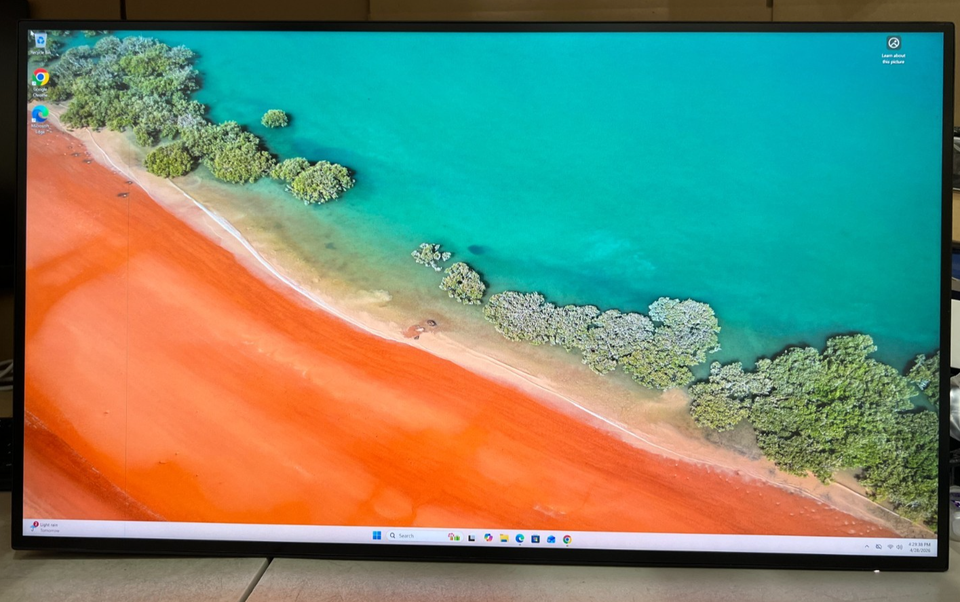
The Dell Pro 32 Plus P3225QE is a 32-inch 4K IPS monitor built as a USB-C hub for office desks. Its USB-C port carries video and charges a laptop over one cable, and the built-in hub adds USB downstream ports plus wired Ethernet passthrough for a stable network link. The panel runs at 100 Hz, smoother than the 60 Hz most business 4K screens offer, and it includes speakers and a headphone jack. It suits desk workers who want one large sharp screen and a single-cable laptop dock; it is not aimed at color-critical editors or fast-paced gamers, since it lacks HDR, wide-gamut coverage claims and pivot rotation.
- Sharp 3840 x 2160 resolution on a large 32-inch IPS panel
- 100 Hz refresh rate is smoother than typical 60 Hz business monitors
- USB-C hub with Ethernet passthrough cuts desk cable clutter
- Built-in speakers and headphone out for calls and basic audio
- VESA mountable and EPEAT-registered for office procurement
What reviewers say
- 4.6 / 570 ratings
Owners rate it highly, with 4.6 out of 5 from 70 ratings. Buyers mostly praise the sharp 4K image, the single-cable USB-C setup and the built-in hub, while a few note the limited brightness and the lack of portrait rotation.
- Picture sharpnessPraisedOwners say 4K on 32 inches makes text and spreadsheets very crisp.
- USB-C hubPraisedBuyers like running video, charging and peripherals over one cable, with Ethernet for a stable connection.
Questions and answers
- Is the USB-C port enough to dock a laptop?
- Yes. The USB-C connection carries video, charges a laptop and feeds the monitor's USB hub and Ethernet passthrough, so most laptops need only that one cable.
- Is 100 Hz worth it over a 60 Hz 4K monitor?
- For scrolling, cursor movement and window dragging, yes; motion looks noticeably smoother. It is still not a gaming panel, given the 100 Hz cap and 5 ms response time.
- Can it be used in portrait orientation?
- No. The stand does not pivot 90 degrees, so the screen stays landscape unless you use a separate VESA arm that rotates.
- Does it support HDR?
- No. It has no HDR support and peaks at 350 cd/m², so it is built for office work rather than HDR video.
- What connections does it have?
- HDMI, DisplayPort and USB-C for video input, USB downstream ports for peripherals, Ethernet passthrough and a headphone jack. There is no VGA, DVI, Thunderbolt or memory card reader.
- Is it good for photo or video editing?
- It is fine for casual editing, but the 8-bit panel and lack of wide-gamut or HDR claims make it a weaker choice than a color-focused display for professional grading.
- What do buyers say about the Dell Pro 32 Plus P3225QE 4K USB-C Hub Monitor?