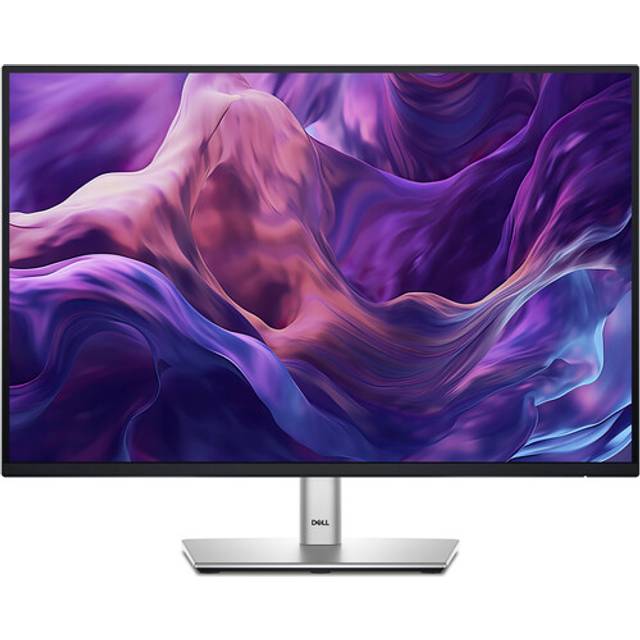
Dell Pro 32 Plus QHD USB-C Hub Monitor P3225DE
Last price we saw
Prices change often: ask the agent below to check today's price at every store.
Prices differ by screen size, and this one may be for a smaller size: check the size at the store.
Prices are checked against each store and labelled with when.
In stock now from Dell
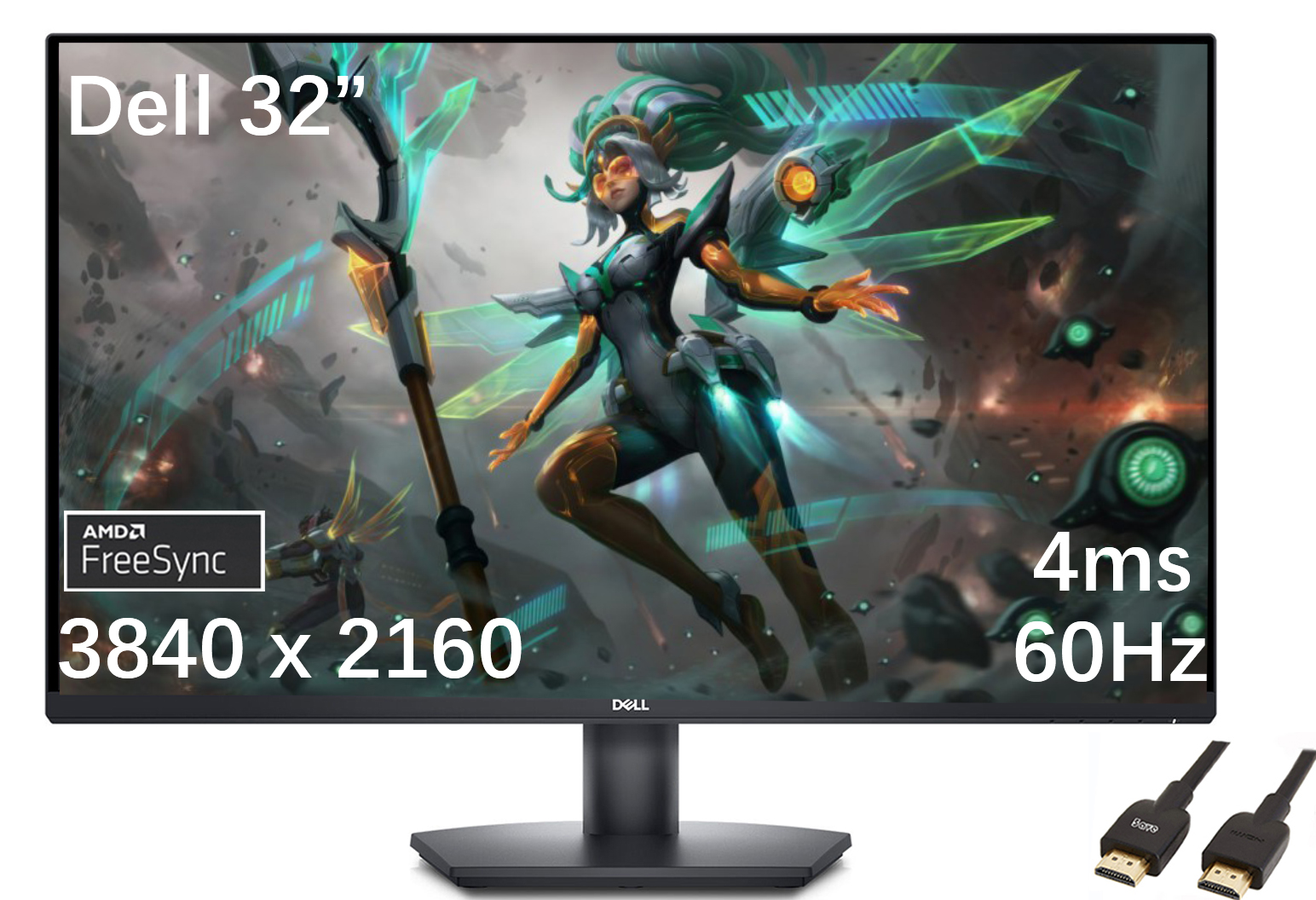
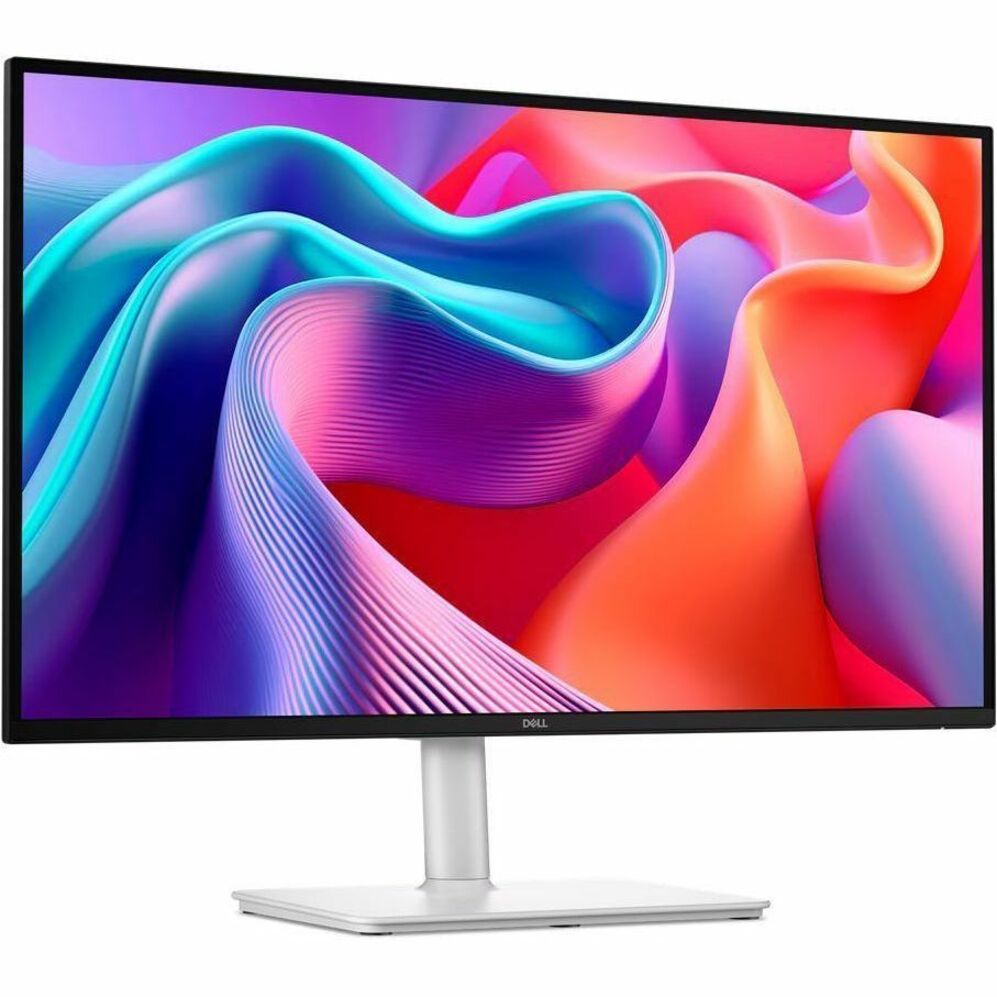
- Dell Technologies UltraSharp 27 4K USB-C Hub Monitor - U2723QE$570.64 at Daisyeco IncVisit Daisyeco Inc

- Dell Pro 32 Plus P3225QE 4K USB-C Hub Monitor 32-inch$489.00 at Abe's of MaineLowest tracked $399.00Visit Abe's of Maine

- Dell Pro Plus P3225QE 32 Inches 4K UHD Monitor$460.49 at Tech For LessVisit Tech For Less

Our take on the Dell Pro 32 Plus QHD USB-C Hub Monitor P3225DE
The Dell Pro 32 Plus P3225DE is a 31.5-inch QHD (2560x1440) IPS monitor built as a USB-C hub for desk setups. Its USB-C connection carries video and data and adds an Ethernet port, so a laptop can run the display and a wired network through one cable. HDMI and DisplayPort inputs let it serve a desktop too, and HDR support is included. It suits office and home-office users who want a large, sharp screen with a built-in dock, and it competes with other 32-inch QHD USB-C hub monitors on port selection rather than on high refresh rate or color-grading specs.
- 31.5-inch QHD IPS panel gives a sharp, roomy workspace
- USB-C hub with Ethernet simplifies laptop docking
- HDMI and DisplayPort inputs cover desktops as well as laptops
- HDR support adds headroom for video and photos
About the Dell Pro 32 Plus QHD USB-C Hub Monitor P3225DE
The Dell Pro 32 Plus QHD USB-C Hub Monitor P3225DE is a 31.5-inch monitor with a 2560 x 1440 resolution and an IPS/PLS panel. It supports HDR.
The monitor is a USB-C hub monitor with USB-C, HDMI, DisplayPort and Ethernet connectivity. It has one HDMI port.
- Screen size
- 31.5 in
- Resolution
- 2560 x 1440
- Panel type
- IPS/PLS
- HDR
- Yes
- USB
- USB-C
- HDMI
- 1 port
- DisplayPort
- Yes
- Ethernet
- Yes
Specifications
- USB
- Yesklarna.com
- USB Type
- USB-Cklarna.com
Ask our agent about this product
It checks today's price at every store, compares the alternatives and answers in about a minute.
Questions and answers
- Is the USB-C connection enough to dock a laptop?
- Yes. The USB-C port carries the display signal and data, and the monitor adds an Ethernet port, so one cable can connect a laptop to the screen and a wired network. Check that your laptop's USB-C port supports video output and power delivery.
- Is QHD sharp enough on a 31.5-inch screen?
- QHD at 31.5 inches is comfortable for documents, spreadsheets and web work, but text is less crisp than on a 4K panel of the same size. If fine text and detailed images matter most, a 4K model is the better fit.
- Can I connect a desktop as well as a laptop?
- Yes. The monitor has HDMI and DisplayPort inputs alongside USB-C, so a desktop can use HDMI or DisplayPort while a laptop uses USB-C. You can switch between sources.
- Does it work with Macs?
- It should work over USB-C with Macs that support video output over USB-C, and over HDMI with an adapter where needed. Ethernet through the monitor depends on the Mac and cable setup.
- Is it good for gaming?
- It is an office-focused IPS panel without a high refresh rate, so it is fine for casual play but not aimed at fast competitive gaming. Gamers are better served by a high-refresh gaming monitor.
- What is in the box?
- Expect the monitor, a stand, and the usual cables for its inputs. Confirm the exact cable bundle with the seller before ordering if you need a specific cable.