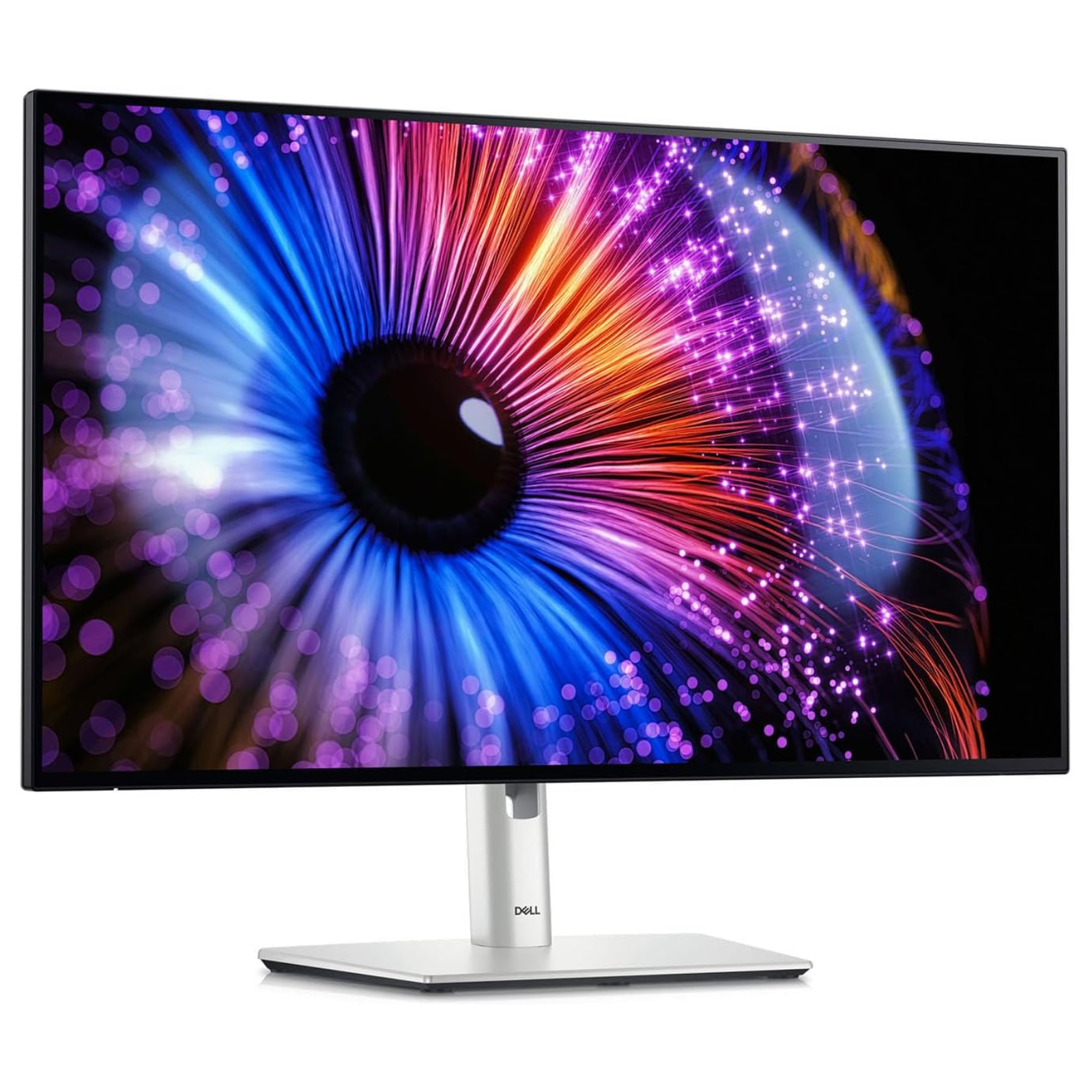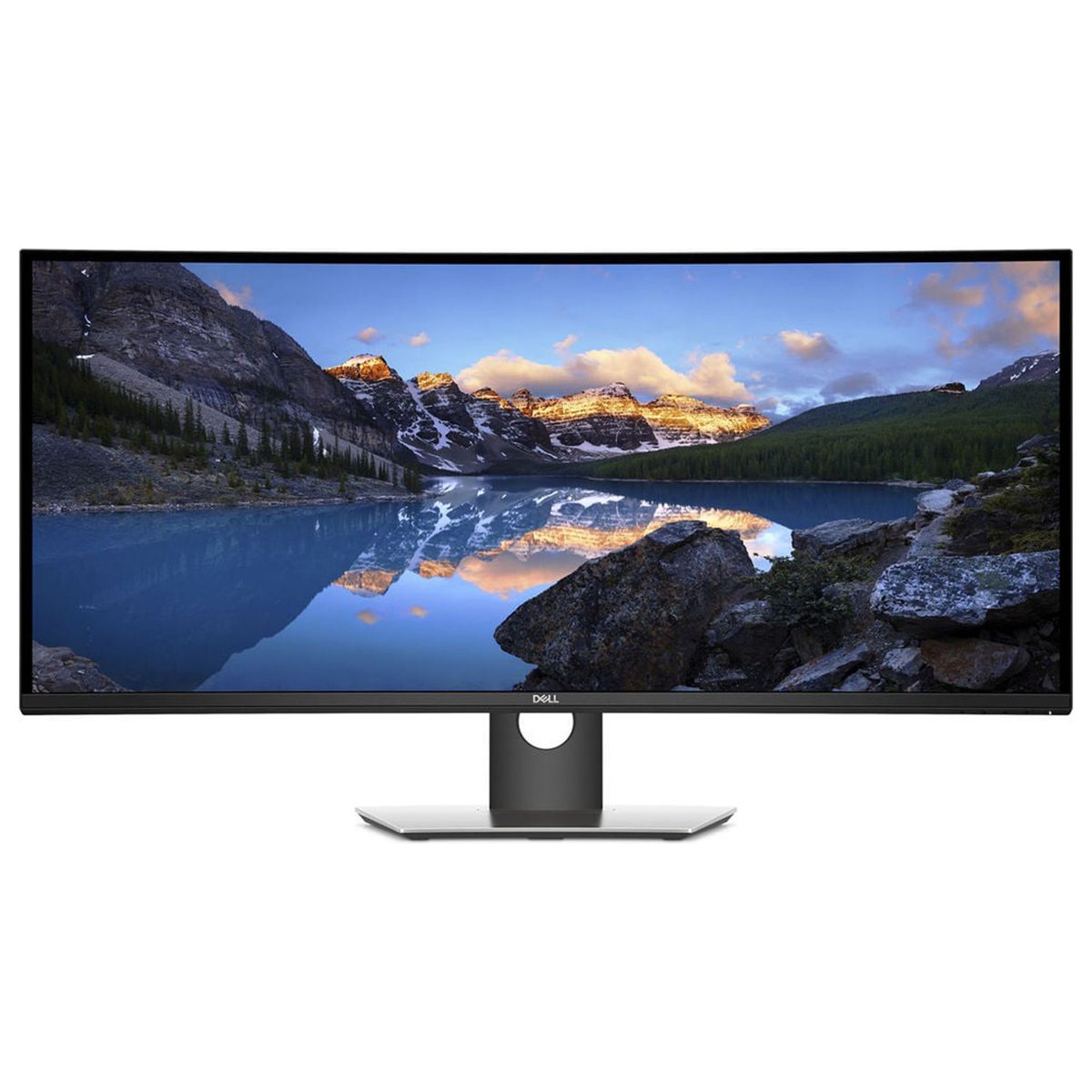
Dell U-Series 38″ 4K UHD 1600p Ultra Wide Screen LED-Lit Monitor (U3818DW)
Where to buy
No store is showing a current price right now. The stores below sell it; ask the agent to check today's prices.
Prices differ by screen size, and this one may be for a smaller size: check the size at the store.
Prices are checked against each store and labelled with when.
In stock now from Dell


Our take on the Dell U-Series 38″ 4K UHD 1600p Ultra Wide Screen LED-Lit Monitor (U3818DW)
The Dell UltraSharp U3818DW is a 38-inch curved ultrawide monitor with a 3840x1600 resolution, roughly the width of two 1080p screens stacked a little taller. It uses an IPS panel with a USB-C port that carries video and up to 100W of power to a laptop, plus a built-in KVM switch so one keyboard and mouse can drive two computers. It suits multitaskers, spreadsheet and trading users, and laptop owners who want one cable for display and charging. Against 34-inch ultrawides it gives more vertical room; against 49-inch super-ultrawides it is easier to drive and less demanding on a desk.
- 3840x1600 IPS panel with wide viewing angles
- USB-C with up to 100W power delivery to a laptop
- Built-in KVM switch for two connected computers
- Curved screen keeps the edges at a comfortable distance
- Solid stand with height, tilt and swivel adjustment
What reviewers say
Owners and reviewers treat the U3818DW as a strong productivity monitor: they like the extra vertical space, the single-cable USB-C setup and the KVM switch. Criticism centers on its modest refresh rate, average speakers and the space it takes up.
- USB-CPraisedOwners like running video and laptop charging over a single cable.
- KVM switchPraisedReviewers value switching one keyboard and mouse between two computers.
- Screen heightPraisedThe 1600p resolution gives more vertical room than 34-inch ultrawides.
Ask our agent about this product
It checks today's price at every store, compares the alternatives and answers in about a minute.
Questions and answers
- Is the U3818DW good for gaming?
- It runs at 60Hz with no adaptive sync, so it is fine for casual play but not for competitive gaming. Gamers are better served by a high-refresh ultrawide.
- Can it charge a laptop over USB-C?
- Yes. The USB-C port carries video and up to 100W of power, enough for most 13- and 15-inch laptops. Very power-hungry laptops may still need their own charger.
- How does it compare with a 34-inch ultrawide?
- It is wider and taller at 3840x1600, so it fits more rows of text and windows. The trade-off is a bigger desk footprint and more pixels to drive.
- Does it work with a Mac?
- It works over USB-C or DisplayPort, and the KVM switch can share peripherals between a Mac and a PC. Check that your Mac supports the resolution over its connection.
- What is in the box?
- The monitor, its stand, and the usual power and connection cables. Dell typically includes a USB-C cable, but confirm the cable set for the version you buy.
- Does it have a headphone jack and USB ports?
- Yes. It has USB downstream ports and an audio line-out, so you can plug in peripherals and headphones at the monitor.
- What do buyers say about the Dell U-Series 38″ 4K UHD 1600p Ultra Wide Screen LED-Lit Monitor (U3818DW)?