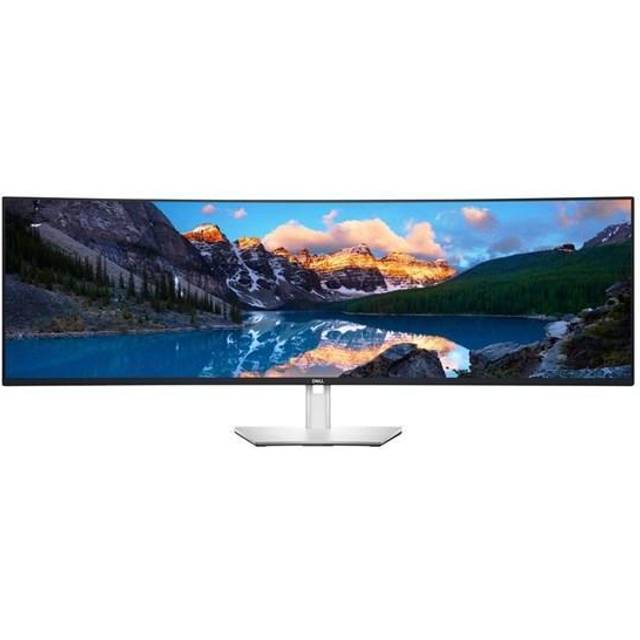
Dell UltraSharp 38 1600p Curved Monitor Bundle
Last price we saw
Prices change often: ask the agent below to check today's price at every store.
Prices differ by screen size, and this one may be for a smaller size: check the size at the store.
Prices are checked against each store and labelled with when.
In stock now from Dell


Our take on the Dell UltraSharp 38 1600p Curved Monitor Bundle
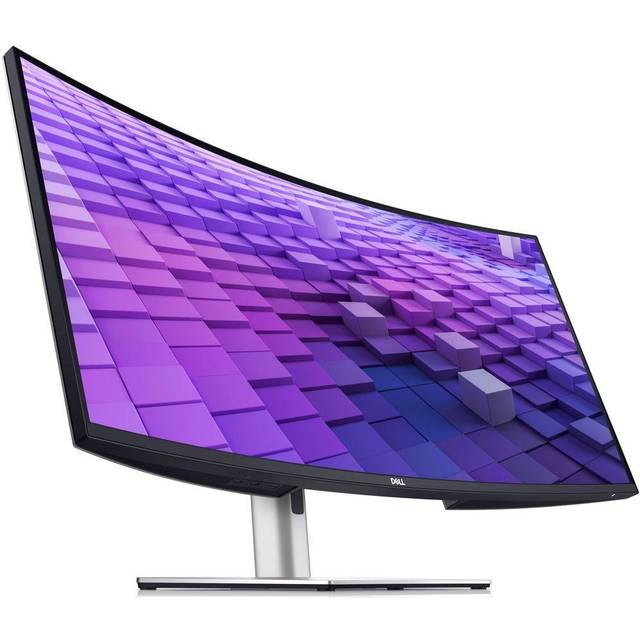
The Dell UltraSharp 38 is a 38-inch curved IPS monitor with a 1600p resolution, giving a wide 21:9 workspace that is sharper vertically than 1440p ultrawides. It stands out for its connectivity: USB-C with power delivery, two HDMI ports, DisplayPort and Ethernet, so a laptop can run display, network and peripherals through one cable. It suits multitaskers, spreadsheet and timeline users, and hybrid workers who dock a laptop. Against 34-inch ultrawides it offers more vertical room and a built-in Ethernet dock; against 4K 32-inch panels it trades pixel density for width.
- 38-inch 21:9 curved panel with 1600p vertical resolution
- USB-C connectivity with Ethernet for one-cable docking
- Two HDMI ports plus DisplayPort for multiple sources
- IPS panel with wide viewing angles
- Curve keeps the edges of a wide screen in view
What reviewers say
Owners of the UltraSharp 38 line praise the wide, tall workspace and the one-cable USB-C dock with Ethernet. Design and photo users note the curve and lower pixel density compared with 4K panels.
- Screen spacePraisedOwners say the 38-inch 21:9 panel fits several windows side by side with more vertical room than 34-inch ultrawides.
- USB-C dockingPraisedReviewers like running display, Ethernet and peripherals through a single USB-C cable to a laptop.
- SharpnessMixedSome users find text less crisp than on a 4K 32-inch monitor because the pixels are spread over a wider panel.
Ask our agent about this product
It checks today's price at every store, compares the alternatives and answers in about a minute.
Questions and answers
- Is the 38-inch 1600p resolution sharp enough for text work?
- It is sharp for everyday work, but a 4K 32-inch monitor has higher pixel density. If crisp small text matters most, a 4K panel is the better fit.
- Can I connect a laptop with one cable?
- Yes. USB-C carries the display signal and connects USB peripherals, and the monitor has Ethernet for a wired network. Check that your laptop's USB-C port supports video and power delivery.
- How does it compare with a 34-inch ultrawide?
- It is wider and taller, so you get more vertical room and a larger canvas. The 34-inch model is easier to fit on a smaller desk.
- Does it work with a Mac?
- It works over USB-C or HDMI, but Mac support for the built-in Ethernet and USB hub depends on the model and adapter. Confirm your Mac's USB-C video and power limits first.
- What is in the bundle?
- The bundle pairs the UltraSharp 38 monitor with its stand and cabling. Confirm the exact included accessories with the seller, since bundle contents vary.
- Is it good for gaming?
- It is built for productivity, not fast gaming. The refresh rate is modest for the class, so competitive gamers should look at a high-refresh gaming monitor.