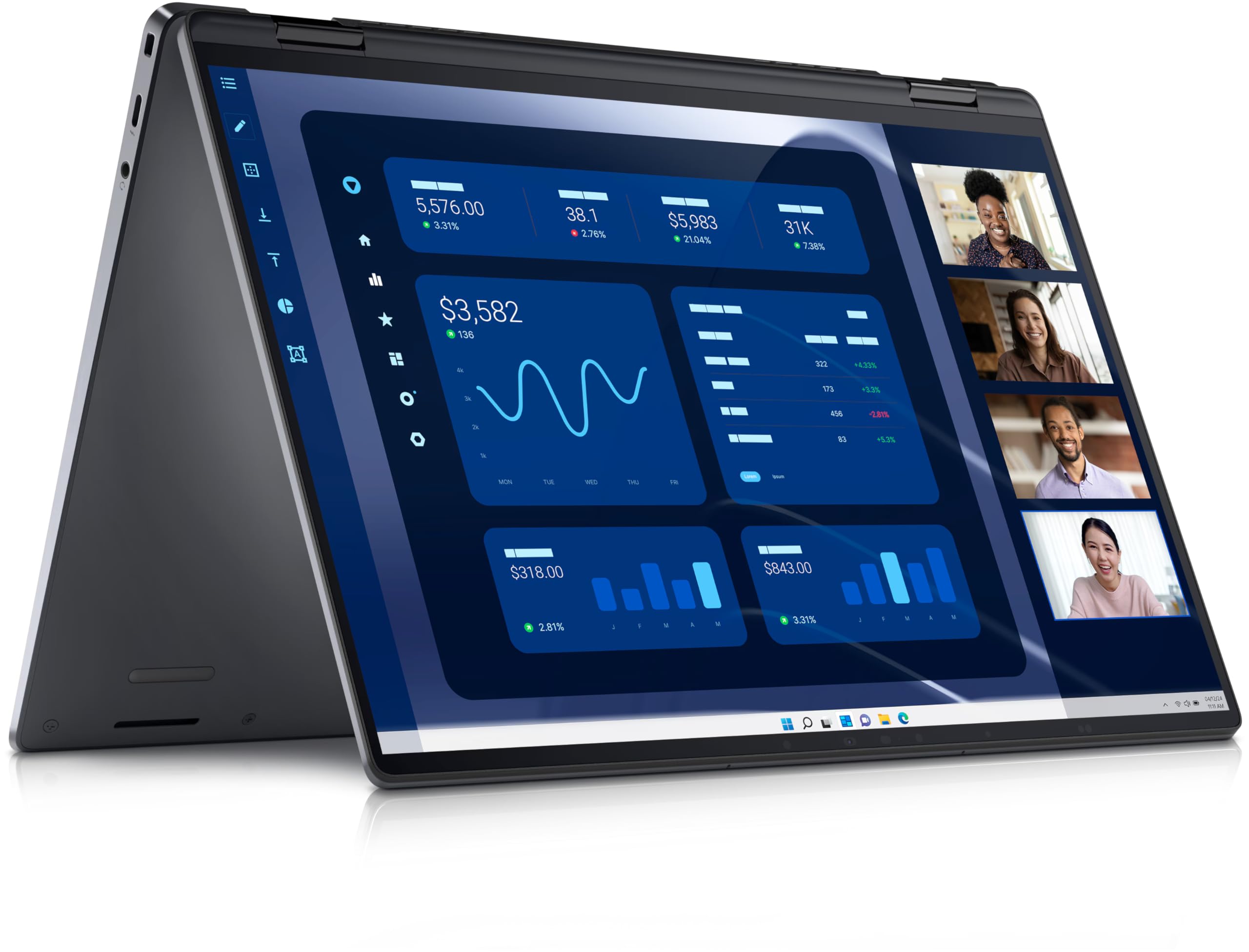
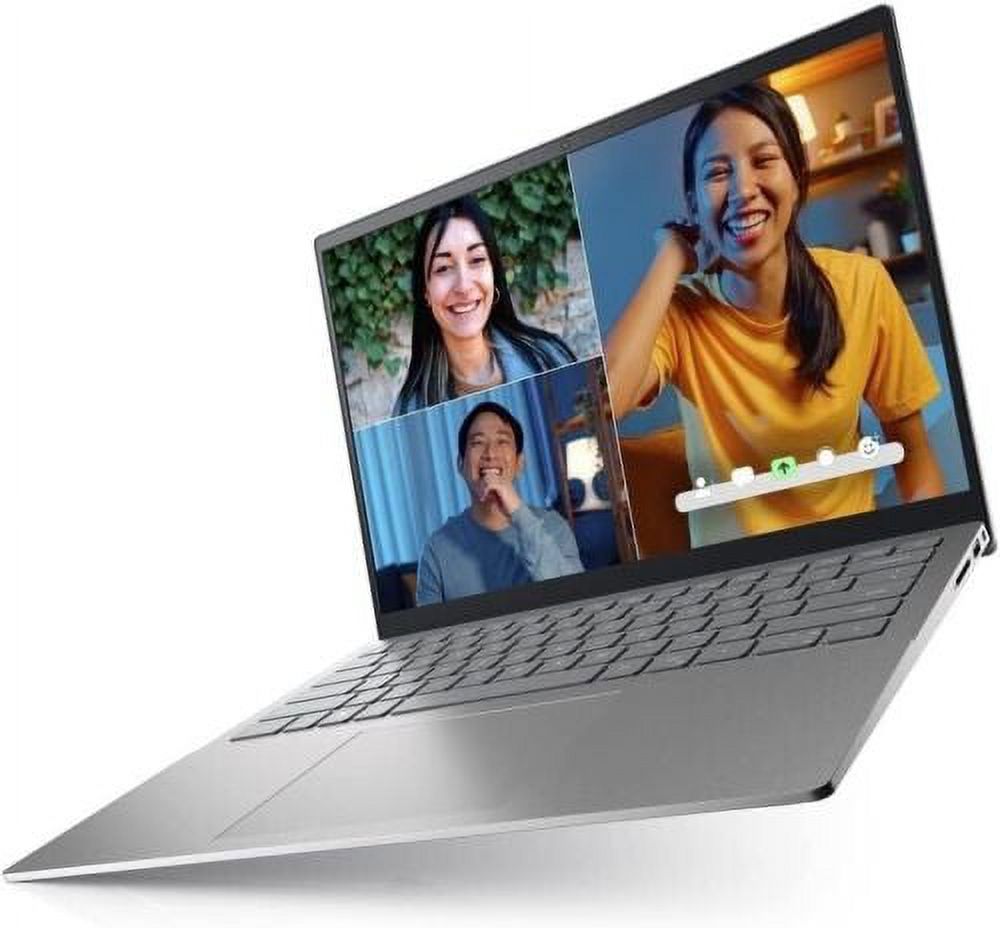
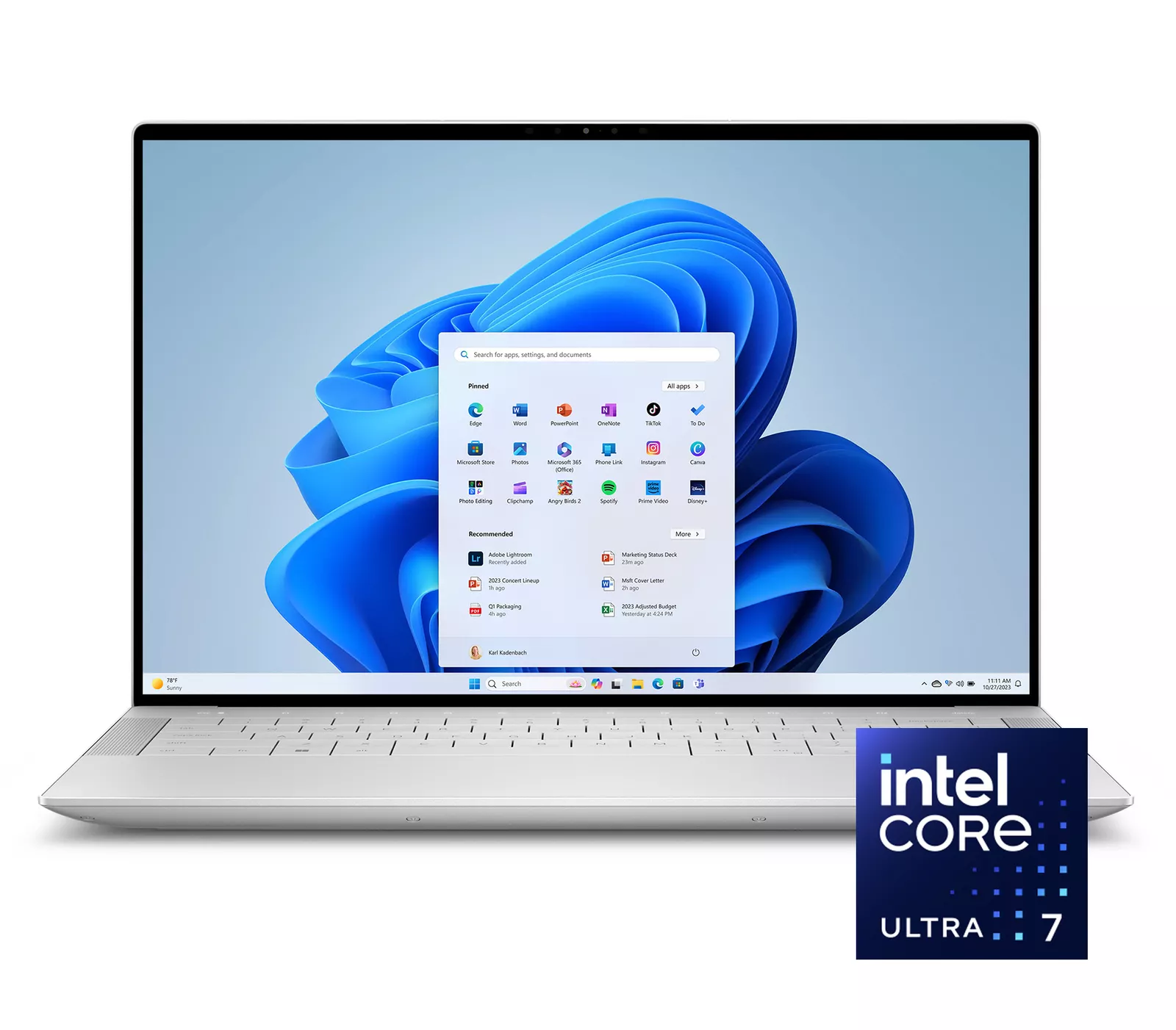
Dell XPS 14 14.5" 2K WUXGA Laptop
Where to buy
No store is showing a current price right now. The stores below sell it; ask the agent to check today's prices.
Prices are checked against each store and labelled with when.
Check today's price at PzDealsAsk our agent about this product
It checks today's price at every store, compares the alternatives and answers in about a minute.
In stock now from Dell


Our take on the Dell XPS 14 14.5" 2K WUXGA Laptop
The Dell XPS 14 is a premium 14.5-inch laptop with an Intel Core Ultra 7 processor, 16GB of RAM and a 512GB SSD. Its 2K WUXGA screen and aluminum build put it against the MacBook Pro 14 and HP Spectre x360, where it trades a slightly larger display for fewer ports and a higher starting weight. It suits professionals and students who want a fast everyday machine with a sharp screen. Reviewers generally rate the display and build highly but flag the port selection and the invisible trackpad.
- Core Ultra 7 with 16GB RAM handles heavy multitasking
- Sharp 2K WUXGA display with good brightness
- Solid aluminum chassis with a comfortable keyboard
- Fast 512GB SSD for everyday storage
- Only two Thunderbolt 4 ports plus a headphone jack
- No USB-A or HDMI without an adapter
Dell XPS 14 14.5" 2K WUXGA Laptop prices at every store
- PzDealsCheck price at PzDeals
What reviewers say
Owners and reviewers praise the XPS 14's screen, build and speed, and most find it a strong everyday performer. Complaints center on the limited ports and the edge-to-edge trackpad.
- DisplayPraisedReviewers call the 2K WUXGA panel sharp and bright for work and video.
- PortsCriticisedOwners say the two Thunderbolt 4 ports force them to carry adapters for USB-A and HDMI.
- TrackpadMixedSome find the borderless trackpad hard to locate by touch, while others adapt quickly.
Questions and answers
- Is the Dell XPS 14 good for everyday work?
- Yes. The Core Ultra 7 and 16GB of RAM handle browsing, Office apps and light photo editing without slowdown. The 2K screen is sharp for spreadsheets and documents.
- Does it have USB-A or HDMI ports?
- No. It has two Thunderbolt 4 ports and a headphone jack, so you need an adapter or dock for USB-A, HDMI or an SD card.
- Is the 512GB SSD enough?
- It is fine for documents, photos and a few games, but video editors and large game libraries will want external storage or a larger drive.
- How does it compare with the MacBook Pro 14?
- The XPS 14 runs Windows, has a slightly larger screen and a similar premium build. The MacBook Pro generally offers longer battery life and more ports, while the XPS gives Windows users a comparable alternative.
- Can the RAM or storage be upgraded?
- The SSD can be replaced, but the RAM is soldered to the board, so buy the memory you need up front.
- Is the keyboard backlit?
- Yes, the keyboard is backlit, which helps when working in dim rooms.