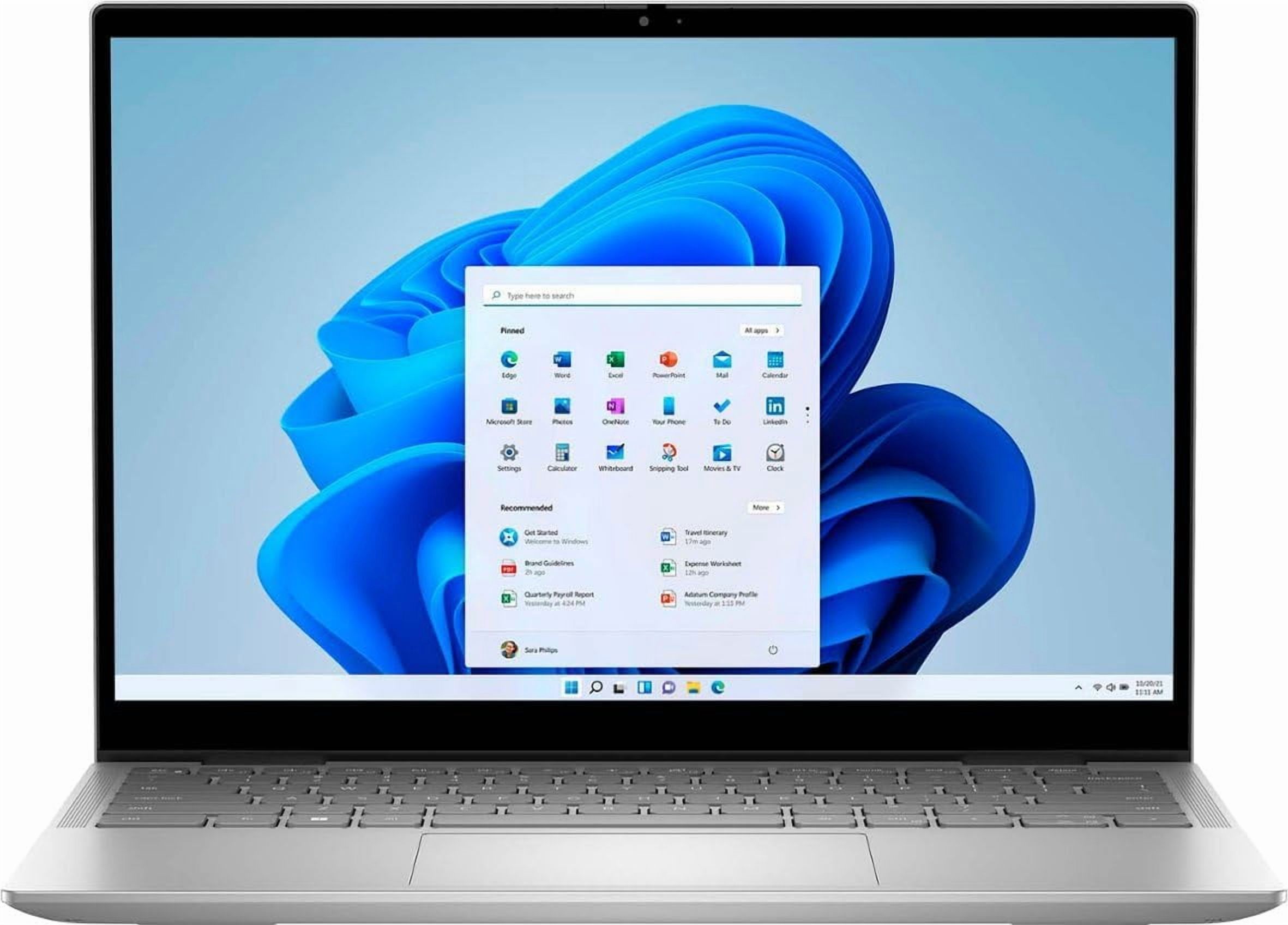
Dell XPS 14 9440 14.5" FHD+ Laptop
Where to buy
No store is showing a current price right now. The stores below sell it; ask the agent to check today's prices.
Prices are checked against each store and labelled with when.
Check today's price at PzDealsAsk our agent about this product
It checks today's price at every store, compares the alternatives and answers in about a minute.
In stock now from Dell


Our take on the Dell XPS 14 9440 14.5" FHD+ Laptop
The Dell XPS 14 9440 is a premium 14.5-inch laptop with an Intel Core Ultra 7 processor, 16GB of RAM and a 512GB SSD. It stands out for its machined aluminum build, edge-to-edge keyboard and minimalist design with a hidden function row. It suits professionals and students who want a compact, powerful Windows machine for multitasking and everyday creative work. Against rivals like the MacBook Pro 14 and Lenovo Yoga Slim, it offers a sharper, more distinctive design but fewer ports and a polarizing keyboard.
- Strong Core Ultra 7 performance for everyday and creative tasks
- 16GB RAM handles many browser tabs and apps at once
- Bright, sharp FHD+ display
- Premium aluminum chassis with a slim, light design
- Fast 512GB SSD for quick boot and file loads
Dell XPS 14 9440 14.5" FHD+ Laptop prices at every store
- PzDealsCheck price at PzDeals
What reviewers say
Owners praise the XPS 14's build, screen and speed for daily work, but many complain about the port selection, the capacitive function row and fan noise under load.
- Build qualityPraisedOwners describe the aluminum chassis as solid and premium-feeling.
- PortsCriticisedReviewers say the small port selection forces them to carry adapters.
- KeyboardMixedThe edge-to-edge layout and hidden function row draw both praise and complaints.
Questions and answers
- Is the Dell XPS 14 9440 good for everyday work?
- Yes. The Core Ultra 7, 16GB of RAM and SSD handle office apps, browsing and light creative work smoothly. Heavy gaming and 3D rendering are not its strength.
- How does it compare with the MacBook Pro 14?
- The XPS 14 offers a similar premium build and a touch-friendly Windows experience, but the MacBook Pro has longer battery life and more ports. Choose the XPS for Windows software and its design.
- Does it have enough ports?
- It has a small set of ports, mainly USB-C, so most accessories need adapters or a hub. Buyers who use monitors, card readers or wired peripherals should plan for that.
- Is the RAM or storage upgradeable?
- The RAM is soldered and cannot be upgraded, so 16GB is the ceiling for this configuration. The SSD can be replaced, which helps if you need more storage later.
- Is the keyboard easy to use?
- The edge-to-edge keyboard has a comfortable feel, but the hidden function row uses capacitive keys that some users find slow to adjust to. Try it in person if you rely on function keys.
- What is in the box?
- The laptop comes with its power adapter and standard documentation. A mouse, sleeve or hub is not included.