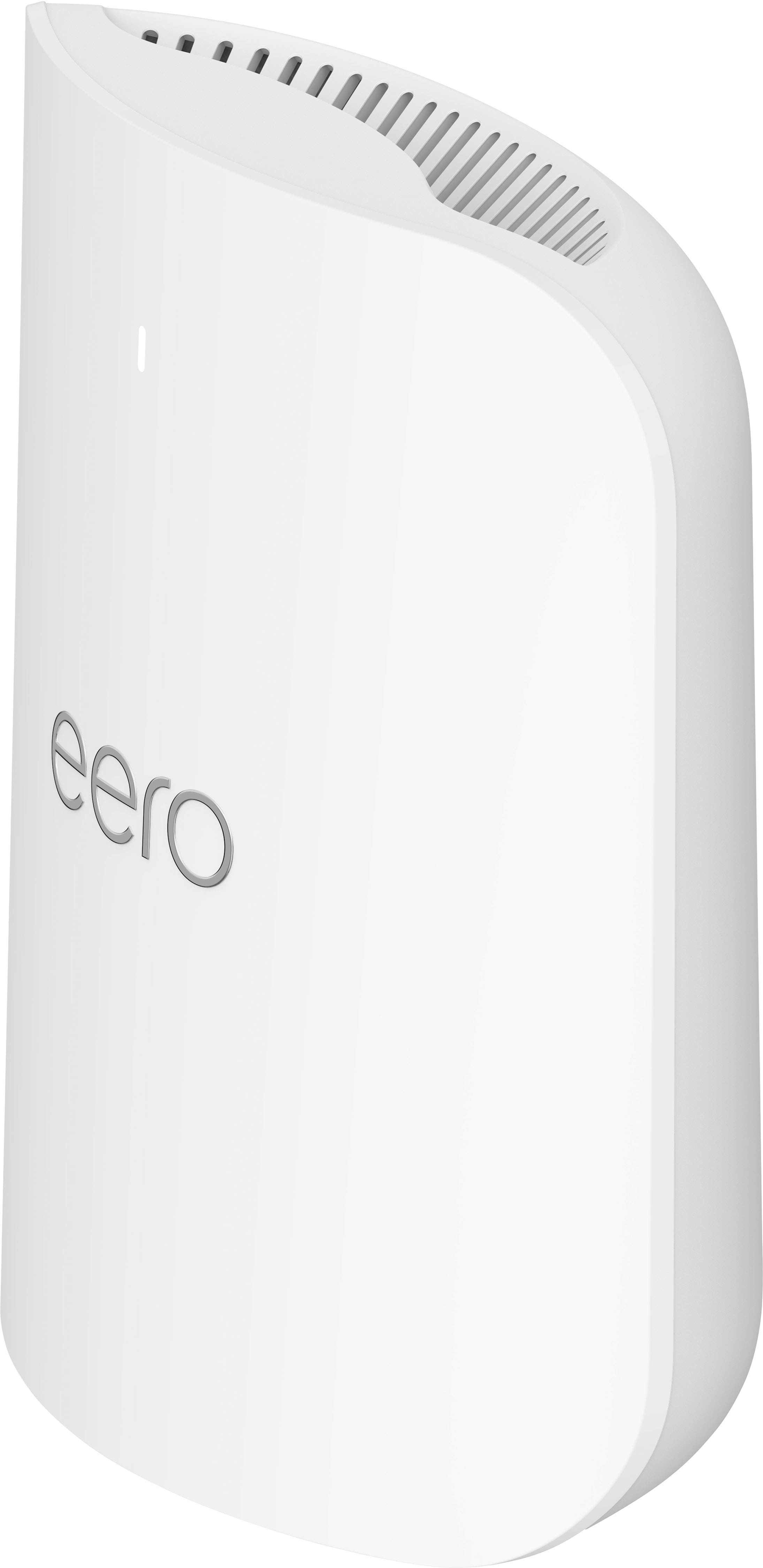
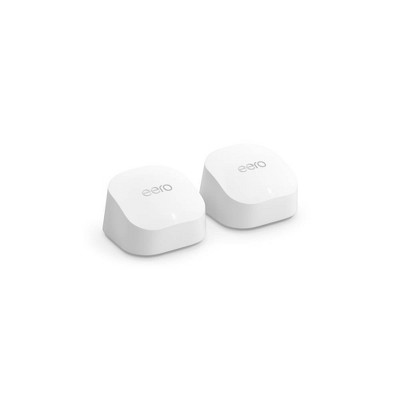
The eero Pro 7 is a tri-band Wi-Fi 7 mesh router for homes with fast internet and many devices online at once. It adds a 6 GHz band to the 2.4 GHz and 5 GHz bands. It has two 5 GbE ports and built-in support for Zigbee, Thread, and Matter.
The 6 GHz band is less crowded and is available to compatible Wi-Fi 6E and Wi-Fi 7 devices. It supports channels up to 320 MHz, twice the widest available on 5 GHz. The third radio gives eero units another band to communicate with each other, which reduces how much mesh traffic competes with devices on 5 GHz. Multi-Link Operation lets compatible Wi-Fi 7 devices use more than one band at the same time.
Either 5 GbE port can connect to a modem, ONT, or gateway. The second port can provide a wired connection for a computer, console, NAS, switch, or another eero. The router replaces your router, not the modem, ONT, or cellular gateway. If your ISP supplied a combined modem and router, eero recommends using bridge mode. For 4G or 5G home internet gateways without bridge mode, you may need IP passthrough or a double NAT setup. Setup and management use the eero app and a free eero account. There is no web-based admin interface.
- Wi-Fi standard
- Wi-Fi 7, tri-band (2.4 GHz, 5 GHz, 6 GHz), rated BE10800
- Wireless speed
- Up to 3.9 Gbps wireless throughput
- Wired speed
- Up to 4.7 Gbps wired throughput
- Ports
- 2 x 5 GbE Ethernet
- Internet plans
- Supports plans up to 5 Gbps
- Coverage
- Up to 2,000 sq ft per unit; actual coverage depends on placement, layout, and building materials
- Devices
- Supports 200+ connected devices
- Smart home
- Matter controller and Thread border router; Zigbee support through Alexa; does not bridge Zigbee devices into Matter
- Security
- WPA3 encryption
- Included features
- Automatic software updates, guest Wi-Fi, device profiles, device pausing, speed tests
- Optional subscription
- eero Plus adds ad blocking, content filtering, app blocking, advanced security, VPN, antivirus, and activity history
- Internet service
- Works with any internet service that provides an Ethernet connection, including cable, fiber, DSL, fixed wireless, cellular modems, and 4G or 5G home internet gateways
- Compatibility
- Works with previous eero generations (same generation throughout gives best results); compatible with eero Built-in on select Amazon Echo devices
- App
- eero app on iOS, Android, or the Amazon Appstore
- Power
- 27W USB-C power adapter
- Use
- Indoor use only