- Can it scan film negatives and slides?
- Yes, with the included film holders. You place strips or mounted slides in the holder on the glass and scan at high resolution. Results are decent for sharing and small prints, not for large enlargements.
- Does it work with a Mac?
- Officially it is a Windows scanner. Some Mac users get it running with third-party scanning software, but Epson does not provide a macOS driver, so treat Mac support as unsupported.
- Can it scan without a computer?
- No. It has no screen, memory card slot or standalone mode. It needs a Windows PC connected over USB to run the scan.
- Does it have an automatic document feeder?
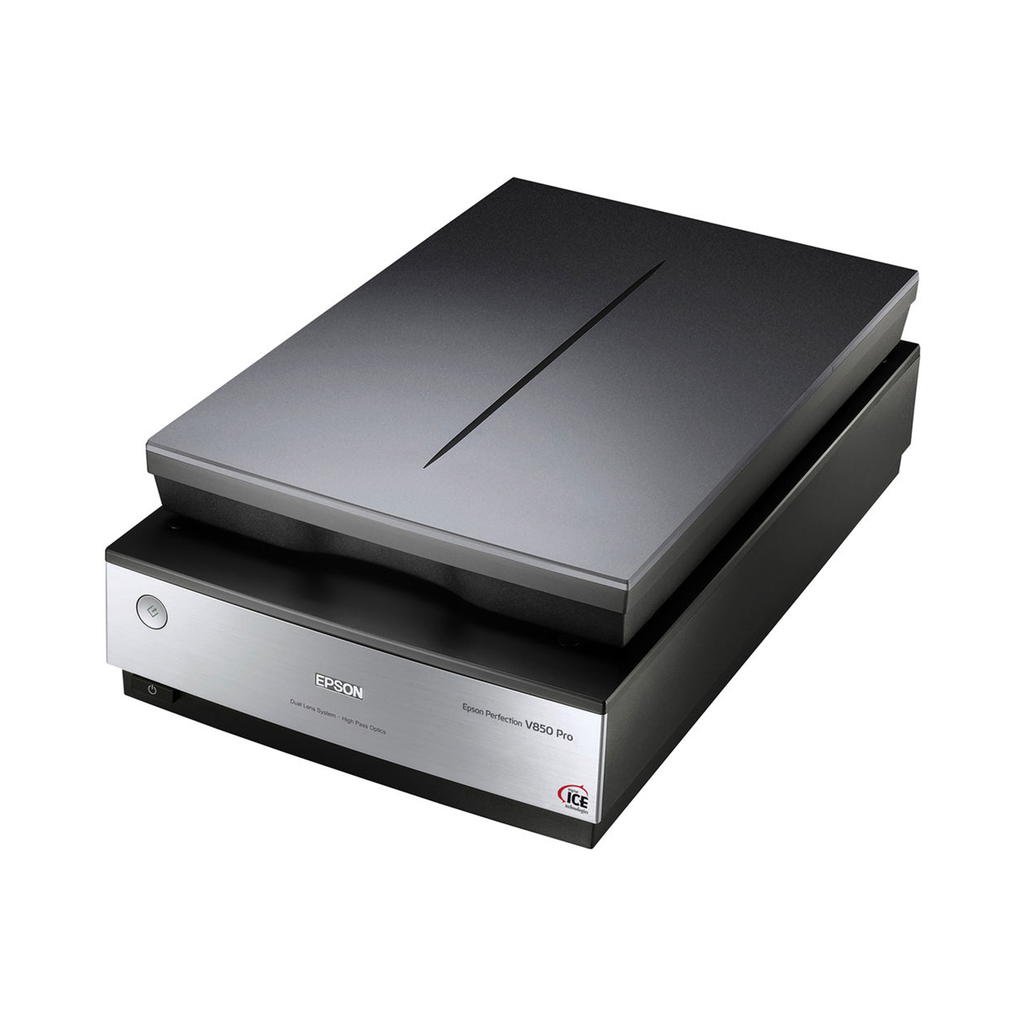
- No. It is a flatbed only, so each page or photo is placed on the glass by hand. That is fine for photos but slow for multi-page documents.
- What resolution should I use for photo prints?
- Around 600 dpi captures most print detail without huge files. Use higher settings only for small originals or film, and lower settings for plain documents.
- Is it better than the scanner in my all-in-one printer?
- For photos, usually yes: a dedicated flatbed gives more control over resolution and color. For everyday document scanning, an all-in-one with an ADF is more convenient.
- Where is the Epson Expression Photo Scanner cheapest?
- At Walmart, for $4,898.04, as of our latest check.