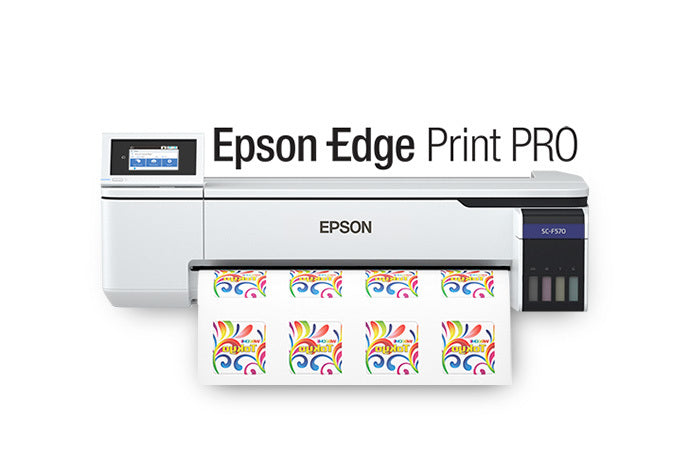
- What can I make with the SureColor F570 Pro?
- It prints dye-sublimation transfers for polyester apparel, sportswear, mugs, tumblers, mousepads, and other coated hard goods. You still need a heat press to transfer the print onto the item.
- Does it print directly onto fabric?
- No. It prints onto sublimation transfer paper, and the image is then heat-pressed onto polyester or a polymer-coated surface. Cotton and untreated natural fabrics do not take sublimation well.
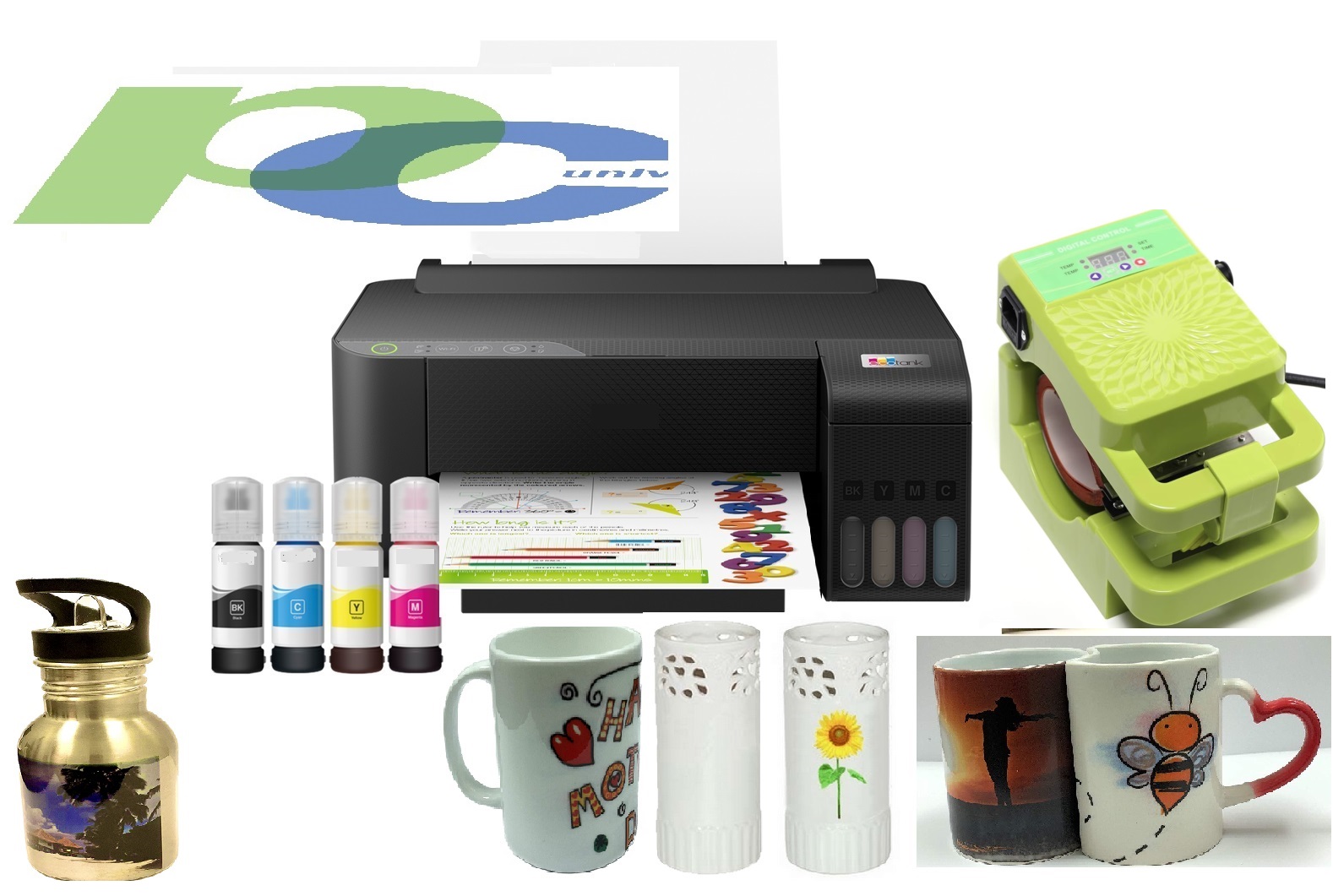
- How is it different from a converted EcoTank printer?
- The F570 Pro is purpose-built for sublimation, with a 24-inch carriage, a dedicated dye-sublimation ink set, and a PrecisionCore printhead. Converted desktop printers are narrower and generally slower on long runs.
- Do I need special software or profiles?
- You print from standard RIP or design software, but accurate color needs ICC profiles matched to the ink and paper. Expect some setup time to dial in color for apparel and hard goods.
- What else do I need to get started?
- A heat press, sublimation transfer paper, blank polyester or coated substrates, and a computer for file preparation. The printer alone does not finish any product.
- Is it good for a high-volume shop?
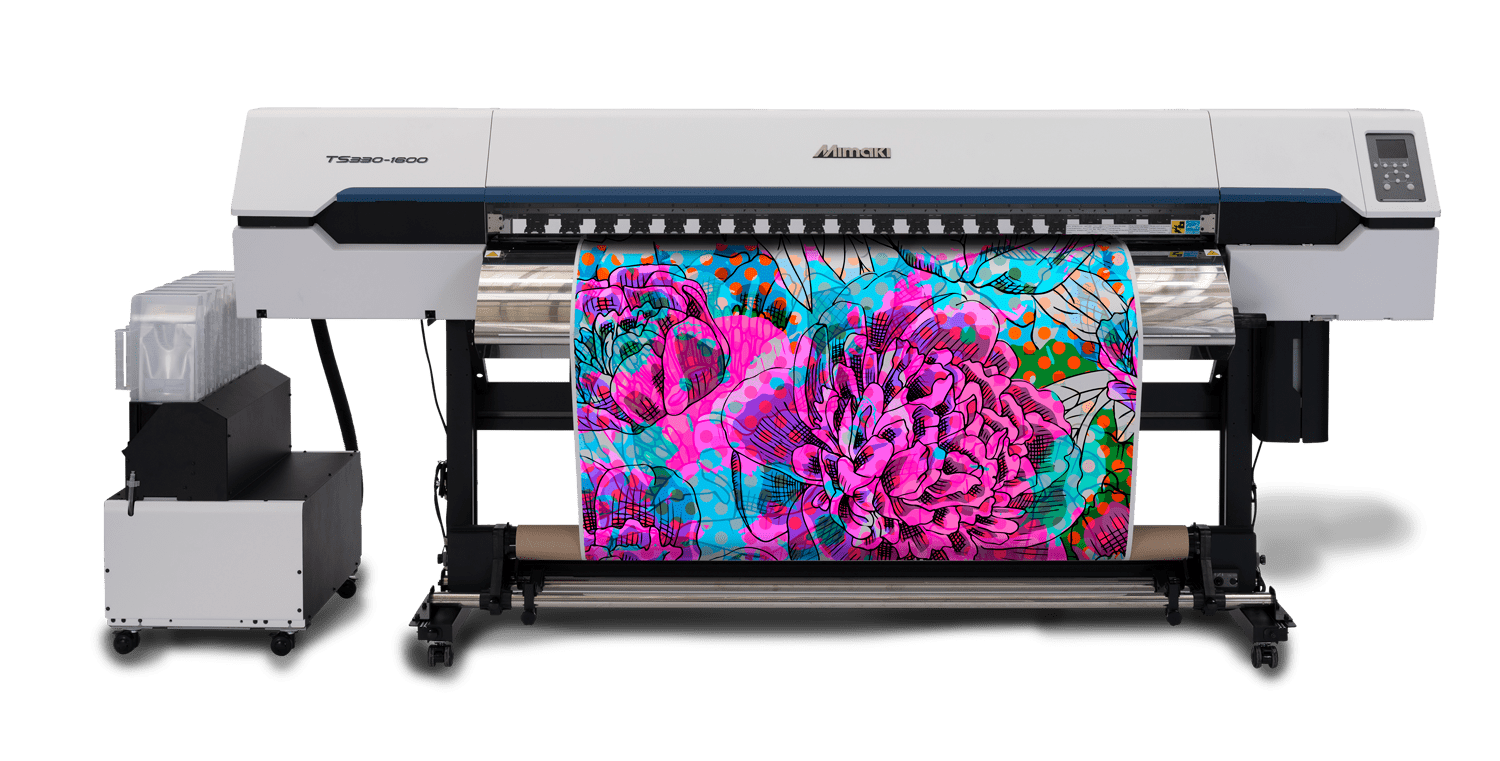
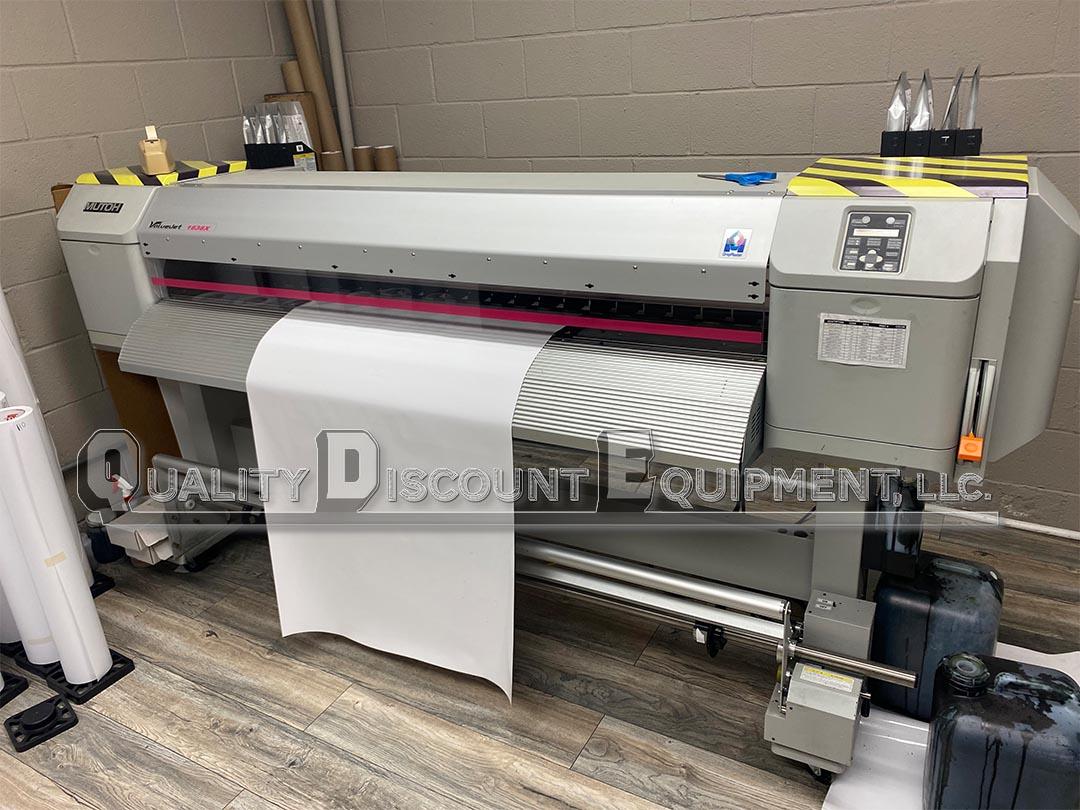
- It handles steady small-shop volume well, but its desktop chassis and speed are below wide-format production sublimation machines. Busy shops with large daily output should look at roll-to-roll units.
- Where is the Epson SureColor F570 Pro 24″ Desktop Sublimation Printer cheapest?
- At Big Systems, for $2,495.00, as of our latest check.
- Where can I buy the Epson SureColor F570 Pro 24″ Desktop Sublimation Printer?
- 13 stores we checked sell it, including Buffalo Imaging, CoastalBusiness.com, Big Systems, Joto Imaging Supplies, Dyecraft Direct.