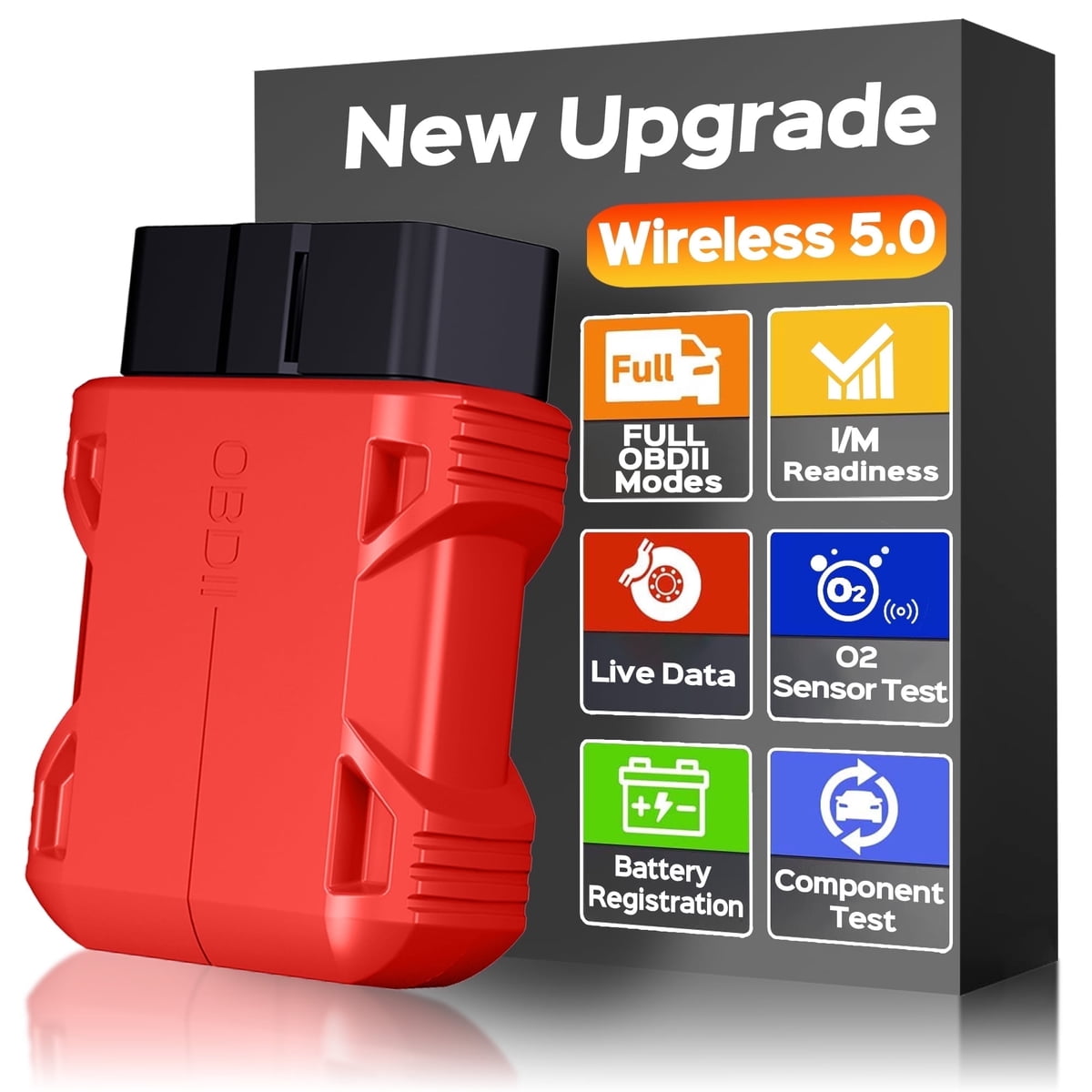
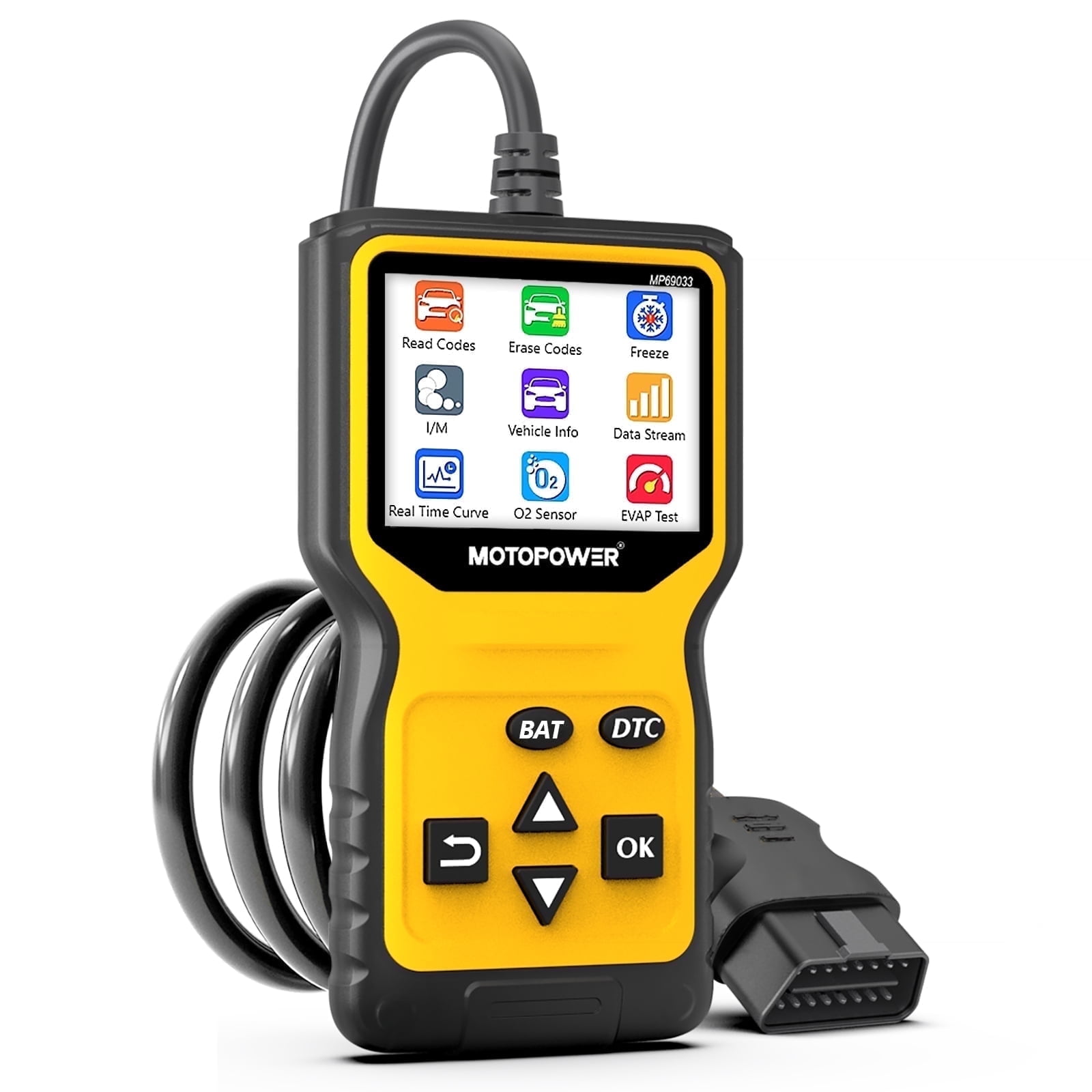
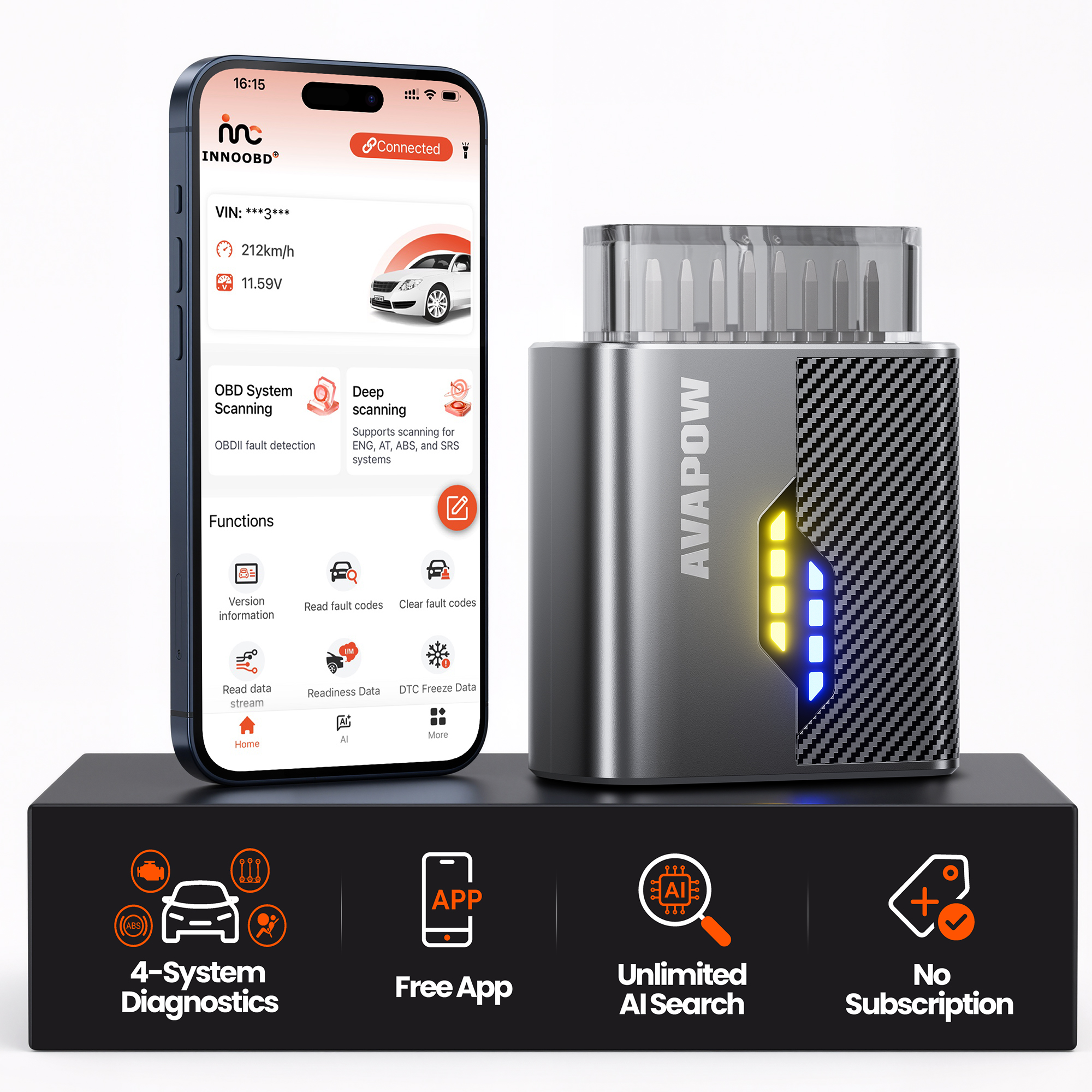
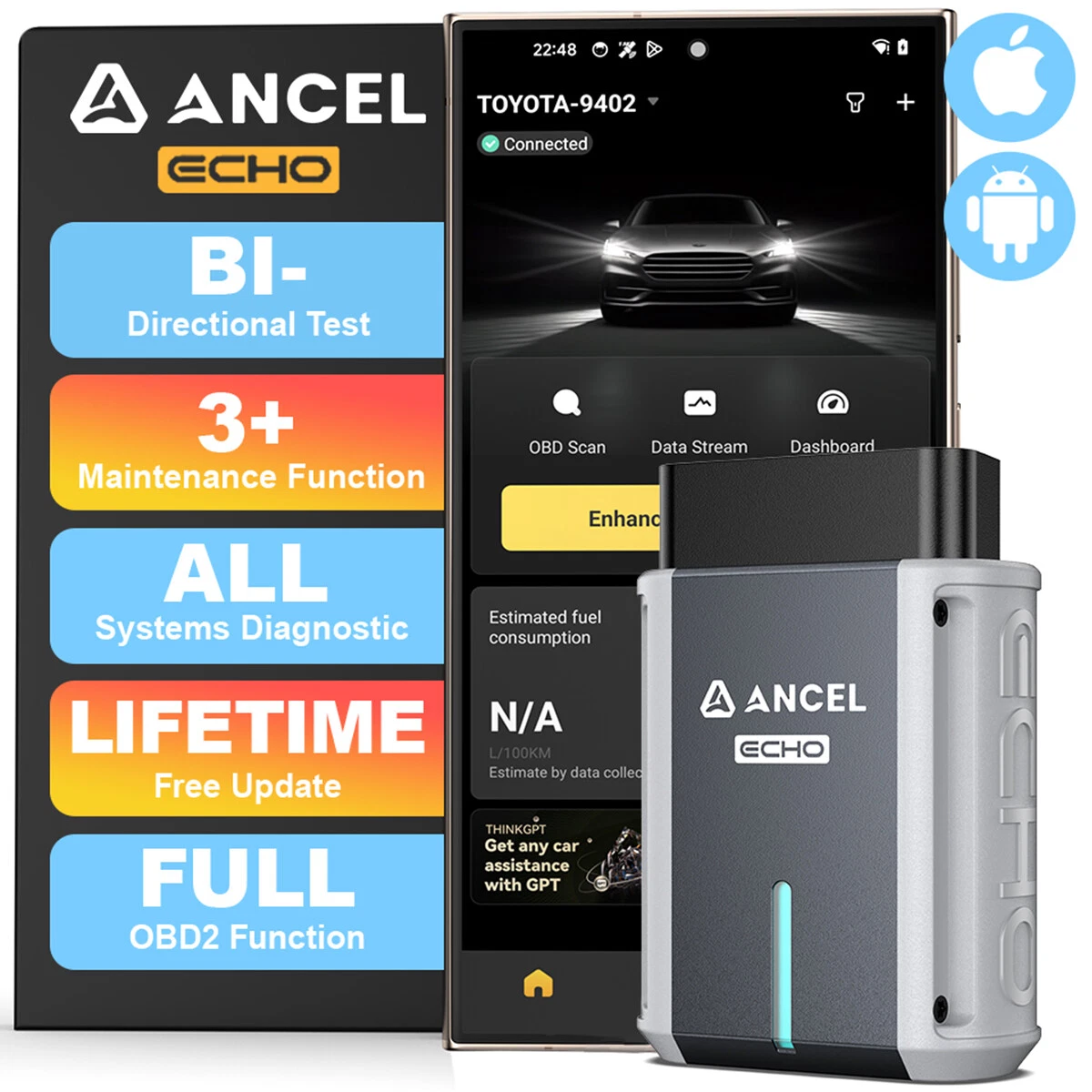
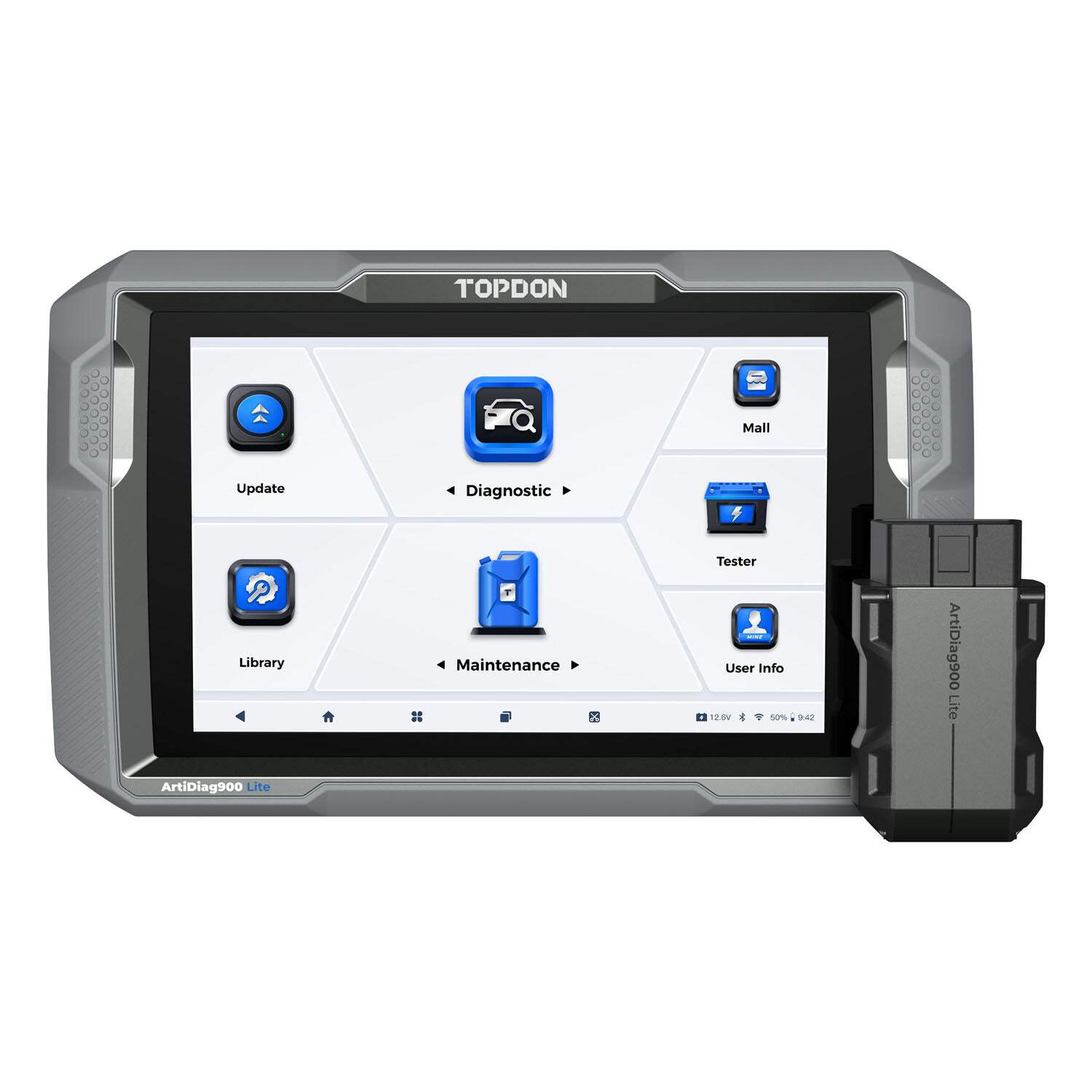
The Fixdono OBD2 Scanner is a compact Bluetooth diagnostic tool for cars and trucks that support the OBDII standard. It plugs into the vehicle's OBD port and works with a free-to-use app on a compatible mobile device. The app has no subscription fee, and no binding or personal information is required.
It reads and clears diagnostic trouble codes, shows live data, and checks I/M readiness. It also reads vehicle information such as the frame number, battery voltage, freeze frame data, monitor test results and MIL status. A performance test covers acceleration, braking and distance.
After the scanner is plugged into the car, turn on the phone's Bluetooth and start the vehicle. The scanner pairs automatically. If it doesn't, open the app, choose "Connection settings" in the upper left corner, find "Bluetooth LE" and tap to connect. The phone's location permission must be allowed. If the engine light stays on after clearing codes, turn off the engine and clear the codes again with the power on.
- Color
- Red
- Connectivity
- Bluetooth 5.0
- Compatibility
- iOS, Android and Windows; vehicles that support the OBDII standard
- Not supported
- 24V diesel vehicles, new energy vehicles, hybrids, and models that don't meet the OBDII protocol
- App
- Search "Mini ODBII" in the App Store (iOS) or Google Play Store (Android); no subscription fee
- Functions
- Read and clear fault codes, vehicle information, live data stream, battery voltage reading, monitor test, freeze frame, performance test (acceleration, braking, distance), MIL status, I/M readiness
- Protocols
- SAE J1850 PWM (41.6 Kbaud); SAE J1850 VPW (10.4 Kbaud); ISO 9141-2 (5 baud init, 10.4 Kbaud); ISO 14230-4 KWP (5 baud init, 10.4 Kbaud); ISO 14230-4 KWP (fast init, 10.4 Kbaud); ISO 15765-4 CAN (11bit
- Main chip
- BAT32G137GH48FA, LQFP48