- Is the FS3600 worth it over a hard-drive NAS?
- Only if latency and IOPS matter more than capacity. For VM datastores, databases and busy web hosting, flash cuts response times sharply. For bulk backups and media archives, a hard-drive model gives far more space for the money.
- What drives does the FS3600 take?
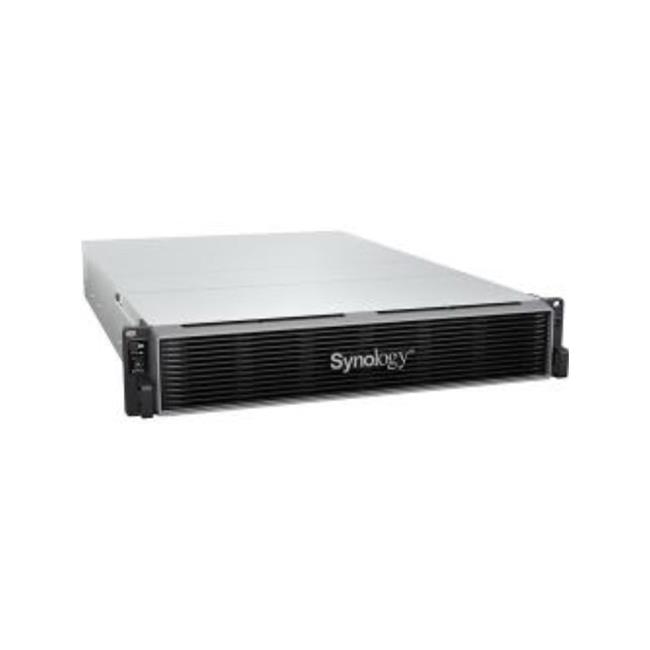
- It has 24 bays for 2.5-inch SAS or SATA SSDs and hard drives. Most buyers fill it with enterprise SSDs; 2.5-inch hard drives are limited in capacity, so spinning disks make little sense here.
- How does it compare with the FS3400 or FS6400?
- The FS3600 sits between them with a 12-core Xeon D-1567. The FS3400 uses a lower-core Xeon D-1541, while the FS6400 steps up to dual Xeon Silver CPUs for heavier workloads. Pick by core count and expected VM density.
- Does it come with drives and memory?
- No. It ships as an enclosure, so drives, memory upgrades and expansion units are bought separately. Check the populated memory configuration before ordering.
- Can I expand storage beyond 24 bays?
- Yes. Synology expansion units attach to add more bays, and PCIe slots allow 10GbE or 25GbE network cards and cache or interface add-ins. Plan rack space and power for each unit.
- What software features does it include?
- It runs DiskStation Manager with snapshots, replication, Active Backup and virtualization support. Some advanced backup and high-availability features require additional licenses.
- Where is the FS3600 Synology FlashStation 24-Bay NAS Enclosure cheapest?
- At B&H Photo-Video-Audio, for $10,699.99, as of our latest check.
- Where can I buy the FS3600 Synology FlashStation 24-Bay NAS Enclosure?
- 13 stores we checked sell it, including B&H Photo-Video-Audio, Adorama, DirectDial, colamco.com, Newegg.com.