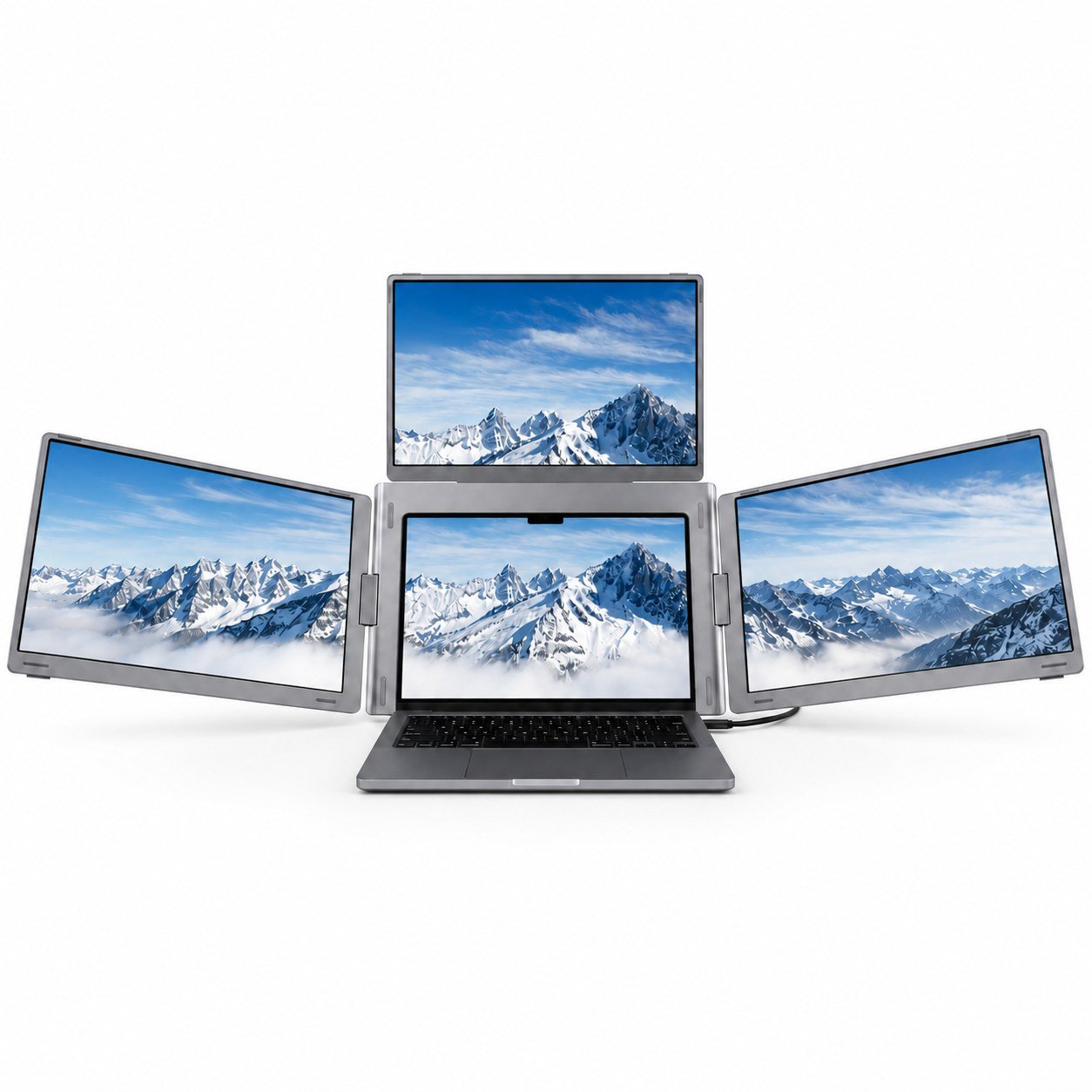
- Does it work with a MacBook?
- Yes, over USB-C if the MacBook port supports video output, which most recent models do. Older MacBooks with only USB-C charging may need an HDMI adapter.
- Does it need its own power?
- It can draw power from the laptop over USB-C, which drains the laptop battery faster. A separate USB-C power source keeps the laptop running longer.
- Can I use it with a Windows laptop that has no USB-C?
- Yes, through the HDMI input, though you may still need USB power for the screen. Check that your laptop has an HDMI port or a dock.
- Is it good for gaming?
- No. The 60 Hz refresh rate and 10 ms response time are fine for office work but too slow for fast-paced games.
- How does it compare with a 15.6-inch portable monitor?
- It is smaller and squarer, so it fits beside a laptop more easily, but a 15.6-inch panel gives more screen area. The 16:10 shape shows more lines of text than a 16:9 screen of the same width.
- Can I edit photos on it?
- Basic edits are fine, but 72% NTSC coverage means colors will not match a wide-gamut display. Do critical color work on a better panel.
- Where is the GFORIT Quad Laptop Monitor Extender cheapest?
- At Amazon, for $323.99, as of our latest check.