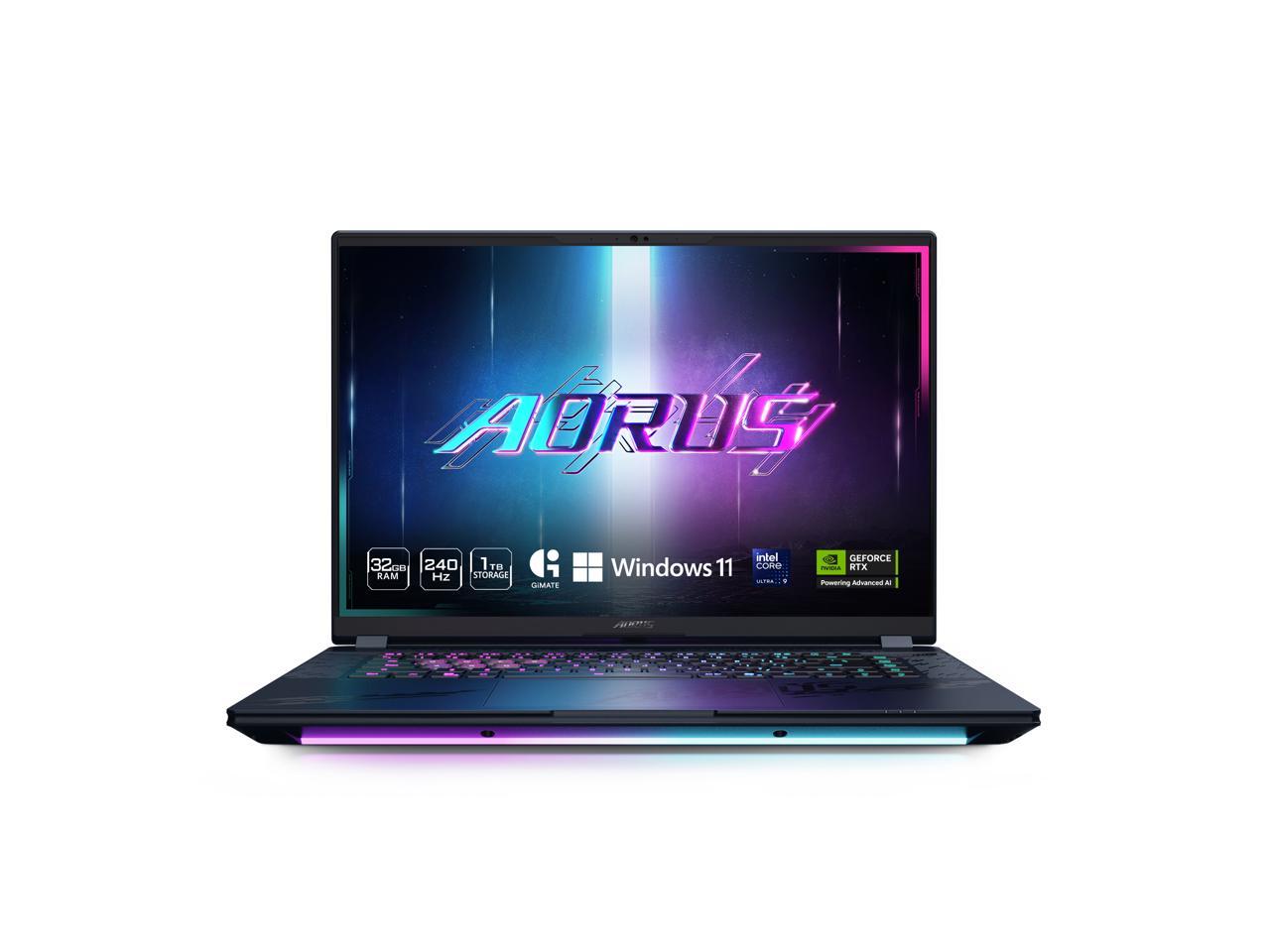
Gigabyte AERO X16 16" WQXGA Laptop
Where to buy
No store is showing a current price right now. The stores below sell it; ask the agent to check today's prices.
Prices are checked against each store and labelled with when.
Check today's price at PzDealsAsk our agent about this product
It checks today's price at every store, compares the alternatives and answers in about a minute.
In stock now from Gigabyte


Our take on the Gigabyte AERO X16 16" WQXGA Laptop
The Gigabyte AERO X16 is a 16-inch creator laptop with a WQXGA (2560x1600) display, a Ryzen AI 7 processor, 32GB of RAM, a 1TB SSD and an RTX 5060 GPU. It targets people who edit video, render 3D or work in large design files and want a bigger, sharper screen than 14-inch ultraportables offer. Against rivals like the ASUS ProArt and Dell XPS 16, it leans on generous memory and a high-resolution panel rather than a thin-and-light chassis. Reviewers generally rate the screen and RAM headroom, but note that the RTX 5060 is a mid-tier GPU, not a desktop replacement.
- Sharp 2560x1600 16-inch display
- 32GB RAM handles heavy multitasking
- 1TB SSD leaves room for project files
- RTX 5060 covers GPU-accelerated editing and rendering
- Ryzen AI 7 balances performance and efficiency
Gigabyte AERO X16 16" WQXGA Laptop prices at every store
- PzDealsCheck price at PzDeals
What reviewers say
Owners and reviewers treat the AERO X16 as a solid creator machine, praising the sharp 16-inch panel and the 32GB of memory for heavy multitasking. Criticism centers on the mid-tier GPU and fan noise under long renders.
- DisplayPraisedReviewers like the sharp 2560x1600 panel for editing and text work.
- MemoryPraised32GB of RAM is seen as plenty for large files and many open apps.
- GPUMixedThe RTX 5060 handles editing and moderate gaming but is not a top-tier GPU.
- Fan noiseCriticised
Questions and answers
- Is the RTX 5060 enough for video editing?
- Yes for 4K editing, color work and GPU-accelerated effects. It is a mid-tier GPU, so very heavy 3D rendering or high-refresh gaming will need settings turned down.
- Can I upgrade the RAM or storage?
- The 32GB of RAM and 1TB SSD are generous for most work. Check whether the memory is soldered before planning an upgrade, since many thin creator laptops fix it to the board.
- How does it compare with a 14-inch creator laptop?
- It gives you a larger, higher-resolution screen and more cooling room, at the cost of weight and bulk. A 14-inch model is easier to carry but usually offers less screen space and smaller batteries relative to the display.
- Is the display good for color-sensitive work?
- The 2560x1600 resolution gives fine detail for photo and video editing. Confirm the panel's color gamut and brightness for your workflow, since those matter more than resolution alone.
- What is in the box?
- The laptop and its power adapter. A stylus, mouse or sleeve are not typically included, so budget for accessories separately.