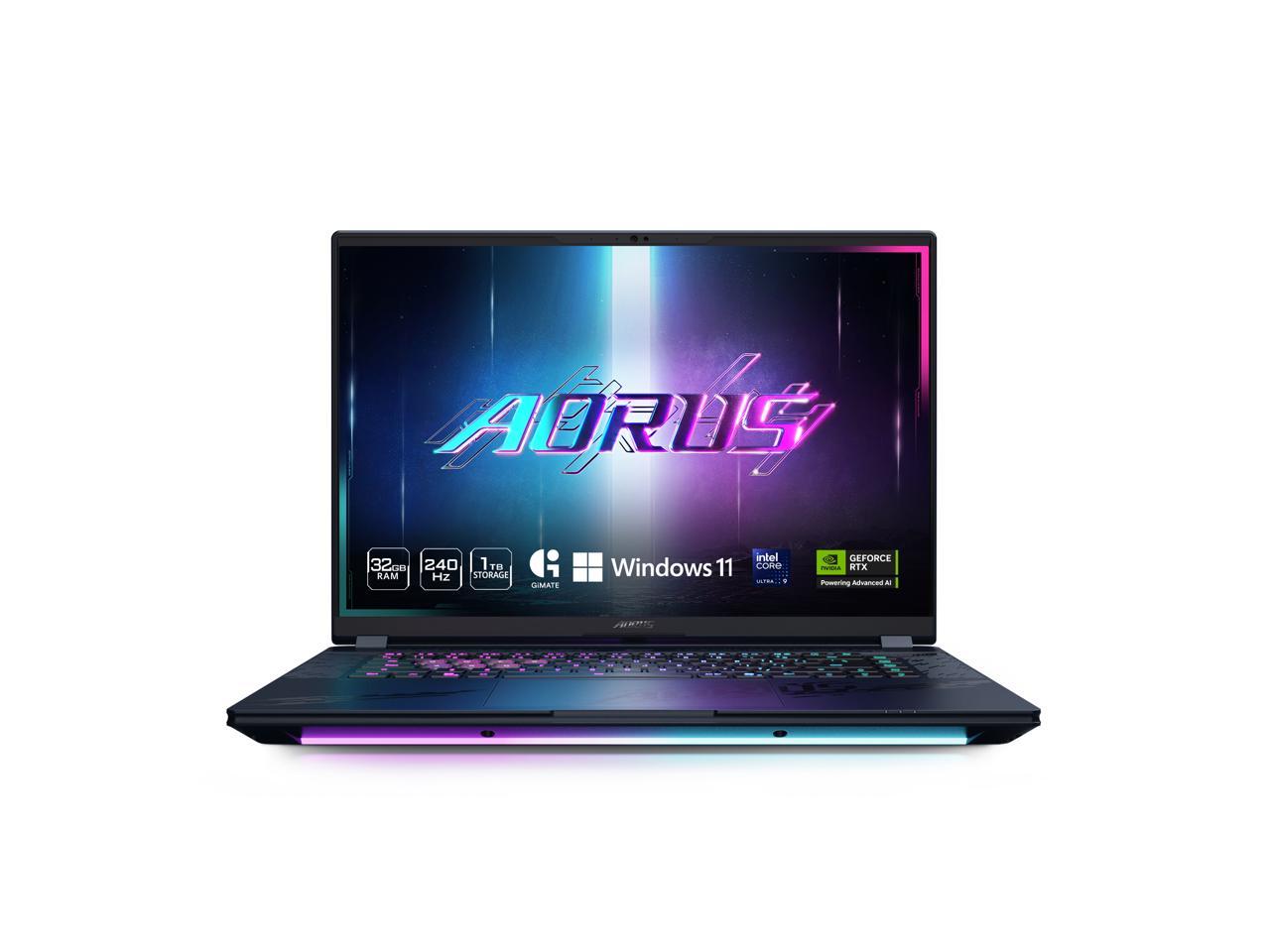
GIGABYTE AORUS FO27Q3 27" WQHD 360Hz 0.03ms QD-OLED Freesync Gaming Monitor
Where to buy
No store is showing a current price right now. The stores below sell it; ask the agent to check today's prices.
Prices are checked against each store and labelled with when.
Check today's price at PzDealsAsk our agent about this product
It checks today's price at every store, compares the alternatives and answers in about a minute.
Our take on the GIGABYTE AORUS FO27Q3 27" WQHD 360Hz 0.03ms QD-OLED Freesync Gaming Monitor
The Aorus FO27Q3 is a 27-inch QD-OLED gaming monitor with a 1440p resolution and a 360Hz refresh rate. Its 0.03ms response time and near-instant pixel switching make it one of the fastest panels you can buy, and OLED contrast gives deep blacks that no IPS or TN panel matches. It suits competitive players who want motion clarity plus image quality, though it costs far more than a fast IPS monitor and carries OLED risks like burn-in. Reviewers of this class of QD-OLED praise the speed and color, and flag text fringing and brightness limits in bright rooms.
- 360Hz refresh with 0.03ms response for very low motion blur
- QD-OLED panel delivers deep blacks and wide color coverage
- 1440p resolution balances sharpness and frame rate
- FreeSync support with high-refresh range
- Fast, well-built gaming stand and OSD controls
GIGABYTE AORUS FO27Q3 27" WQHD 360Hz 0.03ms QD-OLED Freesync Gaming Monitor prices at every store
- PzDealsCheck price at PzDeals
What reviewers say
Owners of 27-inch QD-OLED gaming monitors like this one praise the motion clarity, contrast and color, and call the jump from IPS noticeable. Common complaints are text fringing, limited full-screen brightness and worry about burn-in.
- Motion clarityPraisedOwners say fast movement stays sharp and blur is minimal at high refresh rates.
- ContrastPraisedReviewers highlight deep blacks and strong color that LCD panels cannot match.
- Text fringingCriticisedUsers report colored edges on small text, which hurts desktop and document work.
Questions and answers
- Is 360Hz worth it over a 240Hz monitor?
- For competitive shooters, the extra refresh cuts motion blur further and can help tracking. The gain is smaller than going from 60Hz to 144Hz, so a good 240Hz panel is still close.
- Can I use it for work as well as gaming?
- Yes, but small text can show color fringing because of the subpixel layout. Many owners keep a second LCD for documents and use this panel mainly for games and media.
- Does it need a strong graphics card?
- To hit 360Hz at 1440p you need a high-end GPU and a fast CPU. Lower-tier cards will still run it well at lower frame rates, and FreeSync keeps motion smooth.
- Is OLED burn-in a real concern?
- Static logos, taskbars and HUDs can leave faint marks over long periods. Built-in pixel refresh and screen-shift features help, and varied content lowers the risk.
- What connections does it offer?
- It includes DisplayPort and HDMI inputs for PCs and consoles, plus USB hub ports for peripherals. Check the exact port mix before buying if you need specific versions.
- What do buyers say about the GIGABYTE AORUS FO27Q3 27" WQHD 360Hz 0.03ms QD-OLED Freesync Gaming Monitor?
- Rated 5 out of 5 from 5 ratings.