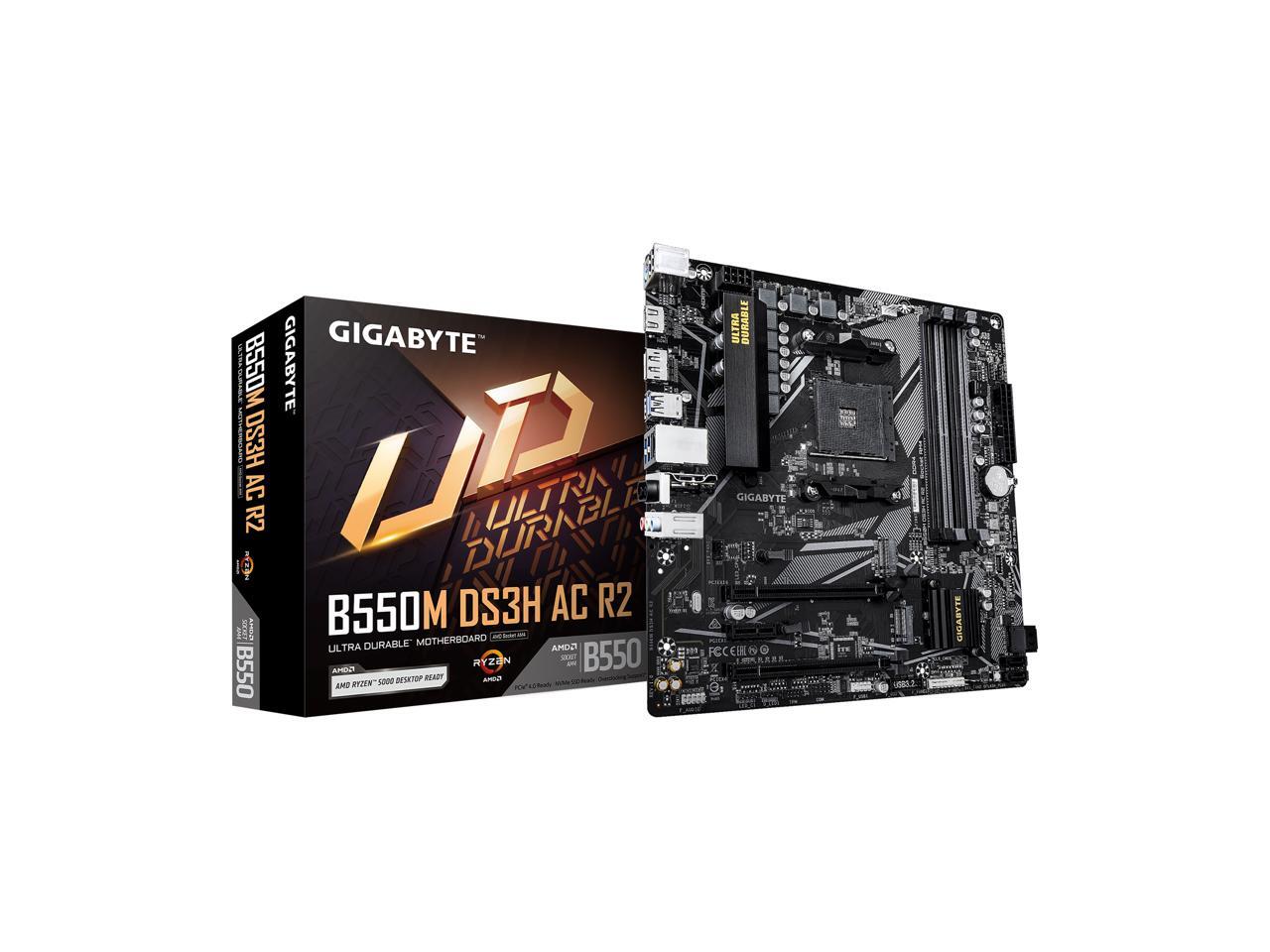
- Does it support Ryzen 5000 CPUs?
- Gigabyte added Ryzen 5000 support through BIOS updates on many B450 boards. Check the board's revision and BIOS version before buying a 5000-series chip, since older stock may need a flash first.
- Can I use an M.2 NVMe SSD?
- Yes. The M.2 slot takes 2280 drives and runs over PCIe 3.0, so a Gen3 NVMe SSD is the right match. A Gen4 drive will work but at Gen3 speed.
- Do I need a graphics card?
- Only if your CPU lacks integrated graphics. Ryzen APUs with built-in graphics can use the HDMI, DVI or VGA output, while most Ryzen 5 and 7 desktop chips need a discrete card.
- How much RAM can it take?
- Two DDR4 DIMM slots, up to 32 GB total. For 32 GB you need two 16 GB sticks, so plan the kit at purchase.
- Does it have Wi-Fi?
- No. It has a 1 GbE Ethernet port only, so add a USB or PCIe Wi-Fi card if you need wireless.
- Is it good for overclocking?
- Limited. The board supports memory and CPU tuning, but its modest VRM and lack of heatsinks on some revisions make it better suited to stock speeds.
- Where is the Gigabyte B450M GAMING cheapest?
- At Newegg, for $89.27, as of our latest check.