Gigabyte FO32U2 Pro
Last price we saw
Prices change often: ask the agent below to check today's price at every store.
Prices differ by screen size, and this one may be for a smaller size: check the size at the store.
Prices are checked against each store and labelled with when.
Ask our agent about this product
It checks today's price at every store, compares the alternatives and answers in about a minute.
In stock now from Gigabyte


Our take on the Gigabyte FO32U2 Pro
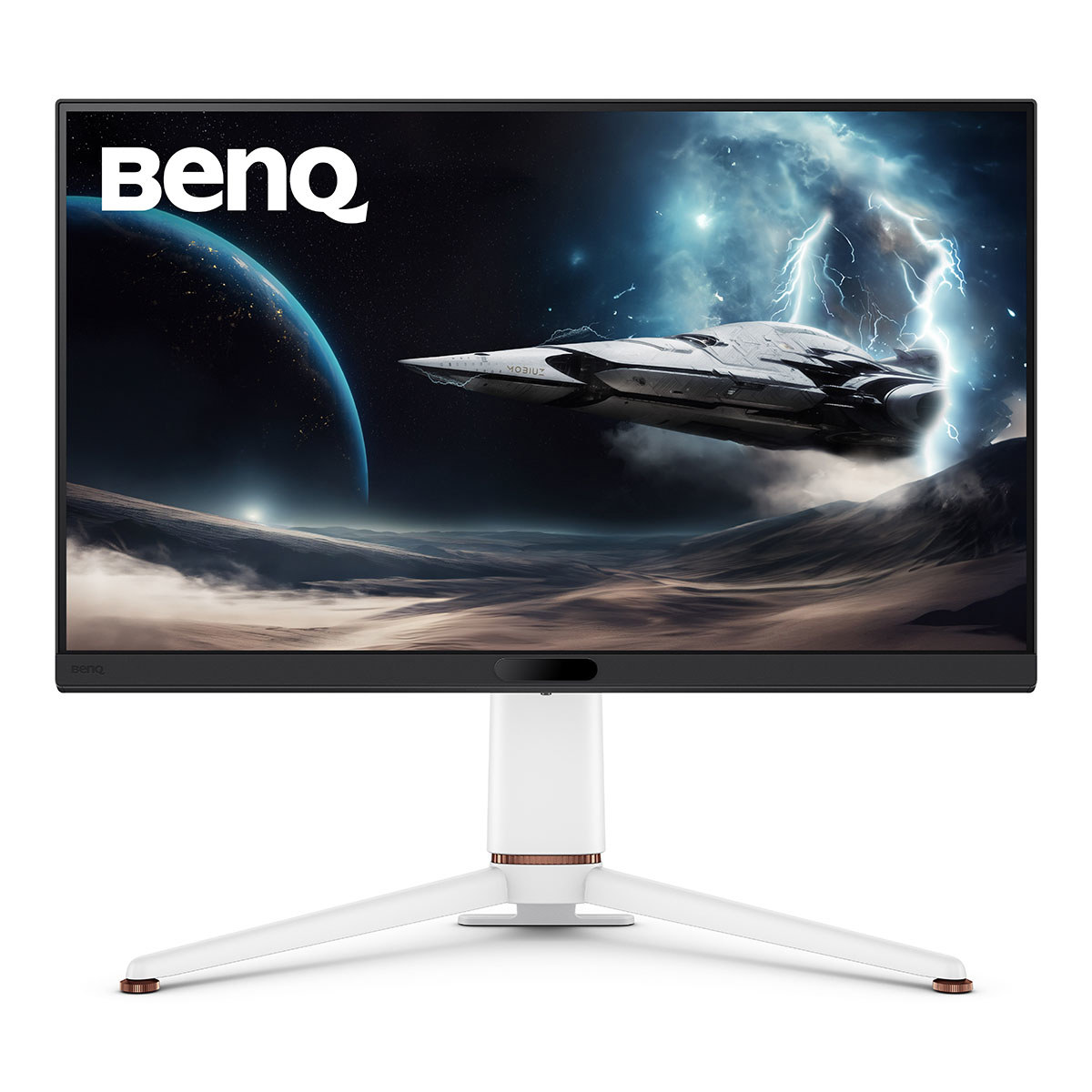
The Gigabyte FO32U2 Pro is a 32-inch 4K QD-OLED gaming monitor with a 240 Hz refresh rate and near-instant pixel response. It stands out for combining 4K sharpness with high-refresh smoothness, plus USB-C, Mini DisplayPort and built-in speakers, which most OLED rivals in this class skip. It suits PC and console gamers who want one screen for both, and it undercuts many premium 4K OLED monitors on features per dollar. Reviewers praise the motion clarity and color, but note OLED brightness limits and burn-in care.
- 4K QD-OLED panel at 240 Hz gives sharp, fluid motion
- Near-zero response time and strong motion clarity
- USB-C, Mini DisplayPort and HDMI cover PCs, laptops and consoles
- Built-in speakers save desk space
- Solid color coverage and HDR performance for an OLED
What reviewers say
Owners and reviewers rate the FO32U2 Pro highly for its 4K 240 Hz OLED picture and motion handling. Complaints center on brightness in bright rooms and the usual OLED care needed to avoid burn-in.
- Motion clarityPraisedOwners say fast movement stays sharp at 240 Hz with no visible smearing.
- BrightnessCriticisedReviewers note the panel dims in bright rooms and full-screen HDR is not very bright.
- Burn-inMixedBuyers accept OLED care routines but worry about static taskbars and logos over time.
Questions and answers
- Is the FO32U2 Pro good for both PC and console gaming?
- Yes. It takes 4K 240 Hz from a PC over DisplayPort and 4K 120 Hz from a PS5 or Xbox Series X over HDMI. One screen covers both.
- Does it have burn-in protection?
- It includes OLED care features such as pixel refresh and screen dimming. You still need to vary content and hide static taskbars to limit image retention.
- Is 240 Hz worth it at 4K?
- If you have a GPU that can push high frame rates at 4K, yes; motion is noticeably smoother than at 144 Hz. Otherwise the panel still looks sharp at lower refresh rates.
- Does it work with a MacBook over USB-C?
- Yes, USB-C carries video and can charge a laptop, though check the wattage your model needs. macOS handles 4K at 60 Hz easily; high refresh depends on the Mac.
- What is in the box?
- Expect the monitor, a stand, power and display cables, and paperwork. Cable types vary by region, so confirm with the seller.
- How does it compare with the FO32U2?
- The Pro adds connectivity and features over the base FO32U2, including more ports and speakers. The panel and 4K 240 Hz OLED experience are the same class.