StoreDeal.ai store
Shop
  • Deals
  • Deal checker
  • Black Friday
  • Buying guides
  • Brands
  • Stores
Travel
  • Flight deals
  • Hotel deals
Company
  • Research
  • Press
  • Use in AI assistants
  • Contact
  • deal.ai apps
Black Friday 2026
  • Walmart
  • Best Buy
  • Target
  • TVs
  • Laptops
  • Headphones
  • Apple
  • Gaming
  • Vacuums
  • Kitchen
  • Toys
  • Smartwatches
  • Tablets
  • Furniture
  • Mattresses
© Deal.ai Inc.·2222 Ponce de Leon Blvd, Miami, FL 33134·support@deal.ai
TermsPrivacy
Deal.ai › Gigabyte
GIGABYTE
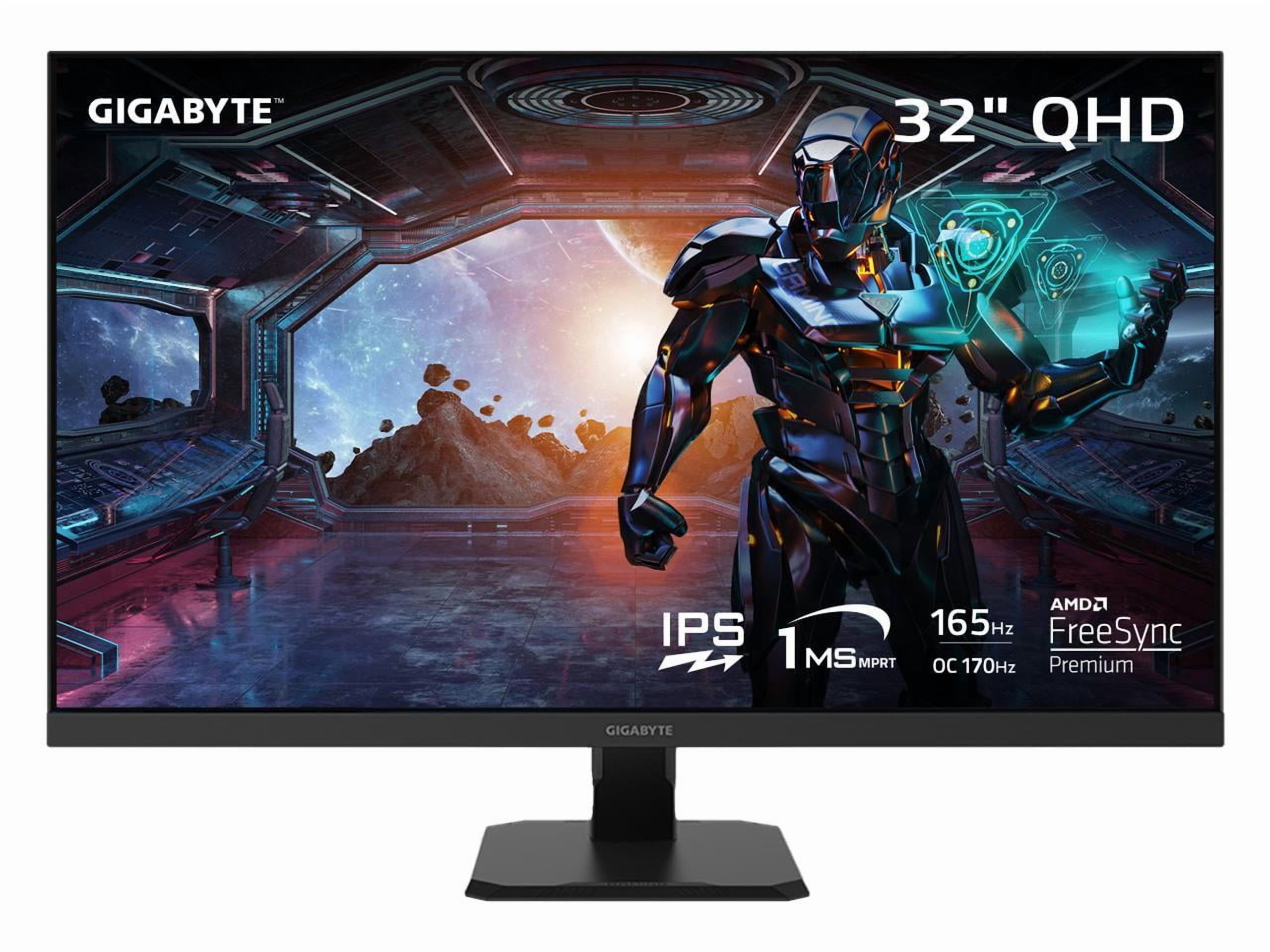
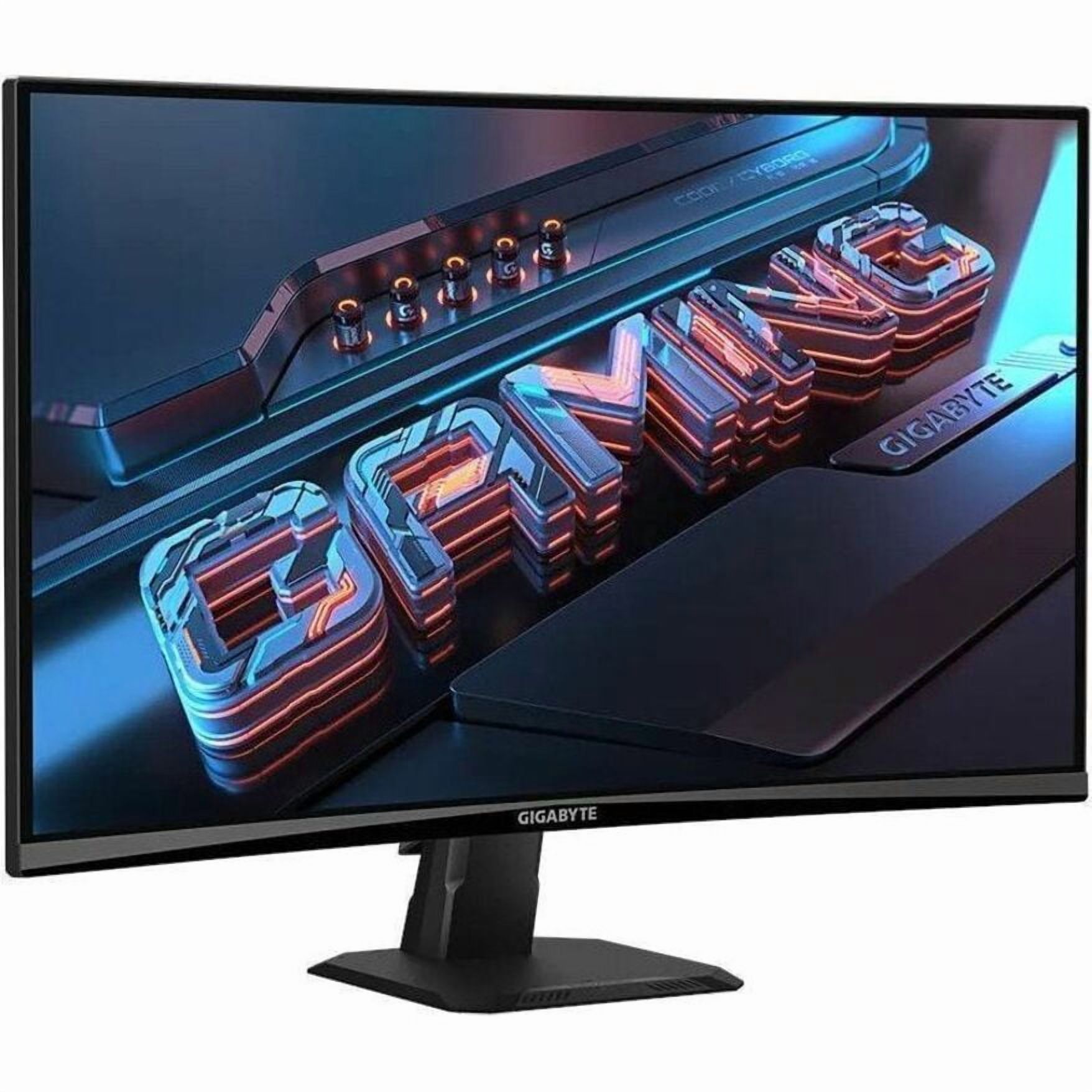
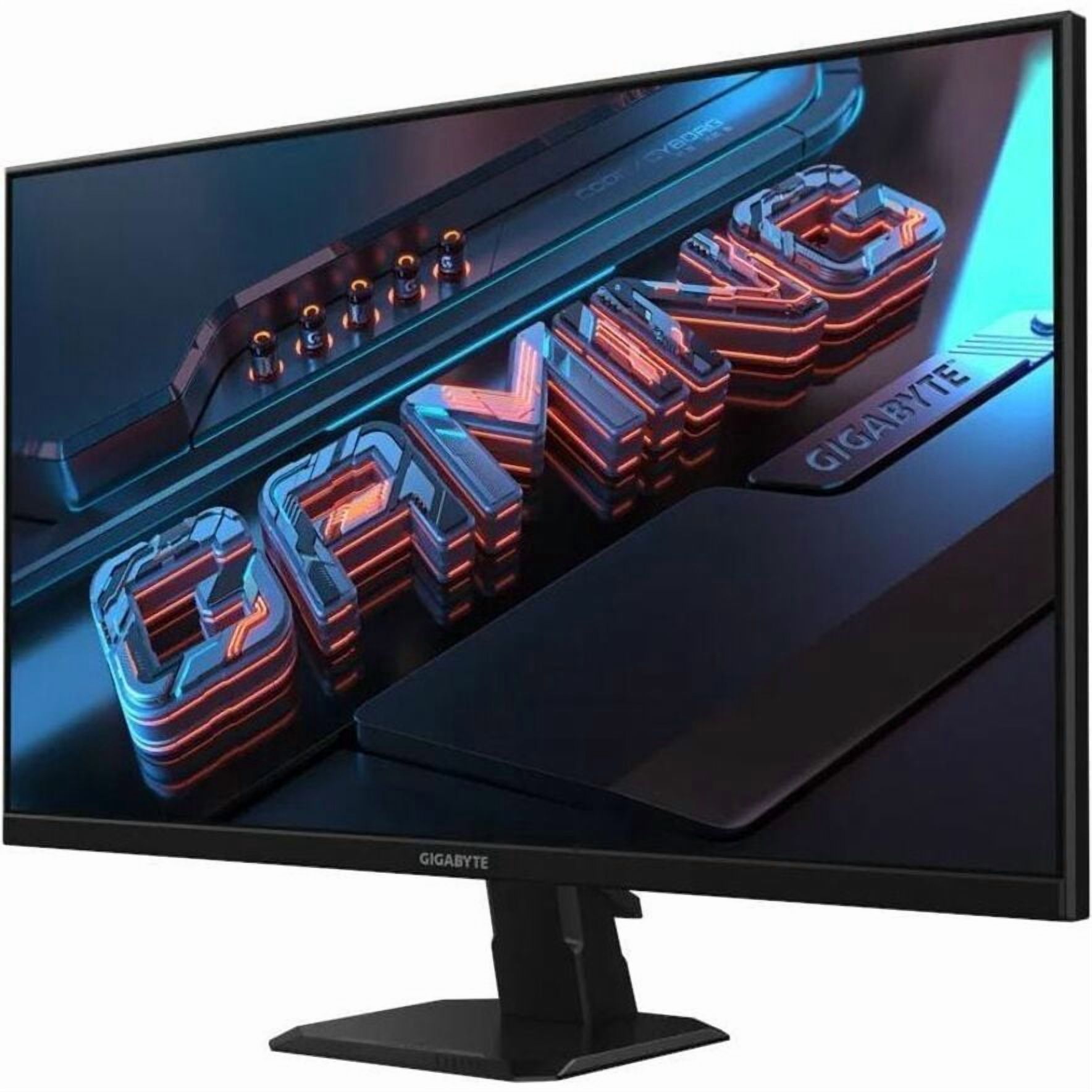
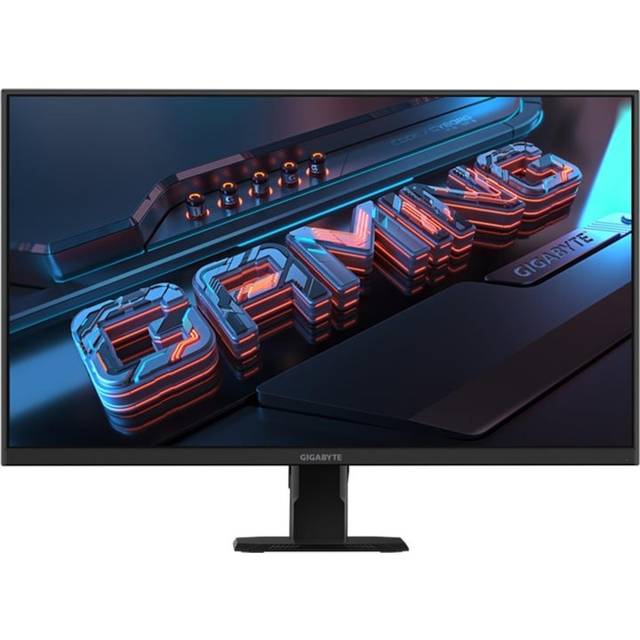
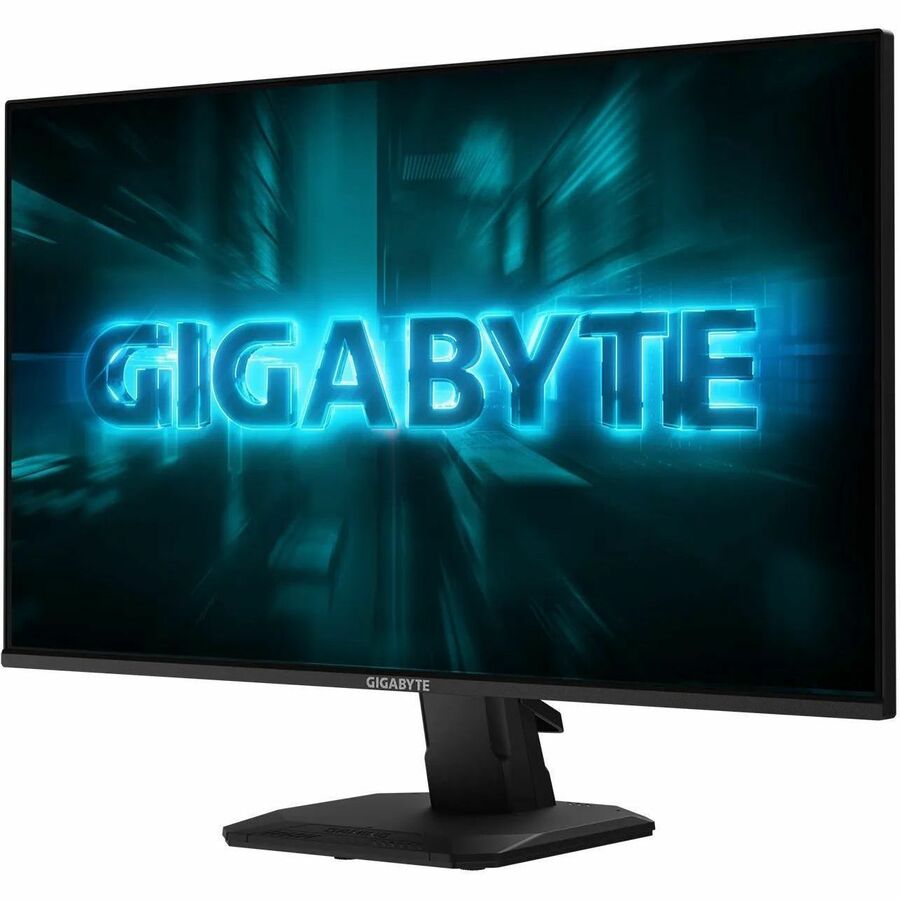
Gigabyte G34WQC2 34 pouces UWQHD incurvé VA 200 Hz

Gigabyte G34WQC2 34 pouces UWQHD incurvé VA 200 Hz

Where to buy

34"$241.00

No store is showing a current price right now. The stores below sell it; ask the agent to check today's prices.

Prices differ by screen size, and this one may be for a smaller size: check the size at the store.

Prices are checked against each store and labelled with when.

In stock now from GIGABYTE

  • GIGABYTE
    GIGABYTE G27Q20 27" Class WQHD Gaming LCD Monitor
    GIGABYTE G27Q20 27" Class WQHD Gaming LCD Monitor$142.49 at Walmart
    Visit Walmart
  • GIGABYTE
    GIGABYTE GS27QA 27" IPS Gaming Monitor
    GIGABYTE GS27QA 27" IPS Gaming Monitor$155.89 at Needstore.eu
    Visit Needstore.eu
  • GIGABYTE
    Écran gaming GIGABYTE G34WQC2 34 pouces UWQHD incurvé VA, 200 Hz 34-inch
    Écran gaming GIGABYTE G34WQC2 34 pouces UWQHD incurvé VA, 200 Hz 34-inch$241.00 at DigiMarché
    Visit DigiMarché

Our take on the Gigabyte G34WQC2 34 pouces UWQHD incurvé VA 200 Hz

The Gigabyte G34WQC2 is a 34-inch ultrawide gaming monitor with a 1500R curved VA panel at 3440 x 1440. It pairs a 200 Hz refresh rate and 1 ms response time with AMD FreeSync Premium Pro, and covers 125% sRGB and 95% DCI-P3 at 450 nits with HDR400. The stand tilts, swivels and adjusts up to 130 mm in height, and there are two HDMI 2.0 ports, two DisplayPort inputs and built-in 2 W speakers. It suits gamers who want an immersive wide field of view and desk users who work in several windows at once; against pricier 34-inch ultrawides it trades some peak brightness and HDR impact for a high refresh rate and strong color coverage.

Best forUltrawide gaming on a single screenMulti-window productivity and mediaBuyers wanting high refresh rate without flagship pricingDesk setups with a monitor arm or VESA mount
Pros
  • 200 Hz refresh rate with 1 ms response time
  • 3440 x 1440 resolution on a 34-inch curved VA panel
  • 125% sRGB and 95% DCI-P3 color coverage
  • FreeSync Premium Pro with HDR400
  • Height, tilt and swivel adjustment plus VESA mounting

What reviewers say

Owners of the G34WQC line generally praise the immersive curve, the high refresh rate and the color coverage for the money. Common complaints center on VA black smearing in fast motion and on HDR that looks flat.

What people mention
  • Motion handlingMixedHigh refresh rate feels smooth, but dark fast-moving scenes can smear on the VA panel.
  • Curve and immersionPraisedThe 1500R curve wraps the image around the viewer and widens the field of view.
  • ColorPraisedWide sRGB and DCI-P3 coverage gives vivid, well-saturated colors.

Ask our agent about this product

It checks today's price at every store, compares the alternatives and answers in about a minute.

Enter to send, Shift+Enter for a new line

Questions and answers

Is the Gigabyte G34WQC2 good for gaming?
Yes. Its 200 Hz refresh rate, 1 ms response time and FreeSync Premium Pro suit fast-paced games. The VA panel is the weak point in dark, fast motion, where smearing can appear.
Does it work well for work and multitasking?
The 3440 x 1440 resolution fits several windows side by side, and the 1500R curve keeps the edges in view. Text is sharp, though VA viewing angles are narrower than IPS.
Can I get 200 Hz over HDMI?
No. The HDMI ports are 2.0, so the full 200 Hz needs a DisplayPort connection. Use DisplayPort for the highest refresh rate.
Does it have built-in speakers?
Yes, two 2 W speakers. They are fine for basic sound but weak for games and music, so external speakers or headphones are better.
Can I mount it on a monitor arm?
Yes, it supports VESA mounting. The included stand also tilts, swivels and adjusts up to 130 mm in height.
Is HDR worth using on this monitor?
HDR400 is entry-level. It adds some contrast but lacks the brightness for a real HDR experience, so many owners leave it off.
  • GIGABYTE
    Gigabyte GS25F2A 25" Class Full HD Gaming LED Monitor
    Gigabyte GS25F2A 25" Class Full HD Gaming LED Monitor$251.80 at Walmart
    Visit Walmart
  • Two HDMI 2.0 and two DisplayPort inputs
    Cons
    • VA panel can show smearing in fast dark scenes
    • HDR400 is modest, so HDR impact is limited
    • HDMI 2.0 caps refresh rate over HDMI
    • Built-in 2 W speakers are weak
    • No USB hub or KVM for switching peripherals
    HDR
    Criticised
    HDR400 brightness is limited, so HDR content looks flat next to brighter displays.
  • SpeakersCriticisedThe 2 W built-in speakers are thin and best replaced by external speakers or headphones.
  • Stand and mountingPraisedHeight, tilt and swivel adjustment plus VESA support make placement easy.
  • About the Gigabyte G34WQC2 34 pouces UWQHD incurvé VA 200 Hz

    The GIGABYTE G34WQC2 is a 34-inch (86.4 cm) UWQHD monitor with a curved VA panel. The 1500 mm radius wraps the image around the seated position and widens the field of view, whether for a large play area or several windows side by side.

    The 3440 x 1440 resolution is paired with 10-bit color depth. Color coverage is 125% of sRGB and 95% of DCI-P3, brightness is 450 nit, and static contrast is 4000:1. HDR 400 makes light and dark areas more distinct, the matte surface limits reflections, and 178°/178° viewing angles keep the image stable from the side.

    A 200 Hz refresh rate and 1 ms response time follow fast motion, and AMD FreeSync Premium Pro synchronizes variable frame rates from the graphics card to avoid tearing. The slim bezel keeps the image clear of the edges. Two HDMI 2.0 inputs and two DisplayPort ports connect multiple sources, with a headphone jack, audio in and out, and two 2 W speakers. The stand tilts, swivels and adjusts in height by up to 130 mm; VESA mounting is 100 x 100 mm.

    Screen size
    34 inches (86.4 cm)
    Panel
    Curved VA
    Curvature
    1500 mm radius
    Resolution
    3440 x 1440 (UWQHD)
    Color depth
    10-bit
    Color coverage
    125% sRGB, 95% DCI-P3
    Brightness
    450 nit
    Contrast
    4000:1 static
    HDR
    HDR 400
    Surface
    Matte
    Viewing angles
    178°/178°
    Refresh rate
    200 Hz
    Response time
    1 ms
    Sync
    AMD FreeSync Premium Pro
    Bezel
    Slim
    Ports
    2 x HDMI 2.0, 2 x DisplayPort
    Audio
    Headphone jack, audio in, audio out
    Speakers
    2 x 2 W
    Adjustability
    Tilt, swivel
    Height adjustment
    Up to 130 mm
    Mounting
    VESA 100 x 100 mm
    Weight
    7.36 kg with stand, 5.54 kg without
    Energy class
    G
    Power consumption
    36 kWh per 1000 hours (weighted)
    In the box
    Signal cables, power cable, user manual

    More from Gigabyte

    • G
      Gigabyte GS32Q 32" Class WQHD Gaming LED Monitor
      Gigabyte GS32Q 32" Class WQHD Gaming LED Monitor
    • G
      Gigabyte G34WQC2 Curved Gaming Monitor 34 VA 200Hz WQHD
      Gigabyte G34WQC2 Curved Gaming Monitor 34 VA 200Hz WQHD
    • G
      Gigabyte G34WQC2 34" VA WQHD
      Gigabyte G34WQC2 34" VA WQHD
    • G
      Gigabyte GS27QC 27" Class WQHD Curved Screen Gaming LED Monitor
      Gigabyte GS27QC 27" Class WQHD Curved Screen Gaming LED Monitor
    • G
      Gigabyte GS27QA 27" Class WQHD Gaming LED Monitor
      Gigabyte GS27QA 27" Class WQHD Gaming LED Monitor
    • G
      Gigabyte G34WQC2 34" VA 1500R WQHD Gaming Monitor
      Gigabyte G34WQC2 34" VA 1500R WQHD Gaming Monitor
    • G
      Gigabyte GS27QA
      Gigabyte GS27QA
    • G
      Gigabyte G34WQC A 34" Curved WQHD VA LED Gaming Monitor
      Gigabyte G34WQC A 34" Curved WQHD VA LED Gaming Monitor
    All Gigabyte deals and products →

    More gaming monitors

    • G
      Gigabyte Aorus FO27Q3 27 Inch QD OLED Gaming Monitor
      Gigabyte Aorus FO27Q3 27 Inch QD OLED Gaming Monitor
    • G
      Gigabyte GS34WQC2 34" 3440x1440 VA 2K Gaming Monitor
      Gigabyte GS34WQC2 34" 3440x1440 VA 2K Gaming Monitor
    • G
      Gigabyte G24F 2 24"
      Gigabyte G24F 2 24"
    • G
      Gigabyte GS34WQC 34" VA Curved Gaming Monitor
      Gigabyte GS34WQC 34" VA Curved Gaming Monitor
    • G
      Gigabyte GS34WQC 34" Curved WQHD VA Gaming Monitor
      Gigabyte GS34WQC 34" Curved WQHD VA Gaming Monitor
    • G
      Gigabyte GS27QA SA 27" IPS Gaming Monitor
    Gigabyte GS27QA SA 27" IPS Gaming Monitor
  • G
    Gigabyte GS34WQCA Gaming Curvo 34" WQHD
    Gigabyte GS34WQCA Gaming Curvo 34" WQHD