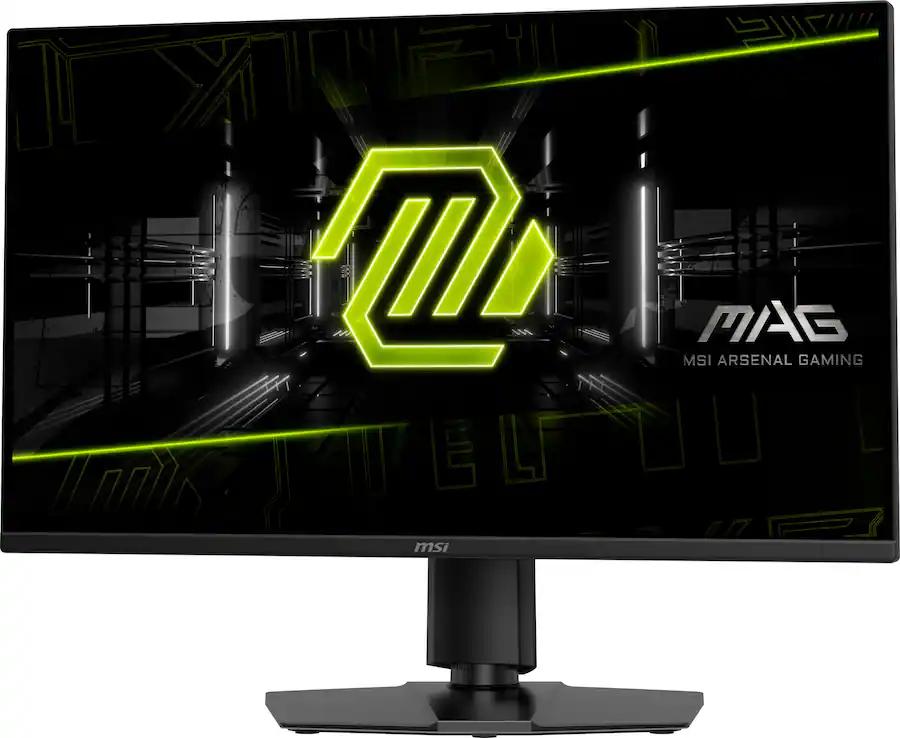
Gigabyte MO34WQC36 Curved 34" WQHD Gaming Monitor
Where to buy
No store is showing a current price right now. The stores below sell it; ask the agent to check today's prices.
Prices differ by screen size, and this one may be for a smaller size: check the size at the store.
Prices are checked against each store and labelled with when.
In stock now from Gigabyte


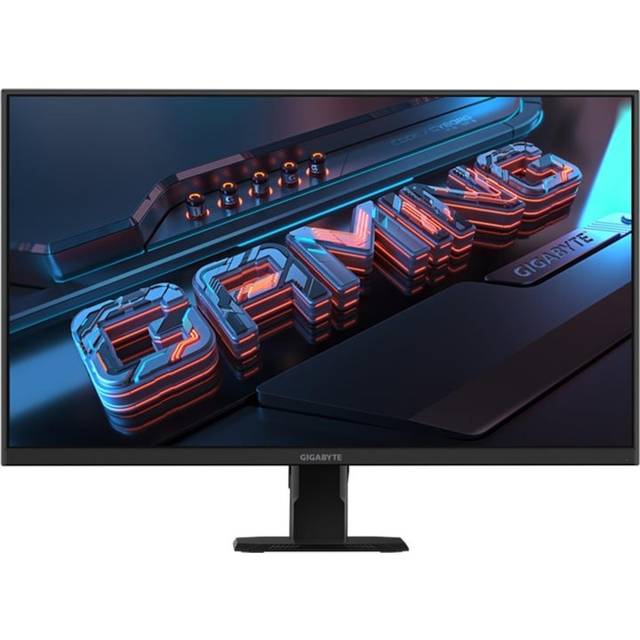
Our take on the Gigabyte MO34WQC36 Curved 34" WQHD Gaming Monitor
The Gigabyte MO34WQC36 is a 34-inch ultrawide QD-OLED gaming monitor with a 3440x1440 resolution and an 1800R curve. Its headline figures are a 360Hz refresh rate and a 0.03ms response time, which put it among the fastest OLED monitors available. The QD-OLED panel covers 99% of DCI-P3 with 10-bit color, and an ObsidianShield coating is claimed to improve durability and cut reflections. It suits competitive players who want ultrawide immersion and fast motion, and buyers who also do color-sensitive work. Against rivals, its refresh rate is higher than most 34-inch OLEDs, which typically top out at 240Hz, though the aggressive curve and OLED care requirements are trade-offs.
- 360Hz refresh rate is unusually high for a 34-inch OLED
- 0.03ms response time keeps fast motion clean
- QD-OLED panel with 99% DCI-P3 and 10-bit color
- 1800R curve wraps the view for immersion
- ObsidianShield coating is claimed to reduce reflections and improve durability
About the Gigabyte MO34WQC36 Curved 34" WQHD Gaming Monitor
The Gigabyte MO34WQC36 is a 34-inch curved gaming monitor with a 3440 x 1440 WQHD resolution and a 21:9 aspect ratio. The QD-OLED panel has an 1800R curve and an anti-glare coating. Its visible area measures 80 cm horizontally and 33.7 cm vertically.
The screen runs at up to 360 Hz with a 0.03 ms gray-to-gray response time. It shows 10-bit color across 1.07 billion colors and covers 99% of the DCI-P3 gamut, with a typical contrast ratio of 1,500,000:1 and brightness of 300 cd/m² typical and 1300 cd/m² maximum. HDR is rated DisplayHDR True Black 500, and ClearMR 18000 covers motion clarity. An ObsidianShield protective film is applied to the panel to improve durability and reduce reflections, and an RGB stripe pixel structure is used to sharpen text and image detail.
Adaptive sync is handled by AMD FreeSync Premium Pro and G-SYNC Compatible, and the backlight is flicker-free. Two built-in 6 W speakers provide sound. Inputs are two HDMI 2.1 ports and one DisplayPort 1.4, alongside a USB 3.2 Gen 1 hub with a built-in KVM switch. The stand adjusts in height by up to 13 cm and offers tilt and swivel, and the monitor mounts on a 100 x 100 mm VESA plate.
- Screen size
- 34 in (86.4 cm)
- Resolution
- 3440 x 1440 (WQHD)
- Panel type
- QD-OLED
- Aspect ratio
- 21:9
- Curvature
- 1800R
- Refresh rate
- 360 Hz
- Response time
- 0.03 ms (gray-to-gray)
- Brightness
- 300 cd/m² typical, 1300 cd/m² maximum
- Contrast ratio
- 1,500,000:1 typical
- Color depth
Ask our agent about this product
It checks today's price at every store, compares the alternatives and answers in about a minute.
Questions and answers
- Is 360Hz worth it on a 3440x1440 monitor?
- It gives very smooth motion in fast shooters, but you need a GPU that can push high frame rates at this resolution to benefit. For slower, story-driven games the gain over 240Hz is small.
- How does it compare with 240Hz 34-inch OLED rivals?
- It offers a higher refresh rate and the same QD-OLED contrast and color coverage. Rivals may offer different curves, stands or USB hub features, so check the ports and ergonomics you need.
- Is the 1800R curve too aggressive?
- An 1800R curve is fairly pronounced and wraps the screen around you. It suits immersive gaming at close range but can feel odd for straight-line work like spreadsheets.
- Does OLED burn-in matter here?
- Yes. Static elements such as taskbars and HUDs can leave marks over long sessions. Use screen savers, hide the taskbar and let the monitor run its pixel refresh cycles.
- What connections does it have?
- The listing mentions VESA DisplayHDR but does not detail the port layout. Confirm the HDMI and DisplayPort versions and USB hub support before buying.
- Can my GPU drive it at 360Hz?
- Only high-end cards can reach 360fps at 3440x1440 in demanding games. Most players will run well below that and still get smooth variable refresh gameplay.