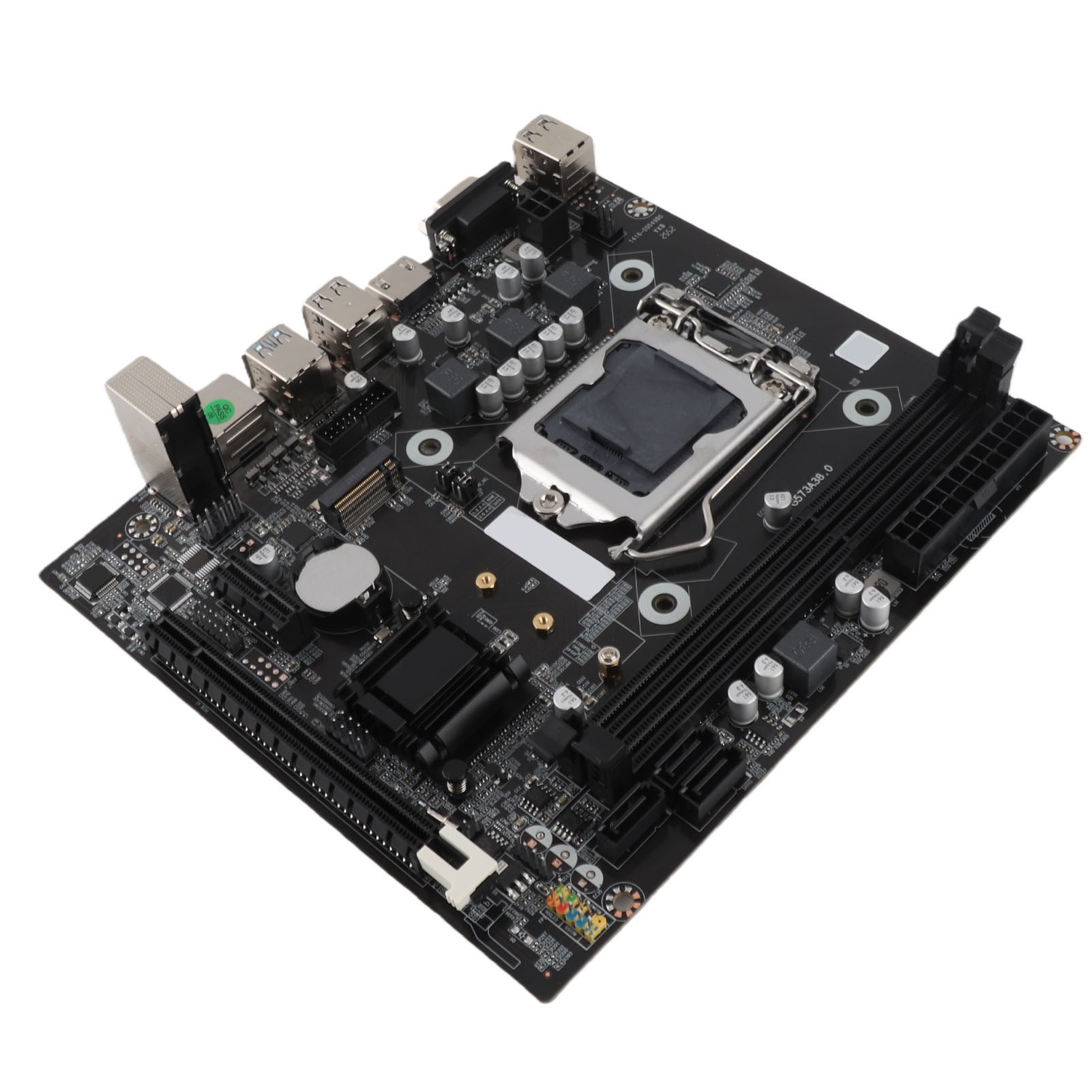
- Does it support 14th Gen Intel CPUs?
- It uses the LGA 1700 socket, which covers 12th and 13th Gen Core processors. Support for later chips depends on the BIOS version installed, so check Gigabyte's CPU support list for your board revision.
- How many M.2 drives can I install?
- Four PCIe 4.0 x4 M.2 slots, one of which sits under the M.2 Thermal Guard III heatsink. The PCIe 5.0 x16 slot is separate and meant for a graphics card.
- Is DDR4 supported?
- No. This version uses DDR5 only, across four SMD DIMM slots with XMP 3.0, up to 128 GB total.
- Do I need a BIOS update out of the box?
- Not for most 12th and 13th Gen chips. If you pair it with a newer CPU, update the BIOS first; owners warn that Gigabyte lists several board revisions, so match the file to yours.
- What networking does it include?
- WiFi 6E and 2.5GbE Ethernet are built in, so no add-in card is needed for either.
- Is it worth it over cheaper Z790 boards?
- The 16+1+2 phase 70A VRM, PCIe 5.0 slot and four M.2 slots are more than budget Z790 boards offer. If you do not need PCIe 5.0 or that many drives, a cheaper board will do the same job.
- Where is the Gigabyte Z790 Aorus Elite AX cheapest?
- At Newegg, for $113.99, 40% under what the other stores charge, as of our latest check.
- What do buyers say about the Gigabyte Z790 Aorus Elite AX?
- Buyers like: Reset BIOS button and fast boot adjustments appreciated; Flash protection features noted as nice; Seems ok overall. Common complaints: Some fan hookups hard to reach; Hard to find correct BIOS updates among several board versions.
- Where can I buy the Gigabyte Z790 Aorus Elite AX?
- 5 stores we checked sell it, including Amazon, Walmart, Newegg, Best Buy, eBay.