- Is the HP 14 Chromebook good for schoolwork?
- Yes for web-based work: Google Docs, classroom portals, email and video calls. It struggles with heavy multitasking or installed creative software, which Chrome OS largely does not support anyway.
- Can I run Windows apps on it?
- No. It runs Chrome OS, so you use web apps and Android apps from Google Play. Windows programs need a Windows laptop or a remote desktop.
- How much can I store on 64GB?
- Enough for the system, apps and some offline files, but not a large media library. Most work lives in the cloud, and you can add storage via the USB ports or a microSD card.
- Does it have a backlit keyboard and a matte screen?
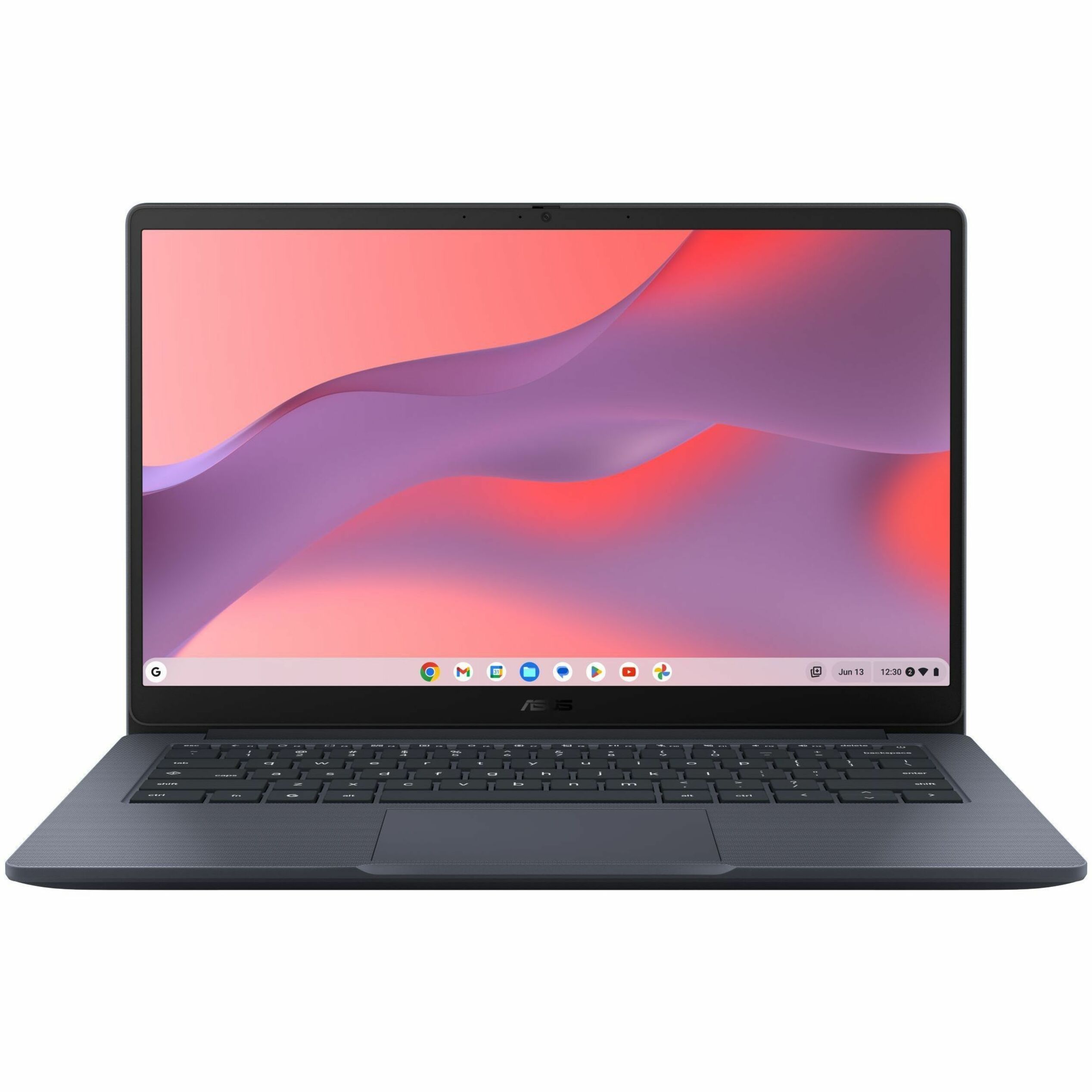
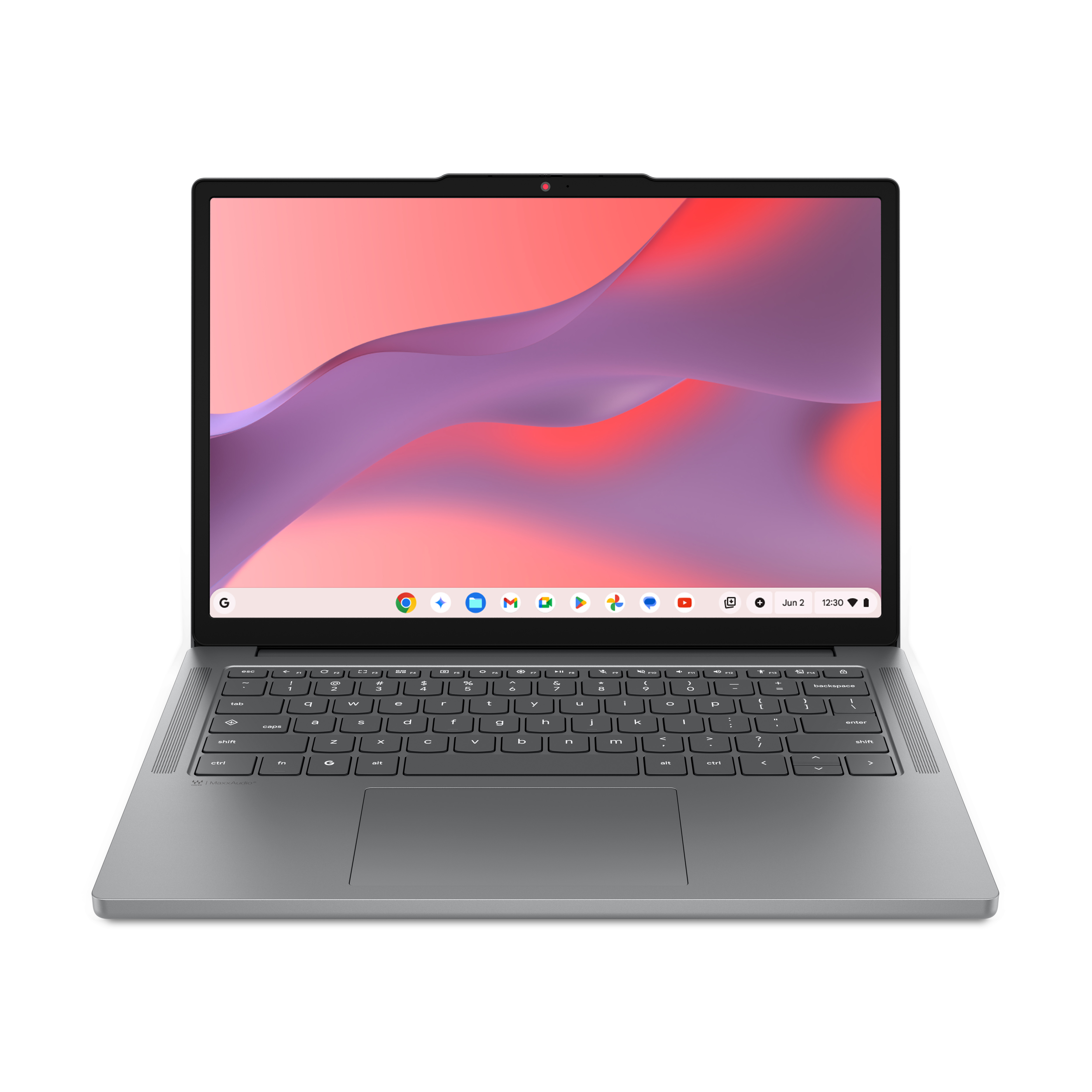
- Yes. HP lists a backlit keyboard and a no-glare 14-inch HD display.
- What ports does it have?
- USB-A, USB-C and HDMI, so you can connect a monitor, flash drive or older accessories without a dongle.
- How does it compare with a pricier Chromebook?
- More expensive Chromebooks add sharper screens, 8GB of RAM and faster processors. This one covers basic browsing and documents at the cost of speed and display quality.
- Where is the HP 14″ HD Chromebook Laptop for Students cheapest?
- At TamDoUS, for $83.00, 74% under what the other stores charge, as of our latest check.
- Where can I buy the HP 14″ HD Chromebook Laptop for Students?
- 11 stores we checked sell it, including TamDoUS, Iconic, CompTechDirect, Tech to School, antonline.com.