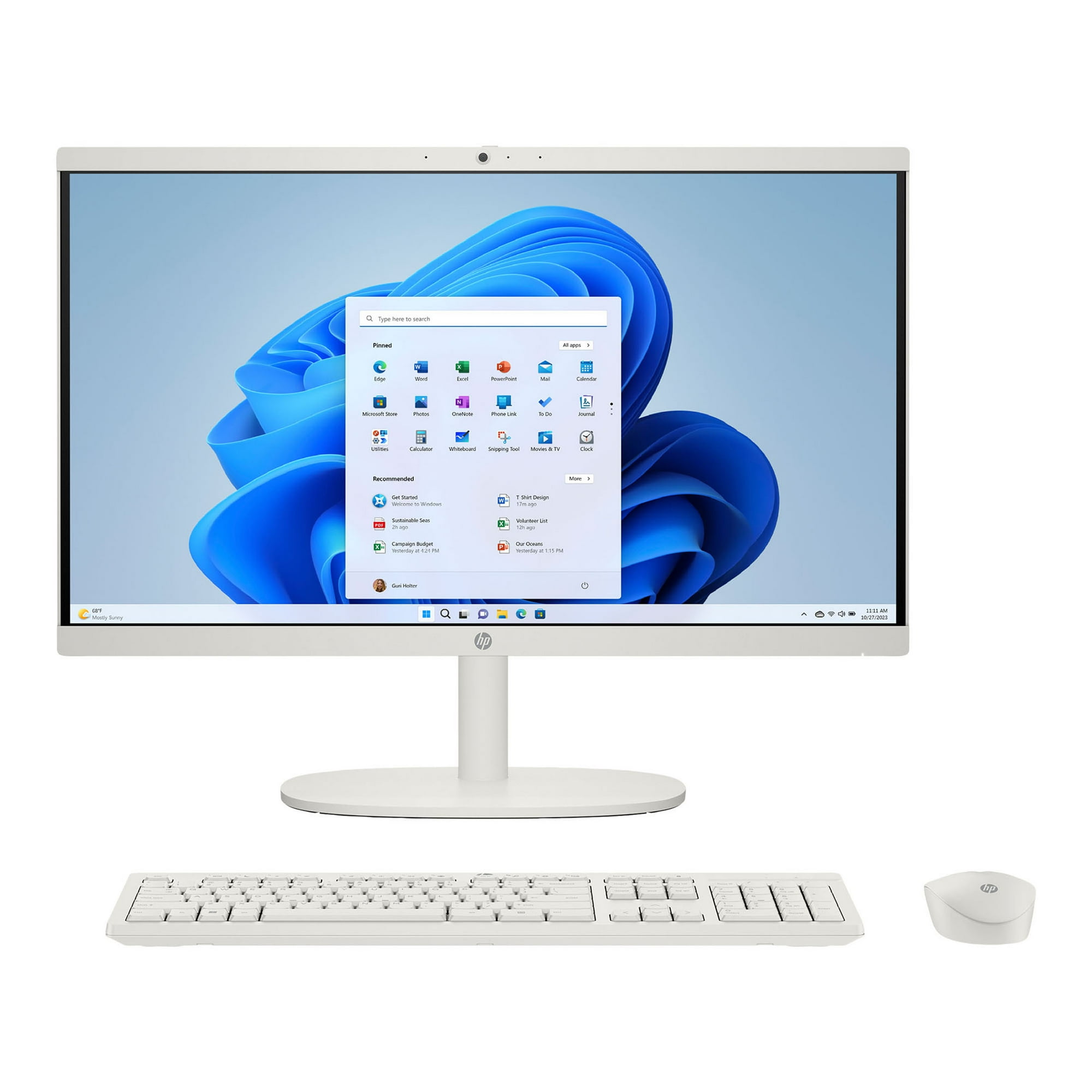
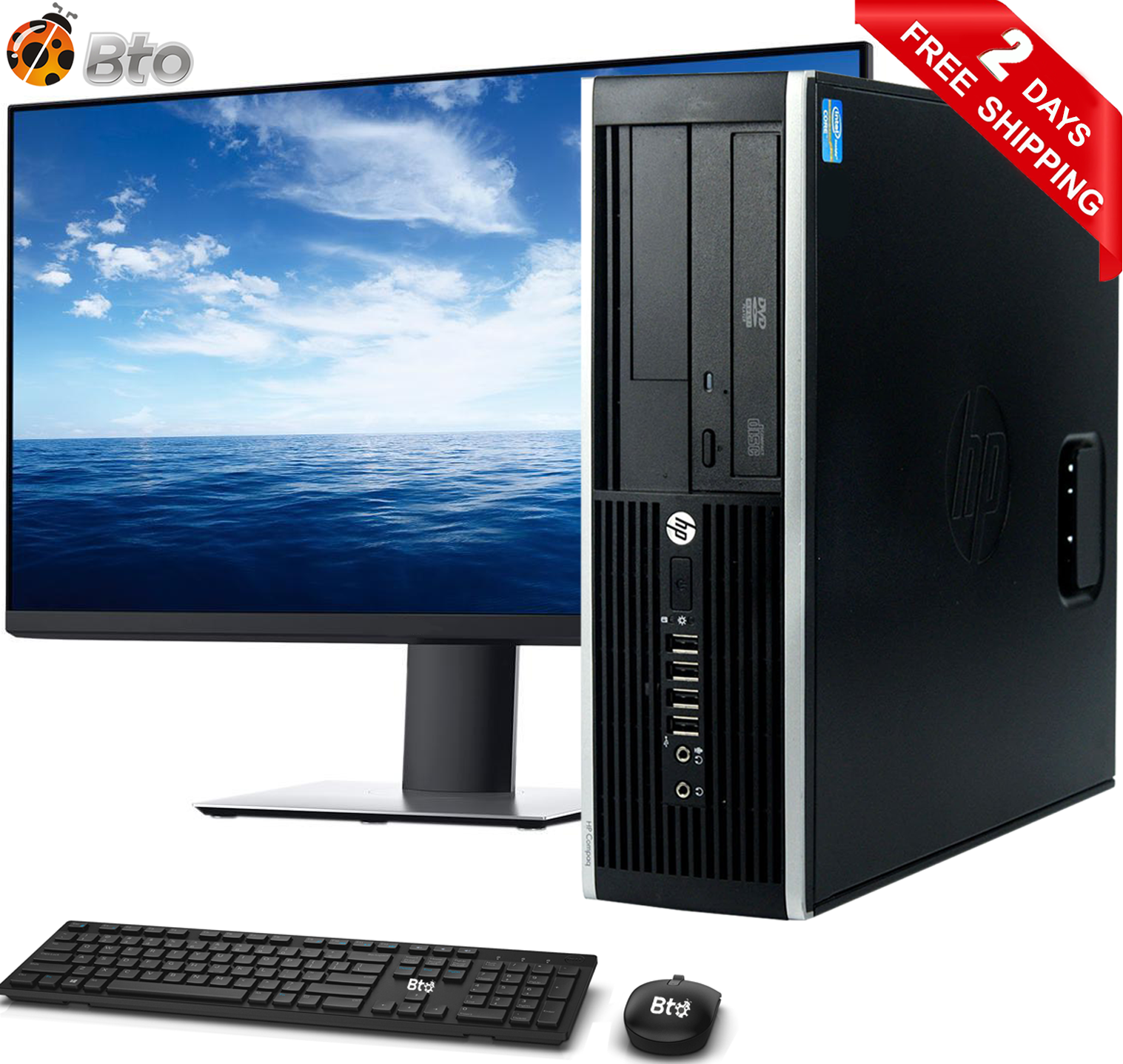
- Is the HP 22 good for everyday home use?
- Yes. Web browsing, email, documents, video calls and streaming run smoothly on the Core i3 and integrated graphics. It is not built for gaming or heavy video editing.
- Can I upgrade the HP 22 later?
- Memory and storage can usually be swapped, but the processor and graphics are fixed. The screen is part of the unit, so it cannot be reused with another PC.
- Does it have a webcam and Wi-Fi?
- HP 22 all-in-ones typically include a built-in webcam, microphone, stereo speakers and Wi-Fi, so it works out of the box for video calls.
- How does it compare with a tower desktop?
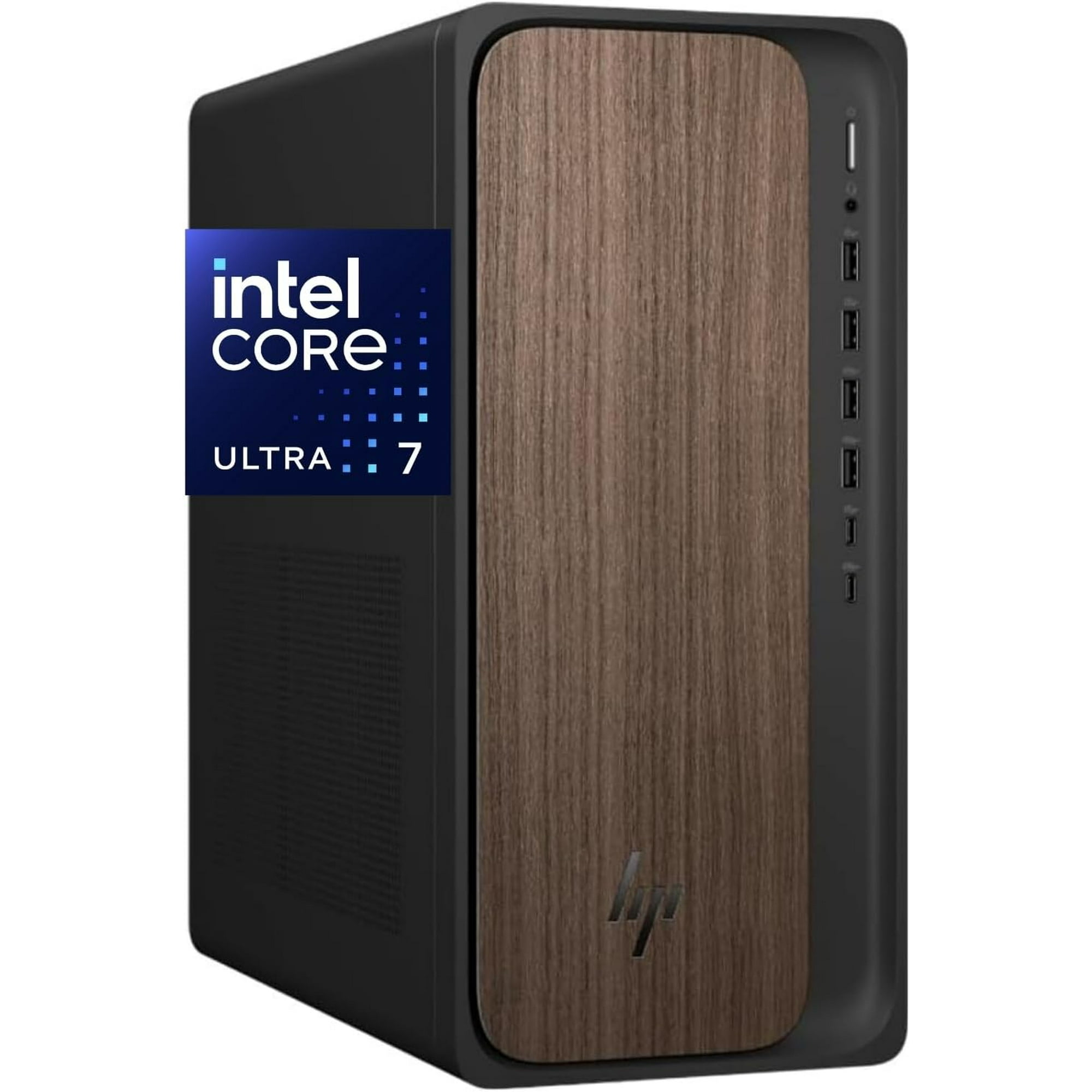
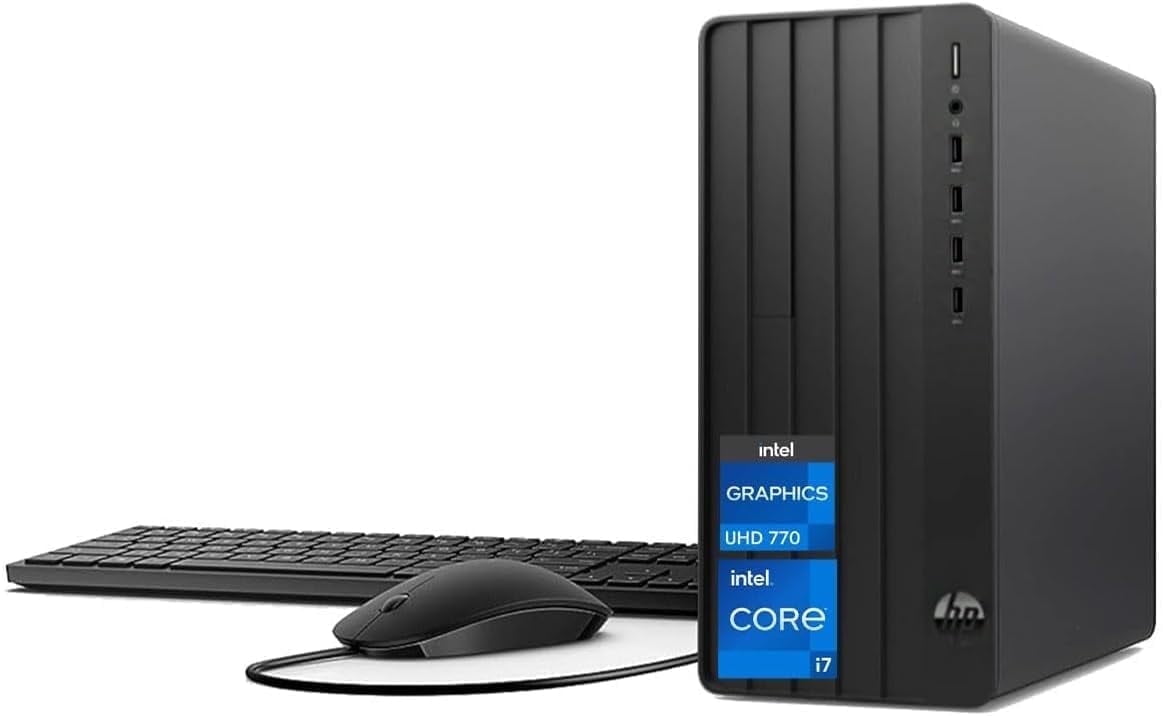
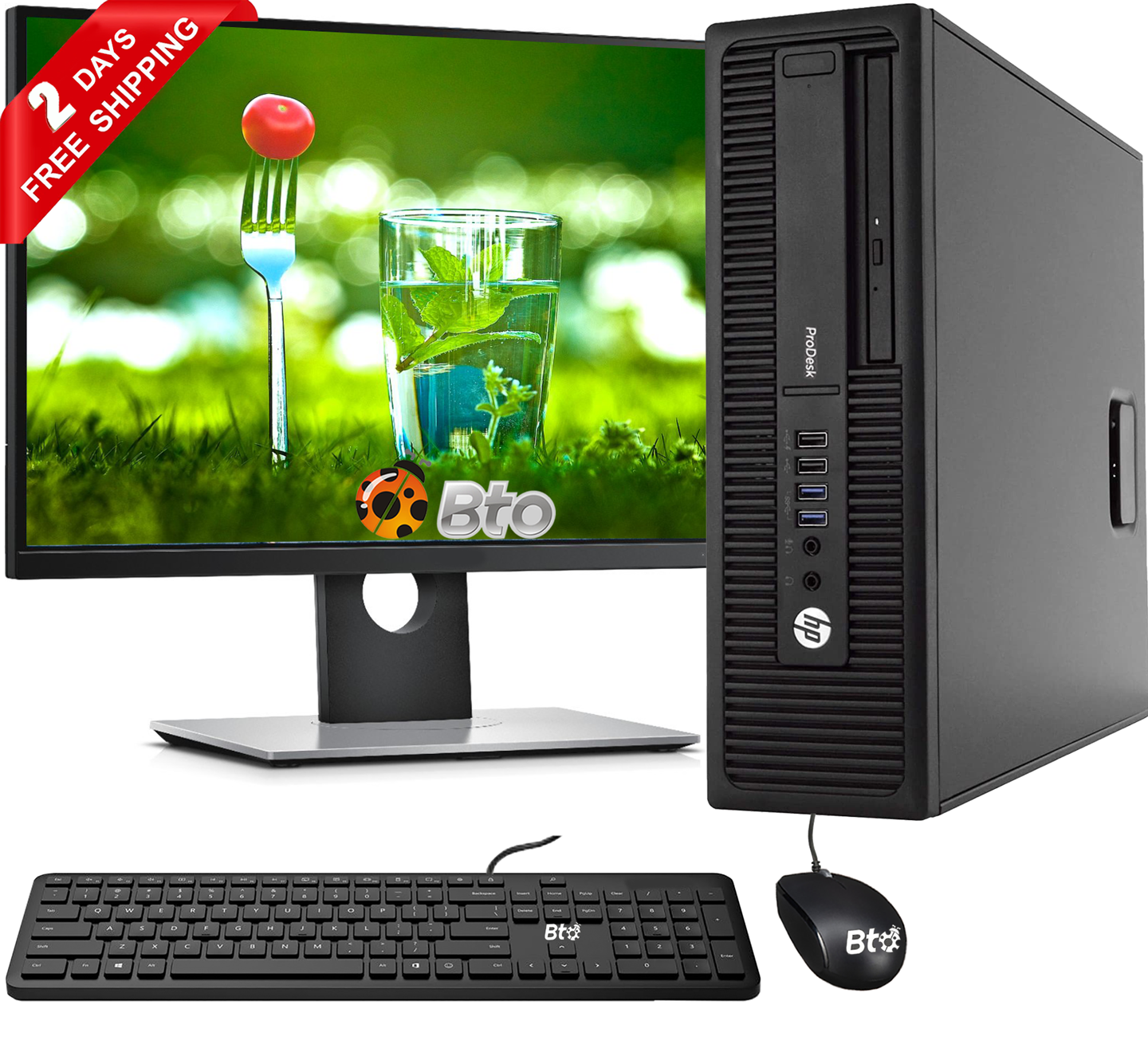
- It takes less space and needs fewer cables, but a tower offers more room to upgrade and usually more power for the same outlay. Choose the HP 22 for simplicity, a tower for expandability.
- Is the HP 22 good for students?
- For papers, research and online classes it is adequate. Students running design, engineering or statistics software should look for more memory and a stronger processor.
- Where is the HP 22 cheapest?
- At Hartland Liquidation, for $300.00, as of our latest check.