- Is 32 GB of RAM overkill for everyday use?
- For web browsing and office work, 16 GB is usually enough. The 32 GB here pays off with many browser tabs, virtual machines, large spreadsheets or photo editing, and it leaves headroom for years of use.
- Can I upgrade the RAM or storage later?
- All-in-ones are harder to open than towers, and HP's service documentation should be checked for your exact model. Plan on the 32 GB and 1 TB as configured rather than counting on upgrades.
- Is the display good enough for photo or video work?
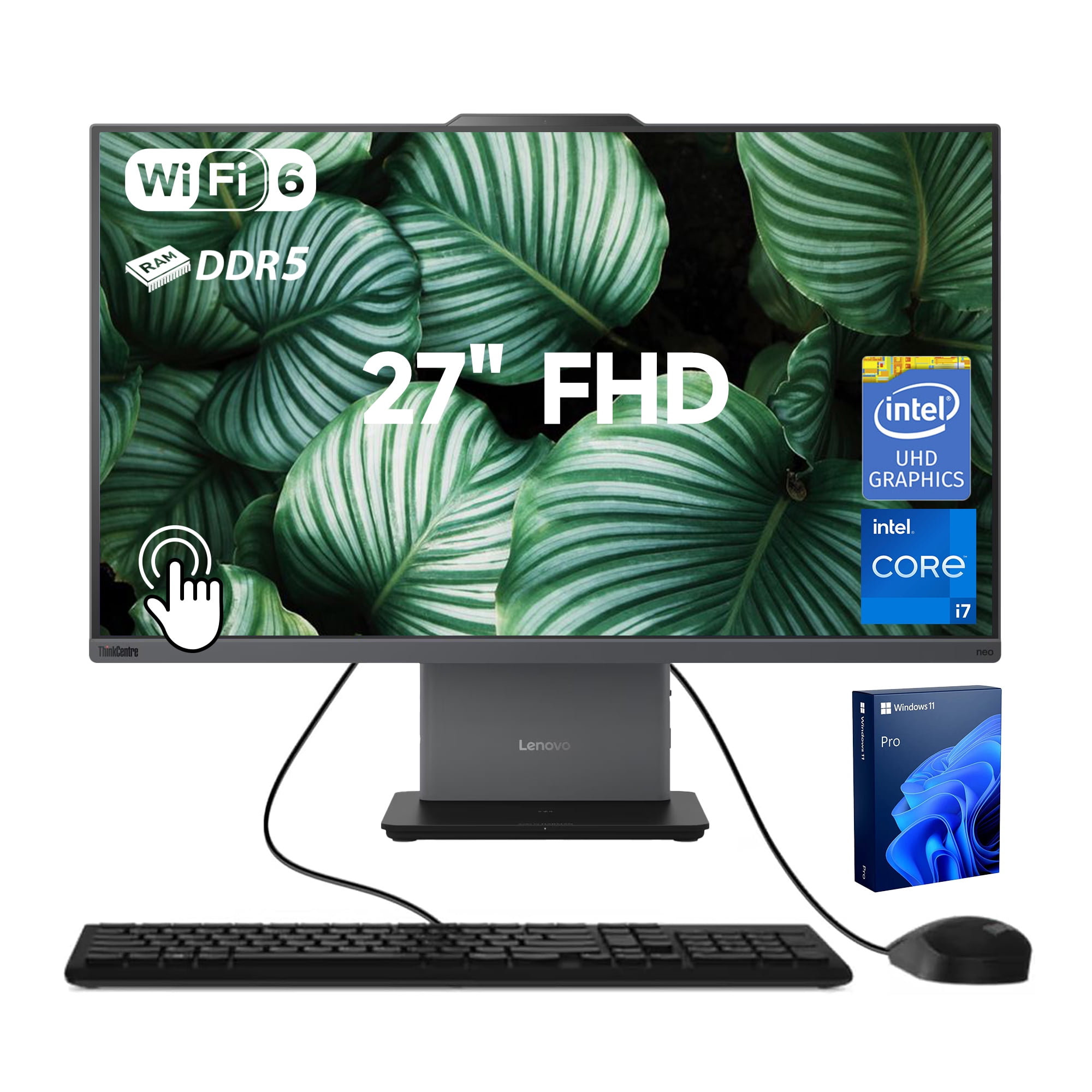
- It is a 27-inch full HD panel without touch. That resolution is fine for documents and general work, but color-critical photo and video editing benefits from a higher-resolution, wide-gamut display.
- Can it run games?
- It relies on integrated graphics, so it handles casual and older titles at modest settings. Modern 3D games need a machine with a discrete graphics card.
- Does it come with a keyboard and mouse?
- HP typically bundles a wired or wireless keyboard and mouse with its all-in-one models, but the included accessories vary by configuration. Check the box contents for the specific unit.
- Why Windows 11 Pro instead of Home?
- Pro adds BitLocker encryption, Remote Desktop hosting and domain join. That matters for small businesses and anyone who connects to a work network; home users can get by with Home.
- Where is the HP 27 All-in-One 27 FHD cheapest?
- At Best Buy, for $1,499.99, as of our latest check.