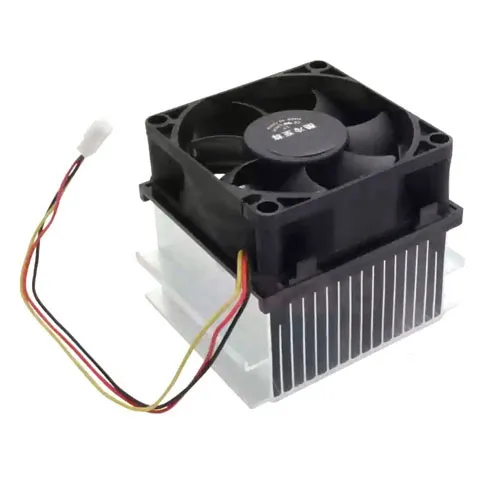
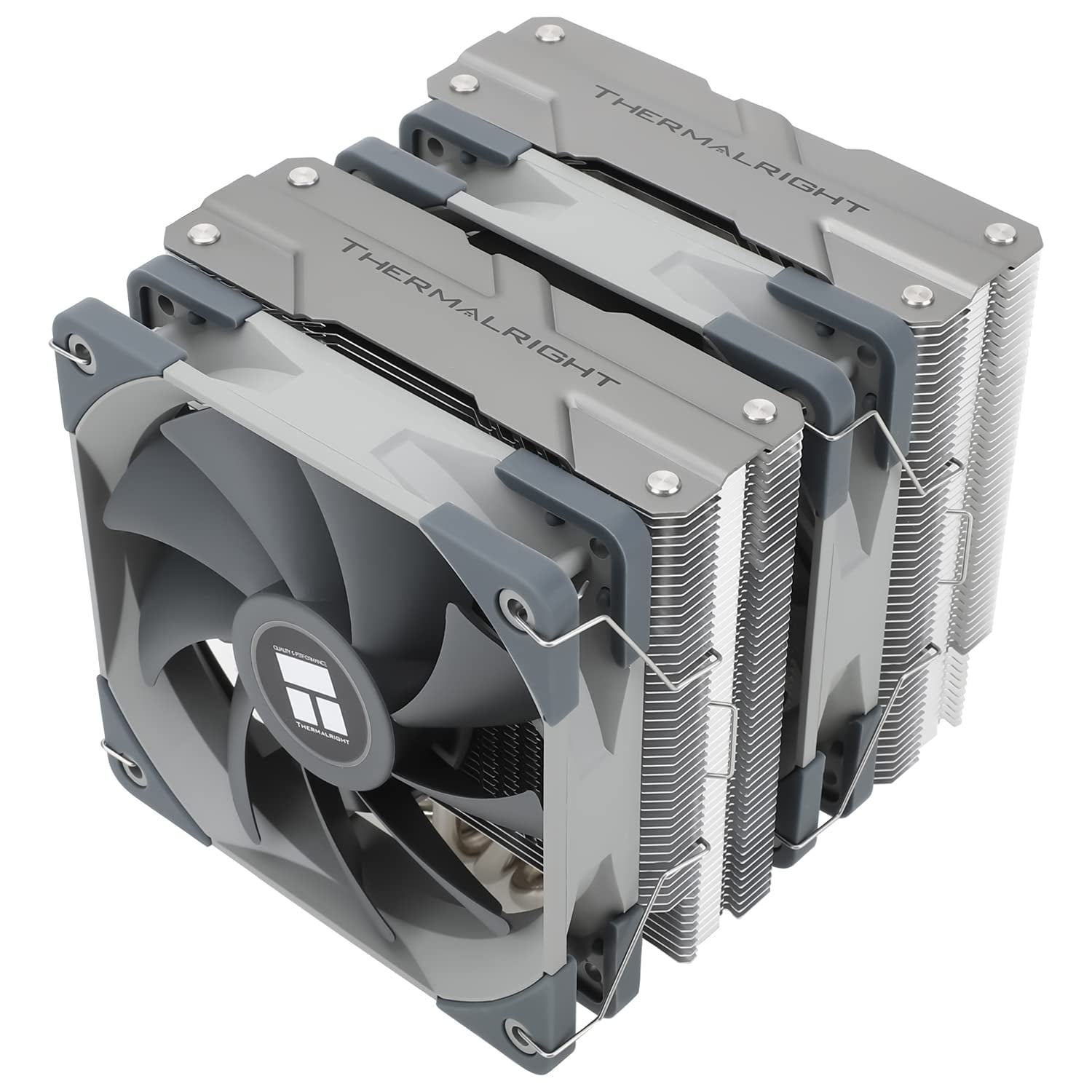
- Which laptops does this fan and heatsink fit?
- It is the module for HP 15-AC series machines, including the 15-AC121DX named for this part. Check your laptop's model and the part number on the old fan before ordering, because other 15 series chassis use different coolers.
- Does it come with thermal paste?
- The assembly is the fan and heatsink. Thermal compound is usually not included, so plan on cleaning the old paste off the CPU and applying fresh paste when you install it.
- Will this fix my laptop overheating?
- If the old fan is noisy, seized or clogged, replacing the module restores airflow and usually brings temperatures back down. If the laptop still runs hot afterward, check for dust elsewhere and confirm the heatsink is seated flat on the CPU.
- Is this an upgrade over the stock cooler?
- No. It is the same design as the original part, so expect the cooling you had when the laptop was new, not better.
- Can I replace it myself?
- Yes, with a screwdriver and some care. You open the bottom cover, disconnect the fan cable, unscrew the heatsink, and lift the old unit out. Some 15-AC models need more disassembly to reach the screws.
- Where is the HP 815237-001 CPU Fan and Heatsink cheapest?
- At Gotodirect, for $60.00, as of our latest check.