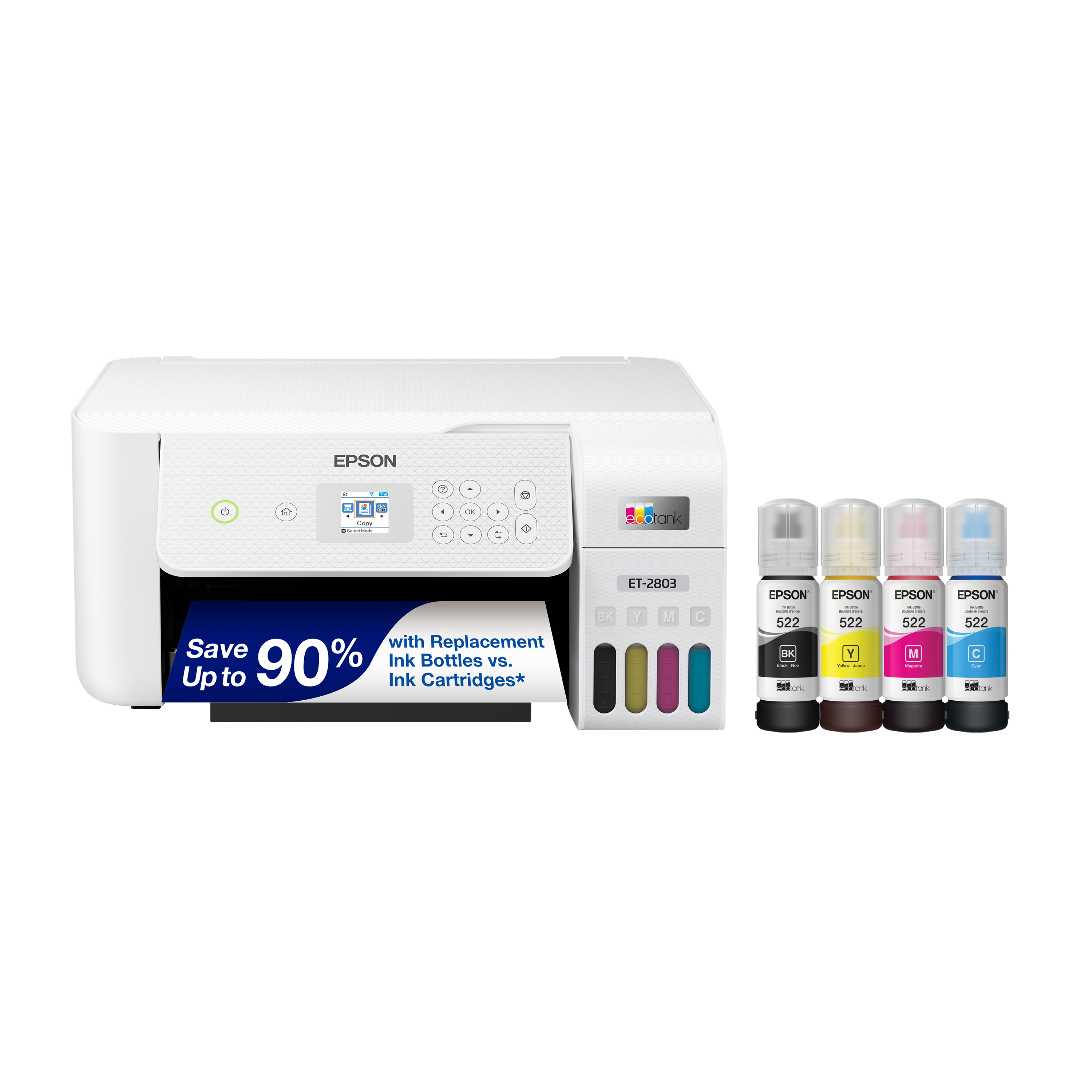
HP DeskJet 2734e Wireless Color Inkjet All-In-One Printer
Where to buy
No store is showing a current price right now. The stores below sell it; ask the agent to check today's prices.
Prices are checked against each store and labelled with when.
Check today's price at PzDealsAsk our agent about this product
It checks today's price at every store, compares the alternatives and answers in about a minute.
In stock now from HP

Our take on the HP DeskJet 2734e Wireless Color Inkjet All-In-One Printer
The HP DeskJet 2734e is a compact color inkjet all-in-one that prints, copies and scans, aimed at light home use. It connects over Wi-Fi and works with HP's app and Instant Ink subscription, so setup and supply refills are handled through the account rather than at the store. It is a basic two-cartridge machine: no automatic document feeder, no duplex printing and no fax modem. Against pricier inkjet all-in-ones it trades speed, paper handling and running-cost control for a low entry point, so it suits occasional printing rather than a busy household.
- Print, scan and copy in one compact unit
- Wi-Fi printing from phones and laptops via the HP app
- Two-cartridge setup keeps replacement simple
- Instant Ink subscription can cover ink automatically
- Small footprint for a desk or shelf
HP DeskJet 2734e Wireless Color Inkjet All-In-One Printer prices at every store
- PzDealsCheck price at PzDeals
What reviewers say
Owners treat the DeskJet 2734e as a cheap, compact starter printer that is fine for occasional pages. Complaints center on speed, ink cost and the push toward HP's app and subscription.
- Print speedCriticisedOwners say pages come out slowly, with color and photo jobs especially sluggish.
- Ink costCriticisedReviewers complain that cartridges deplete fast and replacements feel expensive without a subscription.
- SetupPraisedBuyers find Wi-Fi setup through the HP app straightforward.
Questions and answers
- Does the DeskJet 2734e print double-sided automatically?
- No. It prints one side at a time, so you flip the page yourself for two-sided documents.
- Can it fax?
- No. It prints, copies and scans, but there is no fax modem or phone line connection.
- Does it have an automatic document feeder?
- No. You place each page on the flatbed glass to copy or scan it.
- How many ink cartridges does it use?
- Two: one black and one tri-color. That keeps replacement simple but means color runs out with black.
- Can I print from my phone?
- Yes. It connects over Wi-Fi and works with the HP app for printing from phones and tablets.
- Is it good for photo printing?
- It can print photos, but it is slow and uses the tri-color cartridge, so it suits occasional snapshots rather than regular photo work.