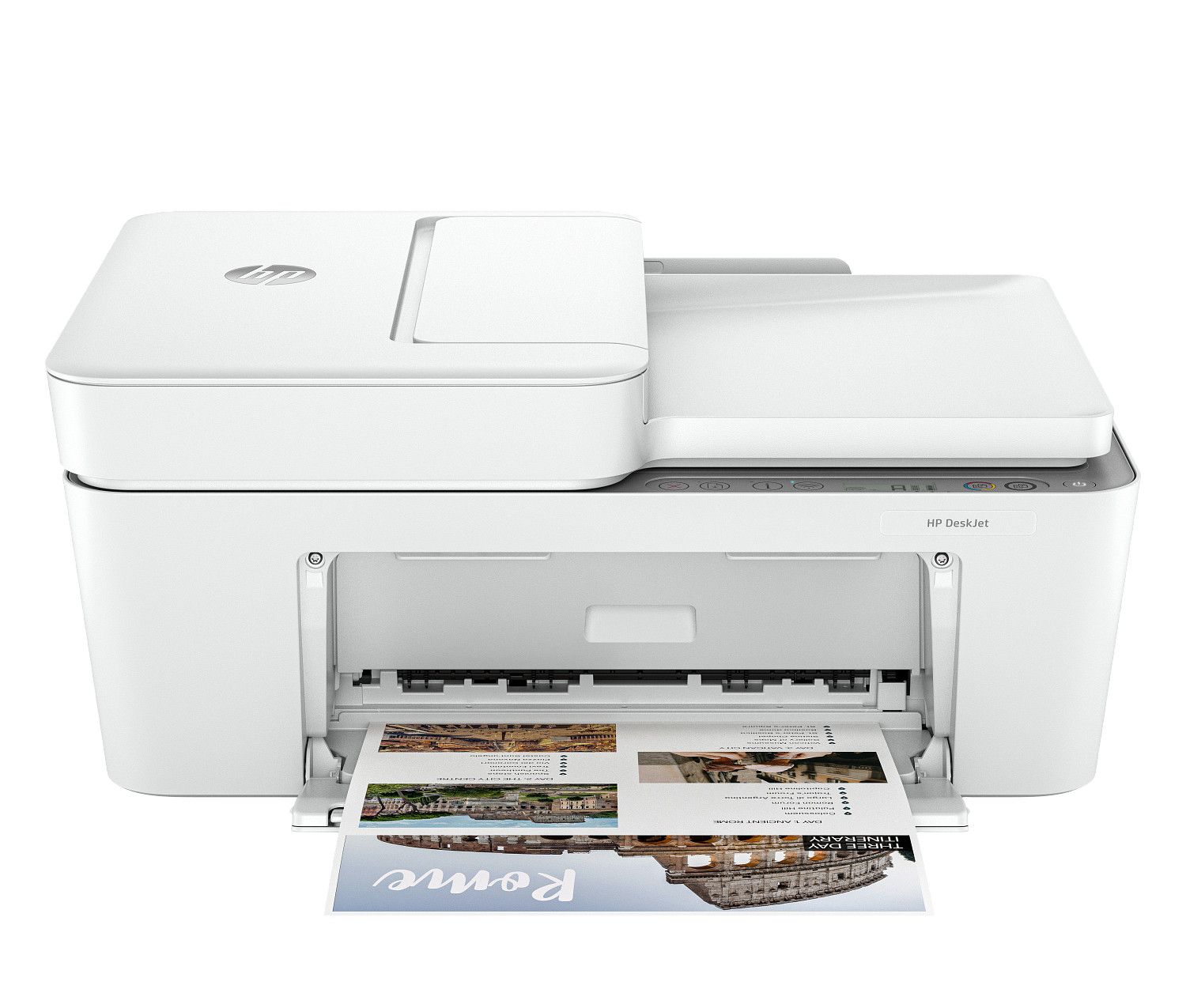
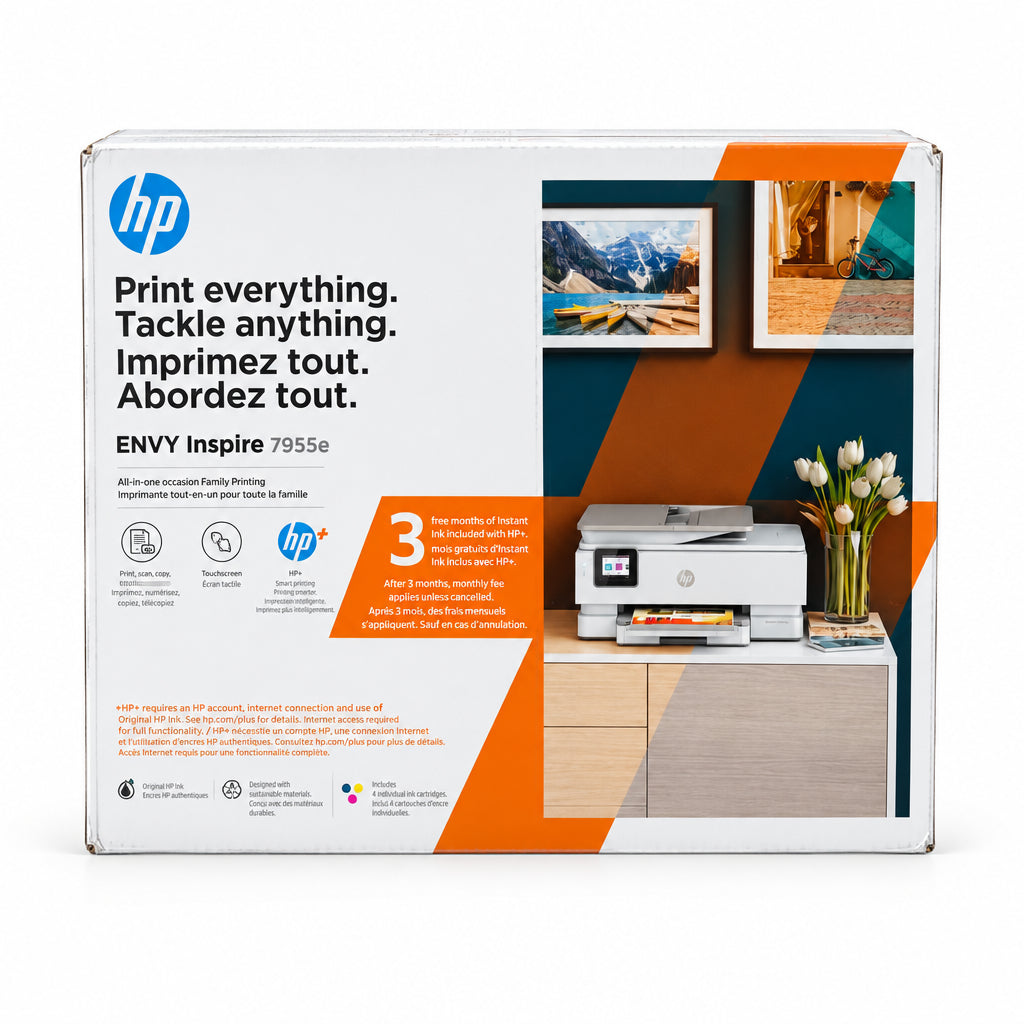
HP DeskJet Compact All-in-One Photo Printer
Where to buy
No store is showing a current price right now. The stores below sell it; ask the agent to check today's prices.
Prices are checked against each store and labelled with when.
Check today's price at PzDealsAsk our agent about this product
It checks today's price at every store, compares the alternatives and answers in about a minute.
In stock now from HP

Our take on the HP DeskJet Compact All-in-One Photo Printer
The HP DeskJet Compact All-in-One is a small inkjet that prints, scans and copies, aimed at light home use where desk space is tight. It handles everyday documents and photos, and its compact footprint is its main draw against bulkier all-in-ones. It suits occasional printing rather than heavy volume: ink costs and slow speeds are the usual trade-offs at this end of HP's range.
- Print, scan and copy in one unit
- Compact footprint for small spaces
- Handles photo printing as well as documents
- Simple setup for a single household
- Ink costs add up with regular printing
- Slow compared with office inkjets
- Light-duty build suits occasional use only
HP DeskJet Compact All-in-One Photo Printer prices at every store
- PzDealsCheck price at PzDeals
About the HP DeskJet Compact All-in-One Photo Printer
Click HERE to be added to the WhatsApp group and be the first to know of price mistakes and FREE stuff!
- Brand
- HP
- Type
- Compact all-in-one photo printer
Questions and answers
- Is this good for printing photos?
- It can print photos, but it is a general-purpose inkjet, not a photo printer. Expect decent snapshots rather than lab-quality prints, and photo paper matters.
- Does it print, scan and copy?
- Yes. It is an all-in-one, so it covers printing, scanning and copying from one compact unit.
- Is it good for a home office with heavy printing?
- No. It is built for light, occasional use. A household printing large volumes every week will do better with a tank or office-class printer.
- How does it compare with HP's tank printers?
- Tank models cost more upfront but cut running costs sharply. This model is the simpler, smaller choice for people who print now and then.
- What do I need to set it up?
- A power outlet, ink cartridges and a connection to your computer or phone. HP's app walks through wireless setup.