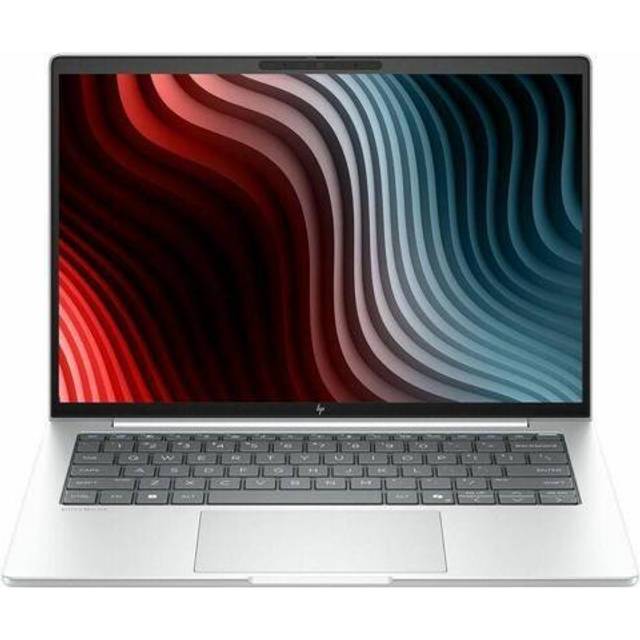
- Is the HP 14-inch touch laptop good for schoolwork?
- Yes for essays, web research and video classes. It struggles with many browser tabs open at once, large spreadsheets or design software, because of 4 GB of RAM and the 1.1 GHz processor.
- Can I upgrade the RAM or storage?
- HP's budget 14-inch models often have limited upgrade options, and the 64 GB drive is small. Plan on cloud storage or an external drive rather than counting on upgrades.
- Does the touchscreen work with a stylus?
- It is a touchscreen for fingers. Stylus support depends on the specific panel and pen, so treat it as finger touch unless HP states pen support for this model.
- What ports does it have?
- It has USB-A, USB-C and HDMI. That covers a mouse, a flash drive and an external monitor or TV without an adapter.
- How does it compare with a Chromebook?
- It runs Windows, so it handles desktop apps a Chromebook cannot. A Chromebook at the same level often has a sharper screen and longer battery life, but fewer local apps.
- Is 64 GB enough storage?
- Barely. Windows and updates take a large share, leaving little room for photos, games or big programs. Use cloud storage or an external drive.
- Where is the HP Laptop 14 inch cheapest?
- At PayMore Melbourne, for $119.99, 55% under what the other stores charge, as of our latest check.
- Where can I buy the HP Laptop 14 inch?
- 12 stores we checked sell it, including Best Buy, PayMore Melbourne, eBay, Newegg.com, Target.