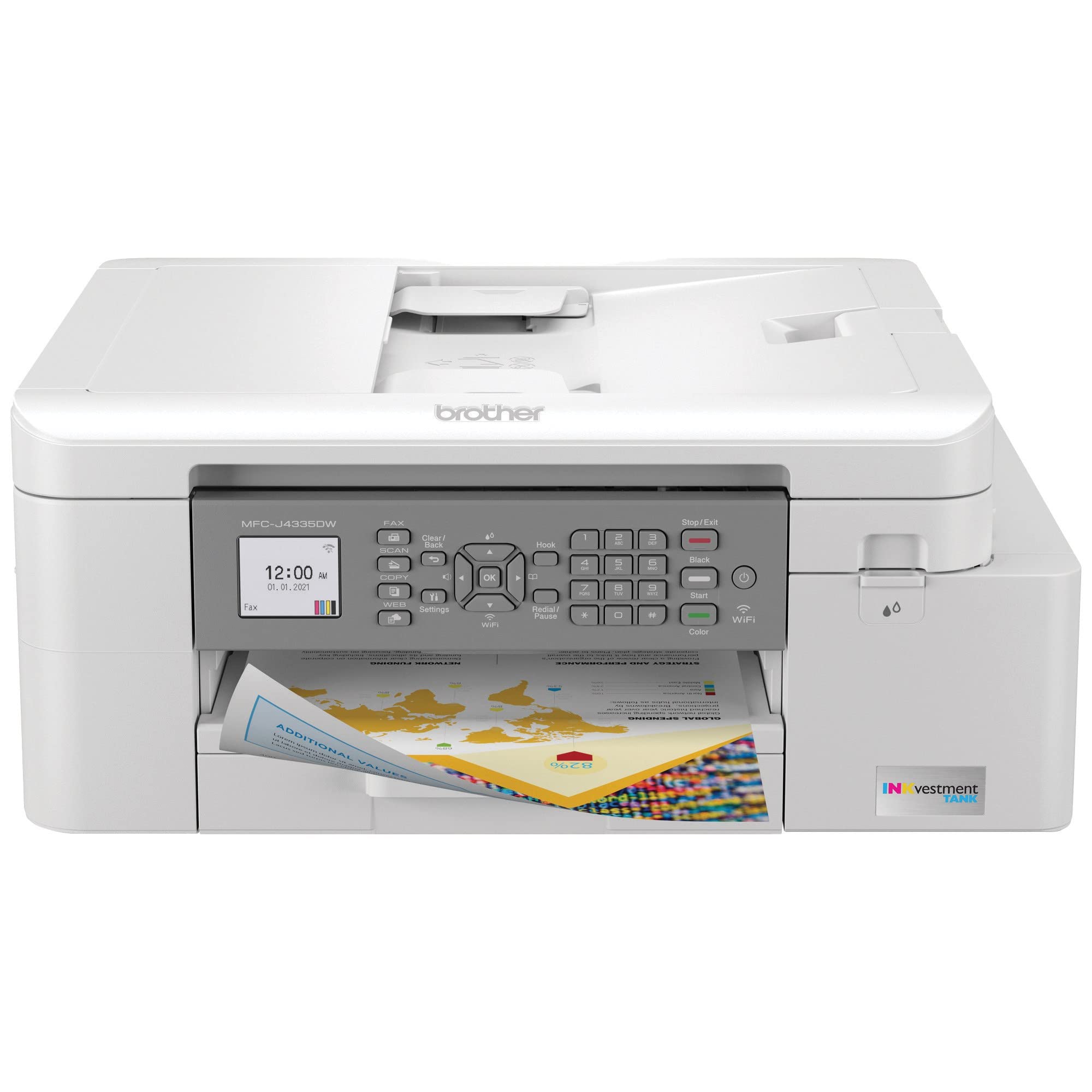
- Is the OfficeJet Pro 8135e good for a home office?
- Yes, if you print color documents, scan and copy regularly, and want a wired or wireless network connection. Its automatic duplex printing and Ethernet port suit shared office use. Very high-volume printing is better handled by a laser printer.
- Does it print on both sides automatically?
- Yes. Automatic duplex printing is built in, so two-sided documents print without flipping pages by hand.
- How does it connect to a network?
- It offers USB, Ethernet, Wi-Fi and Bluetooth. Ethernet gives a stable wired connection for an office, while Wi-Fi and Bluetooth suit home setups.
- What is the print speed?
- The listed speed is 10 ppm. That is fine for everyday documents but slower than office laser printers.
- Does it scan and copy as well as print?
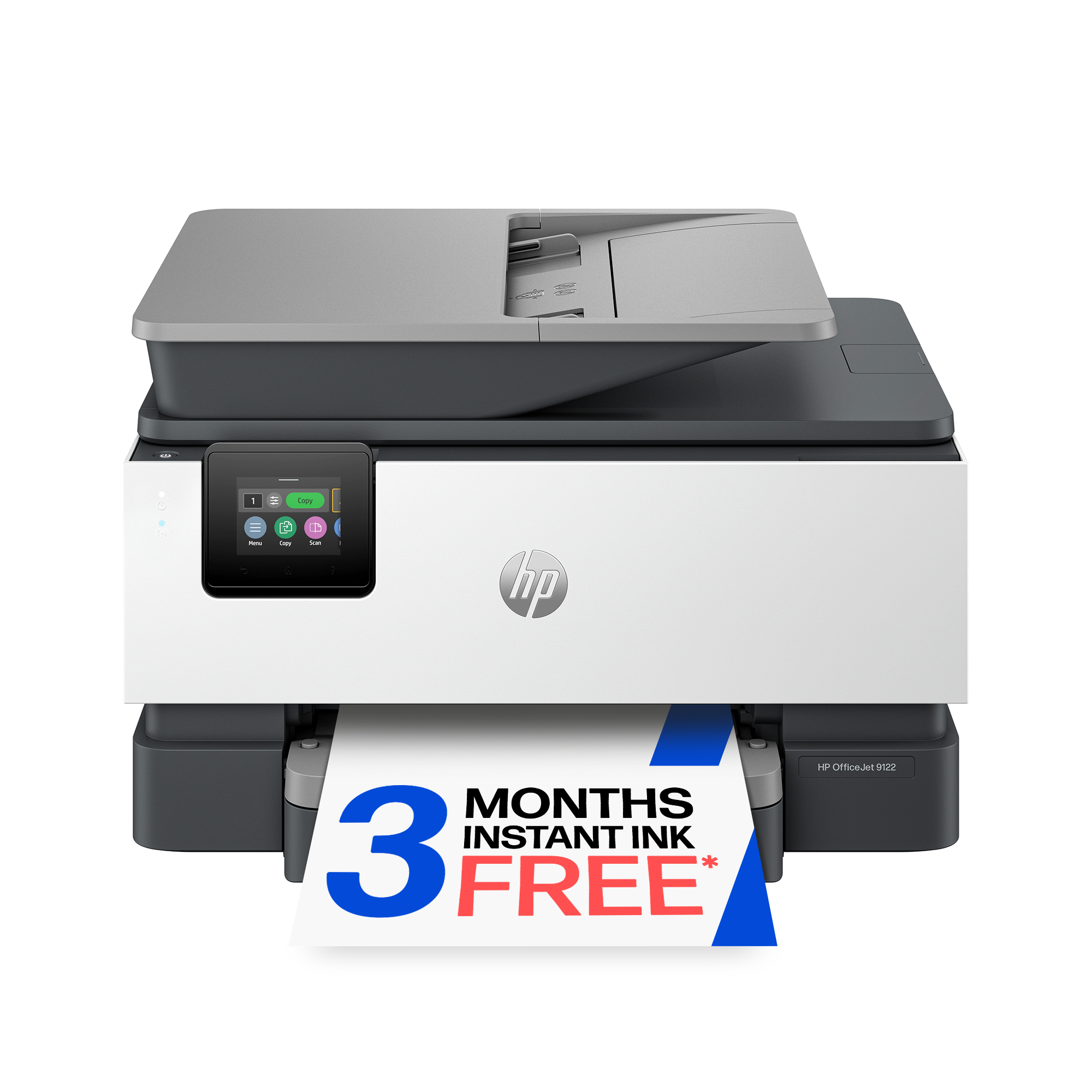
- Yes. It is an all-in-one, so it prints, copies and scans from the same unit, controlled through the 2.6-inch touch screen or your computer.
- Is it good for printing photos?
- It prints color at a listed 4800 x 1200 dpi, which is fine for casual photos. For gallery-quality photo printing, a dedicated photo printer is the better choice.
- Where is the HP OfficeJet Pro 8135e Desktop Color InkJet All-in-One Printer cheapest?
- At Whatnot, for $120.00, 28% under what the other stores charge, as of our latest check.
- Where can I buy the HP OfficeJet Pro 8135e Desktop Color InkJet All-in-One Printer?
- 15 stores we checked sell it, including Amazon, Whatnot, Best Buy, lenonlures.com, Racewear.