HP OMEN 32q QHD 165Hz IPS Gaming
Where to buy
No store is showing a current price right now. The stores below sell it; ask the agent to check today's prices.
Prices differ by screen size, and this one may be for a smaller size: check the size at the store.
Prices are checked against each store and labelled with when.
In stock now from HP


Our take on the HP OMEN 32q QHD 165Hz IPS Gaming
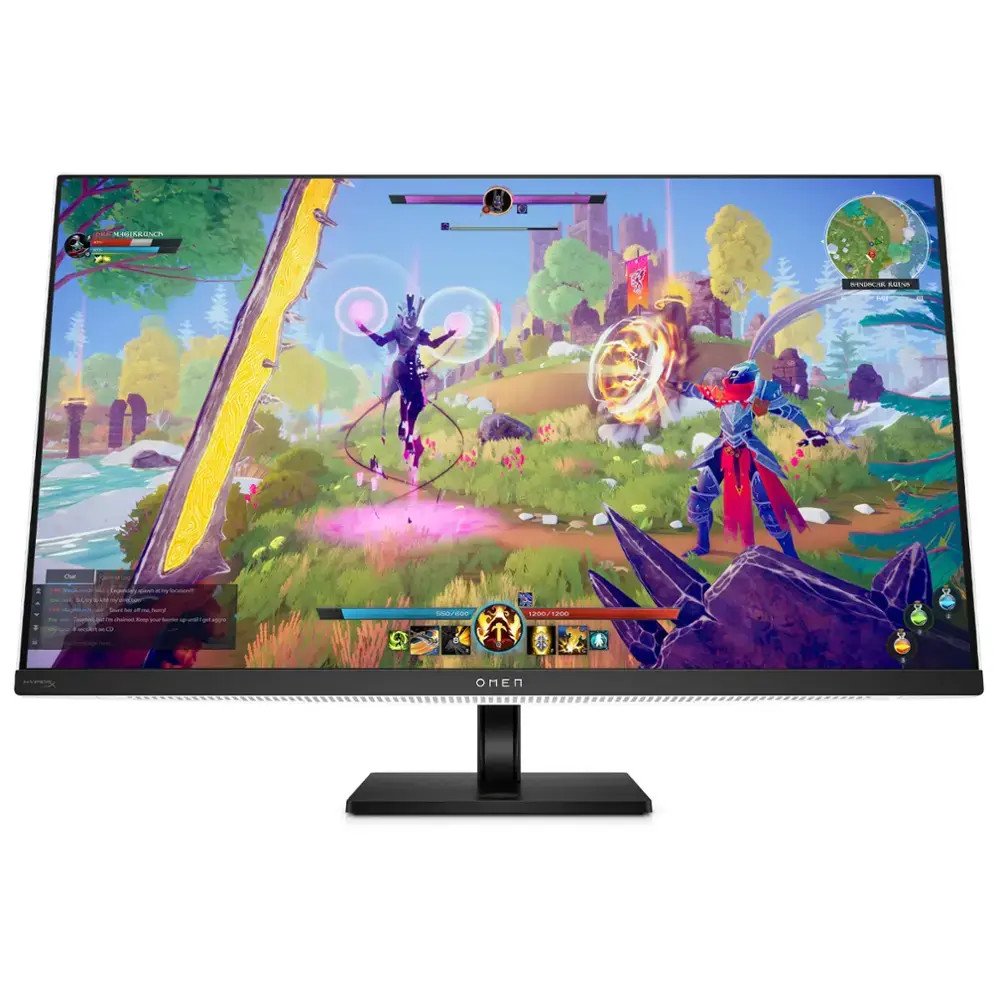
The HP OMEN 32q is a 32-inch QHD (2560x1440) gaming monitor with an IPS panel and a 165Hz refresh rate. IPS gives it wide viewing angles and consistent color, which sets it apart from the cheaper 32-inch QHD VA panels that dominate this size. It suits desk gamers who want a big, sharp screen for both play and everyday work. Against 27-inch 1440p rivals it trades pixel density for screen area, so text is a little softer but games and video feel more immersive.
- 32-inch QHD panel gives a large, sharp image without 4K GPU demands
- IPS panel offers wide viewing angles and stable color
- 165Hz refresh rate suits fast-paced games
- QHD is easier to drive than 4K at high frame rates
- Single large screen replaces a dual-monitor setup for many desks
About the HP OMEN 32q QHD 165Hz IPS Gaming
HP
N31090-004
OMEN 32q QHD 165Hz IPS Gaming
N31090-004
Default
Ask our agent about this product
It checks today's price at every store, compares the alternatives and answers in about a minute.
Questions and answers
- Is the OMEN 32q good for competitive gaming?
- Yes for most players. The 165Hz refresh rate and IPS response make fast games feel smooth. Serious esports players may still prefer a smaller, higher-refresh panel.
- How does 32-inch QHD compare with 27-inch QHD?
- Same resolution spread over a larger screen, so games and video feel bigger but text is less sharp. Pick 32 inches for immersion, 27 for pixel density.
- Is IPS better than VA for this monitor?
- IPS gives better viewing angles and more consistent color. VA usually offers deeper blacks and higher contrast. Choose IPS if you sit off-center or do color-sensitive work.
- Does a 165Hz QHD monitor need a powerful GPU?
- Less than 4K. A mid-range card can push high frame rates at 1440p in many titles, while 4K would demand a top-tier GPU.
- What should I check before buying?
- Confirm the stand offers height and tilt adjustment, check which ports your PC uses, and measure your desk depth for a 32-inch screen.