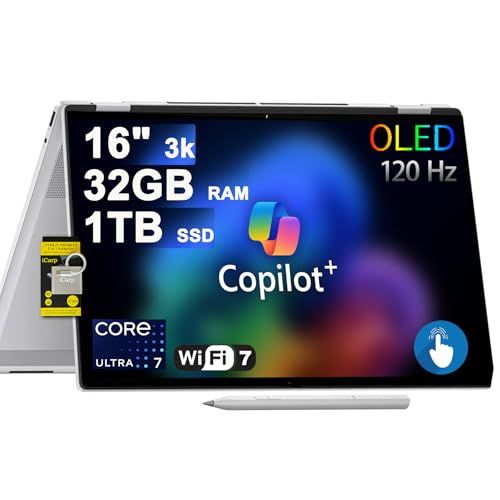
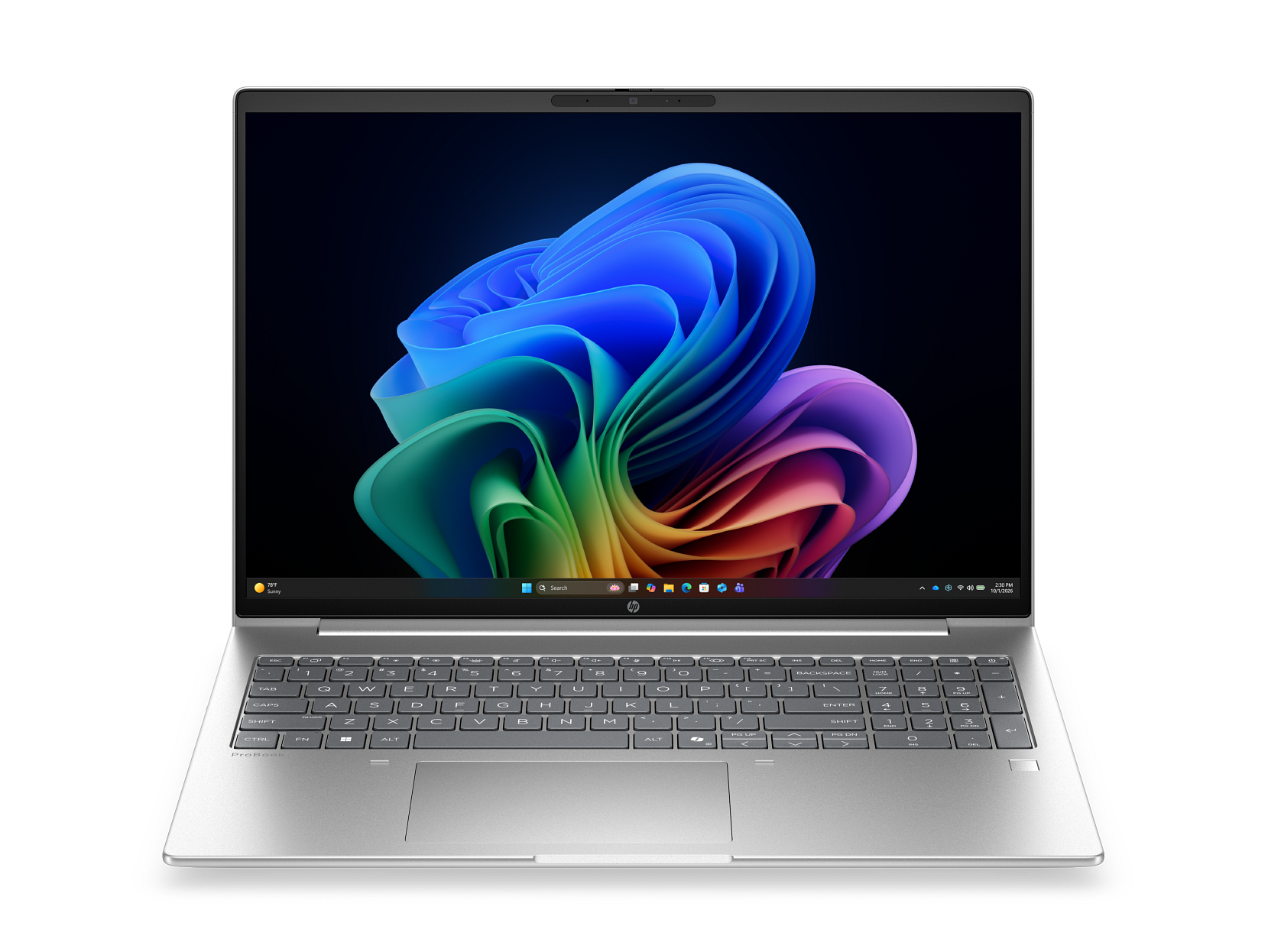
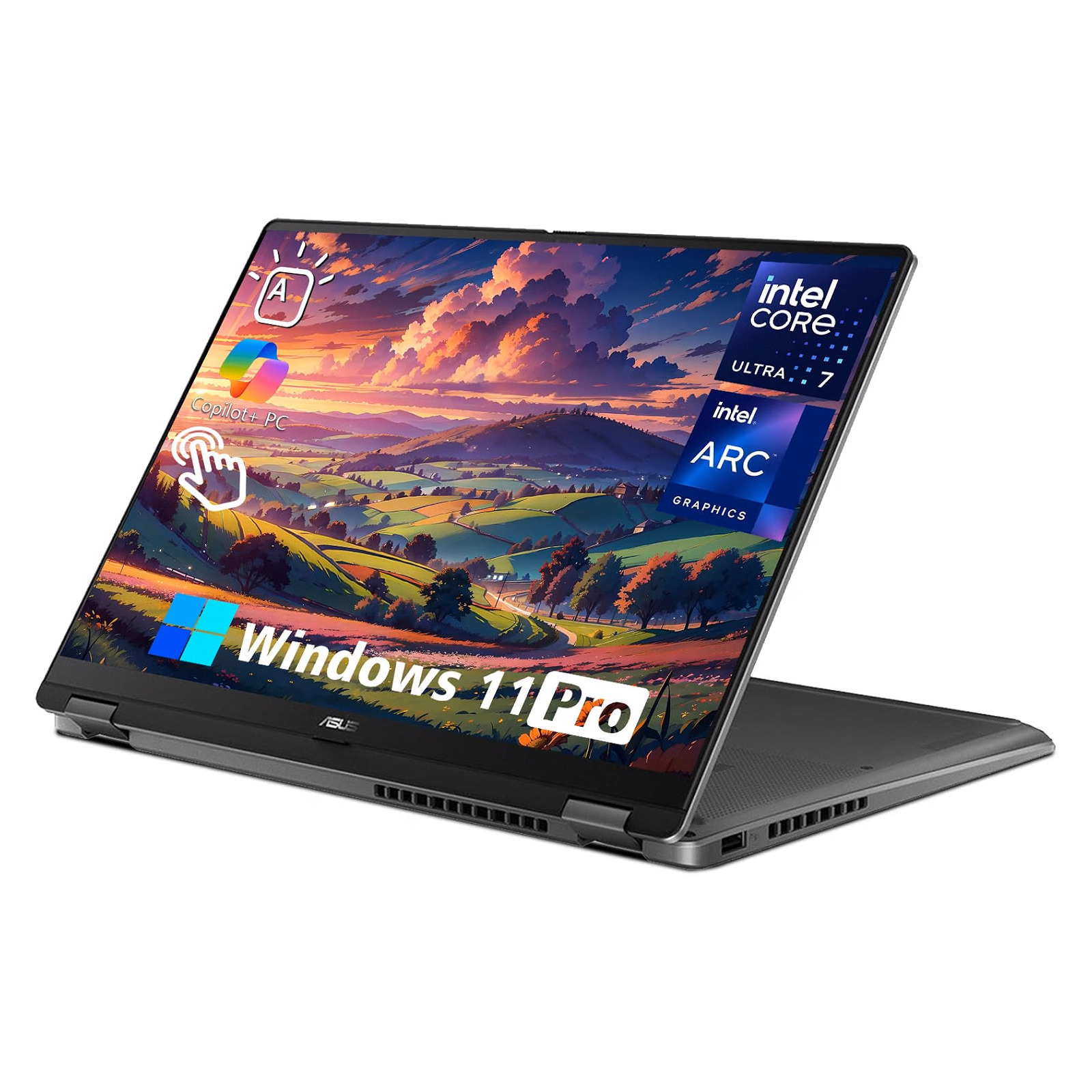
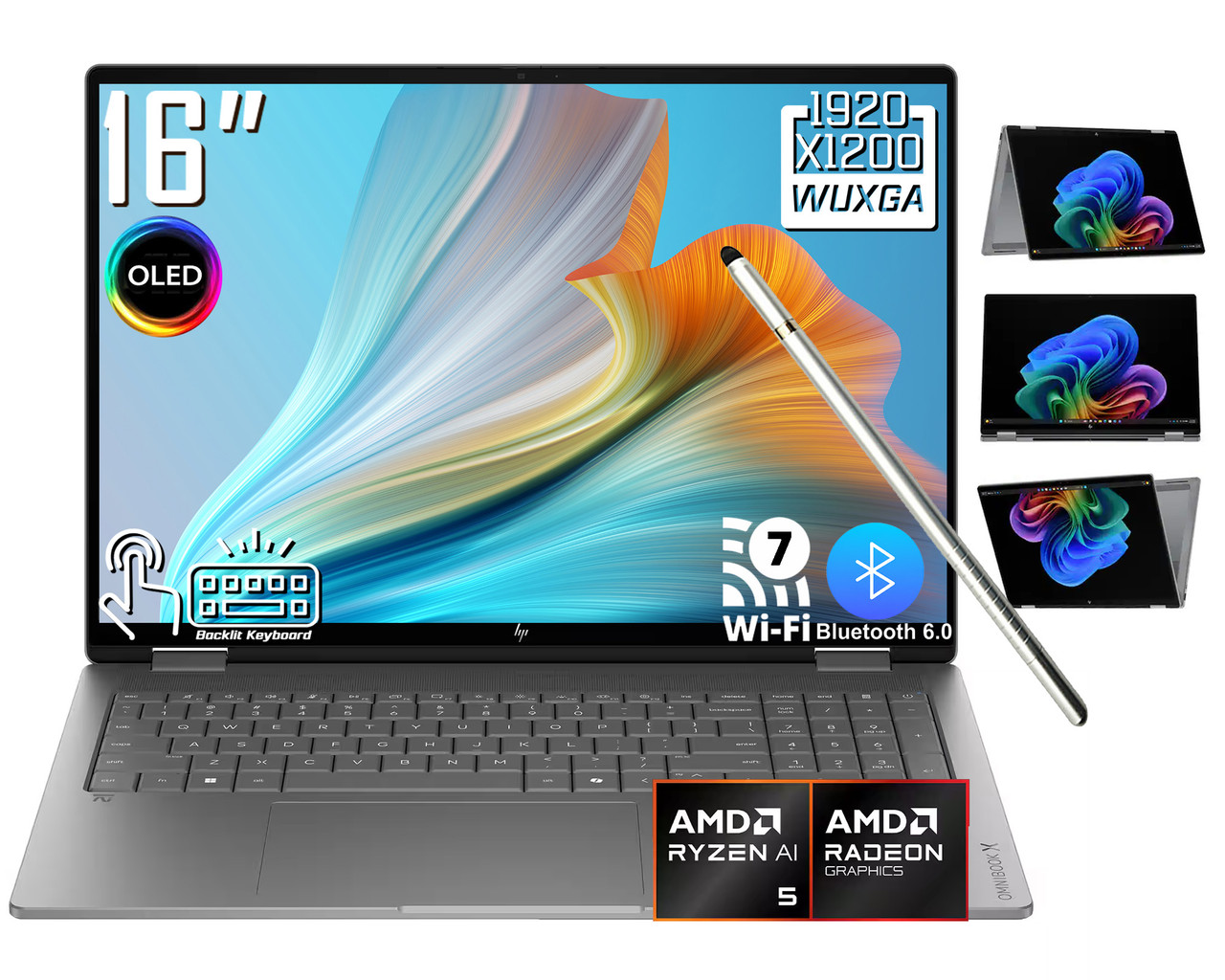
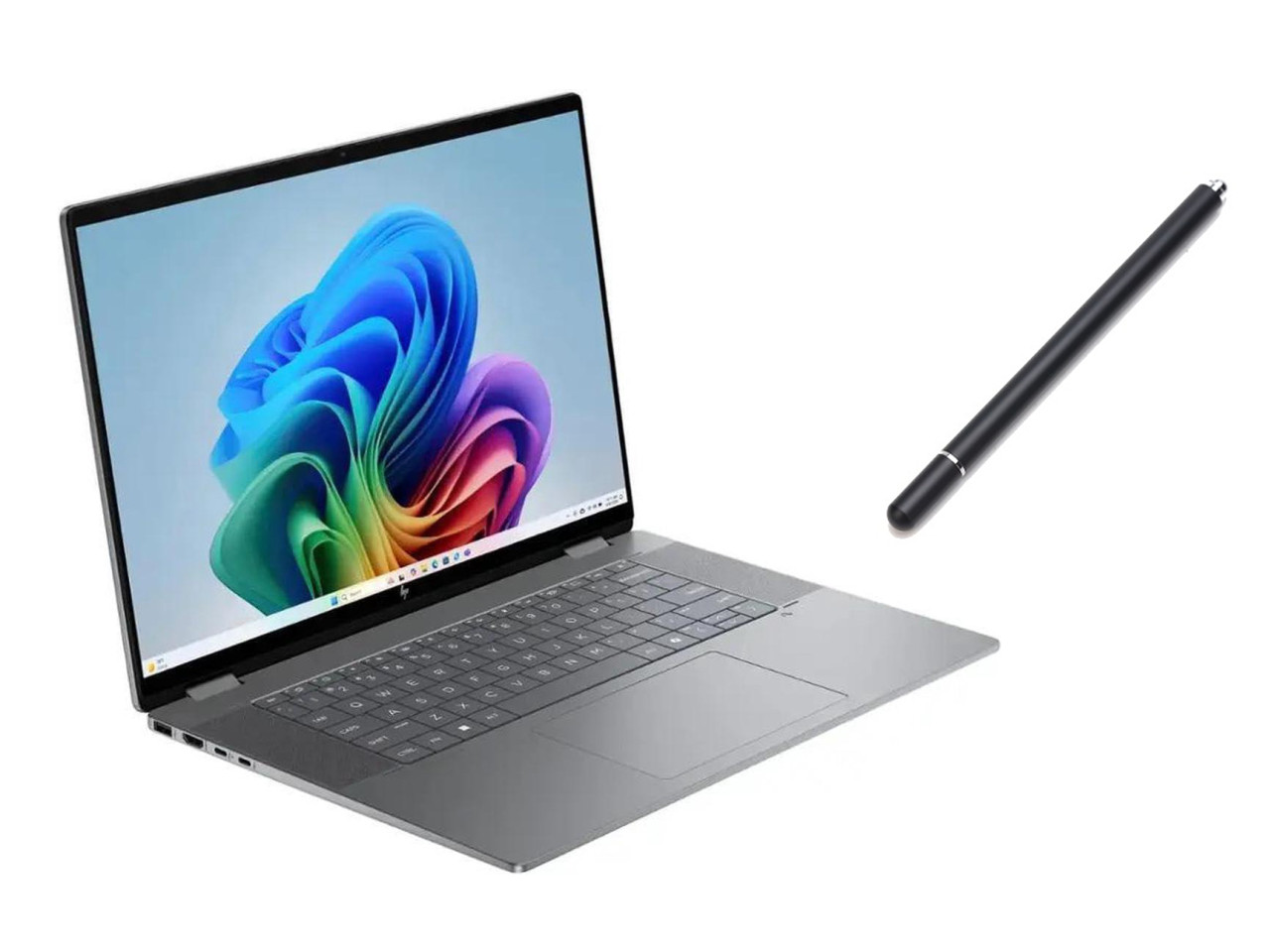
- Is 32 GB of RAM overkill for everyday use?
- For web browsing and Office work, 16 GB is enough. The 32 GB here pays off with many browser tabs, virtual machines, large spreadsheets, or photo editing, and it leaves headroom for years of use.
- Can I upgrade the SSD later?
- The 512 GB SSD is a common point of concern. HP's OmniBook designs generally use replaceable M.2 drives, but check the service manual for your exact model before buying, since some configurations are harder to open than others.
- How does the Core Ultra 7 258V compare with older Intel chips?
- The 258V is a Lunar Lake chip with on-package memory and a stronger integrated GPU than earlier U-series parts. It favors efficiency and battery life over raw multi-core muscle, so it trails high-wattage H-series chips in sustained heavy workloads.
- Is the touchscreen good enough for drawing?
- It is a touchscreen convertible, so it works with a stylus for notes and sketches. It is not a dedicated pen display, so artists needing pressure-sensitive precision should look at a tablet or a laptop with an active pen included.
- Does it come with a pen?
- HP typically sells the stylus separately on OmniBook Flip models. Confirm the box contents for the specific configuration, since bundles vary by retailer and region.
- Is it good for gaming?
- It handles light and older games at low settings. The integrated Arc graphics are not built for modern titles at high frame rates, so gamers should look at a laptop with a discrete GPU.
- Where is the HP OmniBook 7 Flip 16-inch Laptop cheapest?
- At Newegg, for $1,629.00, as of our latest check.