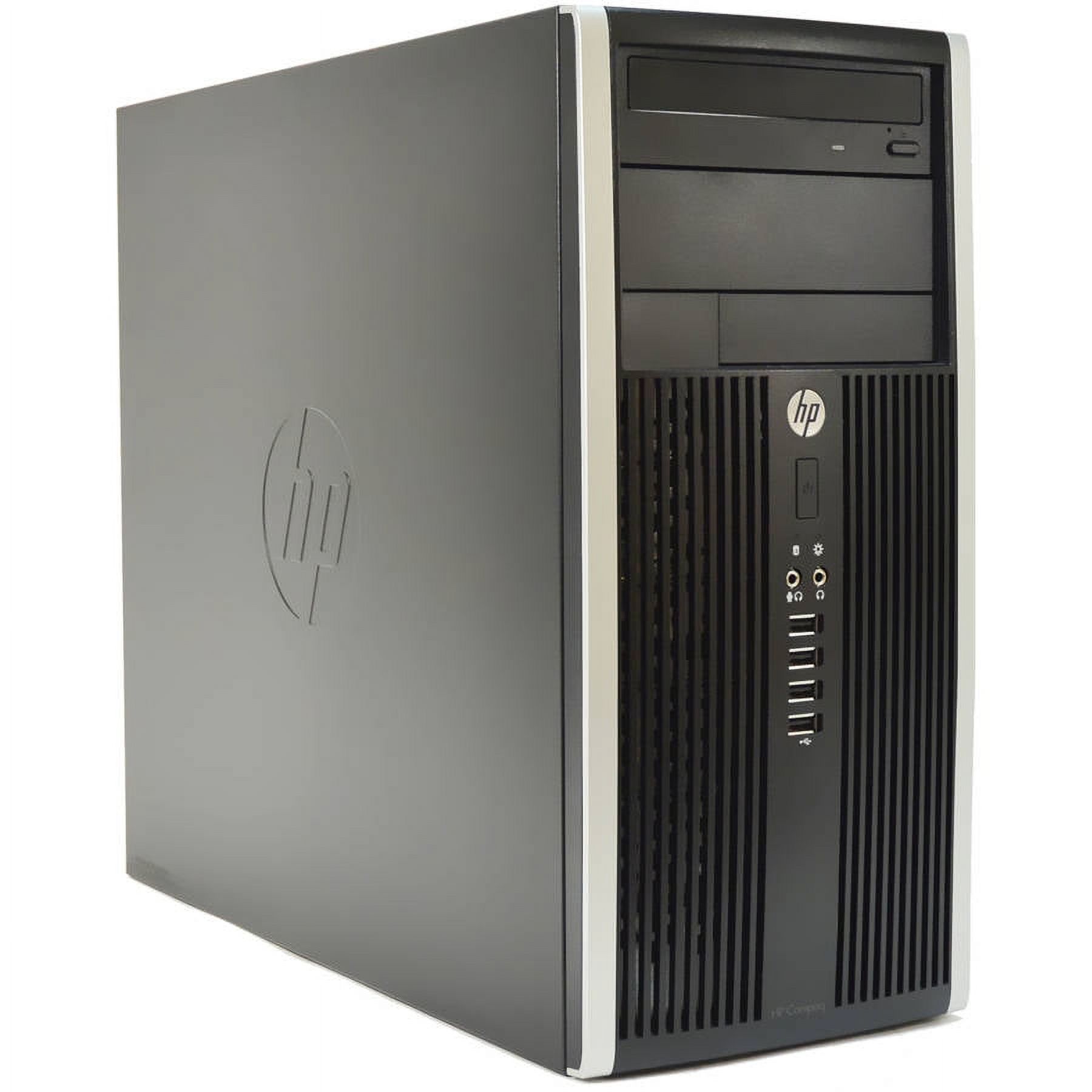
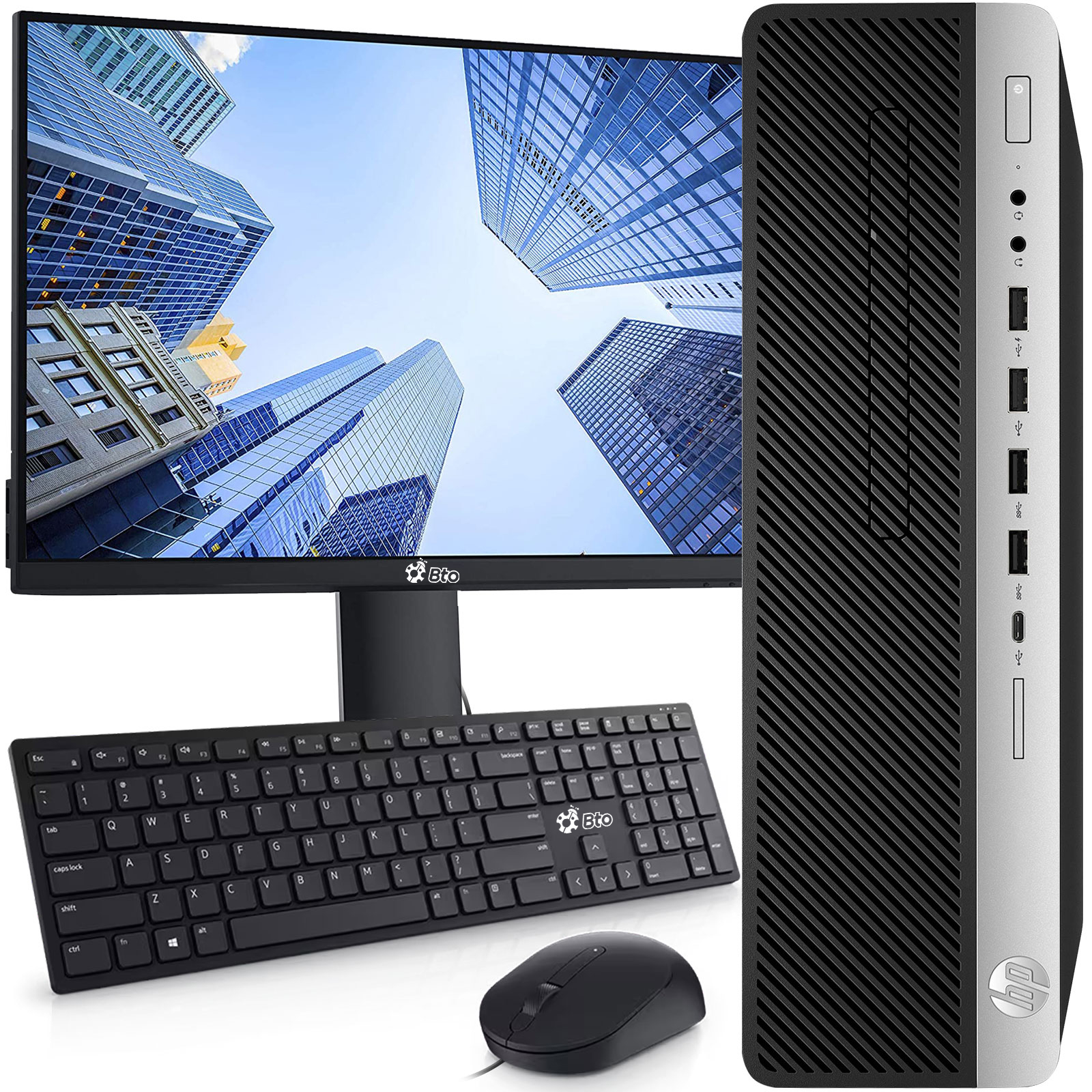
- Is the HP OmniDesk good for gaming?
- Only for light or older titles at low settings. It uses integrated Intel graphics, so there is no dedicated GPU for modern games at high frame rates.
- How much RAM should I get?
- 8 GB is the minimum for basic browsing and office work. 16 GB is the safer choice for multitasking, and 32 GB suits heavy browser use or large photo and video files.
- Can I upgrade the RAM and storage later?
- Yes. It is a desktop tower, so memory and SSD upgrades are possible after purchase. Check the specific configuration's slot count and drive bays before buying.
- Does it come with a monitor and keyboard?
- Desktop PCs like this are typically sold as the tower alone. Confirm the box contents for the exact listing before ordering if you need a monitor, keyboard or mouse.
- What is the difference between the configurations?
- They differ in RAM (8, 16 or 32 GB) and SSD capacity (512 GB, 1 TB or 2 TB). The CPU and integrated graphics are the same across the listed options.
- Where is the HP OmniDesk Desktop PC cheapest?
- At Amazon, for $749.99, 17% under what the other stores charge, as of our latest check.
- Is the HP OmniDesk Desktop PC at its lowest price?
- The lowest price we've seen is $594.00 at Amazon on November 9, against $749.99 now.
- Where can I buy the HP OmniDesk Desktop PC?
- 11 stores we checked sell it, including Amazon, Best Buy, DoorDash, eBay, Fazaqinc.