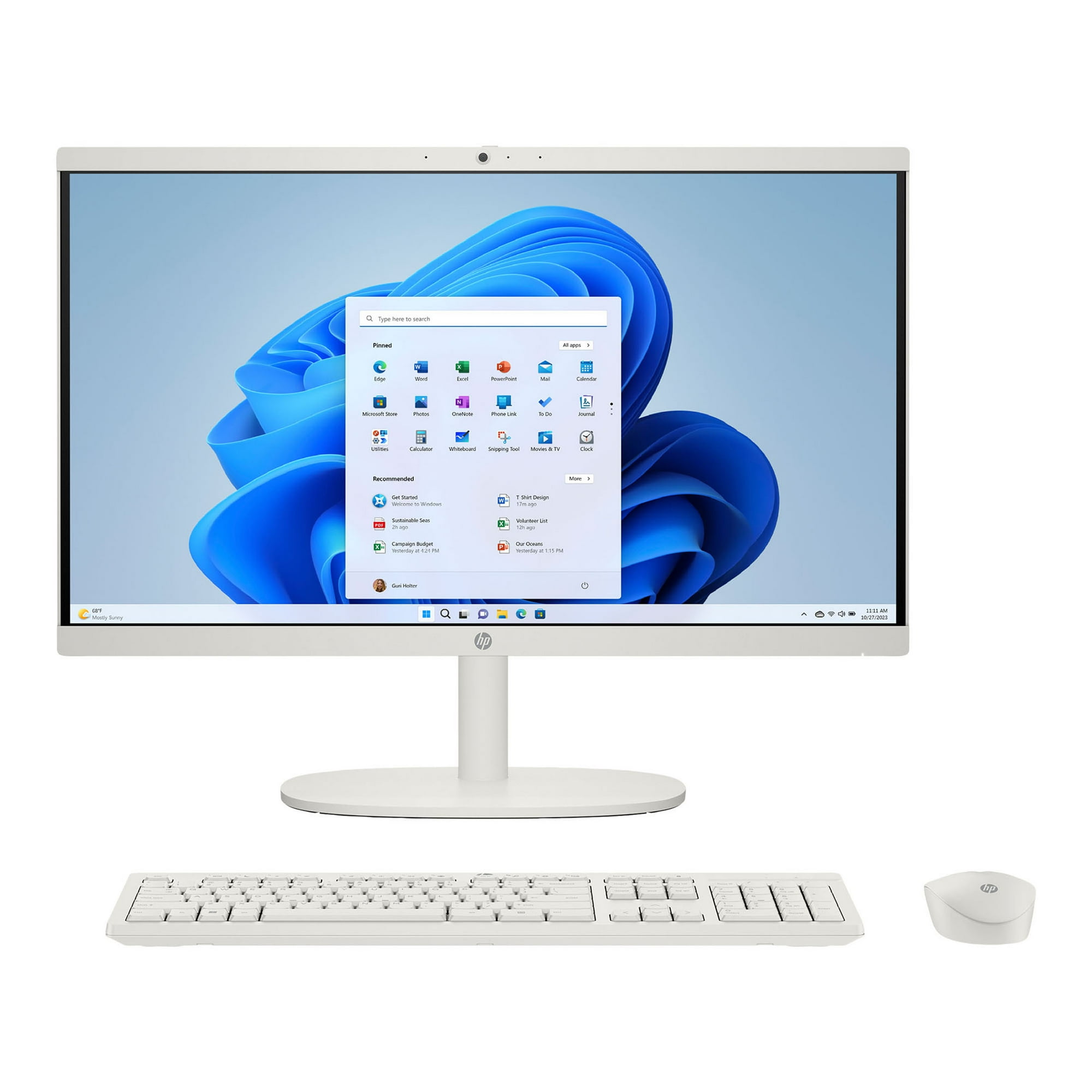
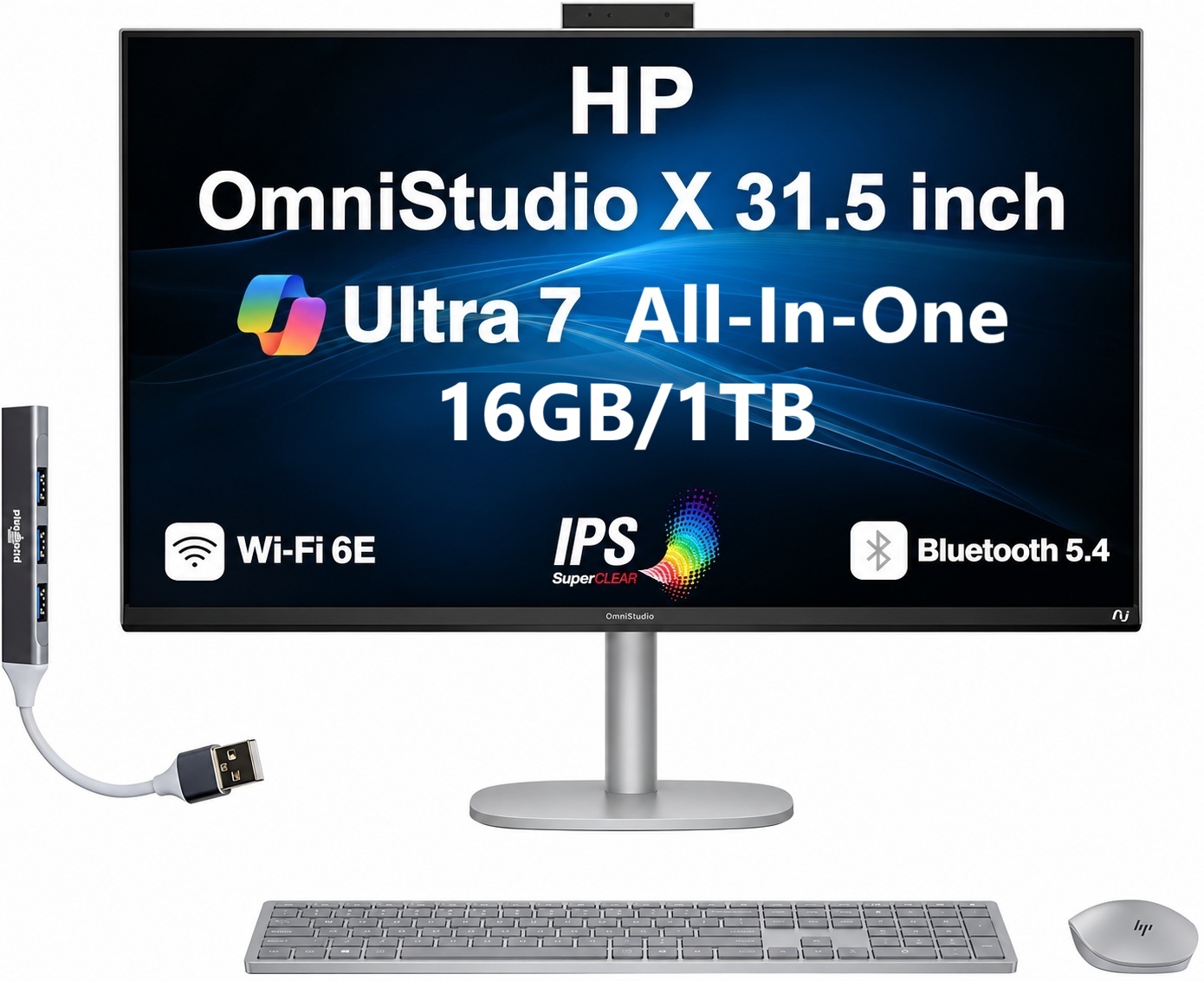
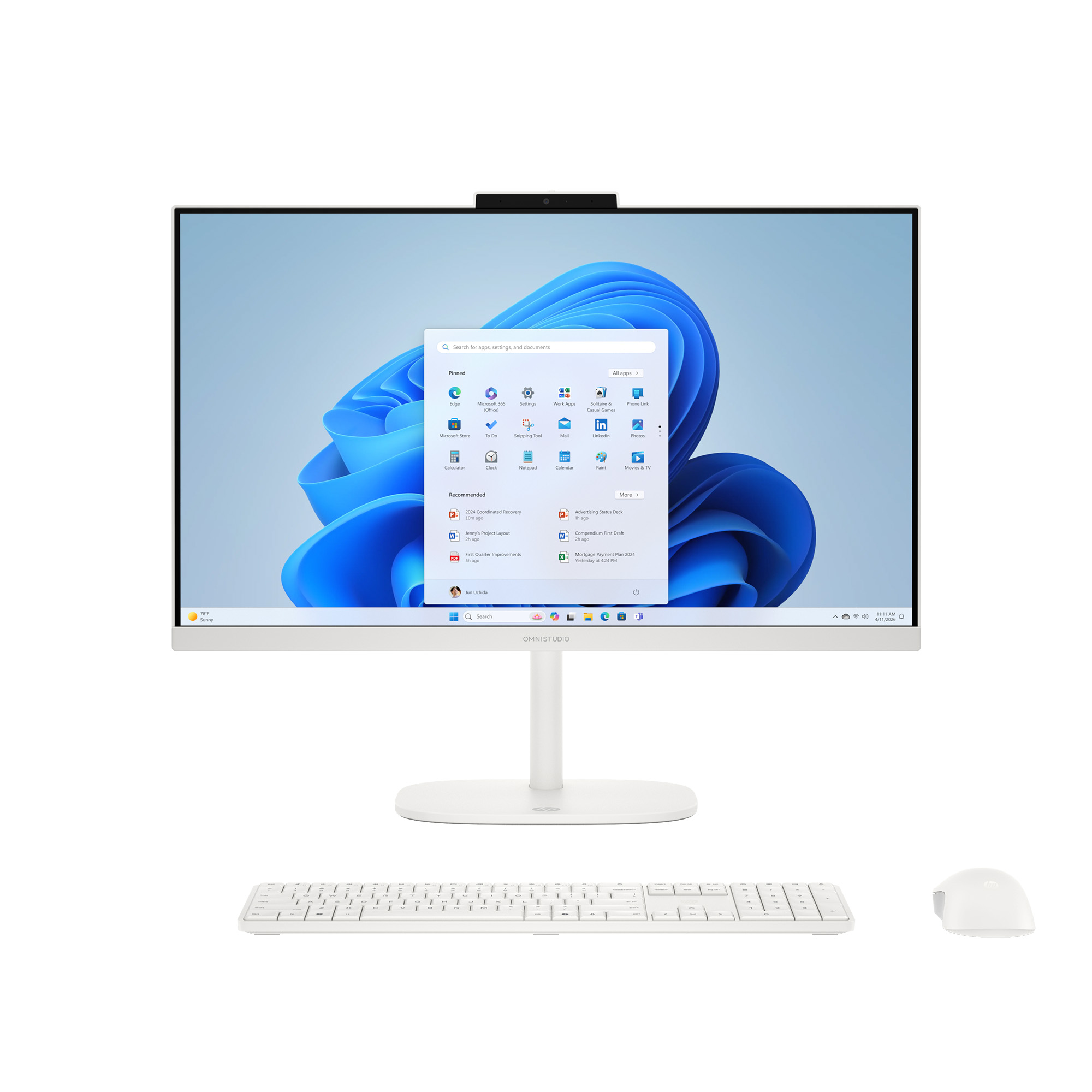
- Is the HP OmniStudio 27 good for gaming?
- Only for casual and older titles. It relies on Intel integrated graphics, so modern games will run at low settings. A desktop with a dedicated graphics card is the better choice for gaming.
- Do I need 64 GB of RAM?
- For most people, no. 16 to 32 GB covers browsing, Office and video calls. 64 GB helps if you keep dozens of apps and large files open at once, or work with big photo and video projects.
- Can the memory or storage be upgraded later?
- The 1 TB SSD can usually be swapped for a larger drive. Memory upgrades on all-in-ones are often limited, so check the service manual for your exact model before buying with upgrades in mind.
- Does the touchscreen work with a stylus?
- It responds to finger touch and to most capacitive styluses. It does not offer the pressure sensitivity of a dedicated pen display, so it suits tapping and light drawing rather than serious illustration.
- What comes in the box?
- You get the all-in-one unit, a stand, a power adapter and a keyboard and mouse in most retail configurations. Confirm the bundle for the specific listing, since some ship without peripherals.
- How does it compare with an iMac?
- The OmniStudio gives you a touchscreen, Windows 11 Pro and much more memory and storage for the same kind of desk space. The iMac counters with a sharper, brighter display and tighter Apple ecosystem integration.
- Where is the HP OmniStudio 27" Touchscreen All-in-One Desktop Computer Next Gen AI PC cheapest?
- At Staples, for $749.99, 58% under what the other stores charge, as of our latest check.
- Where can I buy the HP OmniStudio 27" Touchscreen All-in-One Desktop Computer Next Gen AI PC?
- 6 stores we checked sell it, including Newegg.com, Amazon, Walmart, Staples, Quill.