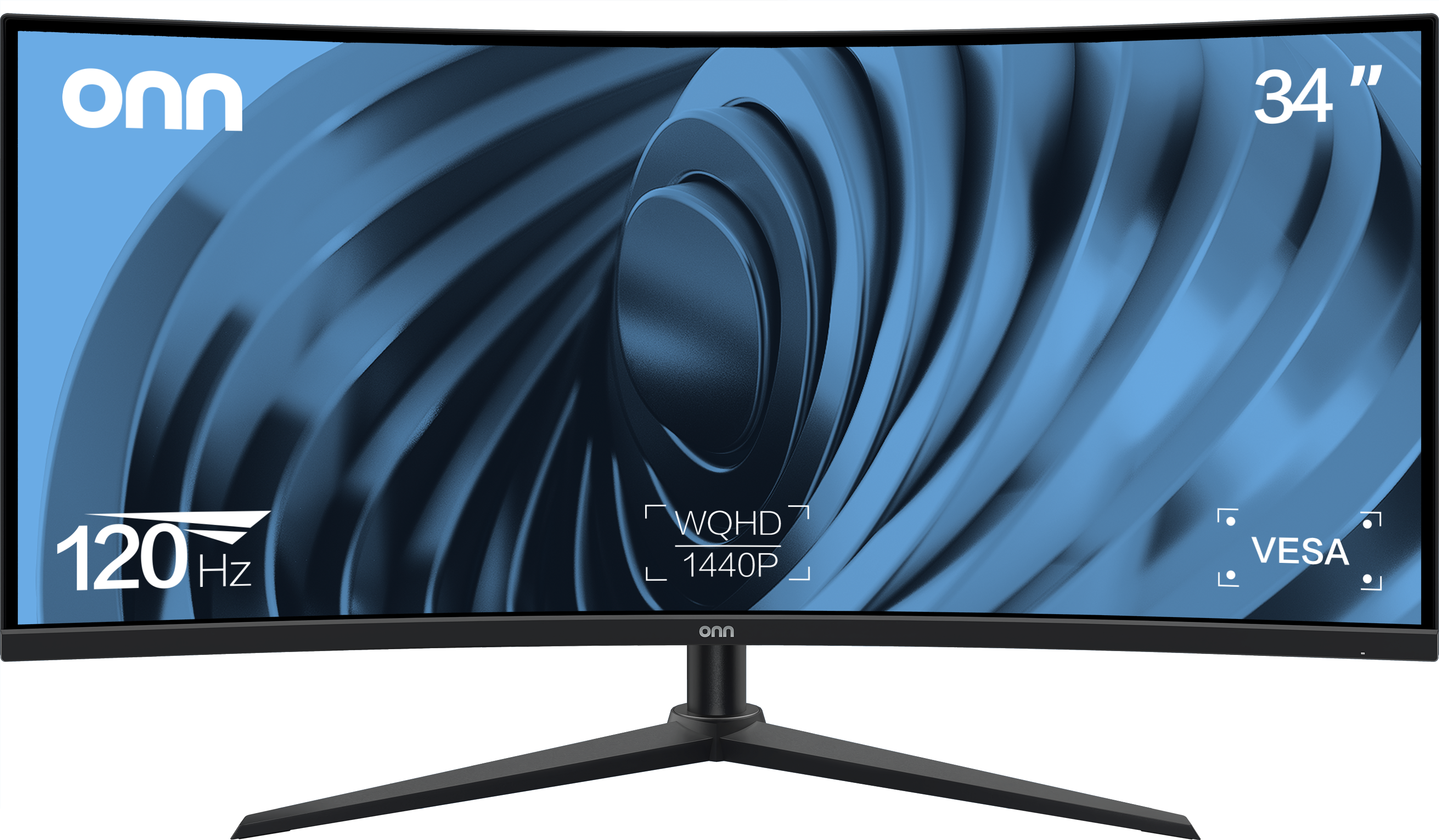
- Is the HP P34hc G4 good for gaming?
- It can run games at 100 Hz, but the VA panel's 5 ms response and visible smearing in fast motion make it a work monitor first. Competitive players should look at a faster IPS or OLED panel.
- Does USB-C charge my laptop?
- The USB-C port carries video and data and acts as a hub for peripherals. Check your laptop's power needs against the monitor's USB-C power delivery before relying on it as the only cable.
- How does it compare with a 27-inch QHD monitor?
- It adds about a third more horizontal resolution, so you can place three windows side by side. The trade-off is a larger footprint and a heavier panel.
- What is in the box?
- The monitor, its stand, and the cabling HP ships with it. Confirm the specific cables in the box before buying if you need HDMI or USB-C included.
- Can I mount it on a monitor arm?
- Yes. It has VESA mounting points, though at 33.9 lb you need an arm rated for that weight.
- Is the curve useful for spreadsheets?
- Yes. The gentle curve keeps the far edges of the wide screen at a more even distance, which helps with wide sheets and timelines.
- Where is the HP P34Hc G4 Wqhd USB-C Curved Monitor (21Y56Aa#aba) cheapest?
- At Adorama, for $524.99, as of our latest check.
- What do buyers say about the HP P34Hc G4 Wqhd USB-C Curved Monitor (21Y56Aa#aba)?
- Rated 4.7 out of 5 from 87 ratings.
- Where can I buy the HP P34Hc G4 Wqhd USB-C Curved Monitor (21Y56Aa#aba)?
- 6 stores we checked sell it, including Best Buy, Adorama, Sunny Sports, Quill, Office Depot.